Alpha3D
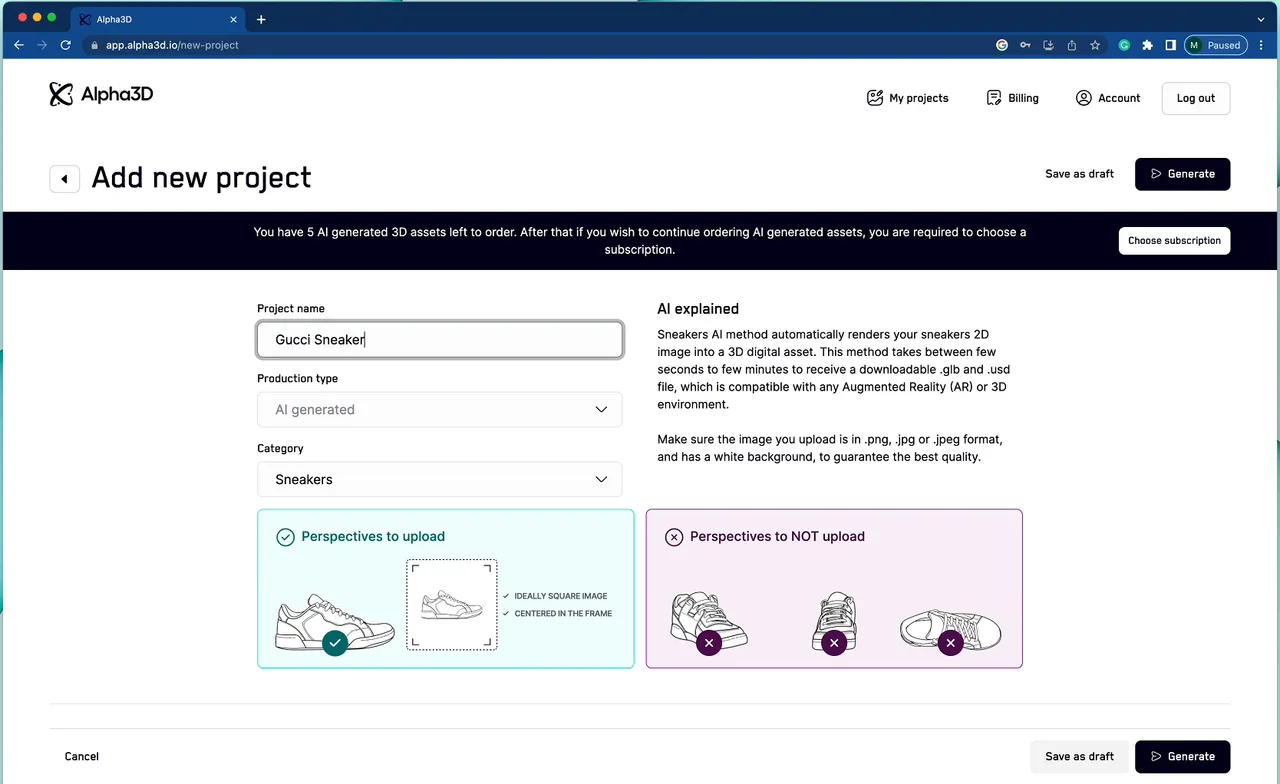
Cloud image and text to 3D with a mandatory cleanup pass, three polygon density tiers and quad output from the Basic plan upward.
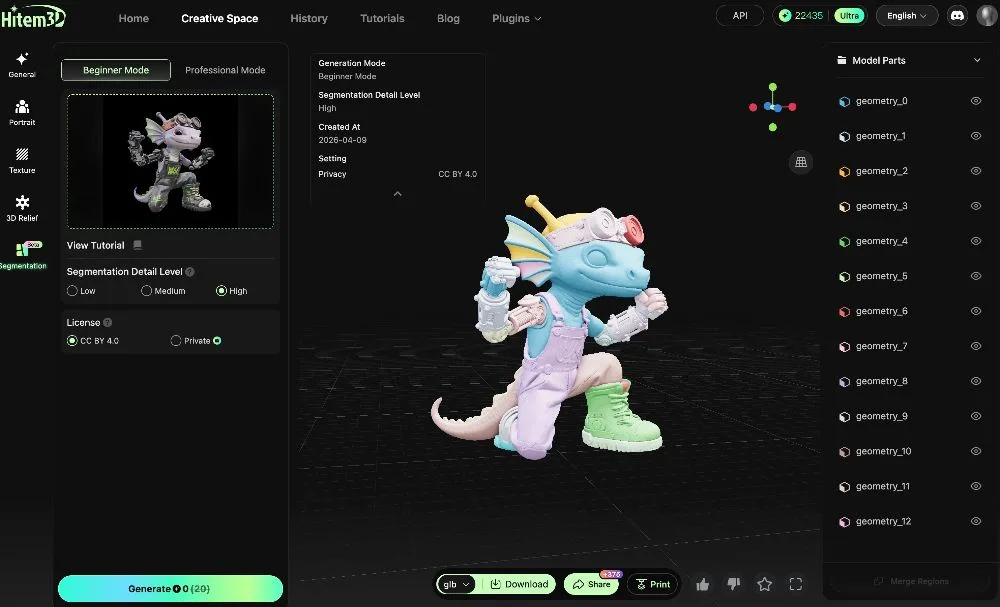
An image-to-3D download can look finished and still fail in a slicer or engine. Start with the intended use, check scale and structure, then test materials or sliced layers in the destination application. This guide helps you decide what to keep, what to repair and when to rebuild or regenerate.
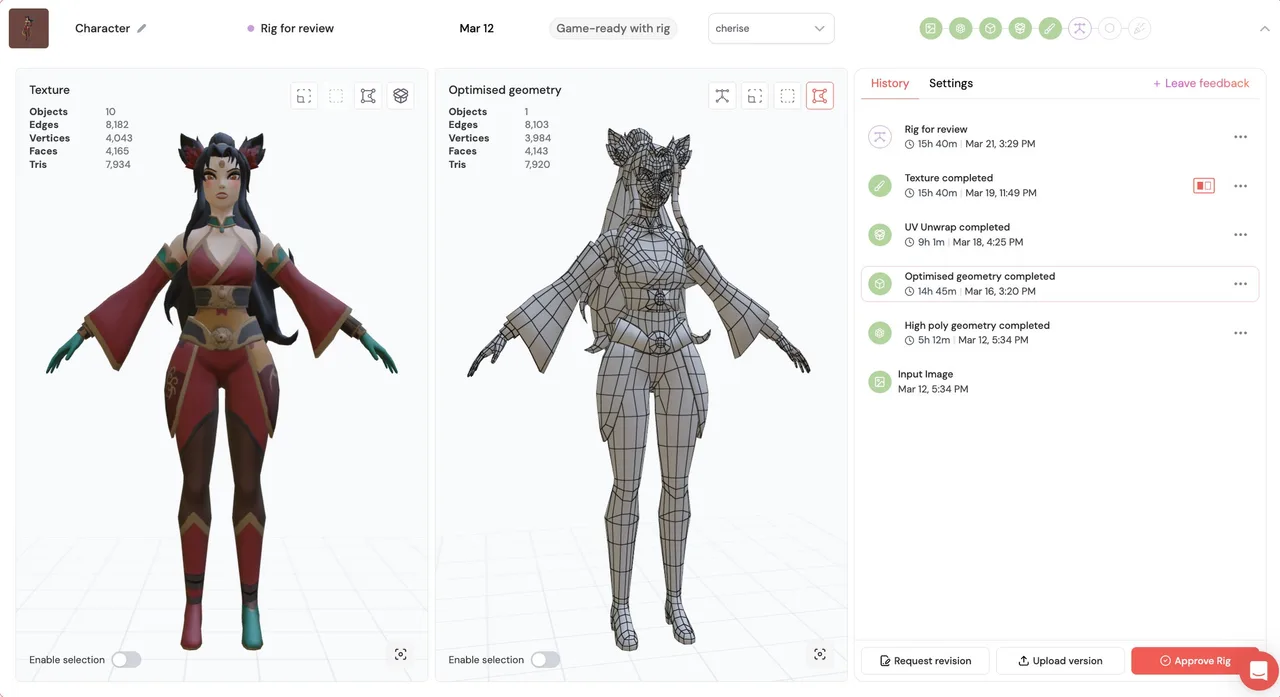
The downstream usability of meshes produced by image-to-3D and text-to-3D generators, and of models an AI agent builds by operating modelling software such as Blender: topology, watertightness, scale, UVs, material output, and which repair steps are worth running before deciding to regenerate instead. It does not cover ranking the generators against each other, and it does not review generation quality.
A clean silhouette in a viewer cannot tell you whether a model has a useful interior, a real-world size or materials your next application can read. Keep the original download and test a copy in the destination application.
In the per-model geometry, slicing and repair measurements, producing G-code and passing a watertight check did not establish a useful print. The tested Windows repair service closed damaged surfaces while leaving hollow skins hollow. These are observations from the retained sample, not a ranking of generators. No physical prints were made.
The site author works for the company that makes Neural4D. Its baseline runs used the public settings and untextured downloads with credits beyond the weekly free allowance, and the same measurement procedure as the other outputs. See the dataset for the full conditions.
Full results, method and limitations: What is wrong with an AI-generated 3D model as downloaded: 16 models, sliced and repaired.
The raw output is published as JSON, produced
by scripts/measure-gen-baseline.py.
Cloud image and text to 3D with a mandatory cleanup pass, three polygon density tiers and quad output from the Basic plan upward.
Image, sketch and text to 3D generator. Alphabet acquired the company in January 2026 and the service is no longer reachable.
Image and text to 3D built around printing: watertight output, face counts up to 2 million, and 3MF export that carries colour regions into a slicer.
Tencent's AI 3D generator with open weights for self hosting and a commercial cloud API, strongest on hard surface geometry.
Managed 2D to 3D asset production for studios, where AI generates the base mesh and in-house artists retopologise it before delivery.
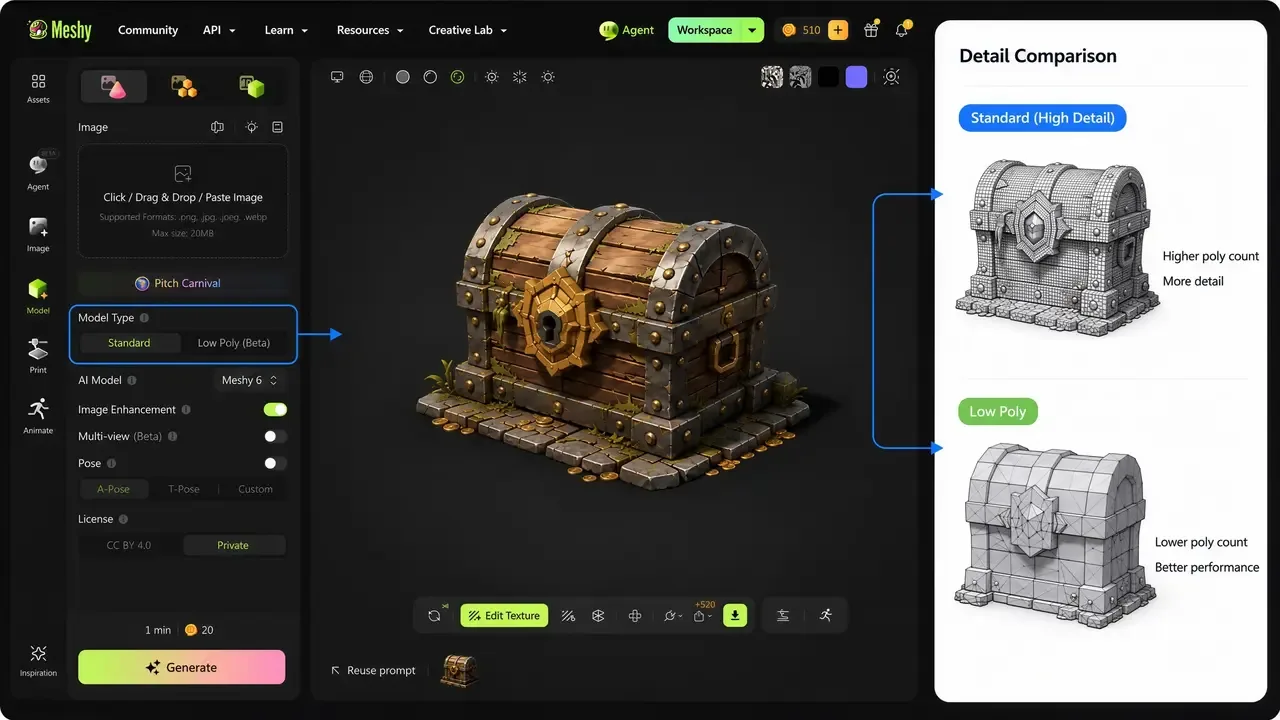
AI 3D model generator that turns text prompts or images into textured, riggable meshes in about a minute.