Backflip AI
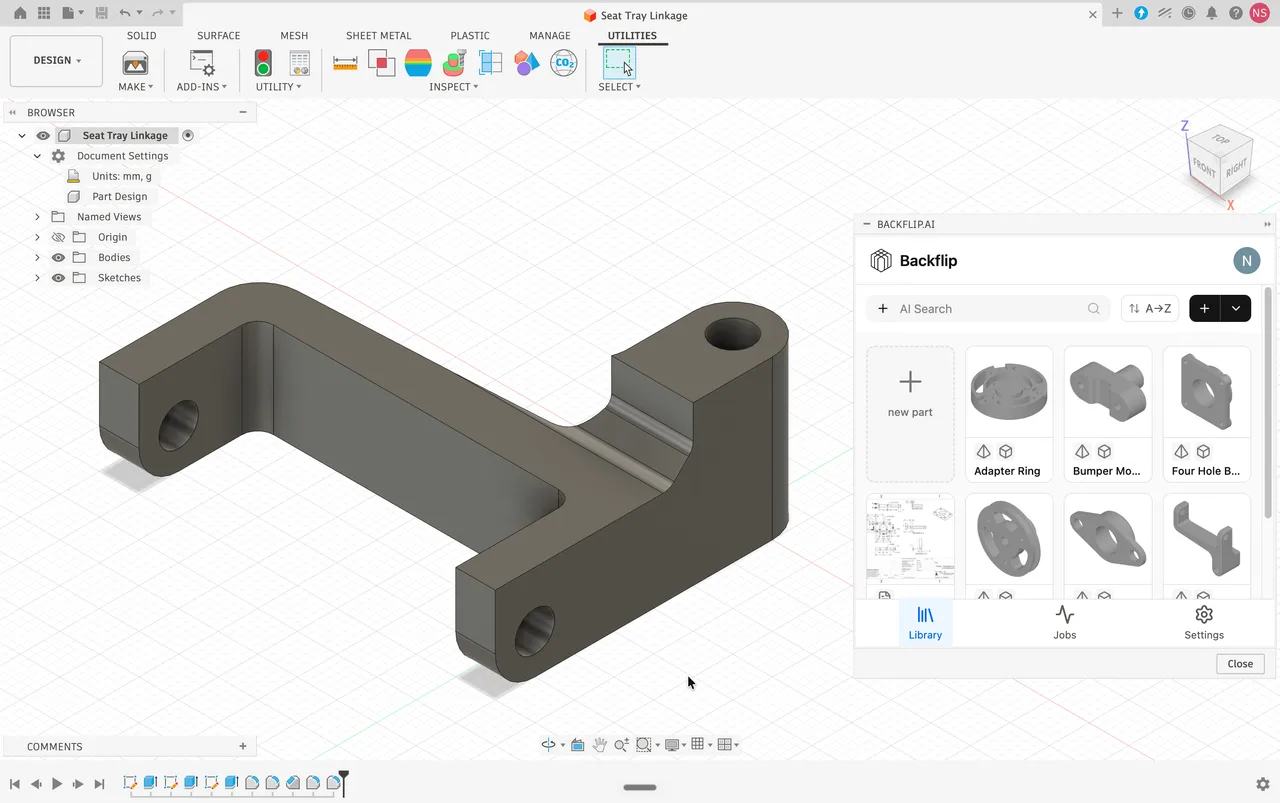
Turns 3D scans and STL meshes into editable parametric CAD with a feature tree, as a Fusion add-in or a web app.
Autodesk's free browser modeller for beginners and classrooms, built from primitive solids, with a one-way bridge into Fusion and no STEP support at all.

Tinkercad is the entry point to 3D for an enormous number of people, and the traffic reflects it: around 2.7 million organic visits a month, several times what any professional CAD site here draws. Autodesk runs it free, with no paid tier at all, because it feeds the top of a funnel that ends in Fusion. Models are built by combining primitive solids and subtracting holes, which is why a complete beginner can print something on day one and why the ceiling arrives early: there is no parametric history, no NURBS surfacing and no assemblies, so bevels, lofts and organic curvature are simply out of reach. Two practical facts matter more than any feature list. It has no STEP support in either direction, so it cannot participate in a solid CAD exchange. And the way out is the built-in Send to Fusion bridge rather than an export, though Autodesk states that only basic shapes and groups of basic shapes will transfer.
Everything is built by dragging primitive solids onto a workplane, grouping them, and designating some as holes to subtract. It is constructive solid geometry with the vocabulary removed, which is exactly why a student can produce a printable object within minutes rather than after days of interface training. Output is manifold by default, so it avoids the inverted normals and open faces that catch beginners out in surface modellers.
The upgrade path is a built-in bridge rather than an STL export, so work continues as editable geometry instead of arriving as a faceted mesh. The limit is published on the button itself: only basic shapes and groups of basic shapes transfer. Autodesk's support note adds that models too complex for the conversion fail with no message at all, and names text as a common culprit.
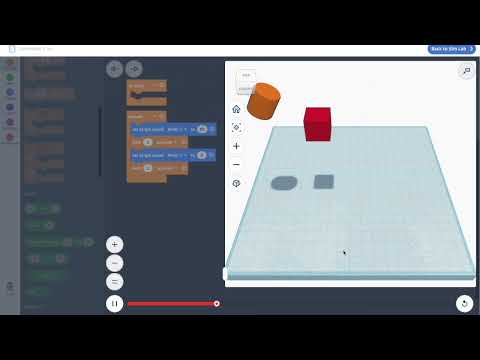
A visual block editor that generates geometry from loops, variables and conditionals, so a shape is produced by a program rather than by dragging. Two recent additions make it more than a teaching toy: interactive sliders in December 2025 let someone change a design's variables without reading the code, and Codeblocks Shapes in April 2026 lets a scripted parametric shape be published into the normal 3D workspace as a reusable part.
A breadboard simulator with components and an Arduino emulator, letting a class wire and run a circuit with no physical kit. Combined with the 3D and code workspaces it covers three STEM subjects in one free login, which is the consolidation teachers cite when justifying it against buying separate licences and robotics hardware.
Assign a material to a shape and it takes on mass, sliding friction and restitution, then the kinematic simulator runs gravity and motion on the scene. Marble runs, domino chains and pachinko boards can be tested before anything is printed. For a free browser tool aimed at beginners this is unusual, and it is a large part of why science teachers use it.
Teachers create classes and issue a code or link, so students join with nicknames and no email addresses at all. The teacher moderates: resetting passwords, seeing every design, and executing deletion requests. Student work is private by default. Autodesk states compliance with COPPA, FERPA and GDPR, does not build advertising profiles on minors, and blocks third-party ads in the workspace.
STL and OBJ for printing, SVG for laser cutting from the cross-section at the workplane, plus GLTF and 3MF; the iPad app adds USDZ for AR. A September 2025 change stopped forcing a boolean union on export, so grouped objects now leave as separate bodies and multi-colour slicers can assign filaments per part.
Recurring themes across third-party user reviews (G2, Capterra, TrustRadius).

Tinkercad is free to use. There is no paid edition and no licence to buy.
| Plan | Price | What you get |
|---|---|---|
| Tinkercad | Free | There is no paid tier, no enterprise plan and no usage-based API cost. Unusually for an Autodesk free product, the capabilities have never been cut back the way Fusion's Personal Use tier was. Designs you create from the basic shapes are yours: Autodesk's terms permit selling the files or the printed objects. What you may not sell are Autodesk's own supplied assets, and publishing a design publicly to the gallery grants Autodesk and every other user a worldwide royalty-free licence to reuse and remix it. |
Nothing else combines a five-minute learning curve with class codes, teacher moderation and a documented child-privacy position. For a school it removes both the training cost and the compliance argument.
Brackets, spacers, enclosures, replacement knobs. Output is watertight by default and goes straight to a slicer, which is why it remains popular with makers long after they could have moved on.
Codeblocks and Circuits mean one free account covers 3D design, programming logic and electronics, which is a budget argument as much as a pedagogical one.
It runs in a browser with no install, and the iPad app is a real modeller rather than a viewer, rated 4.6 across roughly 19,000 App Store ratings.
STEP, IGES and native CAD files are supported in neither direction. Uploading them fails. If a manufacturer or supplier expects solid CAD, this tool cannot produce it and the work has to move to Fusion or another system first.
No parametric history means no dimension you can go back and change, and no assemblies means no mating parts. Precise engineering work outgrows it quickly, and reviewers who try describe it as feeling like a toy at that point.
Bevels, lofts and smooth curvature are not available. Anything shaped rather than assembled from blocks belongs in a sculpting or surface tool.
Big arrays of objects and designs with many hole subtractions are widely reported to lag, freeze or crash the browser during rendering, and the same complexity is what makes the Fusion transfer fail silently.
It is free with no paid tier at all, and yes, you can sell your own designs. Autodesk's terms let you keep ownership of what you create from the basic shapes and permit selling either the files or the printed objects. Two limits apply: you cannot resell Autodesk's own supplied assets from the shape gallery, and if you publish a design publicly to the gallery you grant Autodesk and every other user a worldwide royalty-free licence to use and remix it. Keep a design private if that matters.
No, and it cannot import them either. STEP, IGES and native CAD formats are unsupported in both directions, and attempting to upload one fails. Export is aimed at 3D printing and laser cutting: STL and OBJ for printing, SVG for the cross-section at the workplane, plus GLTF and 3MF, with USDZ on the iPad app. If someone needs a STEP file from you, the model has to go through Fusion or another solid CAD system first.
Use the built-in Send to Fusion bridge rather than exporting an STL, because an STL arrives as a faceted mesh that is painful to turn back into editable geometry. The bridge has a published limit, stated above the button itself: only basic shapes and groups of basic shapes will transfer. Autodesk's support documentation adds that a model too complex for the conversion fails with no message or reason given, and specifically suggests removing text before trying again.
Because STL has no way to store colour. Export as OBJ or 3MF instead, both of which keep the colours you applied. There is a related change worth knowing about: until September 2025 Tinkercad forced a boolean union on export so everything arrived as a single watertight shell. It now exports grouped objects as separate bodies when no hole subtractions are involved, which is what lets a multi-colour slicer assign a different filament to each part.
It is built for that case more deliberately than anything else in this directory. Under-13s cannot create unmoderated accounts; signup with a minor's birthdate requires a parent's email for authorisation. Through Tinkercad Classrooms a teacher issues a class code or link and students join with nicknames, supplying no email address at all, while the teacher can reset passwords, see every design and delete data on request. Student work is private by default. Autodesk states compliance with COPPA, FERPA and GDPR, sells no user data and permits no third-party advertising in the workspace.
When you need a dimension you can go back and change, parts that mate into an assembly, a curved or bevelled surface, or a STEP file for a supplier. None of those are limitations you can work around with skill, because the model has no parametric history and the geometry is built by adding and subtracting blocks. The other signal is performance: once a design has enough objects and hole subtractions to make the browser lag, it is also too complex to cross the Fusion bridge cleanly.
Two separate workspaces alongside the 3D editor. Codeblocks generates geometry from a visual program using loops, variables and conditionals, so the model is the output of code rather than of dragging shapes. Circuits is a breadboard simulator with an Arduino emulator, so a class can wire and run a circuit without hardware. Both are free with the same account, and for schools the fact that one login covers modelling, programming and electronics is a large part of the appeal.
Turns 3D scans and STL meshes into editable parametric CAD with a feature tree, as a Fusion add-in or a web app.
Cloud-connected CAD, CAM, CAE and PCB in one subscription, strongest on integrated manufacturing and weakest on air-gapped or very large assemblies.
Open source parametric CAD built on the OpenCASCADE B-Rep kernel, with a full Python API and workbenches for mechanical design, BIM, FEM and CAM.
Browser-only parametric CAD on the Parasolid kernel, with built-in version control and branching, and a free tier where every document is public.
The Windows-only mechanical CAD standard, unmatched on sheet metal and drawings, sold through resellers with capabilities gated hard across three tiers.