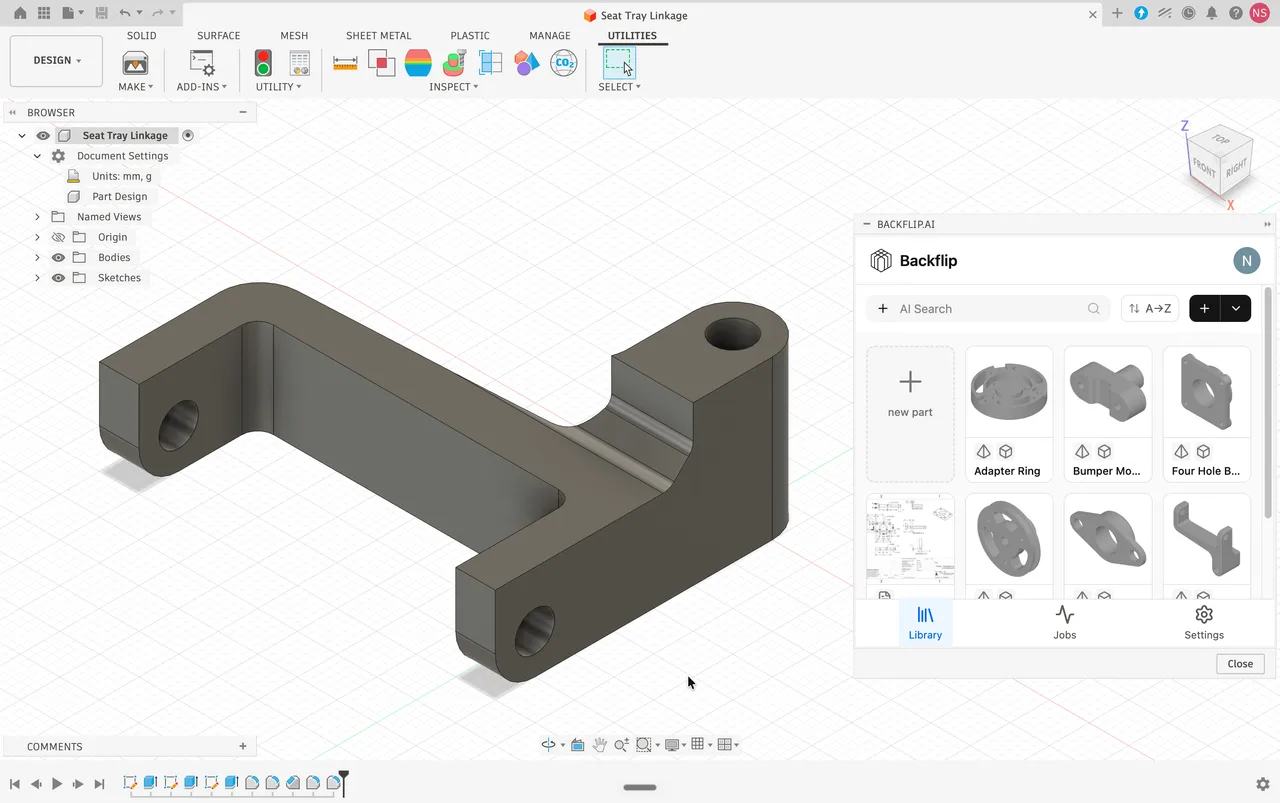
Backflip AI
Turns 3D scans and STL meshes into editable parametric CAD with a feature tree, as a Fusion add-in or a web app.
Cloud-connected CAD, CAM, CAE and PCB in one subscription, strongest on integrated manufacturing and weakest on air-gapped or very large assemblies.

Autodesk Fusion, which dropped the 360 from its name but kept it in the URL, puts modelling, CAM, simulation, PCB design and data management in one subscription rather than assembling them from separate products. Autodesk says over 4.6 million professionals use it, and the CIMdata 2025 CAM market analysis ranks it the largest CAM supplier worldwide at roughly 15 percent share, which is the clearest signal of where its centre of gravity actually is. The architecture is top down: one file can hold a part, a subassembly or an entire product, which suits fast contextual design and repeatedly catches out engineers arriving from file-per-part systems. Two constraints define who it does not suit, and neither is a matter of taste. Offline operation expires after 14 consecutive days, at which point editing and saving lock until it reaches an Autodesk server, so genuinely air-gapped work is not possible. And large assemblies of many thousands of parts are where users most consistently report it stuttering and crashing, against local-compute systems built for exactly that.
The manufacturing workspace runs 2.5-axis through simultaneous 5-axis milling, turning, mill-turn, waterjet, laser and plasma, and it sits inside the CAD environment so a model change flags the affected toolpaths for regeneration rather than requiring a re-export. This is the single feature most responsible for its adoption, and it is why the CIMdata ranking puts it first in CAM specifically rather than in CAD.
Competing CAM software often means paying a specialist thousands to write the post-processor that turns toolpaths into G-code for your particular machine. Autodesk publishes its post-processor library as an open GitHub repository covering most machines on the market, free to download and edit. This is an underrated reason a small shop can afford to start here.
Faceted gives every triangle its own flat face, which is available on every licence including the free one and is close to useless for editing. Prismatic reads Face Groups and merges them into real planes and cylinders, and needs a paid subscription. Organic rebuilds scan data as T-Splines and needs the Design Extension on top of that. Anyone converting an STL on the free tier gets only the first.
Define loads, materials and manufacturing method and the cloud returns optimised geometries; simulation covers static stress, thermal, buckling, event and injection moulding. Both run on Autodesk servers rather than locally, so they consume either a Simulation Extension subscription or prepurchased cloud tokens per solve, which is a usage-based cost that iterative work escalates quickly.
A single .f3d can be a part, a subassembly or a whole product. The community shorthand for surviving this is Rule 1: create a component, name it and activate it before drawing anything. Bodies drawn loose in the root cannot take joints, cannot move independently and do not appear correctly on a bill of materials, and the resulting timeline is what most performance complaints are actually describing.
Files live in Autodesk's cloud, which removes version conflicts and makes distributed collaboration genuinely easy. The same architecture is why offline use is capped at 14 days and why the free tier limits how many documents can be active at once. Convenience and constraint here are the same mechanism.
Recurring themes across third-party user reviews (G2, Capterra, TrustRadius).

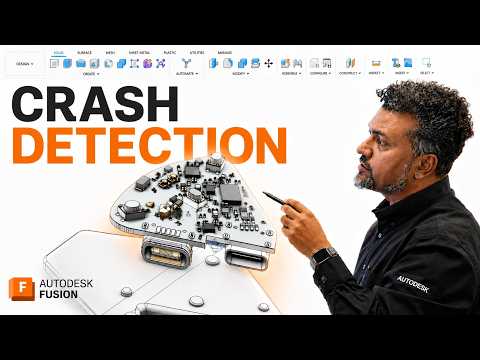
Autodesk Fusion is paid software, but it does have a free tier. The free tier is usable on its own, and paid plans start at USD 680/year.
| Plan | Price | What you get |
|---|---|---|
| Personal Use | Free | For personal non-commercial projects by individuals generating under USD 1,000 a year, explicitly not for primary employment, company environments or commercial training. Limited CAM, limited import and export formats, limited 2D documentation and PCB, forum support only, and a maximum of 10 documents active at once. Storage is not capped: files beyond the 10 go read-only until you swap one out, and PDFs and images do not count. |
| Autodesk Fusion | USD 680/year | Billed annually, which Autodesk shows as USD 57 a month. Integrated CAD, CAM to 3 axes, PCB, drawings and cloud data management. Monthly billing is available at a materially higher effective rate. |
| Fusion for Manufacturing | USD 2,040/year | Adds the Manufacturing Extension: 5-axis machining, automated CAM programming, in-process inspection and probing. |
| Fusion for Design | USD 2,190/year | Adds the Design and Simulation Extensions: 11 simulation studies, generative design, advanced surfacing and mesh tools, plastic and sheet metal DFM. |
| Startup licence | USD 150 for 3 years | Non-renewable. For companies under 3 years old with fewer than 10 employees. Full commercial CAD and CAM, but no included cloud credits for simulation or generative design. |
| Education | Free, 1 year renewable | Verified students and educators at qualifying institutions. Full functionality including Prismatic mesh conversion, restricted to non-commercial educational use. |
Integrated CAM at this price against standalone packages costing several times more is the reason it leads the CAM market. The open post-processor library removes the other traditional cost of setting up a new machine.
USD 150 for three years of full commercial CAD and CAM is priced to capture companies before they can afford anything else, with data management included rather than bolted on.
Solid modelling, T-Splines and direct 3D print preparation in one place suits consumer product work where form and manufacturability are being decided together.
Cloud-native data management means one source of truth and no version conflicts, which reviewers rate consistently well and which local file-based systems handle worse.
Offline mode expires after 14 consecutive days and then locks editing and saving until it can authenticate. No setting changes this, so classified and disconnected environments are out regardless of budget.
Tens of thousands of parts is where the cloud-syncing architecture and top-down timeline are most often reported to stutter, lag and crash, against systems designed around local compute.
The 2D environment exists but lacks the automation, electrical schematics and detailing depth of Inventor or AutoCAD. Organisations whose output is complex manufacturing prints will feel the gap.
The free tier gets Faceted only, which produces a solid with one face per triangle. If the point is turning a scan or an STL into something editable, the free licence does not do it.
There is a free Personal Use licence, but the terms are narrow and worth reading before relying on it. Autodesk restricts it to personal non-commercial projects by individuals generating under USD 1,000 a year, and states plainly that it is not for primary employment, company environments or commercial training. Functionally it has limited CAM, limited import and export formats, limited 2D documentation and PCB, forum-only support, and no more than 10 documents active at a time. Paid subscriptions start at USD 680 a year.
It caps how many files you can edit, not how many you can keep. Cloud storage is unlimited, and anything past the tenth becomes read-only until you deactivate another file to free a slot, which takes a couple of clicks in the data panel. PDFs, images, spreadsheets and presentations do not count toward the ten. It is a workflow constraint rather than a storage one, which is the part most often misunderstood.
Because it needs a paid subscription. Fusion offers three conversion methods and prices them separately: Faceted is on every licence including the free one and simply turns each triangle into its own flat face; Prismatic reads Face Groups and merges them into continuous planes and cylinders, and requires a paid, startup or education licence; Organic rebuilds scan data into T-Splines and requires the Design Extension on top of a subscription. On the free tier you get Faceted, which is roughly what a web converter already gives you.
Temporarily. Offline mode caches locally and works for up to 14 consecutive days, after which the software restricts saving and editing until it can reach Autodesk's servers to verify the licence. For travel or an outage this is fine. For a facility with no outside connection it is disqualifying, and it is the main reason defence and other secure environments choose a locally licensed system instead.
SolidWorks is strictly file-based and bottom-up, one file per part assembled later, and it handles very large assemblies better. Fusion is cloud-anchored and top-down, where one file can hold an entire product. The clearest practical difference is CAM: it is native to Fusion, whereas SolidWorks generally needs a paid third-party package for serious machining. SolidWorks also costs considerably more per seat.
Create a component, name it, and activate it before drawing any sketch or extruding any body. It is community shorthand that Autodesk endorses, and it exists because bodies drawn loose in the root assembly cannot take joints, cannot move independently and do not appear correctly on a bill of materials. Ignoring it produces a timeline that becomes unmanageable as the design grows, which is what a fair number of complaints about instability actually describe.
They are billed per user per year on top of the base subscription. The Design Extension, which unlocks Organic mesh conversion, is the cheapest at around USD 595. Manufacturing, Simulation and Signal Integrity each run around USD 1,465, and the Manage PLM extension varies with scale. The Simulation Extension replaces per-solve cloud tokens with unlimited solves, which is the calculation to run if you simulate often.
Turns 3D scans and STL meshes into editable parametric CAD with a feature tree, as a Fusion add-in or a web app.
Open source parametric CAD built on the OpenCASCADE B-Rep kernel, with a full Python API and workbenches for mechanical design, BIM, FEM and CAM.
Browser-only parametric CAD on the Parasolid kernel, with built-in version control and branching, and a free tier where every document is public.
The Windows-only mechanical CAD standard, unmatched on sheet metal and drawings, sold through resellers with capabilities gated hard across three tiers.
Autodesk's free browser modeller for beginners and classrooms, built from primitive solids, with a one-way bridge into Fusion and no STEP support at all.