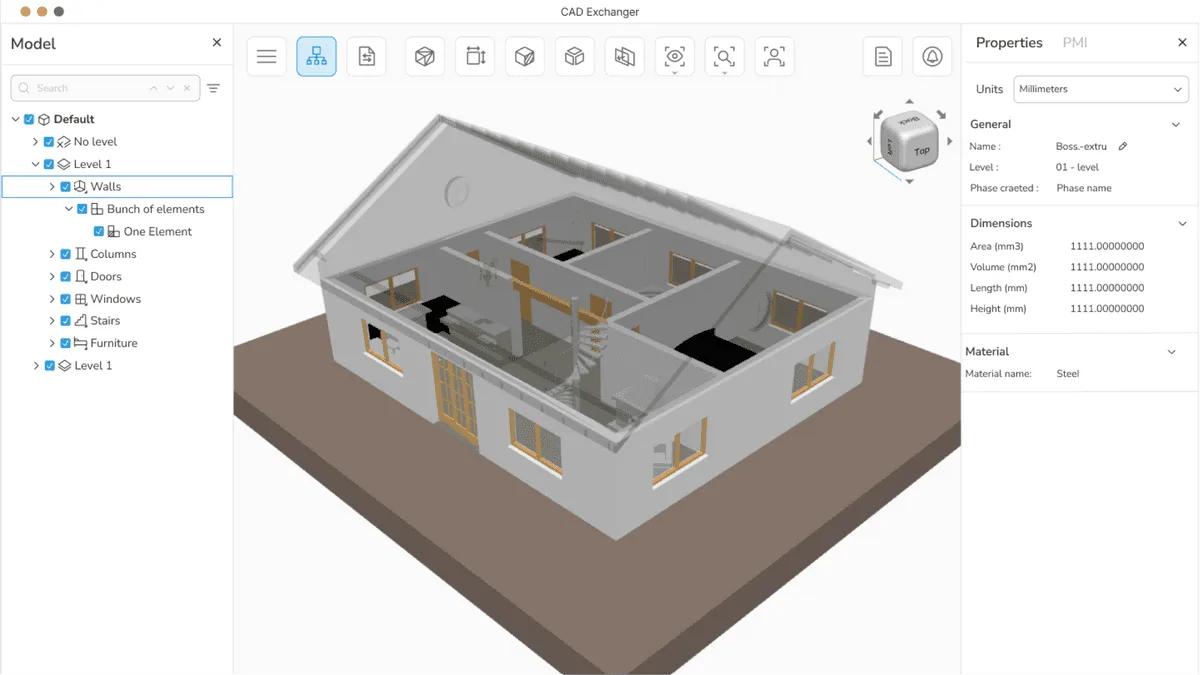
CAD Exchanger
Desktop app and SDK that read, heal and convert over 30 CAD and mesh formats. A translator, not an authoring tool.
Turns 3D scans and STL meshes into editable parametric CAD with a feature tree, as a Fusion add-in or a web app.
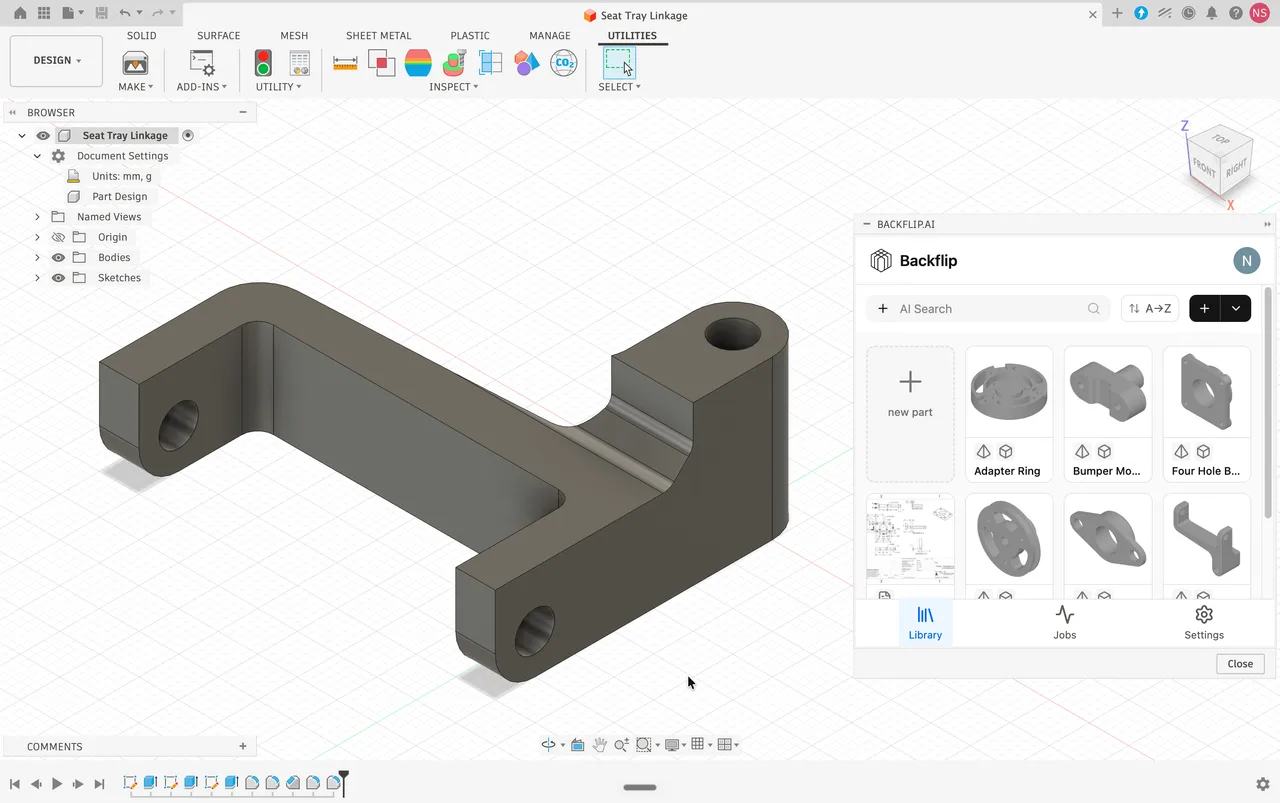
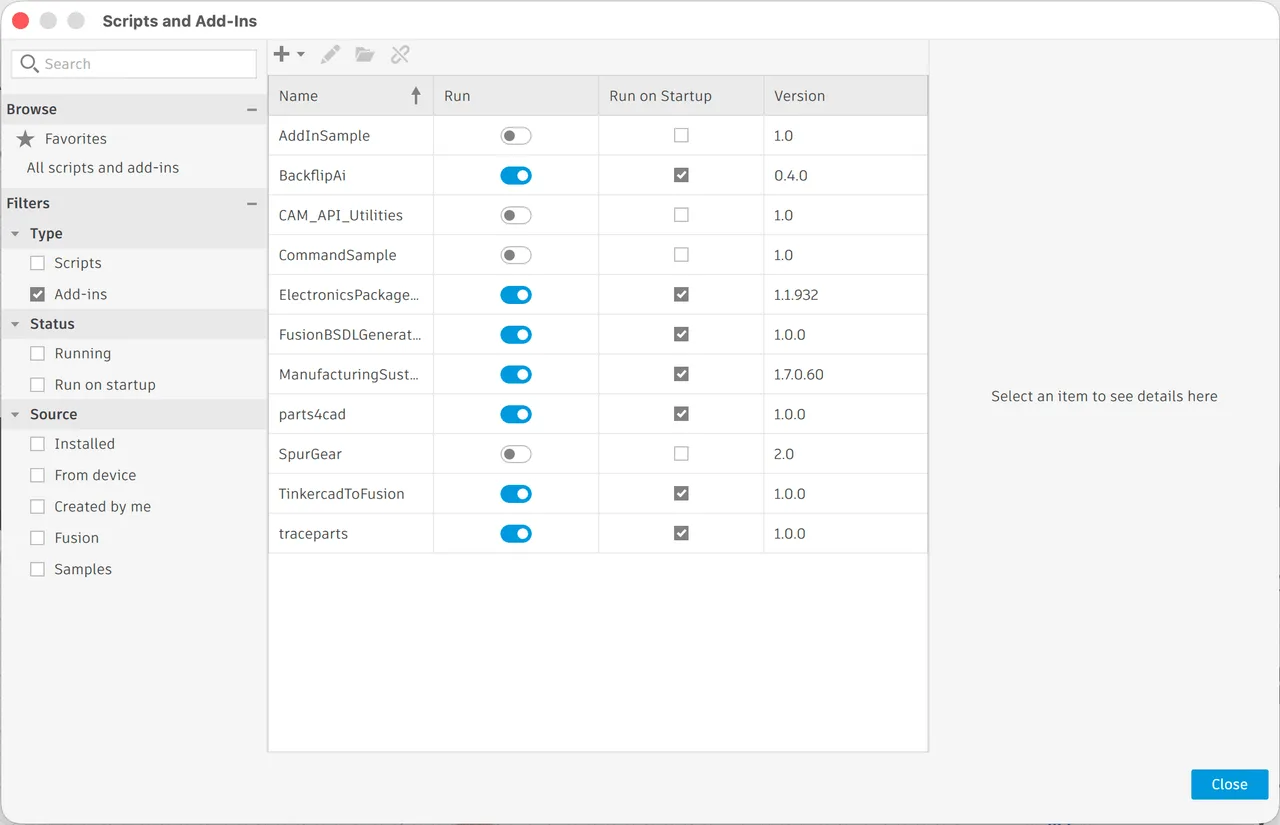
Backflip AI runs the conversion almost everything else in this field runs the other way. Instead of producing a mesh, it consumes one: feed it a 3D scan, an STL or an OBJ and it returns editable parametric CAD, as STEP, as a SolidWorks part, or as Fusion features with the history intact. It is deliberately indifferent to appearance. The platform ignores texture and material entirely and spends its whole budget on geometric fidelity, so that flat faces come out flat, cylinders come out mathematically round, and hole positions land on sensible tolerances. It runs as an Autodesk Fusion add-in and as a standalone web app.
A polygon mesh describes a surface; CAD describes a solid built from exact curves. Converting between them is the hard direction, and STEP output is what makes the result usable by CAM software to cut real toolpaths. This is the capability the whole product exists for.
Native SolidWorks and Fusion output preserve the feature tree, so the result can be edited parametrically afterwards. Importing a mesh into CAD by hand gives you an uneditable reference body instead, which is the usual dead end.
Two processing modes at different compute costs: 10 credits for Fast, 50 for Thinking. The pricing makes the trade-off explicit rather than hiding it, which is unusual and helps when deciding what a part is worth.
No UVs, no PBR, no colour. For a machinist a mathematically true bracket is worth more than a photorealistic rusty one, and the entire compute budget goes to geometry. Do not come here for anything that has to look good.
Dozens of scan files can be queued and returned as a batch of STEP files or feature trees, which is what makes digitising a backlog of legacy parts practical rather than theoretical.
Recurring themes across third-party user reviews (G2, Capterra, TrustRadius).
Backflip AI is free to start. There is a free tier you can use indefinitely, and paid plans begin at USD 20/month.
| Plan | Price | What you get |
|---|---|---|
| Free | USD 0 | 60 credits on signup, no card required. Enough for one Thinking Mode job or up to six Fast Mode jobs. |
| Builder | USD 20/month | 100 credits a month, for individual and casual use. |
| Pro | USD 50/month | 300 credits a month, for power users and small teams. |
| Business | USD 380/month | 2,500 credits a month. |
| Enterprise | Custom | Contact sales. |
Scan to CAD is the standard reverse-engineering bottleneck, normally solved by an engineer remodelling the part by hand from measurements. That is the labour this replaces.
Downloaded models and generated meshes arrive as STL with no editable original. If you need to change a dimension rather than just print it, this is the direction of travel, and STEP is the destination.
Batch conversion of shelves of obsolete parts into on-demand digital files is the use case the batch pipeline is built around.
The platform discards colour and material by design. There is no texturing here at all, and no intention of adding any.
Parametric CAD describes machined and manufactured geometry. A face or a tree has no feature tree to recover, so this is the wrong tool for anything sculpted.
The free 60 credits buy one Thinking Mode job. After that the entry plan is USD 20 a month and credits do not roll over, so occasional use pays for capacity it does not consume.
Meshes into CAD. It takes STL, OBJ, GLB, glTF or PLY, and returns STEP, a SolidWorks part, or Fusion features with editable history. It can also return a cleaned mesh as STL, OBJ, GLB or PLY if parametric editing is not what you need.
An STL describes a surface out of triangles. STEP describes a solid out of exact mathematical curves and surfaces, which is what CAM software needs to generate an accurate toolpath and what CAD software needs before you can change a dimension. Converting between the two is the whole problem.
Yes. Creating an account gives 60 credits with no card required, which covers one Thinking Mode job or up to six Fast Mode jobs. Paid plans start at Builder, USD 20 a month for 100 credits, checked on 2026-09-03.
Compute spent per job, priced at 10 credits and 50 credits respectively. Thinking Mode is for parts where the reconstruction has to be right rather than quick.
No, and that is deliberate. Backflip is texture-blind and material-agnostic. Everything it computes goes into geometric accuracy: flat faces flat, cylinders true, hole spacing on sensible tolerances.
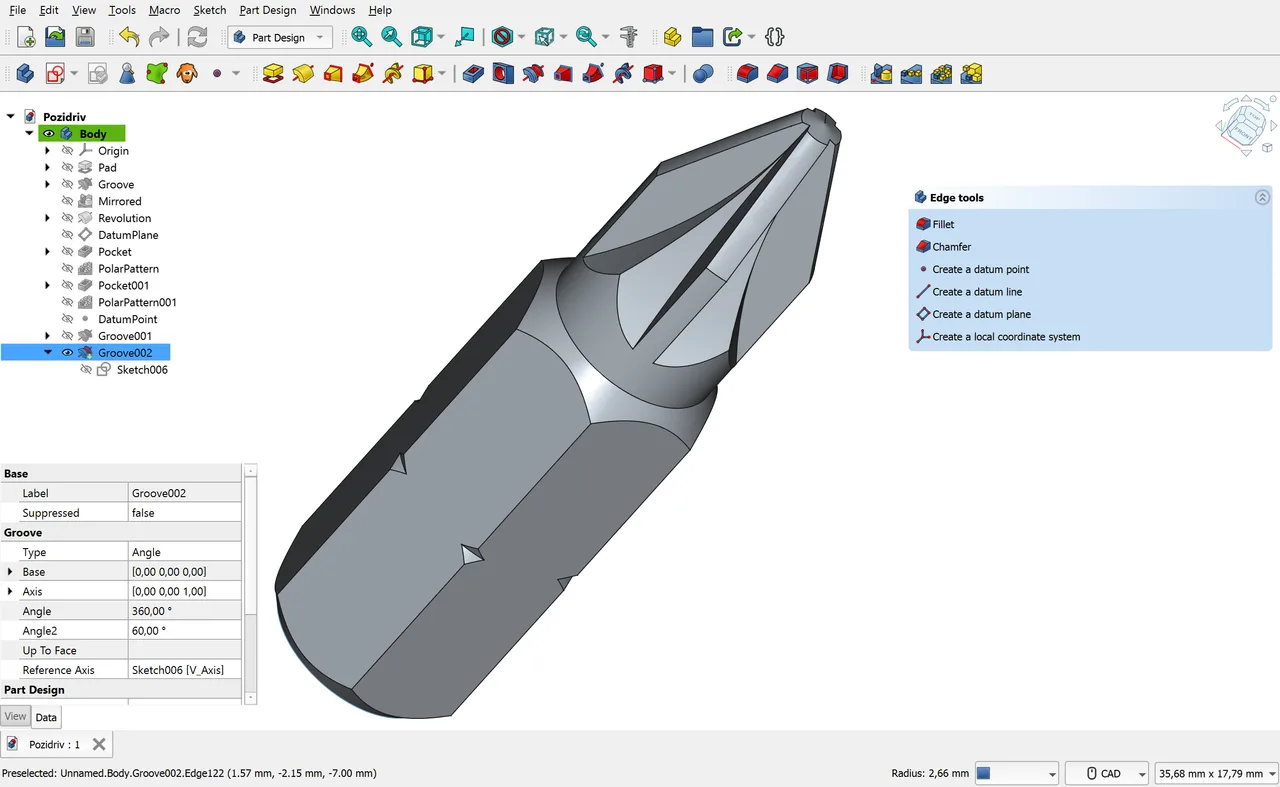
Desktop app and SDK that read, heal and convert over 30 CAD and mesh formats. A translator, not an authoring tool.
Cloud-connected CAD, CAM, CAE and PCB in one subscription, strongest on integrated manufacturing and weakest on air-gapped or very large assemblies.
Open source parametric CAD built on the OpenCASCADE B-Rep kernel, with a full Python API and workbenches for mechanical design, BIM, FEM and CAM.
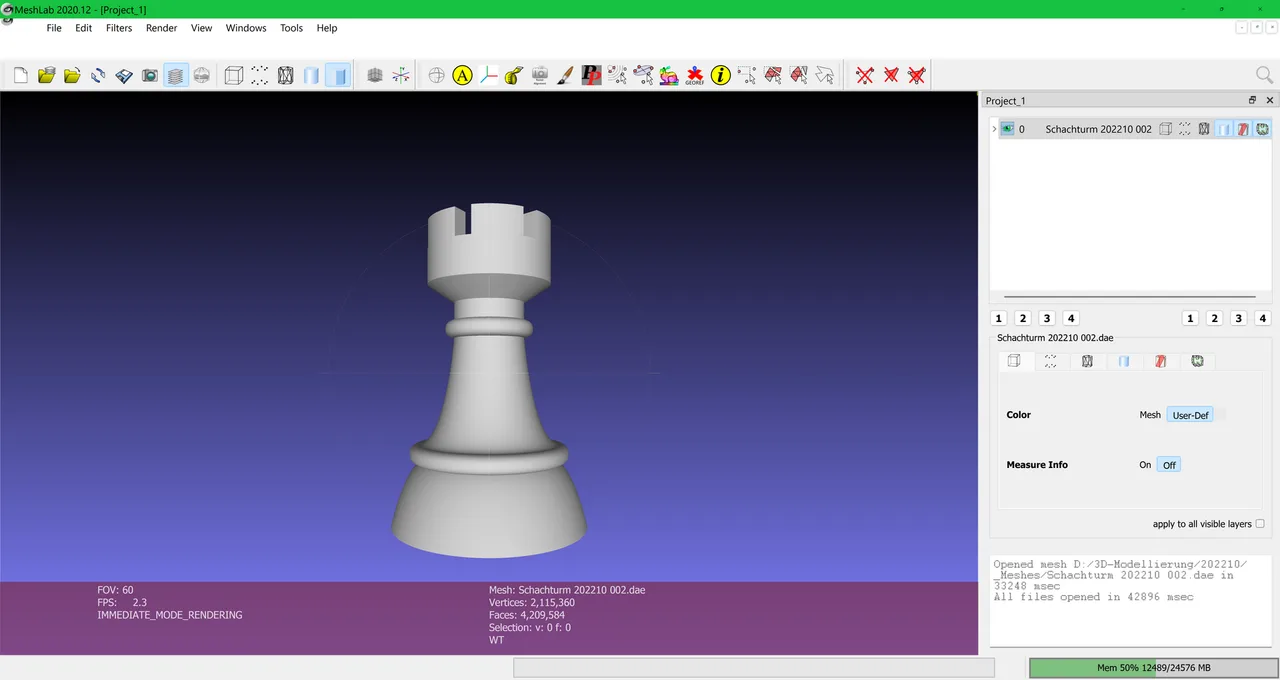
Open source system for processing and editing 3D triangular meshes, widely used for scan cleanup, repair and format conversion.