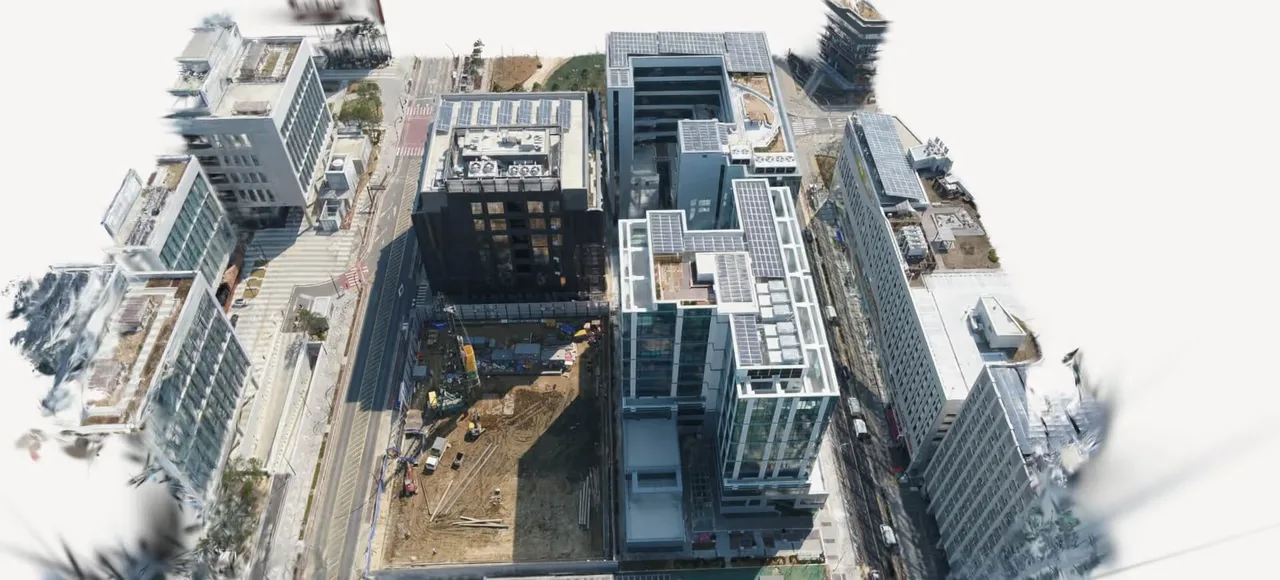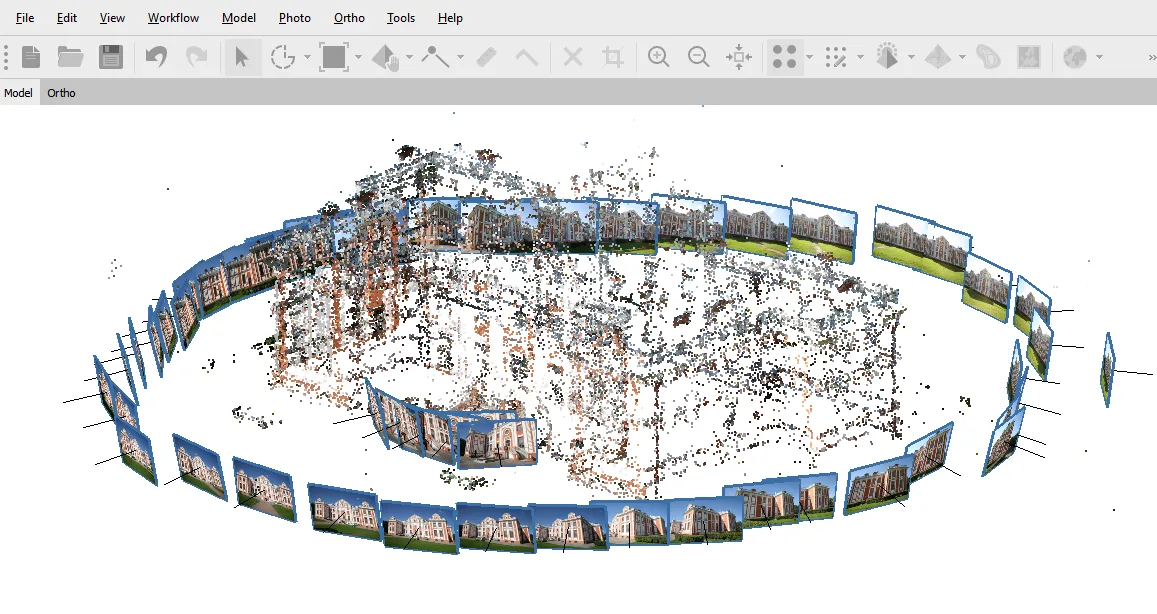
Agisoft Metashape
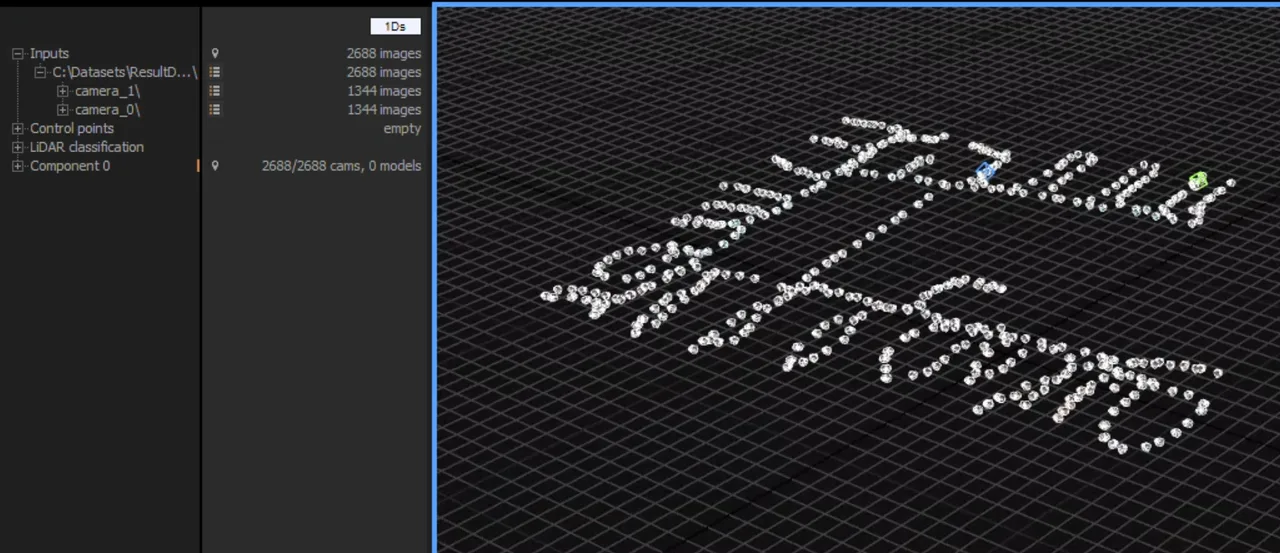
Photogrammetry software that turns photos and LiDAR into measurable point clouds, meshes and orthomosaics. Perpetual licence, no subscription.
Open source system for processing and editing 3D triangular meshes, widely used for scan cleanup, repair and format conversion.
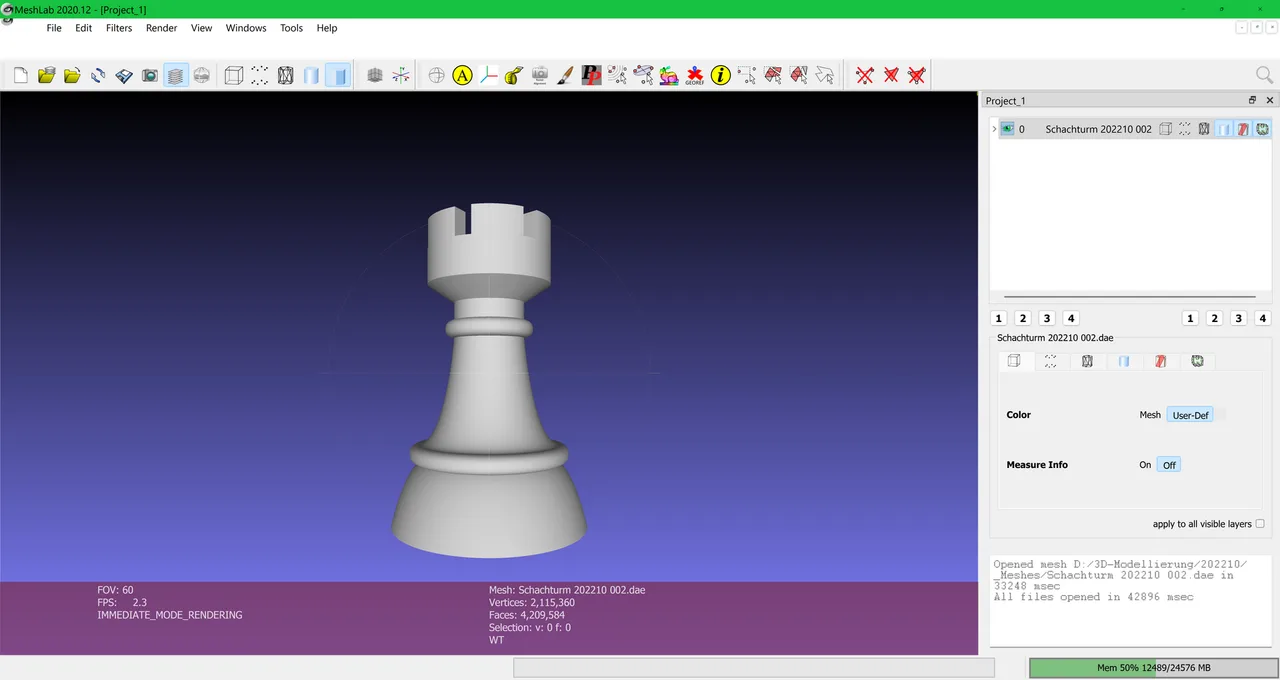
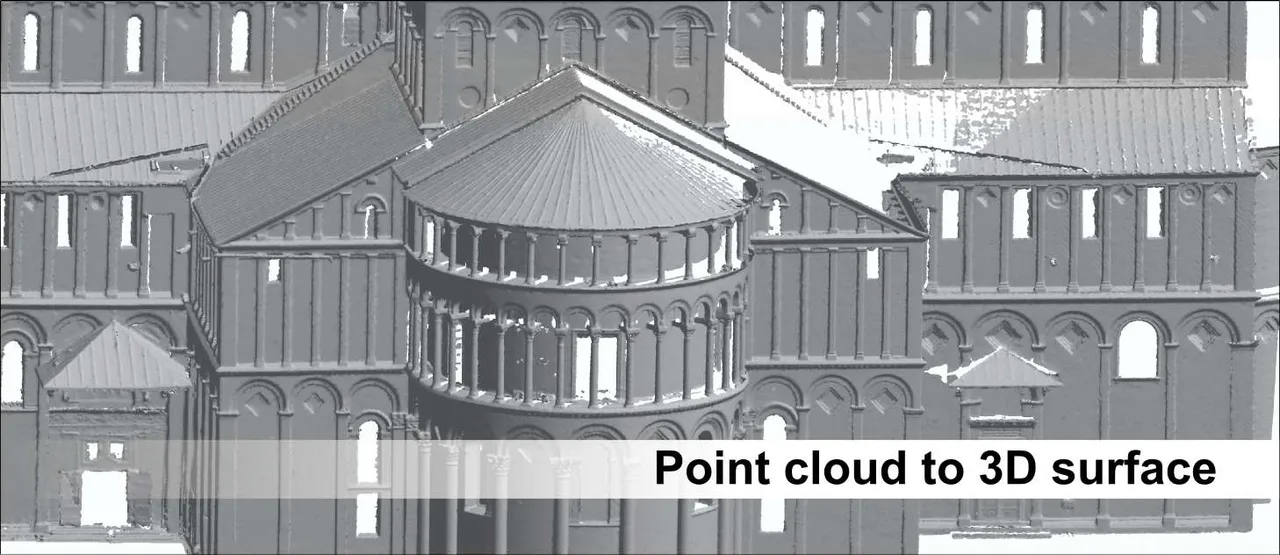
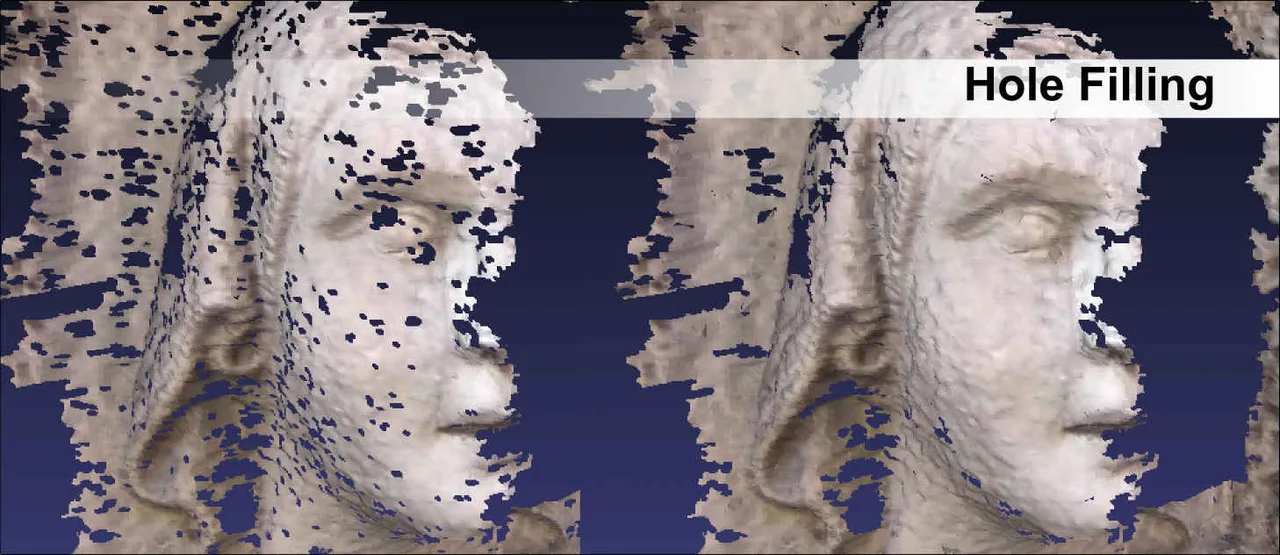
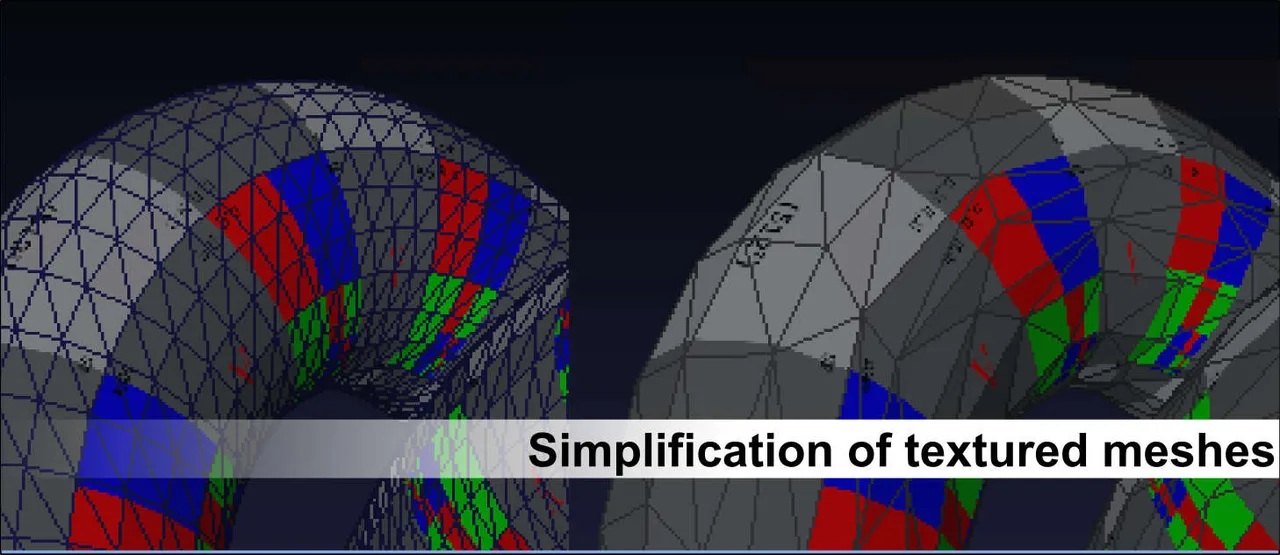
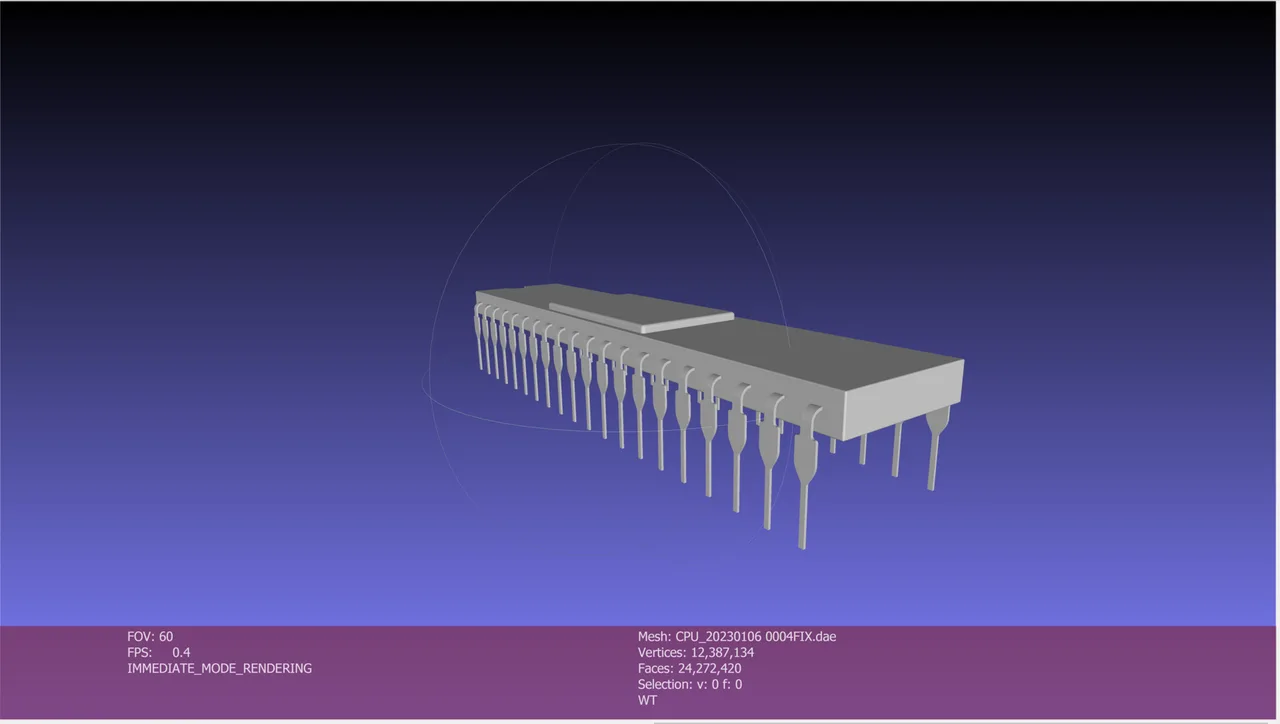
MeshLab is the open source workhorse of 3D scan processing. It began as a University of Pisa course project in 2005 and is developed by the Visual Computing Lab of ISTI-CNR, Italy's National Research Council, under researchers including Paolo Cignoni. It sits between raw 3D capture and production: it ingests dense point clouds and messy scanned meshes, then cleans, repairs, aligns, reconstructs, decimates and converts them into watertight models ready for printing, archiving or the web. It is GPL licensed and entirely free, its algorithms (like Quadric Edge Collapse decimation and Screened Poisson reconstruction) come straight from peer reviewed research, and institutions like the Smithsonian run it headlessly at industrial scale to digitise museum collections. The current release is MeshLab 2025.07, which added native Apple Silicon and Linux ARM64 builds plus 3MF support.
The industry reference for polygon reduction: cuts multi million face meshes down to printable or web ready sizes while preserving boundaries, sharp edges and UV coordinates. Users regularly rate it above paid alternatives.
Turns unstructured scan points into watertight meshes with Screened Poisson reconstruction and Ball Pivoting, the standard step after photogrammetry or LiDAR capture.
Hundreds of filters remove duplicate and unreferenced vertices, fix non manifold edges, close holes and heal the defects that plague scanned data, so slicers and engines accept the result.
Aligns overlapping range maps with Iterative Closest Point plus global bundle adjustment, and registers photos onto geometry with a Mutual Information algorithm to build photoreal textured replicas.
Reads and writes PLY, STL, OBJ, glTF/GLB, Collada, X3D, U3D and more, plus E57 LiDAR point clouds and, since 2025.07, full 3MF for modern 3D printing. A common bridge for formats other tools reject.
The entire filter ecosystem is scriptable from Python: record a filter script in the GUI, then run it across thousands of files headlessly. This replaced the old meshlabserver command line tool.
Recurring themes across third-party user reviews (G2, Capterra, TrustRadius).



MeshLab is free and open source. There is no paid edition to upgrade to, and no feature is held back behind a licence.
| Plan | Price | What you get |
|---|---|---|
| MeshLab | Free forever | GPL licensed, free for unlimited commercial, academic and private use. No tiers, no fees; the ISTI-CNR team accepts voluntary donations. |
| PyMeshLab | Free (pip install) | The Python library exposing MeshLab's filters for scripted, headless batch processing. Same license, same price: none. |
Archaeologists, museums and labs clean, repair and archive artifact scans with it; the Smithsonian's digitisation pipeline runs MeshLab headlessly at industrial scale.
Fix non manifold geometry, flip normals and crush a 10 million polygon sculpt into a size a slicer can chew, free.
The standard post processing stop after capture: align range maps, reconstruct surfaces and project photo textures.
PyMeshLab turns any workflow into a repeatable script, ideal for robotics, computer vision datasets and processing farms.
The dense, technical filter menus assume geometry knowledge. For casual mesh tweaks, browser tools or Blender are far friendlier.
There is no solid modeling, no dimensional constraints and no NURBS. Engineers designing parts need SolidWorks, Fusion or FreeCAD instead.
No sculpting brushes, no rigging, no timeline. MeshLab processes existing geometry; it does not create or animate it.
It is an architectural constraint, not an oversight. The underlying VCGlib framework trades state history for the memory efficiency that lets MeshLab chew through multi million polygon meshes. Duplicate the layer before experimental filters, or use Reload to fall back to the last saved file.
Yes. It is GPL licensed with no tiers, fees or restrictions on commercial output. Do not confuse it with MeshLib, a similarly named commercial SDK from a different company that charges licensing fees.
Yes, with PyMeshLab. Record a filter script in the GUI, then run it from Python across any number of files. The old meshlabserver command line tool was removed in 2020.12 and fully replaced by this library.
Use Quadric Edge Collapse Decimation: set a target face count and enable boundary preservation. It reduces density on flat areas while keeping detail where curvature demands it.
Yes, within format limits. PLY preserves vertex colors and scan attributes, OBJ keeps UVs and materials, and photos can be projected onto geometry. Exporting to STL strips all color because the STL format itself only stores bare triangles.
There are no official minimums, but community consensus suggests 8 GB of RAM for typical printing models and 32 GB for dense photogrammetry or LiDAR work, plus a GPU with OpenGL 3.0 or newer for a smooth viewport.
Photogrammetry software that turns photos and LiDAR into measurable point clouds, meshes and orthomosaics. Perpetual licence, no subscription.
A C++ library that reads 40 plus 3D formats into one common scene structure. A developer dependency, not an application.
Turns 3D scans and STL meshes into editable parametric CAD with a feature tree, as a Fusion add-in or a web app.
Desktop app and SDK that read, heal and convert over 30 CAD and mesh formats. A translator, not an authoring tool.
Epic Games photogrammetry suite, formerly RealityCapture, free below USD 1M revenue and built for merging photos with laser and SLAM scans.
Phone-based 3D scanning using LiDAR, photogrammetry and Gaussian splats, with CAD-ready floor plans on the paid tiers.