Assimp
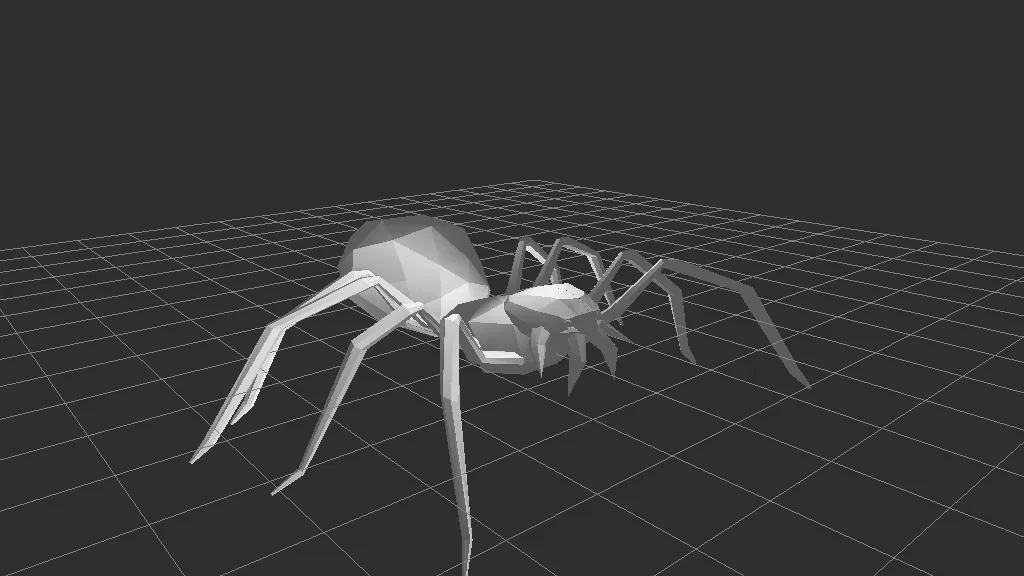
A C++ library that reads 40 plus 3D formats into one common scene structure. A developer dependency, not an application.
Format conversion tools translate 3D files between the dozens of formats used across the industry, from quick OBJ to GLB conversions to deep CAD to mesh translation. Good converters preserve geometry, materials, hierarchies and animations instead of just the raw shape, and the differences between them matter more than they first appear.
Tools in this category: 4
A C++ library that reads 40 plus 3D formats into one common scene structure. A developer dependency, not an application.
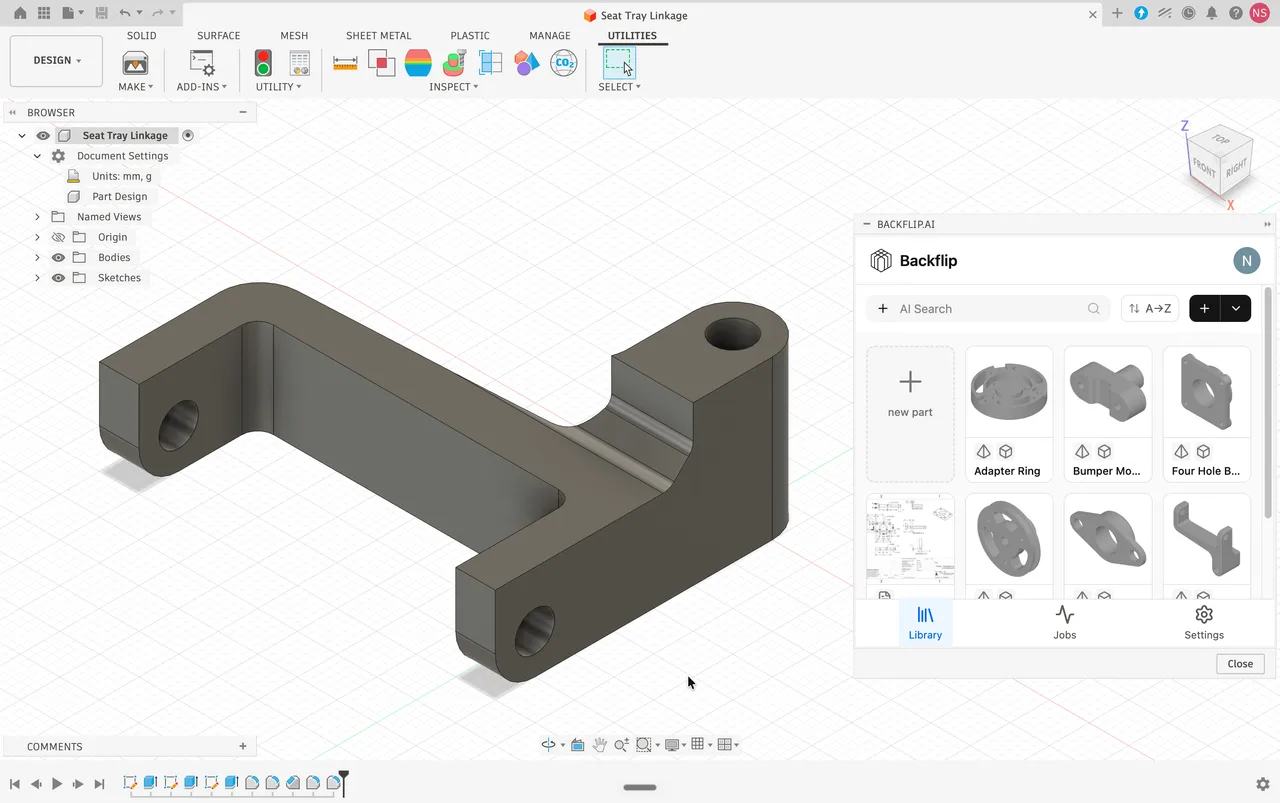
Turns 3D scans and STL meshes into editable parametric CAD with a feature tree, as a Fusion add-in or a web app.
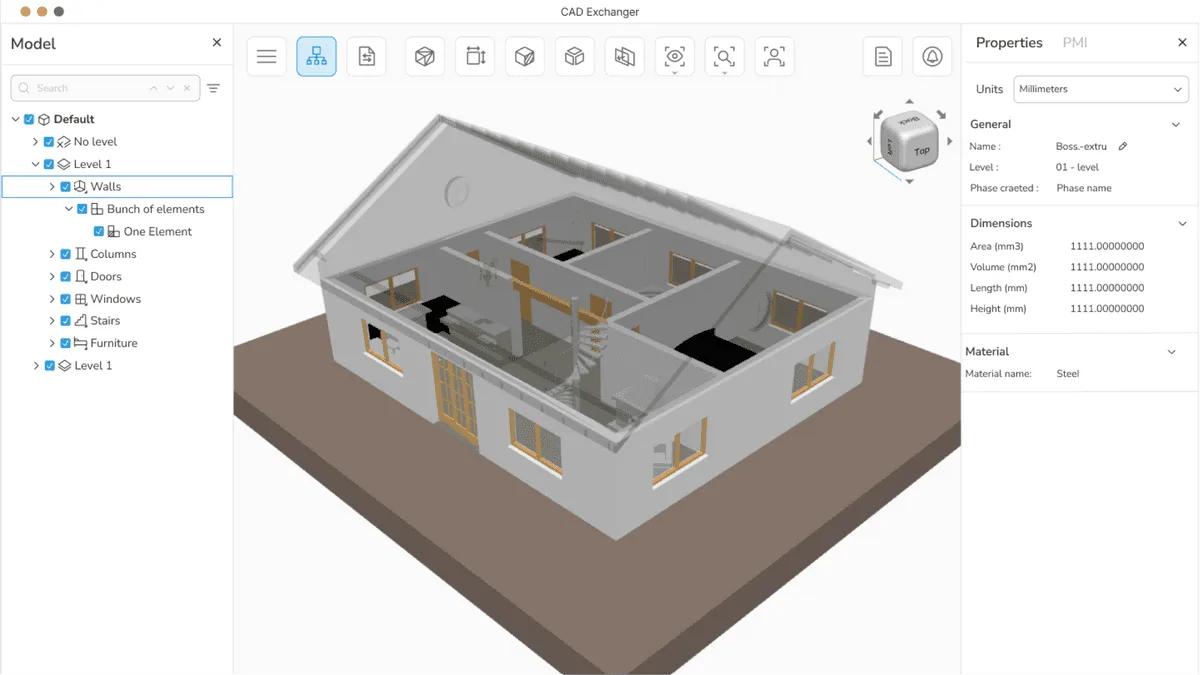
Desktop app and SDK that read, heal and convert over 30 CAD and mesh formats. A translator, not an authoring tool.
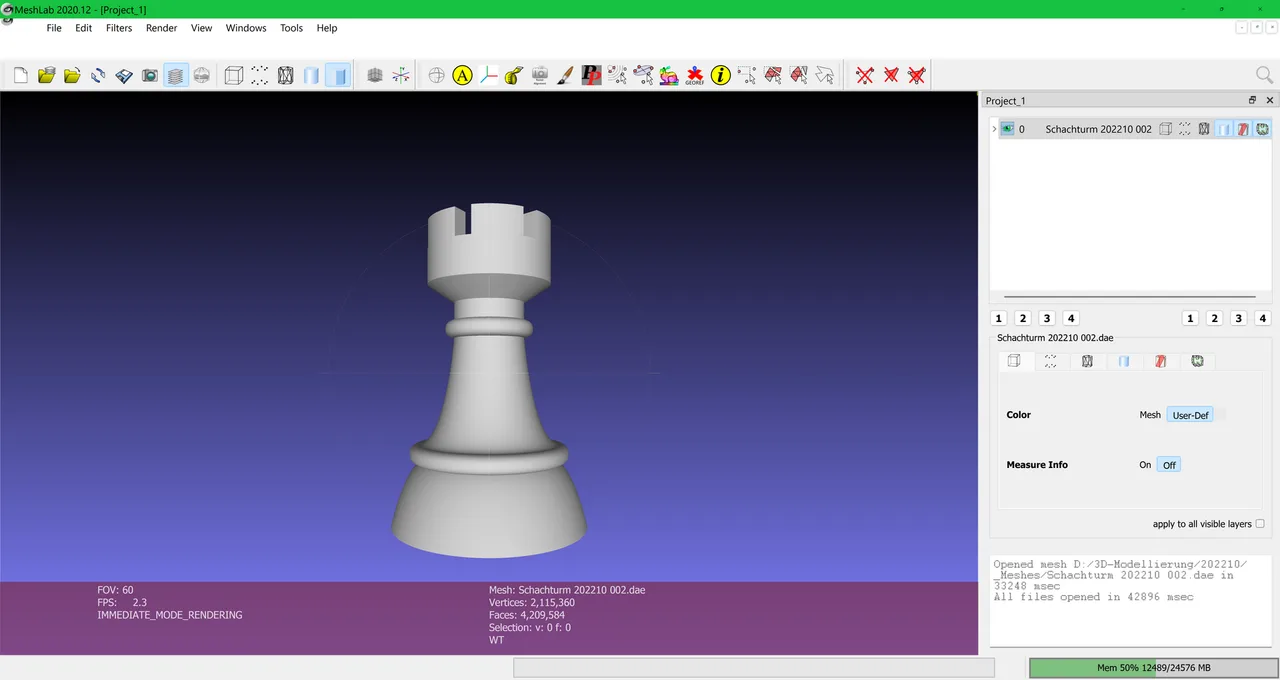
Open source system for processing and editing 3D triangular meshes, widely used for scan cleanup, repair and format conversion.
No tools match these filters.
Formats describe materials differently, and some barely describe them at all. OBJ stores only simple material definitions, FBX and glTF carry richer PBR data, and CAD formats focus on exact geometry rather than appearance. Loss happens when the target format cannot express what the source contains.
For visual assets, glTF/GLB preserves PBR materials and animations and opens almost anywhere, which is why it is called the JPEG of 3D. For engineering data, STEP keeps exact CAD geometry. When in doubt, deliver both a native file and a neutral format.
Yes, but it is a translation, not a copy. CAD surfaces are mathematically exact and must be tessellated into polygons, and the result usually needs polygon reduction and UVs before real time use. Dedicated CAD converters control that tessellation quality.