Assimp
A C++ library that reads 40 plus 3D formats into one common scene structure. A developer dependency, not an application.
Desktop app and SDK that read, heal and convert over 30 CAD and mesh formats. A translator, not an authoring tool.
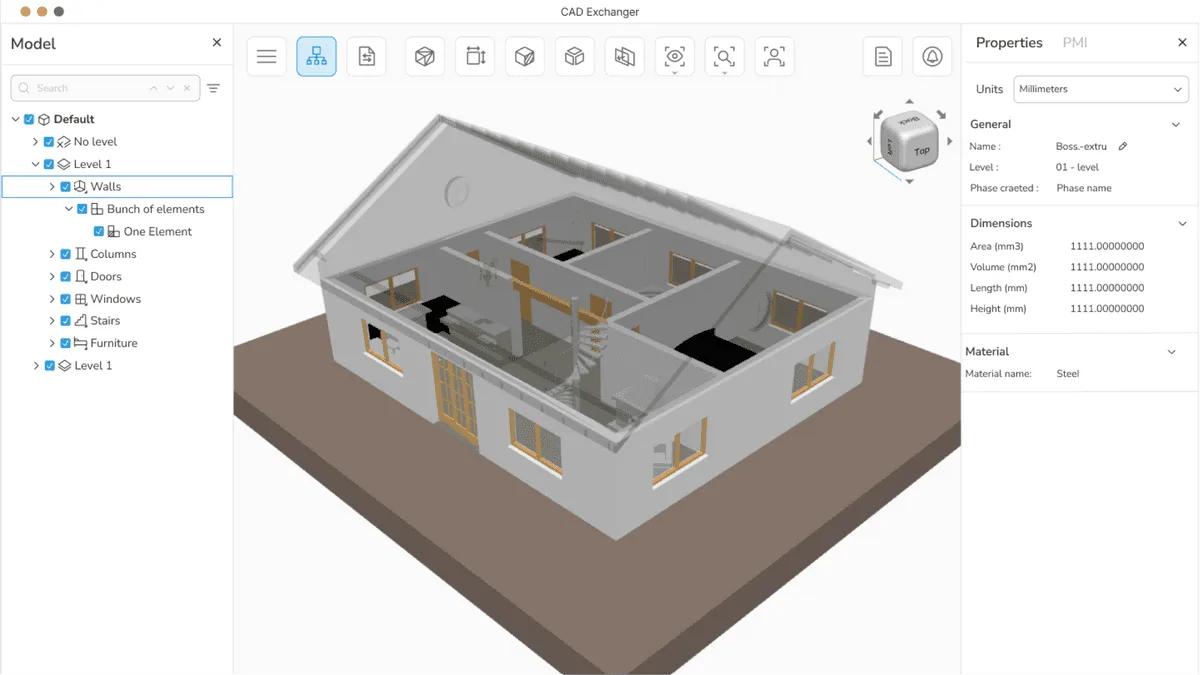
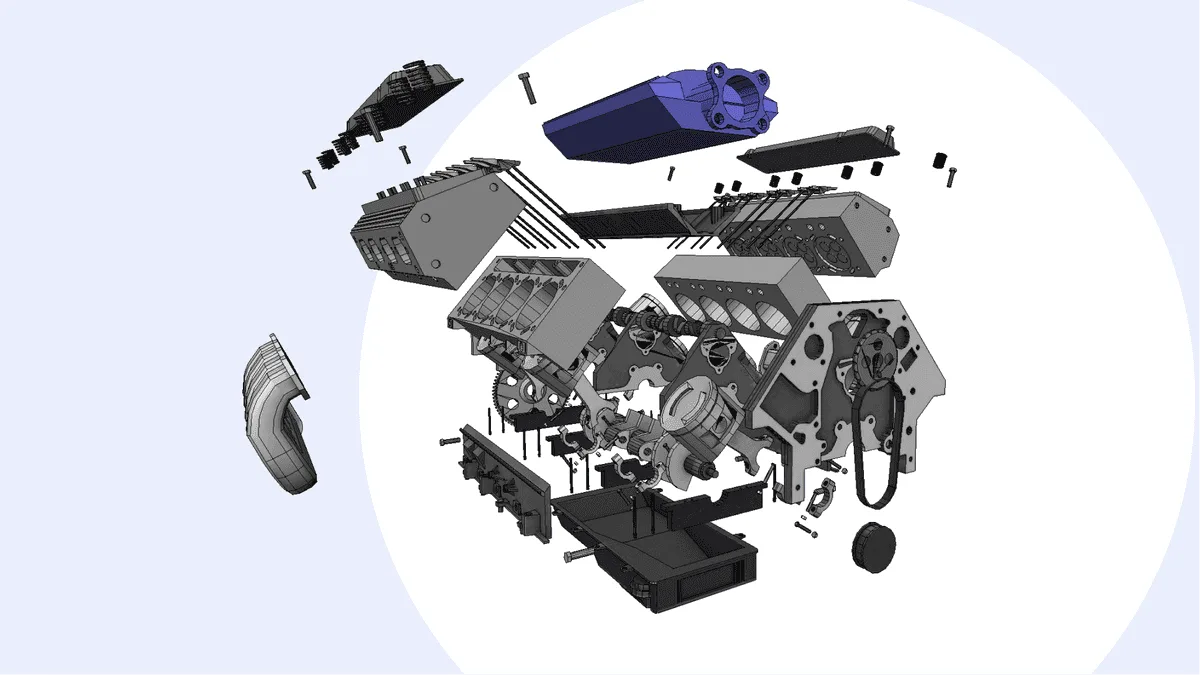
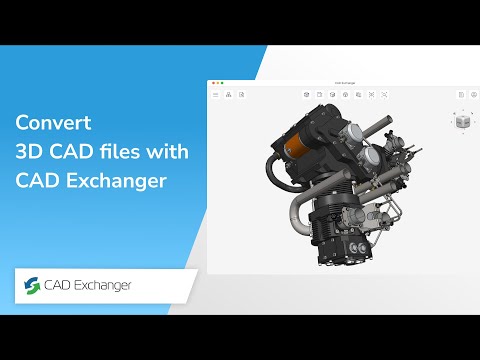
CAD Exchanger is a data exchange toolkit from CADEX, a company founded in 2014 by Roman Lygin, previously a contributor to the Open CASCADE geometry kernel. It does not create geometry: it reads, repairs and converts CAD data that other software authored. The current line-up is four products, a desktop application called Lab for viewing and converting files by hand, an SDK with C++, C#, Java, JavaScript and Python bindings that embeds the same engine in other software, a Manufacturing Toolkit aimed at automated quoting and design for manufacturability checks, and a custom development service. Its main technical claim is a parallelised translation engine built on Intel Threading Building Blocks, against the single threaded design of older translators. The practical reason teams buy it is narrower than that: it opens SOLIDWORKS, CATIA, NX and Creo files without owning a licence for any of them.
Imports SOLIDWORKS, CATIA V5 and V6, Siemens NX, PTC Creo, Solid Edge, Inventor and Revit files directly. Writing back to those extensions is not supported, which is a restriction the format owners impose rather than a gap in the software. The way around it is to write to the kernels underneath instead: ACIS, Parasolid, Open CASCADE and Rhino are all read and write.
STEP, Parasolid and JT carry exact NURBS geometry, and CAD Exchanger passes that through as mathematics rather than flattening it to triangles. That is what allows a downstream tool to still compute mass, volume and centre of gravity. Tessellation to STL or OBJ is available with control over angular and chordal deflection, but it is a one way door.
Damaged IGES and STEP files arrive with gaps between surfaces and inverted normals. The import path reconstructs missing surface boundaries so the result can be exported as a manifold, watertight solid, which is the state 3D printing and CFD both require before they will accept a model.
C++, C#, Java, JavaScript and Python bindings, with official Docker images for CI pipelines. This is what most of the revenue actually runs on: quoting platforms and digital twin products embed it so they do not have to write parsers for thirty proprietary formats themselves.
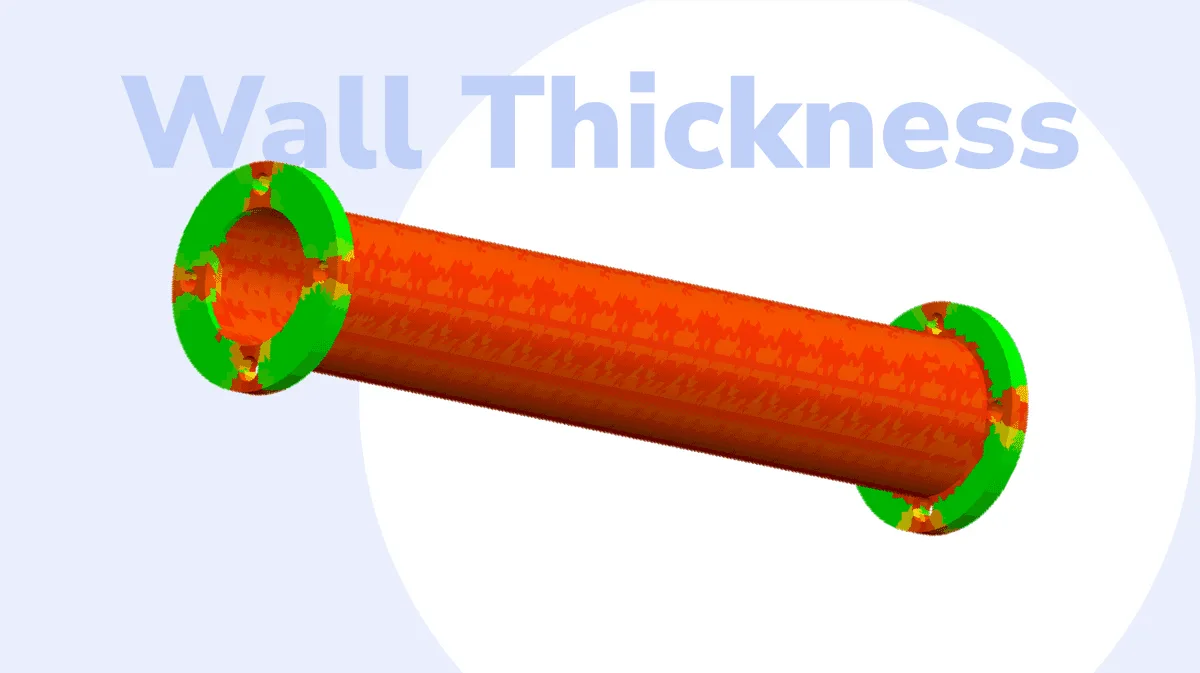
A separate SDK that moves past translation into analysis: feature recognition for holes, pockets and notches, sheet metal unfolding, and CNC cost estimation. It now sits first on the product page, which suggests where the company is heading. Note that its last release was version 3.24.5 in August 2024.
Recurring themes across third-party user reviews (G2, Capterra, TrustRadius).

CAD Exchanger is not free. It is paid software with no free tier, though a time limited trial may be offered.
Paid (one-time).
The SDK is the reason this tool exists commercially. If you are building a quoting platform, a digital twin, or anything that ingests customer-uploaded CAD, the alternative is writing and maintaining parsers for thirty proprietary formats yourself.
Rendering artists, Unity and Unreal developers, project managers and estimators who receive SLDPRT or CATPart files and need geometry out of them. Buying this is far cheaper than buying the authoring software just to open a file.
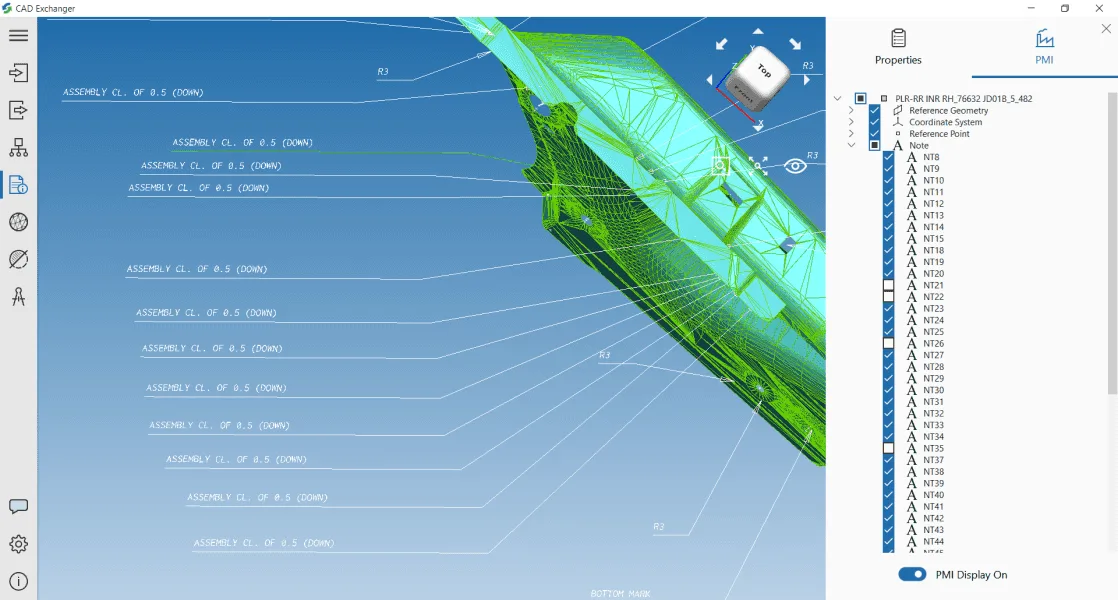
Converting an assembly through a mesh format usually collapses the part tree. This keeps the hierarchy, and carries PMI such as GD and T through STEP, which matters if the receiving end needs to know tolerances rather than just shape.
There is no parametric feature tree and no design history. You cannot change the diameter of a hole here. It converts and inspects, and everything else has to go back to the authoring application.
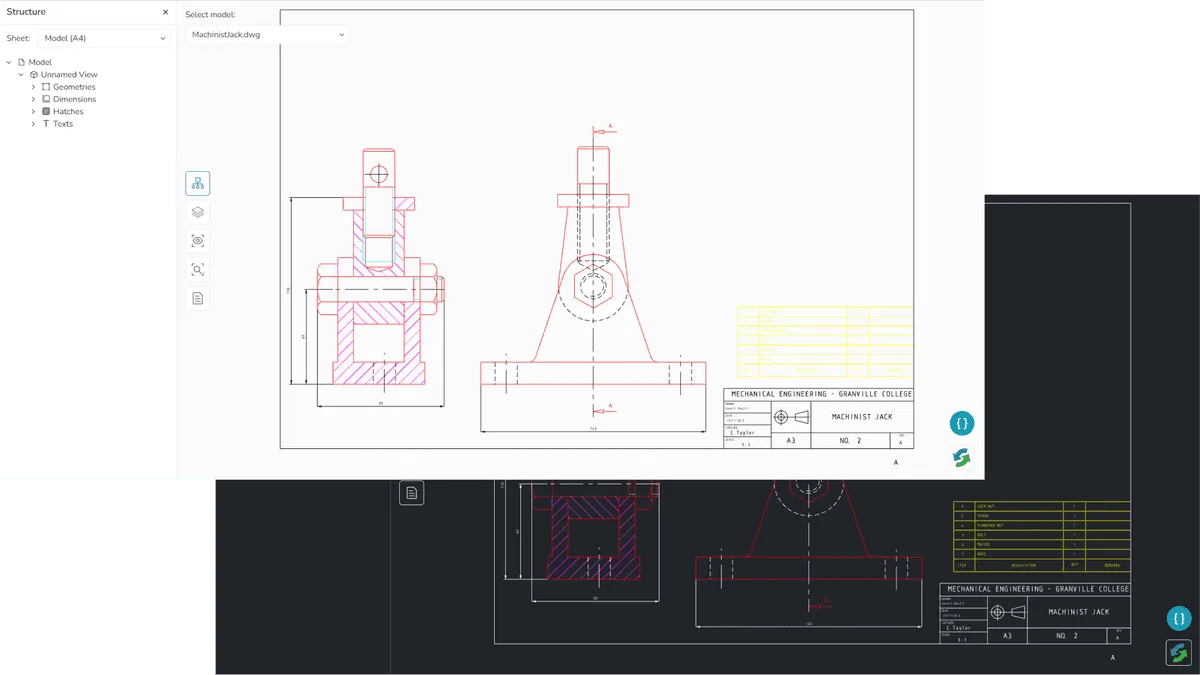
DXF and DWG import, but this is not a 2D replacement. There is no drafting suite, no dimensioning overrides, no layout generation. The engine is built for 3D topology and the 2D side reflects that.
The STL to STEP conversion exists and is heavily searched for, but it wraps the triangle mesh inside a STEP container rather than rebuilding surfaces. The result loads in a CAD application and is still not editable CAD. Nothing recovers the original mathematics once it has been tessellated.
Nothing is published. The Lab pricing page is a contact form, the SDK page describes a fee structure without figures, and developer pricing depends on your application's own revenue model. Budget planning requires a sales conversation.
It performs the conversion, but not in the way most people hope. An STL holds a triangle mesh with no information about the surfaces it approximates, so the export writes that mesh into a STEP container. The file will open in a CAD application and it will still be a mesh, not editable solid geometry with a feature tree. Rebuilding true CAD surfaces from a mesh is a separate reverse engineering task that this tool does not perform.
The vendor does not publish prices. The Lab pricing page is a contact form, and the SDK pricing page describes the structure, an initial joining fee followed by lower annual maintenance, plus a per-machine distribution fee, without giving figures. Third-party directories list specific dollar amounts, but those are not sourced from the vendor and should be treated as unverified.
No free tier for the desktop or SDK products. There is an evaluation version, available for at least thirty days, restricted to internal evaluation and explicitly not permitted for commercial or for-profit use. The Android app is free to download but caps files at 25MB.
Yes, both. macOS 10.14 and later, and Linux distributions compatible with glibc 2.29 including RHEL 9.x, Ubuntu 20.04 and Debian 11. The macOS support is unusual in this category and means proprietary Windows CAD formats can be read natively on Apple hardware. Graphics need OpenGL 2.1 or later.
It is still being updated, but you have to look in the right place. The blog last posted in February 2024, which makes the product look abandoned. The changelog tells a different story: version 3.24.18 shipped in March 2026, 3.24.19 in May 2026 adding SOLIDWORKS 2026, Parasolid v37 and ACIS R34 support, and 3.24.21 in August 2026. The Manufacturing Toolkit is the part that has genuinely stalled, with no release since August 2024.
STEP, in almost every case. IGES carries a single precision value for an entire file, which produces scaling errors and surface gaps in assemblies whose parts differ greatly in size, and it does not carry PMI or material assignments. CAD Exchanger supports IGES, and its own documentation still recommends STEP wherever there is a choice.
A C++ library that reads 40 plus 3D formats into one common scene structure. A developer dependency, not an application.
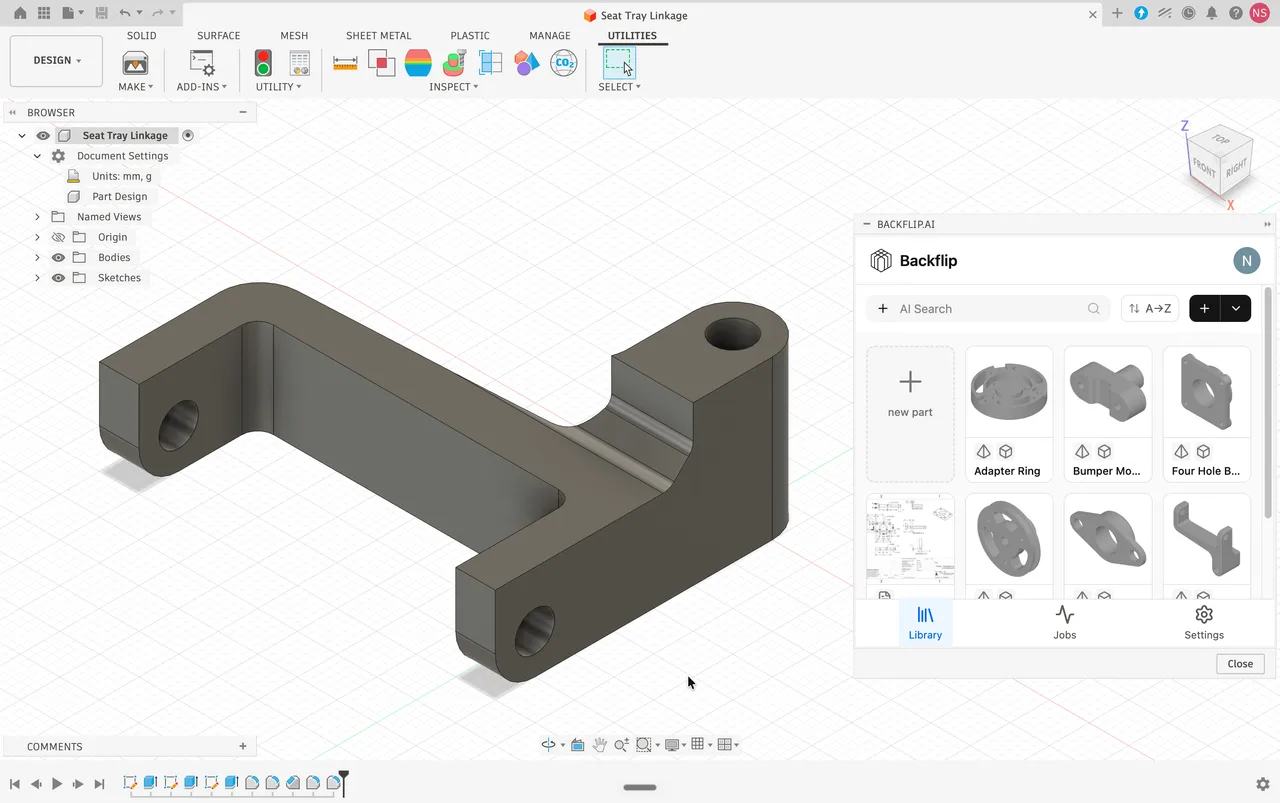
Turns 3D scans and STL meshes into editable parametric CAD with a feature tree, as a Fusion add-in or a web app.
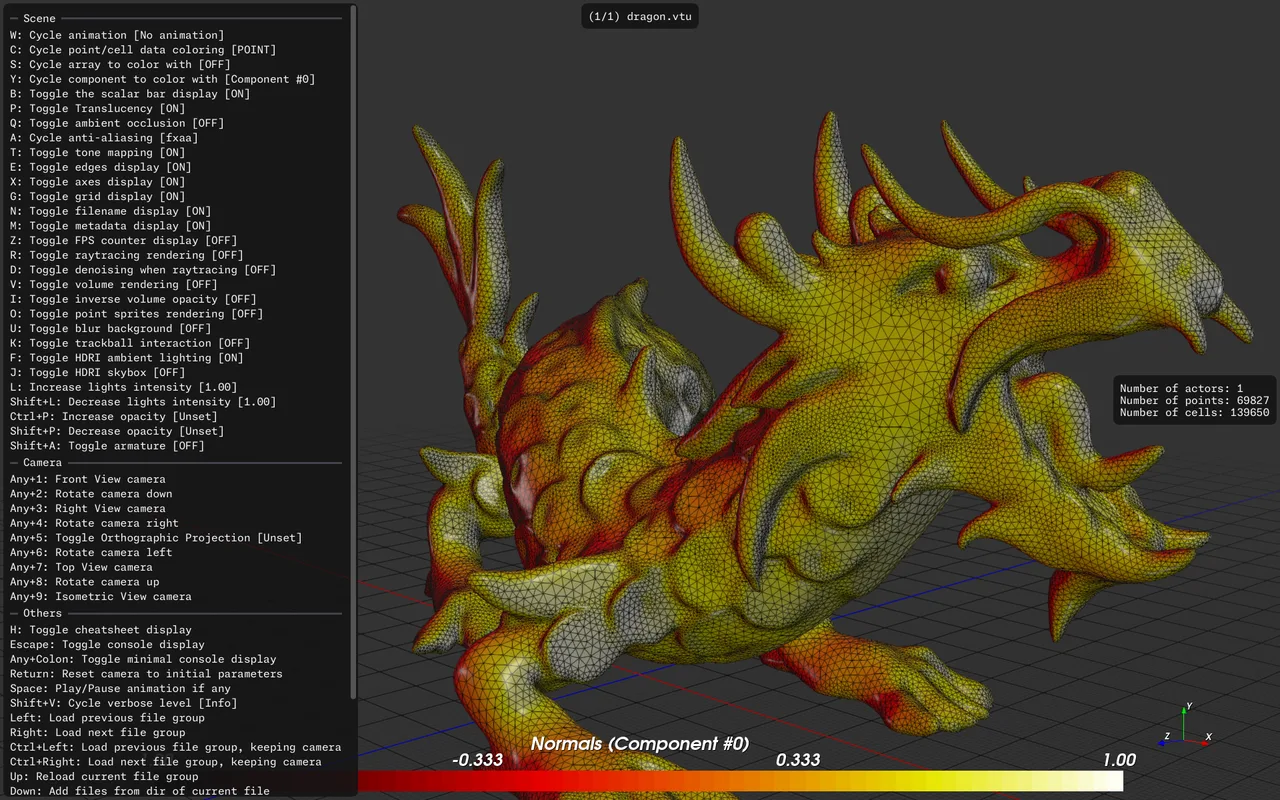
A fast, minimalist 3D viewer driven by hotkeys and the command line, with file manager thumbnails and over 30 formats.
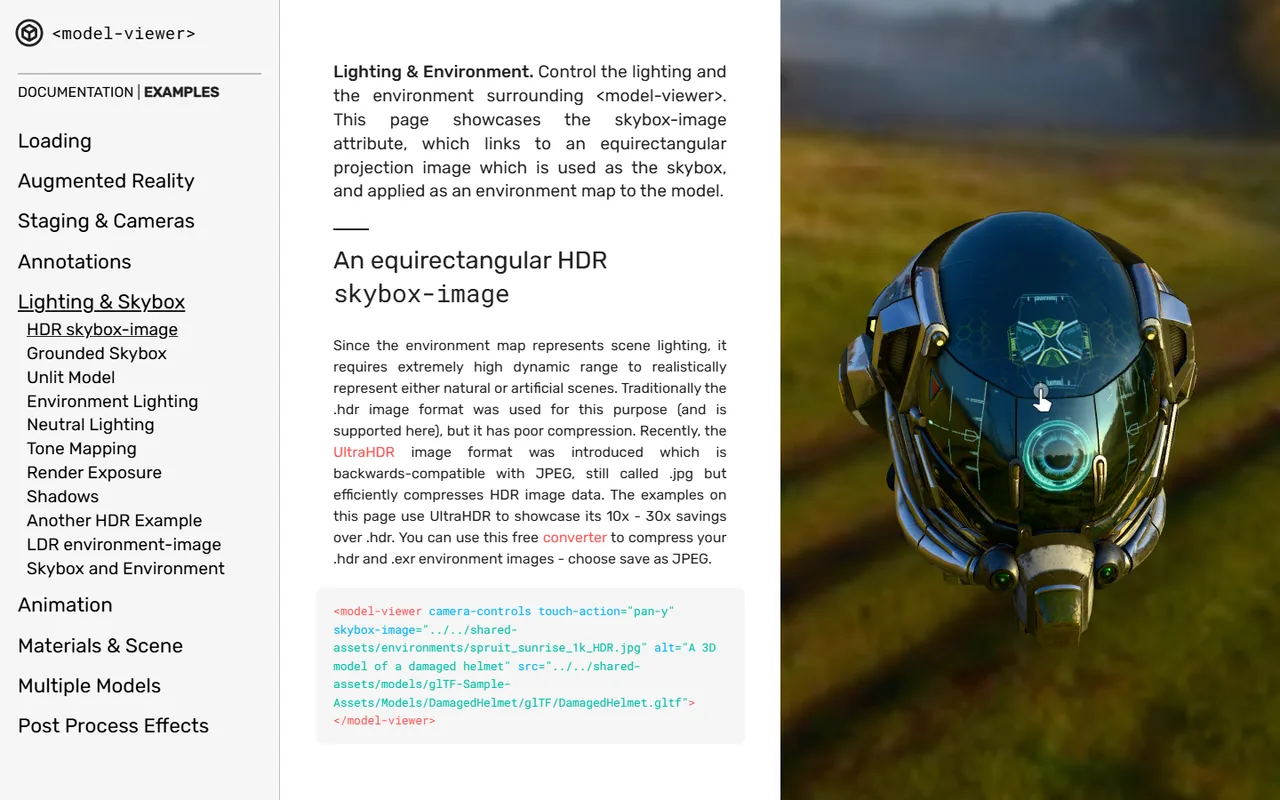
A web component that puts an interactive glTF model and an AR button on a page with one HTML tag. Reads glTF and GLB only.
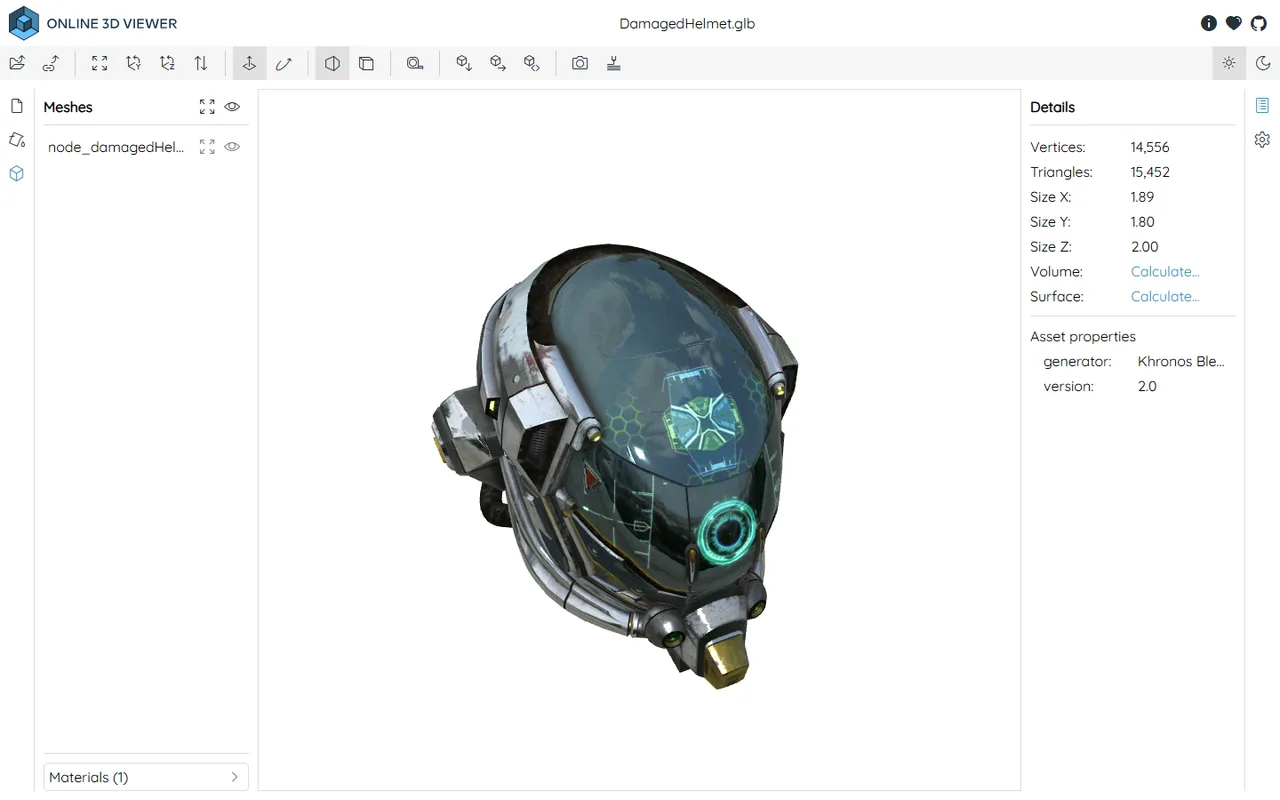
Free, open source browser viewer that opens STEP, STL, OBJ, glTF and 15 more formats locally, with nothing uploaded to any server.
Open source system for processing and editing 3D triangular meshes, widely used for scan cleanup, repair and format conversion.

Link to this page with the badge below (use listed-light.svg on a light background). Spotted something out of date? Tell us.
<a href="https://3dtoolwiki.com/tools/cad-exchanger" target="_blank"><img src="https://3dtoolwiki.com/badges/listed-dark.svg" alt="Listed on 3D Tool Wiki" width="200" height="54"></a>