Autodesk Maya
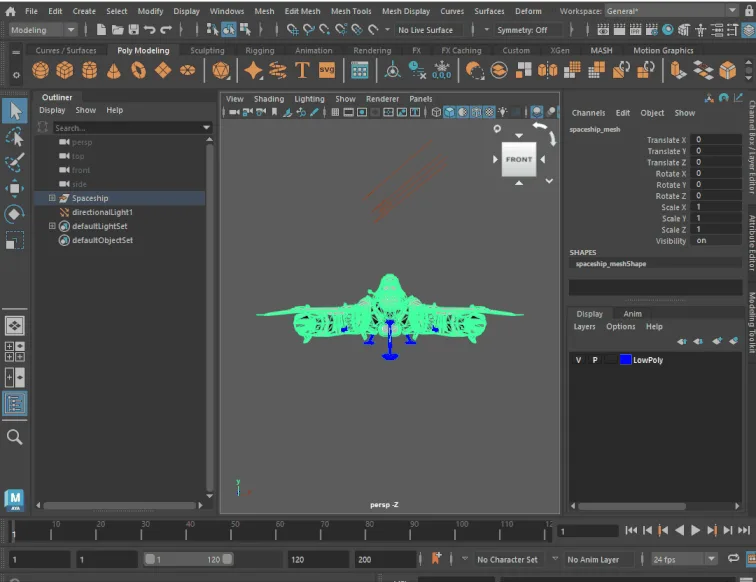
Subscription 3D animation, modeling and simulation suite, and the long-standing studio default for character rigging.
Free and open source 3D creation suite covering modeling, sculpting, texturing, animation and rendering.
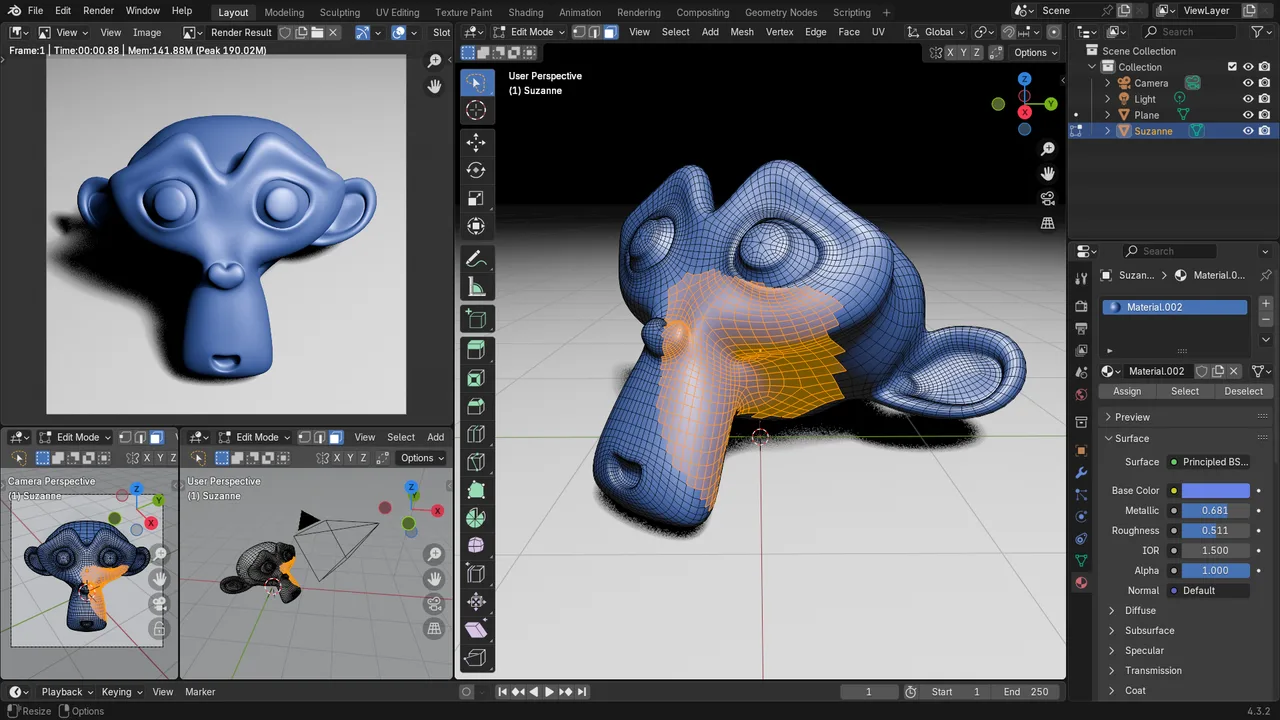
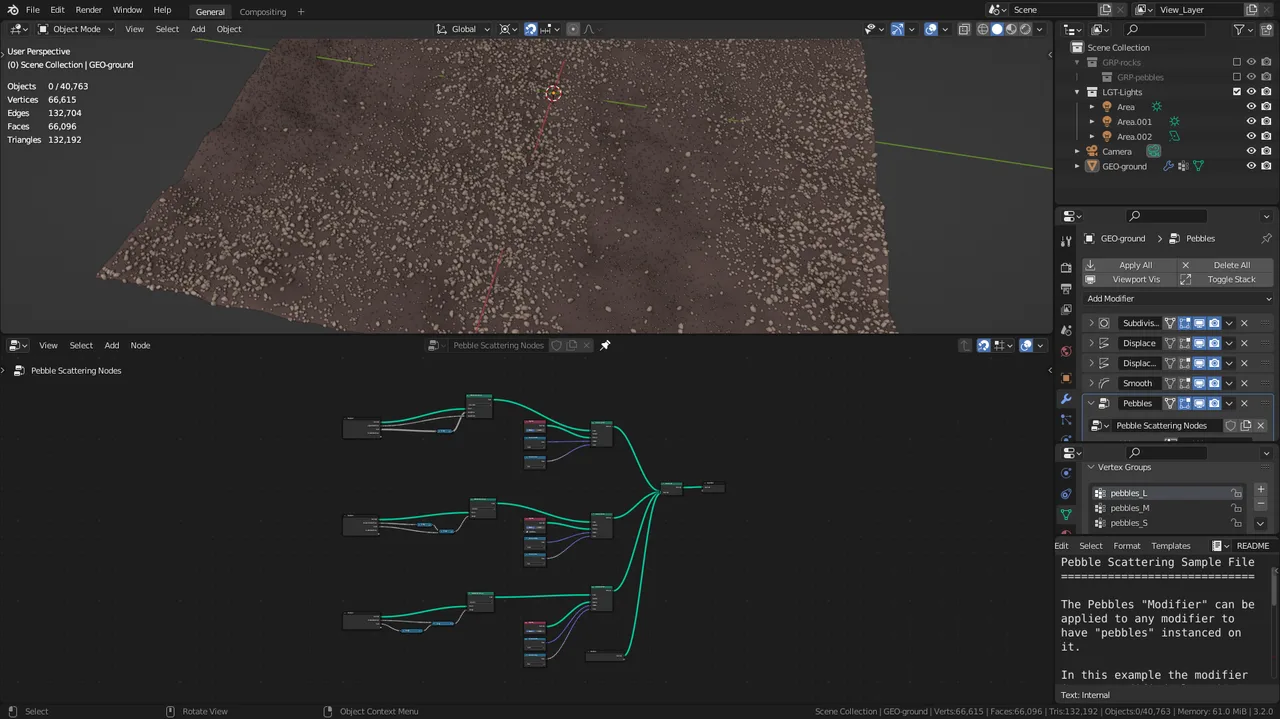
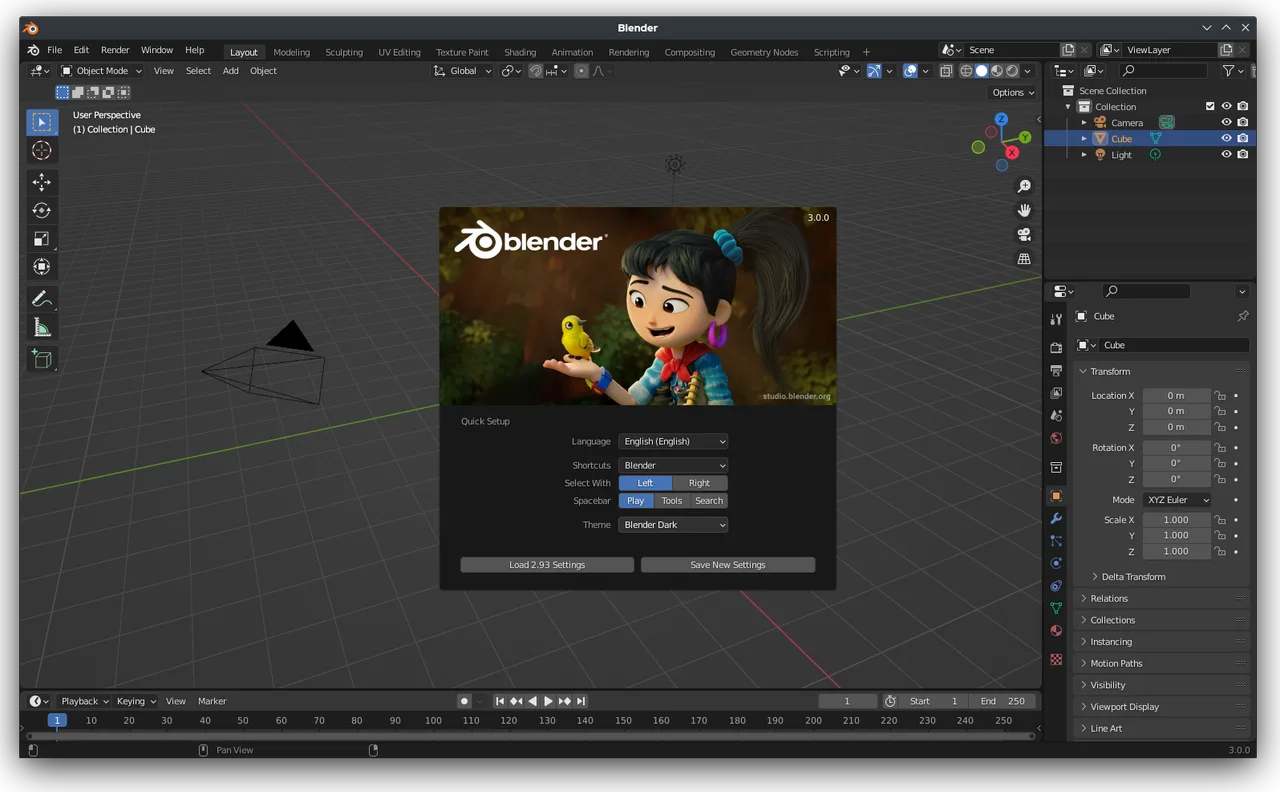
Blender is a free, open source 3D creation suite developed by the Blender Foundation, a non profit based in Amsterdam. Unlike traditional pipelines that split work across separate paid applications, it packs modeling, sculpting, retopology, UV unwrapping, texturing, rigging, animation, simulation, compositing, motion tracking and video editing into a single program. It is licensed under the GNU GPL, so it is free for any use including commercial work, with no per seat fees. Development is funded by donations and corporate members rather than license sales, and the project has recently drawn direct backing from studios including Netflix Animation, Epic Games and NVIDIA. The current stable release is Blender 5.1 (March 2026), with the next long term support build, 5.2 LTS, following in mid 2026.
Two built in engines ship with Blender: Cycles, a physically based path tracer with GPU acceleration across NVIDIA, AMD, Intel and Apple Silicon, and EEVEE, a real time rasteriser for instant look development in the viewport.
A node based procedural system for building parametric models, scattering and instancing with editable graphs. Reviewers often cite it as the feature that narrows the gap between Blender and heavily procedural tools like Houdini.
Polygon modeling with a non destructive modifier stack sits alongside a multiresolution sculpting system with dynamic topology, so hard surface and organic work happen without leaving the program.
Draw traditional 2D frame by frame animation directly in the 3D viewport, lit by 3D lamps and moved by 3D cameras. It is a hybrid workflow dedicated 2D tools cannot replicate, popular with stylised and anime studios.
A node based compositor and a non linear Video Sequence Editor are built in, so grading, mixing and cutting can happen without exporting to separate post production software.
Almost every action is scriptable through a documented Python API, and the extensions.blender.org platform now installs and updates community add-ons in app, like a built in store.
Recurring themes across third-party user reviews (G2, Capterra, TrustRadius).


Blender is free and open source. There is no paid edition to upgrade to, and no feature is held back behind a licence.
| Plan | Price | What you get |
|---|---|---|
| Blender (software) | Free forever | The full suite under the GNU GPL. Free for any use including commercial work, with no per seat licensing and no render node limits. |
| Blender Studio, monthly | USD 17/month | Optional subscription for the training library, open movie production files and cloud services. Not required to use Blender. |
| Blender Studio, quarterly | USD 34.50/3 months | The same subscription billed quarterly, about USD 11.50/month. |
| Blender Studio, teams | From USD 540/month | Team plans with unlimited domain verified seats and dedicated training hours, scaling up through higher tiers. |
One free application that covers the whole pipeline, so solo creators never hit a paywall between modeling, animation and rendering.
No per seat licensing means a team can scale up for a project without software cost penalties, and the integrated pipeline cuts tool switching.
Zero cost of entry plus one of the largest free tutorial ecosystems of any 3D tool make it a common first package.
Grease Pencil lets 2D artists block and draw shots inside real 3D camera space, a workflow few other tools offer natively.
Studios with decades of Maya based pipelines and thousands of custom scripts face costly disruption migrating. Blender also stepped away from the VFX Reference Platform in 2022, adding integration risk.
Blender is a polygon mesh modeler, not parametric or NURBS CAD. For tolerances, solid modeling and STEP interchange, tools like SolidWorks or Fusion 360 fit better.
The consistent complaint across review sites is a steep learning curve. The dense interface and node systems reward patience, not quick plug and play use.
Yes. Blender is released under the GNU GPL, so the software and anything you create with it can be used for commercial projects at no cost, with no royalties or seat licensing. The GPL applies to the software's code, not to the models, images or files you produce, which remain entirely yours.
Blender works in 1 unit equals 1 meter while Unreal uses 1 unit equals 1 centimeter, so meshes can import 100 times too large or attached to a root scaled at 0.01, which breaks rigs and sockets. The deeper cause is that Autodesk's FBX SDK is proprietary and incompatible with the GPL, so Blender's FBX support is reverse engineered. Setting the unit scale to 0.01 before export, or using a dedicated pipeline add-on, is the usual fix.
Development is funded through the Blender Development Fund, made up of individual donations and corporate members, plus the optional Blender Studio subscription. Corporate patrons have included Epic Games, NVIDIA, AMD and, from 2026, Netflix Animation Studios.
Yes. The Cycles engine supports GPU rendering on NVIDIA (CUDA and OptiX), AMD (HIP), Intel (oneAPI) and Apple Silicon (Metal), in addition to CPU rendering. GPU rendering is not on by default and must be enabled in Preferences.
It reads and writes common interchange formats including OBJ, FBX, glTF and GLB, STL, PLY, Alembic and USD, alongside its native .blend files. USD and Alembic support is particularly strong for moving cached geometry between Blender, Houdini and game engines.
No. The old Blender Game Engine was removed in the 2.80 release. The project recommends dedicated engines such as Godot, Unity or Unreal for interactive work, and Blender is used to author the assets.
Subscription 3D animation, modeling and simulation suite, and the long-standing studio default for character rigging.
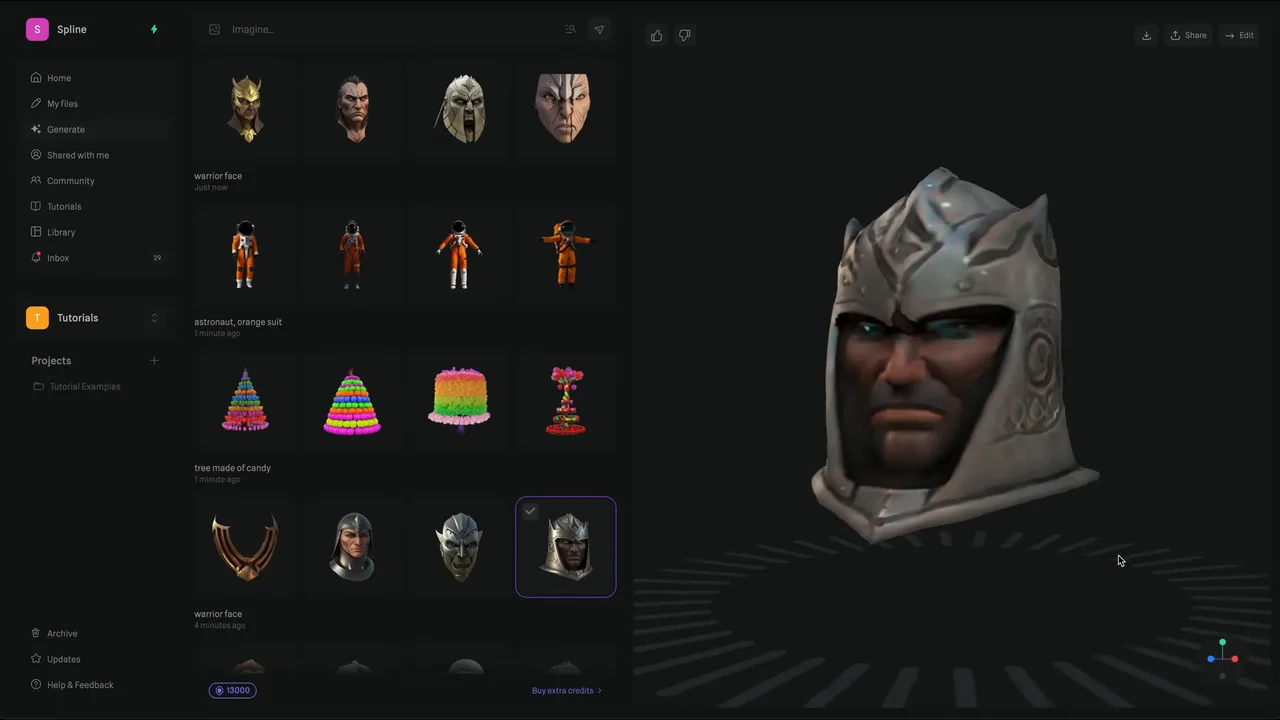
Browser 3D design tool for interactive web scenes, with AI generation that runs third-party models such as Hunyuan3D, Trellis 2 and Meshy.
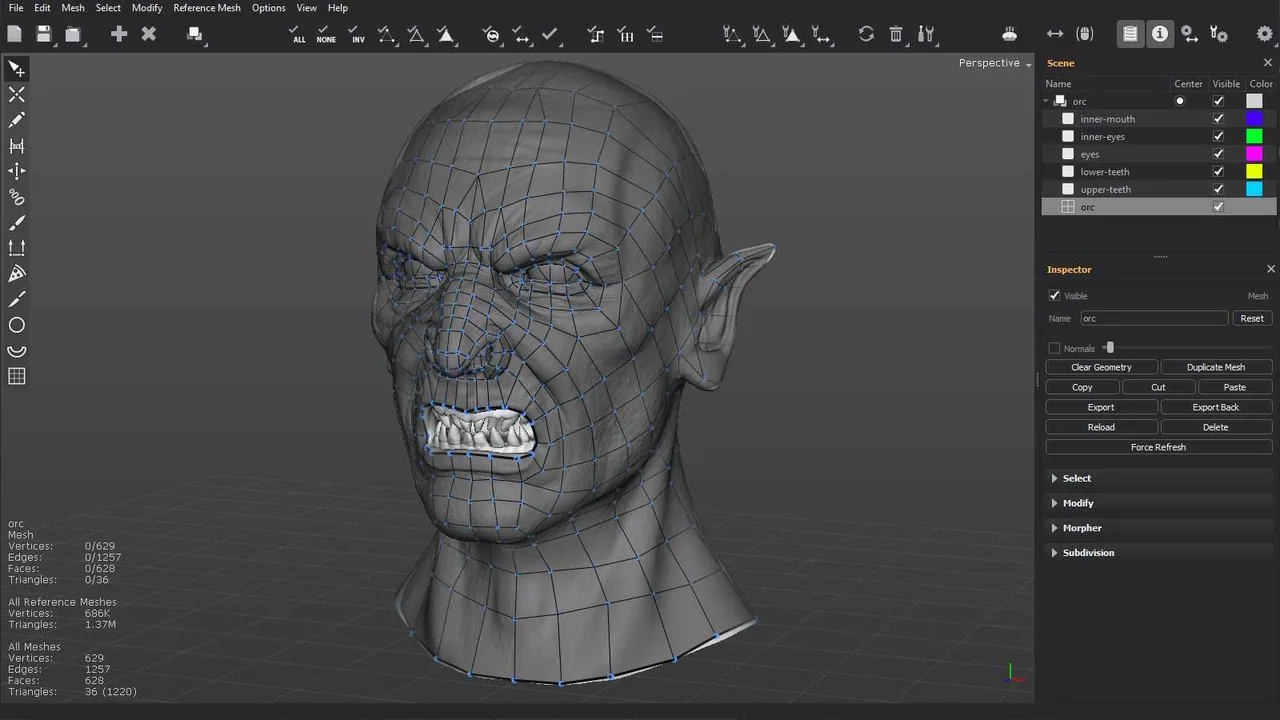
Standalone manual retopology and map baking application built to hold million-polygon reference meshes that make general 3D software crawl.
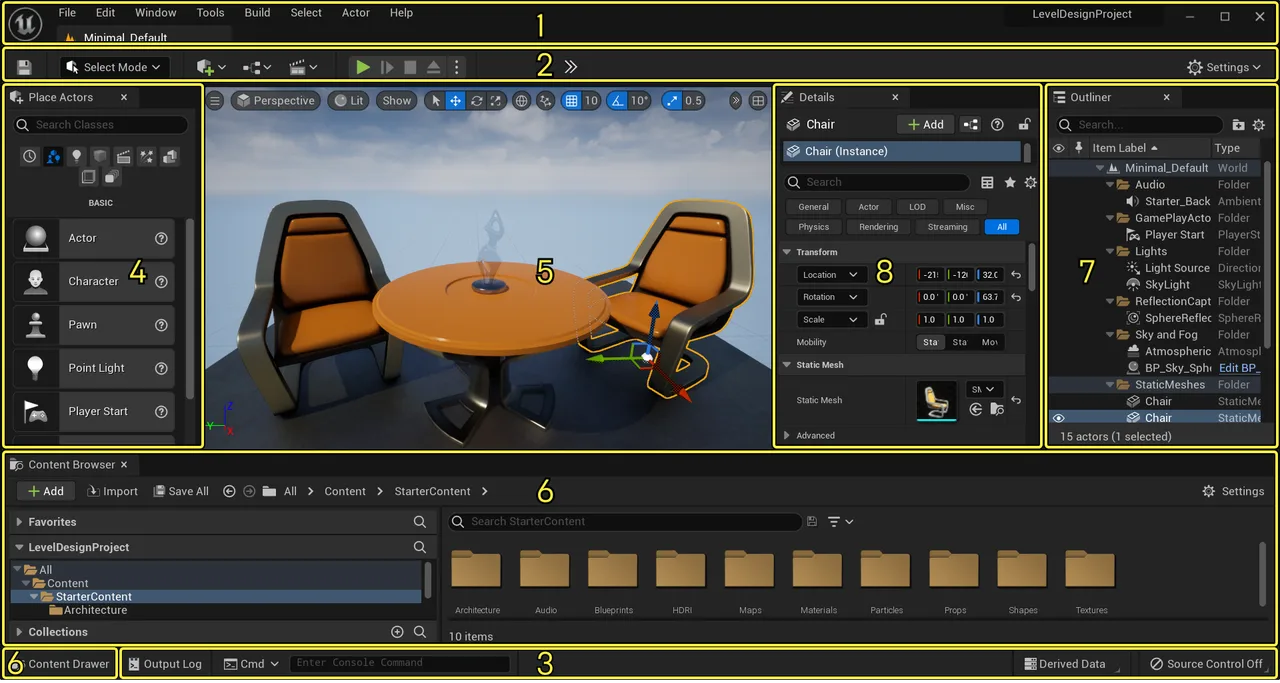
Epic's real-time 3D engine built around Nanite virtualised geometry and Lumen dynamic lighting, used for AAA games, virtual production and archviz.