AutoRemesher
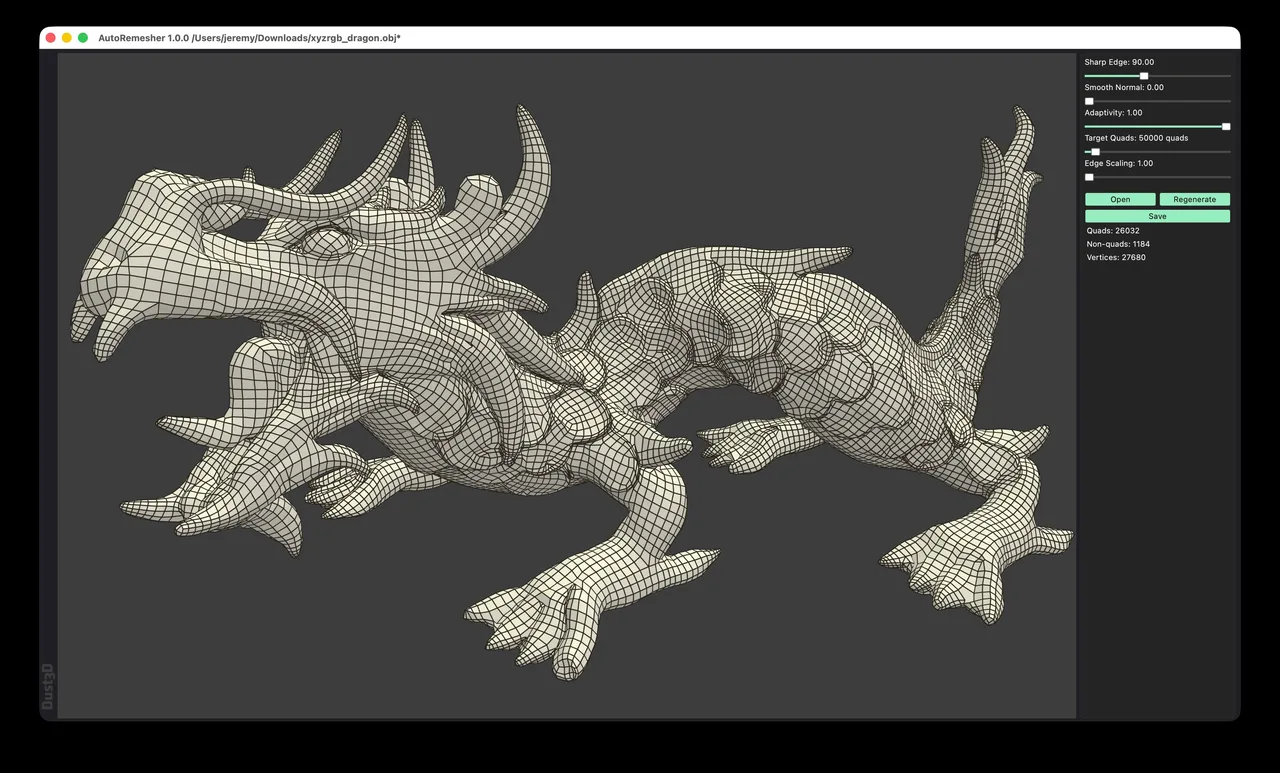
Free, MIT licensed automatic quad remesher with a desktop app and a headless CLI, revived in 2026 after six years of dormancy.
Standalone manual retopology and map baking application built to hold million-polygon reference meshes that make general 3D software crawl.
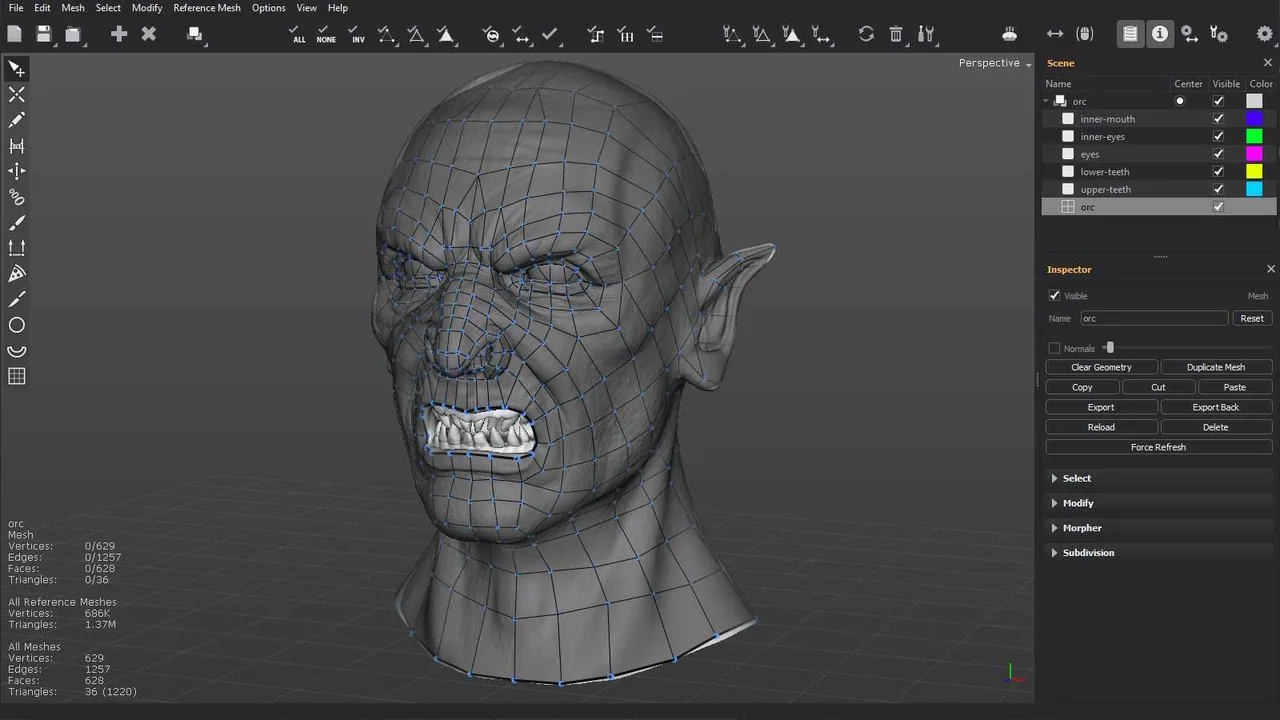
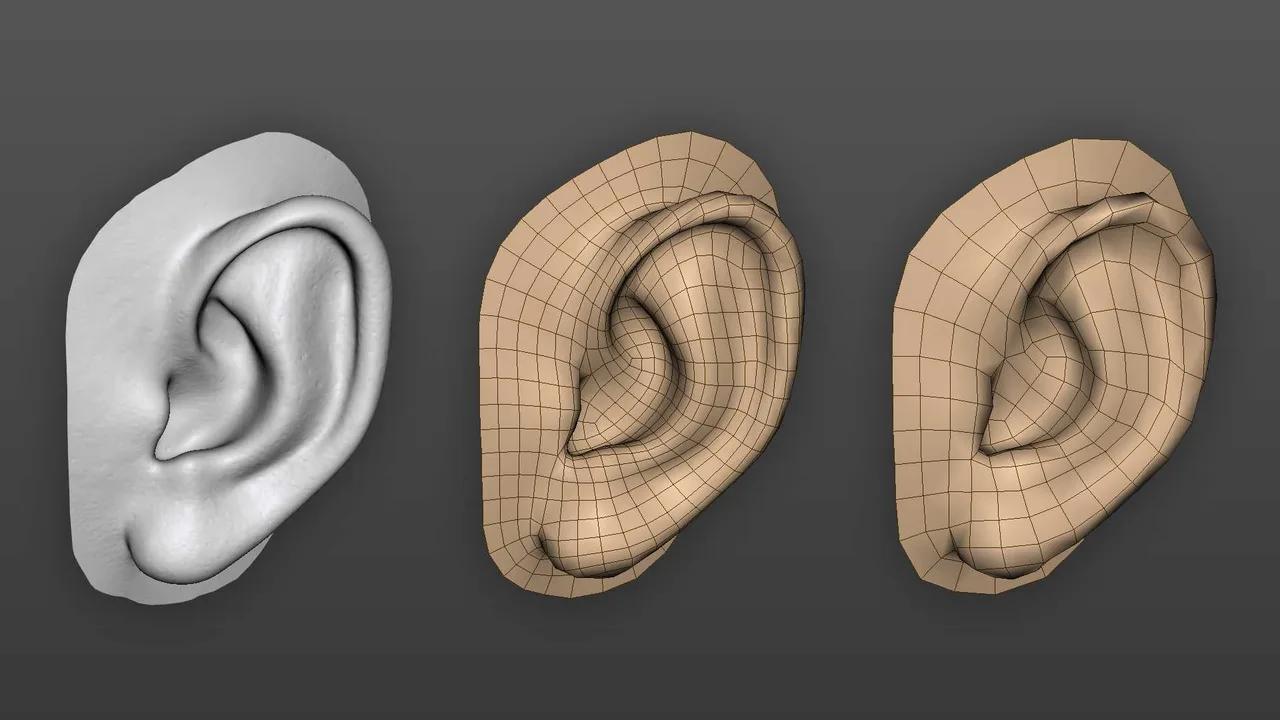
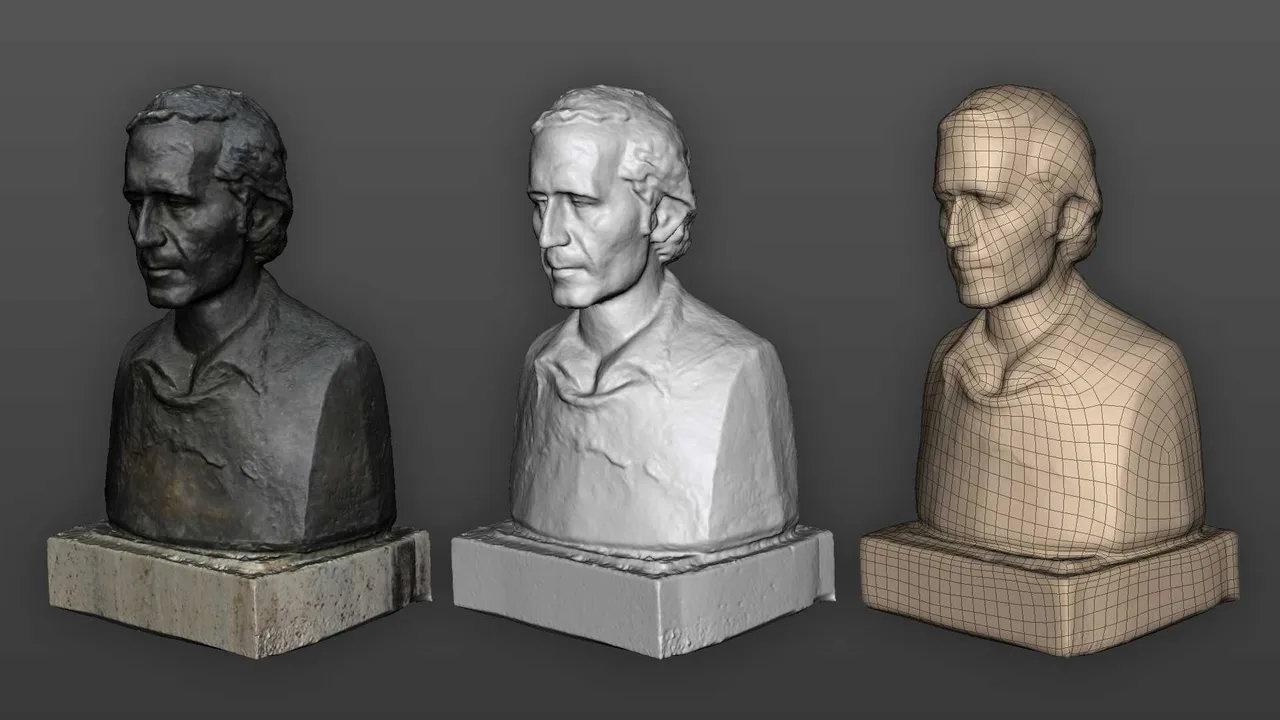
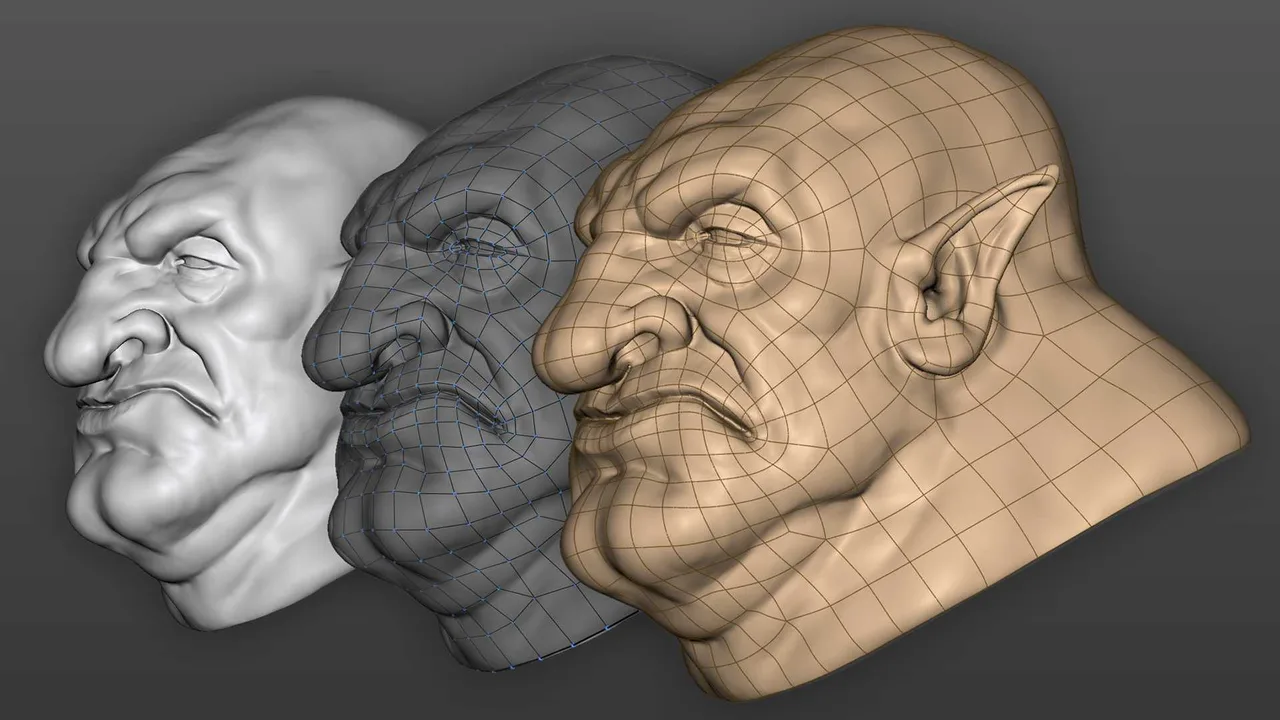
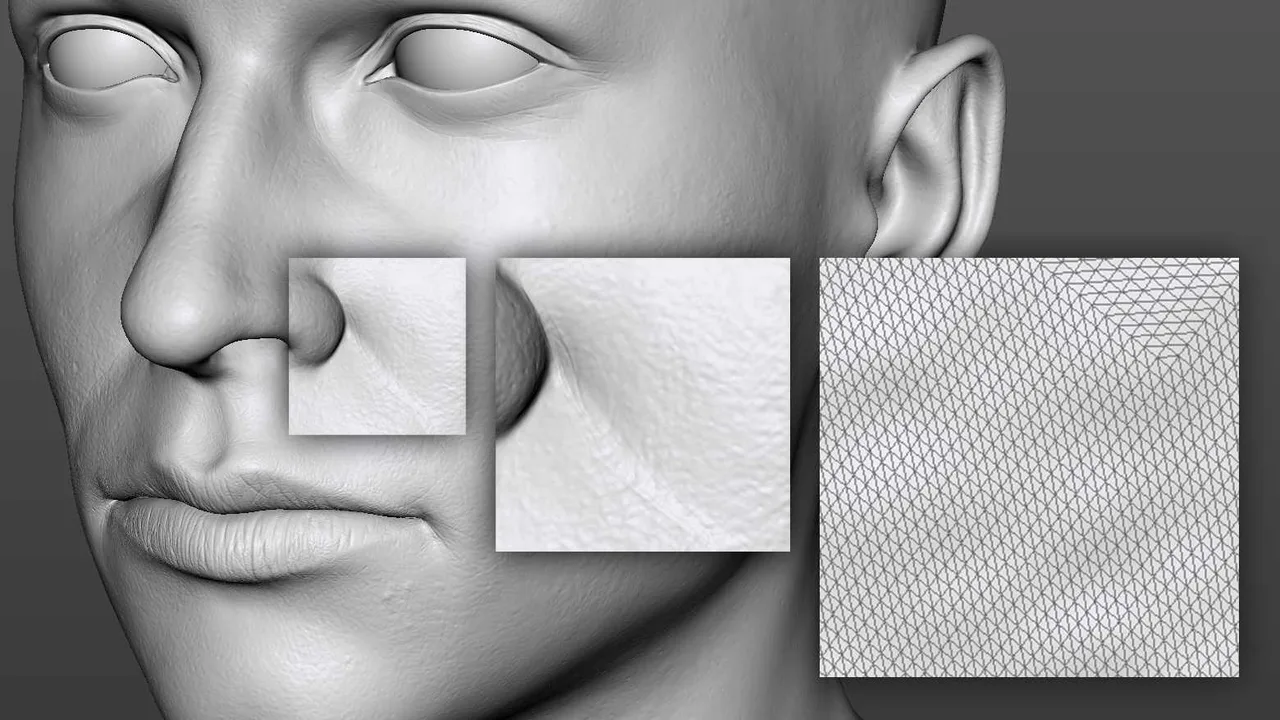
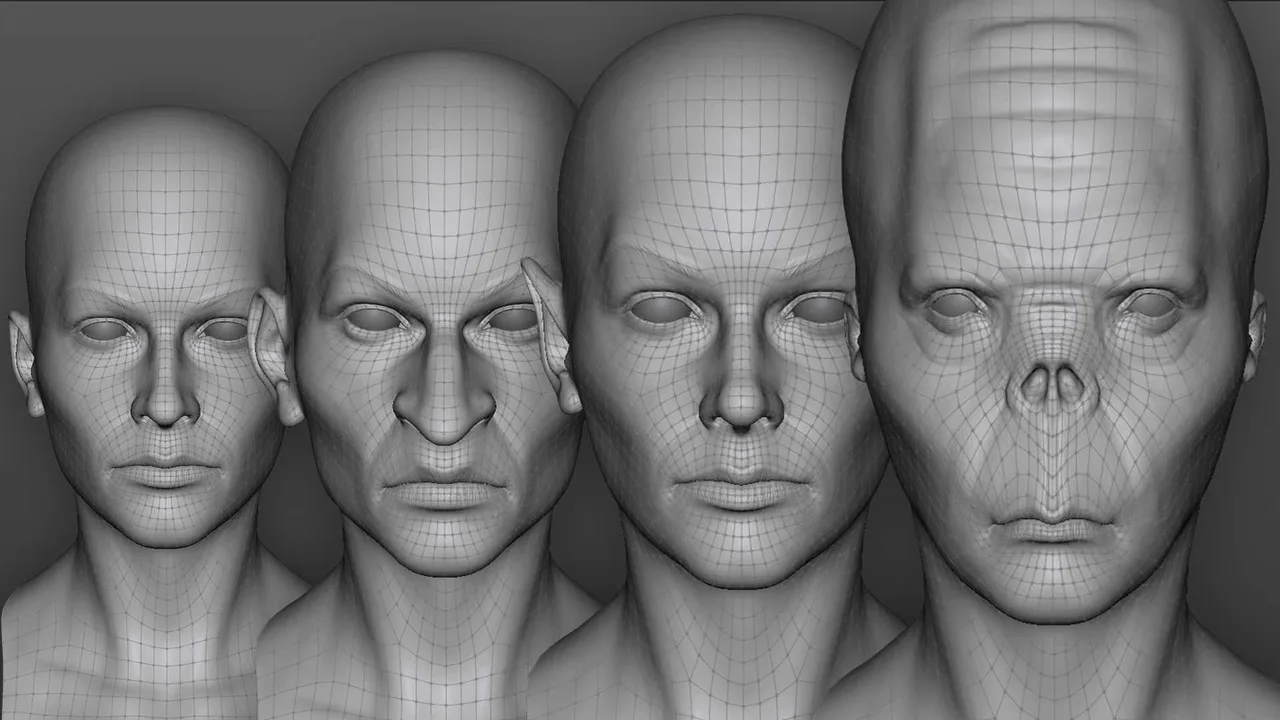
TopoGun is a standalone application from Pixelmachine that does two things: it lets you draw new topology over a dense reference mesh, and it bakes that mesh's surface detail into texture maps for the result. It is not a modelling package and not a UV tool, and that narrowness is the point. Its viewport treats the high-poly model as a static spatial reference rather than an editable object, which is why it stays responsive on scanned and sculpted meshes in the millions of triangles, where a general DCC would be swapping to disk. TopoGun 3 arrived in October 2023 after eleven years and three years of public beta, and remains the current version. Alongside the manual drawing tools it added a Patch tool that fills a sketched region with generated topology, which is the middle ground between drawing every loop by hand and pressing an auto-retopology button and accepting whatever comes out. Licences are cross-platform between Windows and macOS, and there is a floating option for studios.
The high-poly model is loaded as a static spatial reference rather than an editable object with history and modifiers, which is what lets it stay interactive on multi-million triangle scans and ZBrush sculpts without a decimation step first.
Create, Edit, Tubes, Slice, Cut, Circle, Shell and Mask cover drawing topology by hand. The Patch tool added in version 3 fills a sketched boundary with generated topology, so you direct the flow at the region level and let the software fill in the grid.
Bakes normal, displacement, ambient occlusion, colour, curvature, transmission and cavity maps in a single pass, with 32-bit floating point TIFF output for displacement so you are not fighting scale and offset parameters afterwards. Ambient occlusion is hardware accelerated.
Fits an existing low-poly topology onto a changed or different sculpt, adapting vertex positions to the new surface. It is also how you build low-poly versions of sculpted blendshapes, or pose a low-poly mesh to match its high-poly reference.
Shows the subdivided result of the cage you are drawing, which matters because a cage that looks fine flat can pinch badly once it is smoothed. Baking happens against the subdivided surface too.
One licence covers both Windows and macOS: deactivate on one machine, activate on the other, no extra fee. Node-locked and floating licences are both sold, floating being the one studios need.
Recurring themes across third-party user reviews (G2, Capterra, TrustRadius).



TopoGun is not free. It is paid software with no free tier, though a time limited trial may be offered.
| Plan | Price | What you get |
|---|---|---|
| Standalone (node-locked) | USD 149.99 at launch | Price as reported by CG Channel when TopoGun 3 left beta in October 2023. Pixelmachine's store renders live prices at checkout, so confirm the current figure there before buying. VAT is added at checkout. |
| Floating | USD 349.99 at launch | Per seat, served by Pixelmachine's own licence server, which is available for Windows and as a Docker image. Same October 2023 source and caveat. |
| Upgrade from TopoGun 2 | USD 29.99 / 74.99 at launch | Standalone and floating respectively, for existing TopoGun 2 owners. Same October 2023 source and caveat. |
If a facial rig depends on a specific pole at the corner of the mouth, no automatic solver can promise it. Drawing the cage by hand is the only way to guarantee that layout, and this is the application built for doing it.
Its reason to exist is holding reference meshes that make Maya and Blender stutter. Skipping the pre-decimation step also means you retopologise against the real surface rather than an approximation of it.
One pass produces normal, displacement, AO, curvature, cavity, transmission and colour maps, with 32-bit float displacement, from the same scene where the topology was drawn.
A floating licence with a self-hosted server, including a Docker image, is unusual at this price point and rare among retopology tools generally.
It does not create or edit UVs. You export the topology, unwrap it in Blender, Maya or RizomUV, then bring it back for baking. Worse, changing topology after UVs exist invalidates them, because the UV data is bound to the vertex indices.
Automatic and semi-automatic tools are here, but the software is designed around manual drafting. If your workflow is press a button and move on, a plugin inside your existing DCC will cost less time and probably less money.
Windows and macOS only. There is no Linux build, though the floating licence server itself does ship as a Docker image.
No sculpting, no rigging, no animation, no rendering. It is one stage of a pipeline and assumes you own software for the rest.
OBJ and FBX. The documentation notes that groups inside an OBJ appear separately in the Scene View, while an FBX loads as a single reference mesh with each object in the file becoming a group of it. Reference meshes and the new topology are both handled as ordinary mesh files, so it drops into any pipeline that can export those.
No, and this catches people out. It has no tools to create or edit UVs. The normal route is to draw the topology here, export it, unwrap in Blender, Maya or RizomUV, then re-import the unwrapped mesh for baking. Note also that if you change the topology after UVs exist, the UV data is invalidated, because it is tied to the vertex indices you just altered.
No. Version 3 offers three modes: fully manual drawing, automatic retopology, and the Patch tool in between, where you sketch the boundary of a region and TopoGun generates the topology inside it. The Patch tool is the one that makes the case for buying it over a plugin, because it keeps human control of where loops run without demanding that every quad be placed by hand.
The practical limit is your RAM rather than a coded ceiling. The vendor's own interface screenshot shows reference meshes totalling 686,000 vertices and 1.37 million triangles while a 629 vertex cage is drawn over them. Pixelmachine specifies 8 GB of RAM as the minimum and 32 GB as recommended, and the recommendation is the realistic number for raw sculpt data.
Windows 7 or later and macOS 10.13 High Sierra or later, 64-bit, with an OpenGL 2.0 capable graphics card. There is no Linux build. Licences are cross-platform, so one purchase can move between a Windows workstation and a Mac.
Refitting an existing low-poly mesh onto a changed surface. If the sculpt is revised after you have already retopologised it, the Morpher adapts the vertex positions instead of making you redraw the cage. It is also used to make low-poly versions of sculpted blendshapes and to pose a low-poly mesh to match a high-poly reference.
Not one we can verify. Pixelmachine's site lists only TopoGun 3 and the older TopoGun 2, with no AI product, no Blender plugin and no Maya integration. Pages describing a TopoGun AI release trace back to a single unsigned, undated review site, and even that page's claimed release year and prices disagree with what the vendor publishes. Treat it as unconfirmed until Pixelmachine announces it.
Free, MIT licensed automatic quad remesher with a desktop app and a headless CLI, revived in 2026 after six years of dormancy.
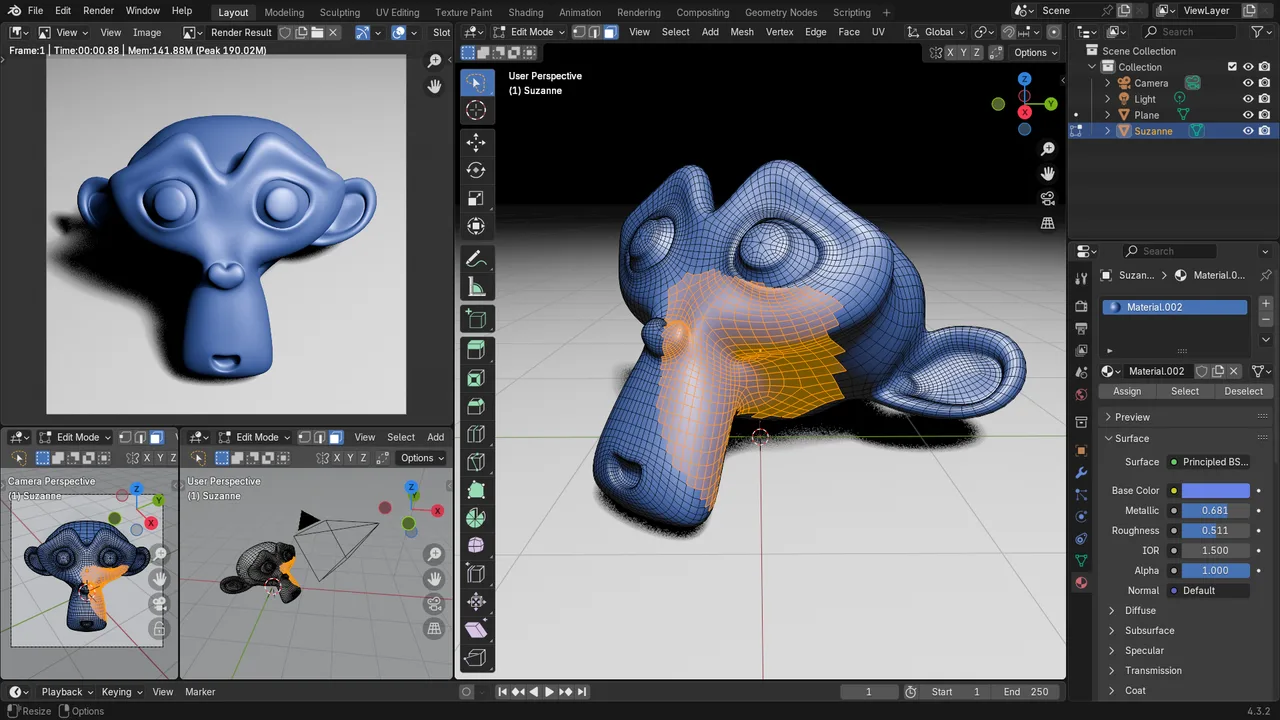
Free and open source 3D creation suite covering modeling, sculpting, texturing, animation and rendering.
Automatic quad retopology plugin for 3ds Max, Maya, Blender, Modo, Houdini and Fusion 360, written by the author of ZBrush's ZRemesher.

Link to this page with the badge below (use listed-light.svg on a light background). Spotted something out of date? Tell us.
<a href="https://3dtoolwiki.com/tools/topogun" target="_blank"><img src="https://3dtoolwiki.com/badges/listed-dark.svg" alt="Listed on 3D Tool Wiki" width="200" height="54"></a>