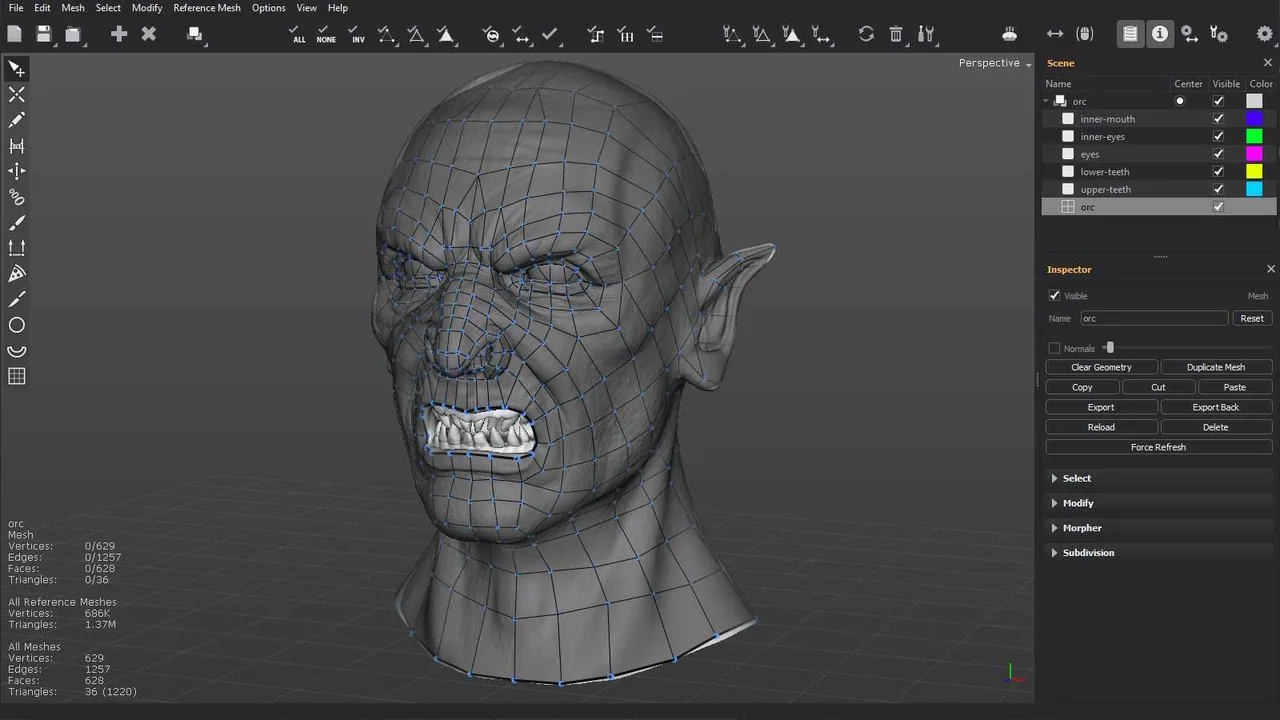
Quad Remesher
Automatic quad retopology plugin for 3ds Max, Maya, Blender, Modo, Houdini and Fusion 360, written by the author of ZBrush's ZRemesher.
Free, MIT licensed automatic quad remesher with a desktop app and a headless CLI, revived in 2026 after six years of dormancy.
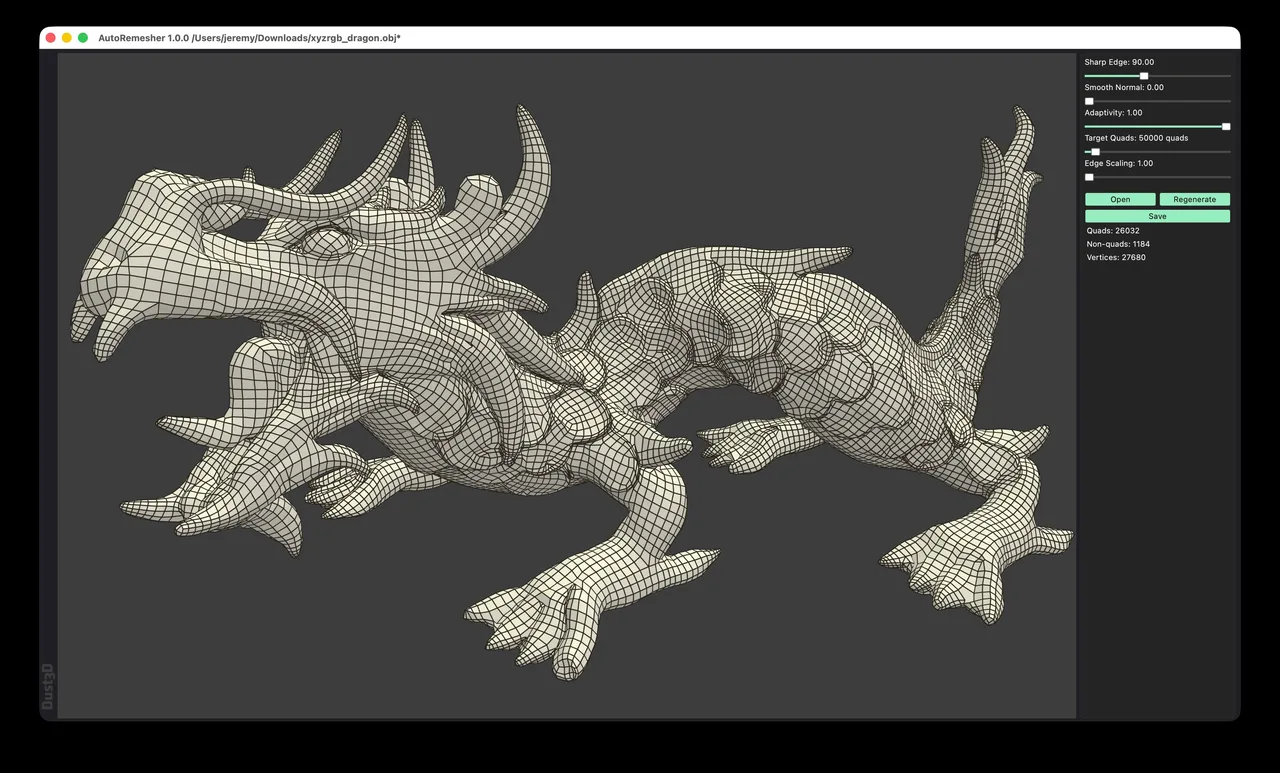
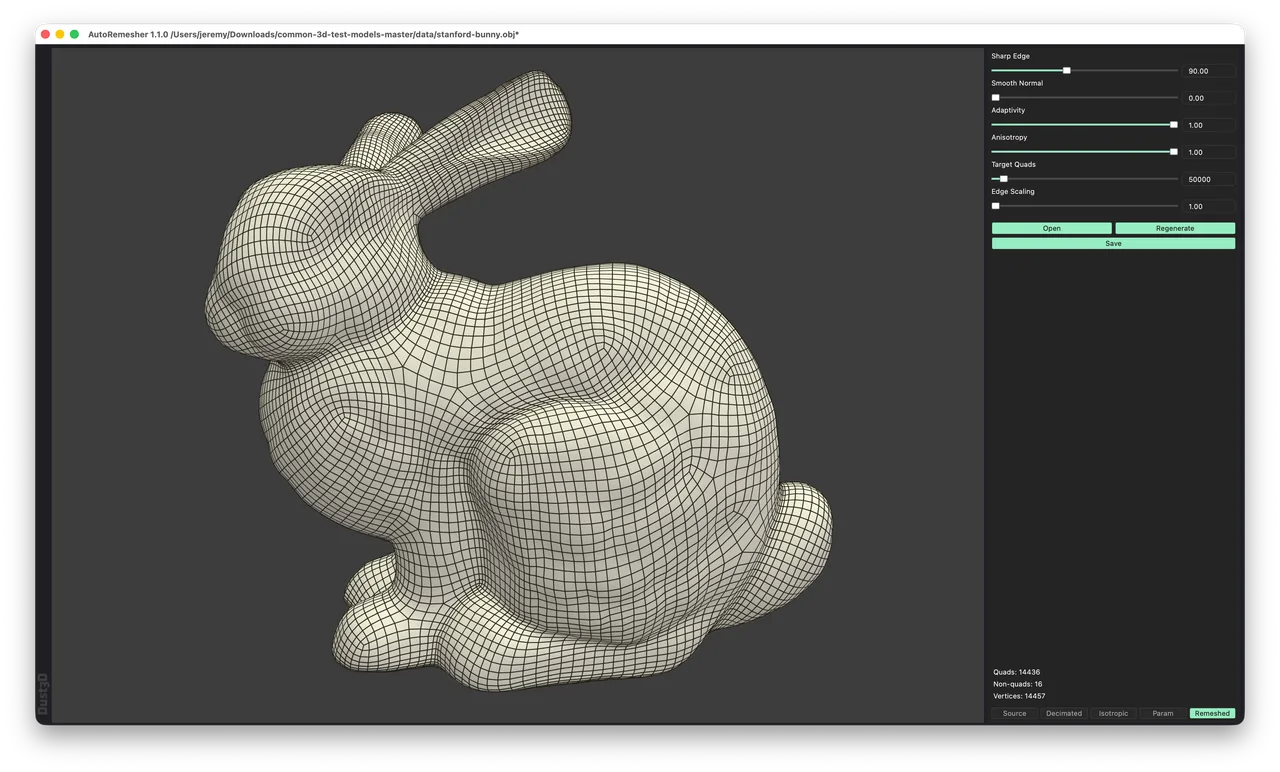
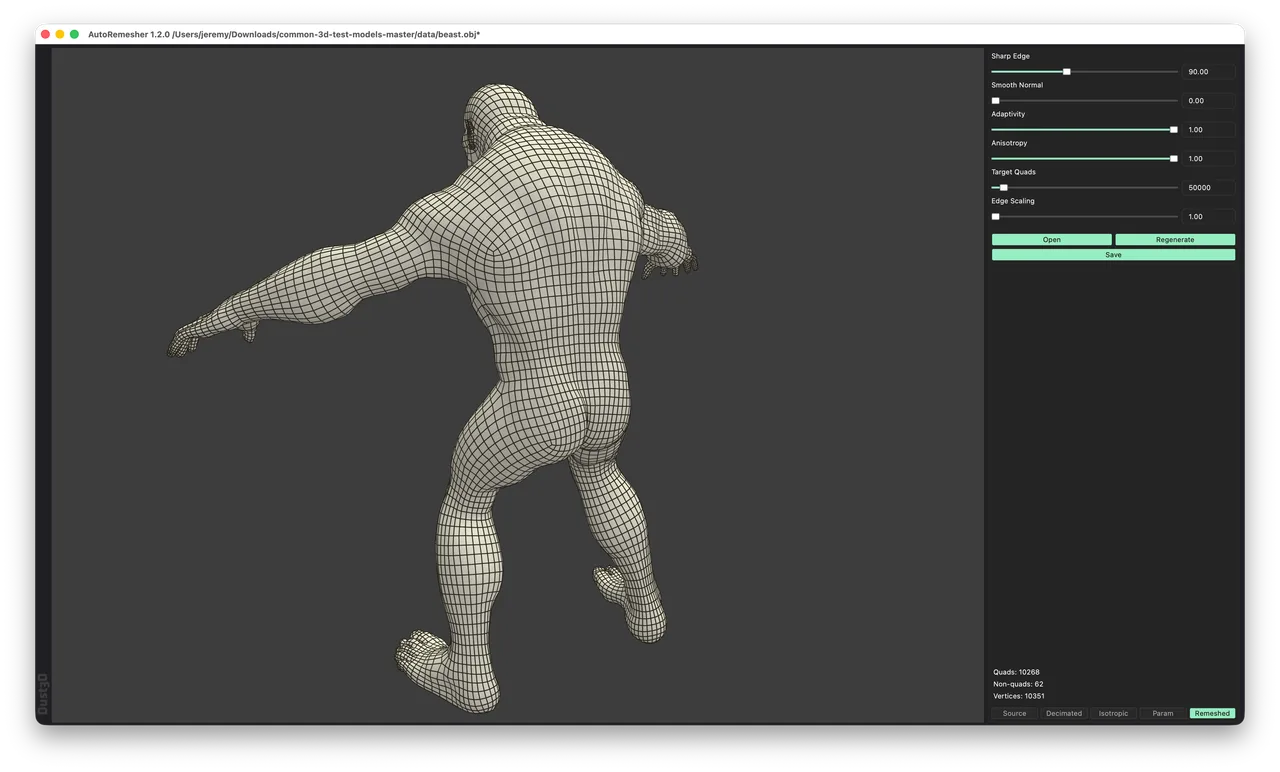
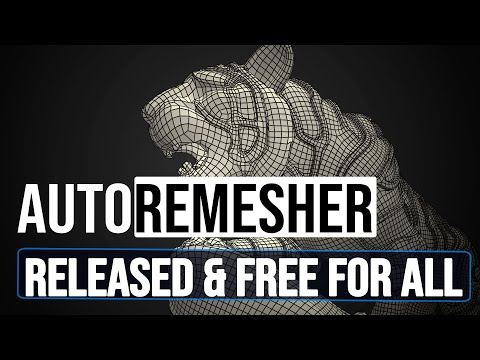
AutoRemesher turns dense triangle meshes into quad topology, and it is the only credible free alternative to the paid auto-retopologisers. It is written by Jeremy Hu, who also made the Dust3D modelling tool, and its history is unusual enough to matter when you are deciding whether to depend on it: the project stopped at a beta on 26 September 2020 and did not ship again until 6 July 2026, nearly six years later. That 1.0.0 release relicensed the code from GPLv3 to MIT by reimplementing the dependencies that made MIT impossible, which is what allows it to be embedded in commercial pipelines. Two more releases followed within seven weeks. It ships as a plain desktop application with six sliders and a headless command line for batch work, and it reads and writes OBJ only, so it is a step in a pipeline rather than somewhere you do any modelling. There is no symmetry option and no way to draw guide curves, which is the honest dividing line between it and the commercial tools.
Sharp Edge (the crease angle in degrees), Smooth Normal, Adaptivity, Anisotropy, Target Quads and Edge Scaling. Adaptivity concentrates smaller quads where curvature is high; Anisotropy, added in 1.1.0, lets quads stretch along sweeping curves instead of staying square.
Every parameter is exposed as a command line flag, with progress printed as a percentage and a remeshing report written to a file. That makes it one of the few retopology tools you can drop into a server pipeline processing generated or scanned meshes in bulk.
Since 1.1.0 the viewport can show the source mesh, the decimated version, the isotropic remesh, the parameterisation and the final quads as separate tabs, including the singular vertices. When a result comes out wrong, this is how you find which stage broke.
Version 1.0.0 moved from GPLv3 to MIT by reimplementing the dependencies that blocked it. For anyone building a commercial product around automatic retopology, that relicensing is the single most consequential thing the project has ever done.
No FBX, no glTF, no scene concept. It expects a single mesh file and returns a single mesh file, which keeps the tool simple but means an export and import round trip out of whatever you actually model in.
Recurring themes across third-party user reviews (G2, Capterra, TrustRadius).


AutoRemesher is free and open source. There is no paid edition to upgrade to, and no feature is held back behind a licence.
| Plan | Price | What you get |
|---|---|---|
| AutoRemesher | Free | MIT licensed since version 1.0.0, so commercial use and redistribution are both permitted. The developer accepts donations; nothing is gated behind them. |
The CLI plus a permissive licence is the combination that matters here. Text-to-3D and image-to-3D output arrives as dense triangle soup, and this can be pointed at thousands of files without per-seat licensing.
It is meaningfully better than Blender's built-in QuadriFlow on global edge flow, at no cost. For personal sculpts and static props that is often the whole decision.
This is where user comparisons put it strongest: the grid stays orthogonal across planar surfaces, and the Sharp Edge angle pins loops to real creases.
There is no symmetry option at all, so the left and right sides of a face come out differently and you have to bisect and mirror by hand. Organic cavities like eye sockets also tend to spiral rather than form closed rings.
No guide curves, no density painting, no local control of any kind. You get six global numbers and a Regenerate button; if the result is wrong in one region, your only lever is to change it everywhere.
The standalone application discards UVs. A third-party Blender bridge add-on attempts a best-effort UV and material transfer, but the core tool does not.
Yes, since version 1.0.0 in July 2026. Before that it was GPLv3, which made it awkward to embed in closed-source products. The 1.0.0 release notes describe reimplementing the MIT-incompatible dependencies specifically to relicense the project, so both commercial use and redistribution are now clear.
Target Quads is treated as a guideline the solver may undershoot, and it usually does. The developer's own screenshots for versions 1.0.0, 1.1.0 and 1.2.0 all show the target set to 50,000, with results of 26,032, 14,436 and 10,268 quads respectively. Those are three different models, so it is not a controlled comparison, but the direction is consistent: budget for a good deal less than you request, and use Edge Scaling if you need to push density up.
No. There is no symmetry axis option, so a symmetrical input comes back with different topology on each side. The workaround is the same as with any tool lacking it: remesh, cut the result in half at the midline, delete one side and mirror. For rigged characters this is not optional.
Quad Remesher is better on the things riggers care about: it enforces symmetry inside the solver, it avoids six-edge poles that pinch under subdivision, and it holds volume on thin features. AutoRemesher's case is that it is free, MIT licensed and scriptable. For static props, scans and batch processing that is often enough; for animated characters it usually is not.
Yes. Every slider has a command line equivalent, for example --target-quads, --sharp-edge, --adaptivity and --anisotropy, alongside --input and --output. Version 1.1.0 added percentage progress and written remeshing reports specifically to make batch runs supervisable.
Nothing. The last beta shipped on 26 September 2020 and the next release was 6 July 2026. During that gap the algorithm was mostly rebuilt: the fragile quad extraction library was replaced with a custom extractor, and in version 1.1.0 the Geogram dependency was swapped for a native quad parameteriser.
Automatic quad retopology plugin for 3ds Max, Maya, Blender, Modo, Houdini and Fusion 360, written by the author of ZBrush's ZRemesher.
Standalone manual retopology and map baking application built to hold million-polygon reference meshes that make general 3D software crawl.

Link to this page with the badge below (use listed-light.svg on a light background). Spotted something out of date? Tell us.
<a href="https://3dtoolwiki.com/tools/autoremesher" target="_blank"><img src="https://3dtoolwiki.com/badges/listed-dark.svg" alt="Listed on 3D Tool Wiki" width="200" height="54"></a>