Google model-viewer
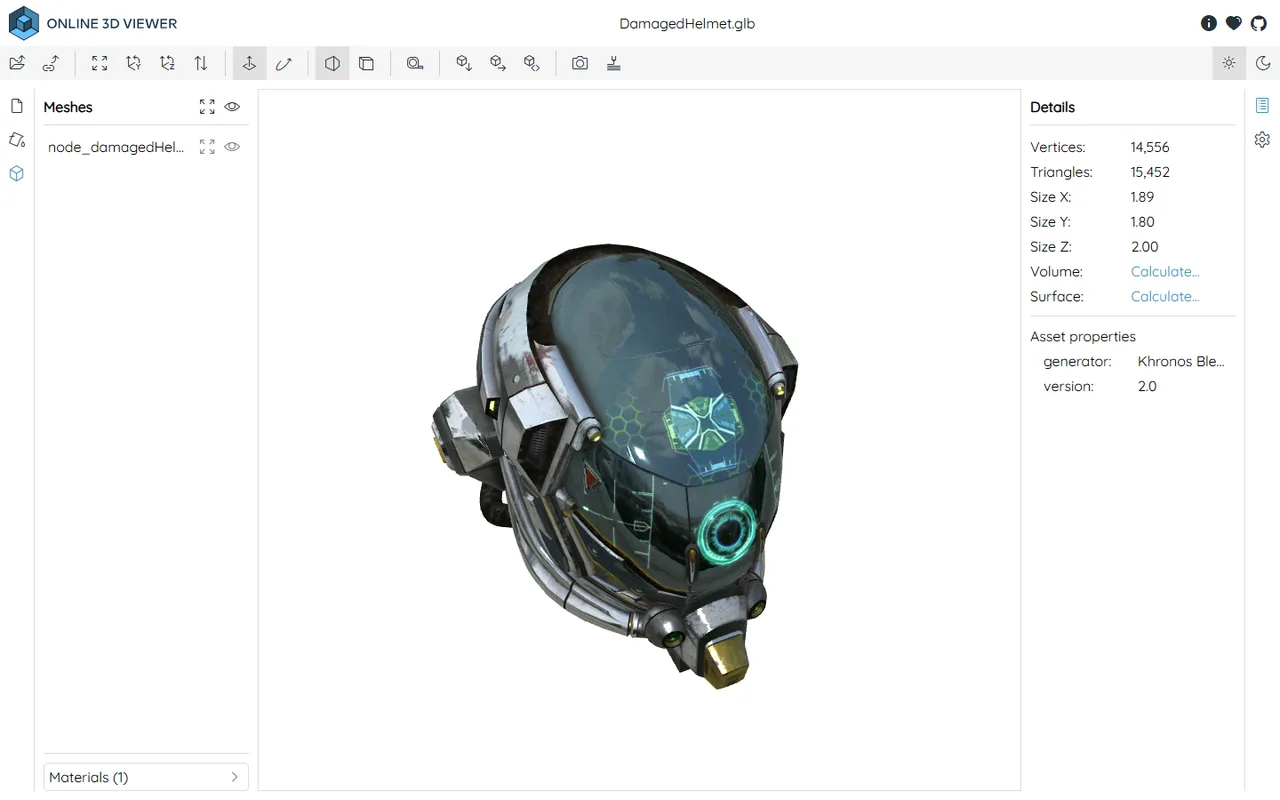
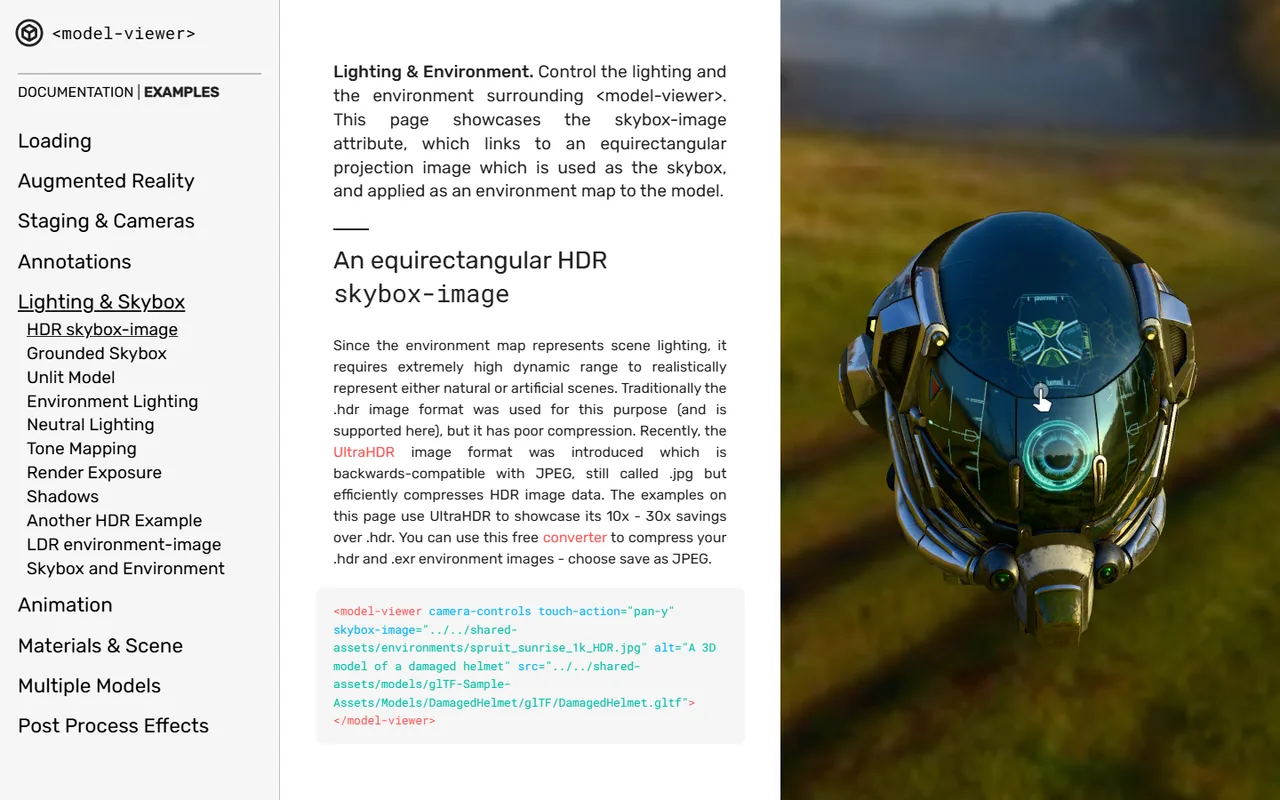
A web component that puts an interactive glTF model and an AR button on a page with one HTML tag. Reads glTF and GLB only.
The web's default 3D portfolio and embeddable viewer. Its store closed in 2024 and the platform changed hands again in 2026.
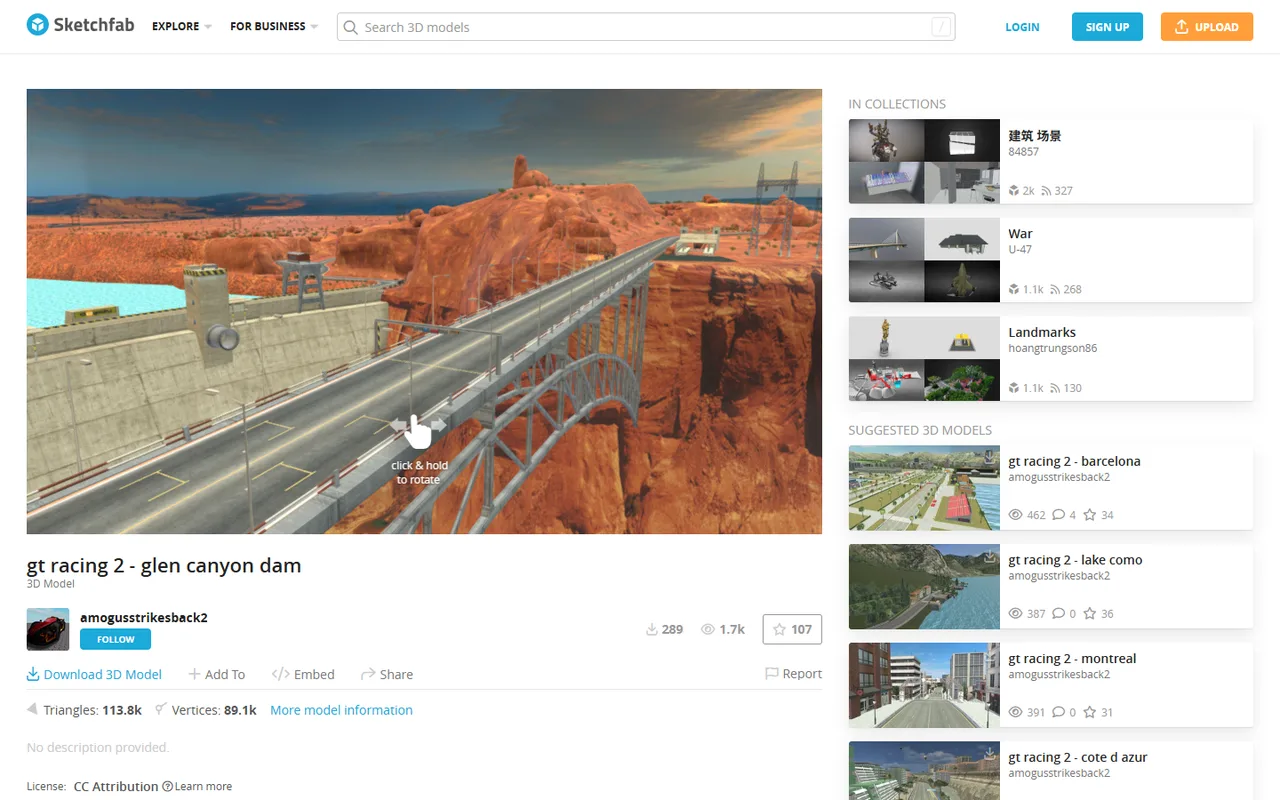
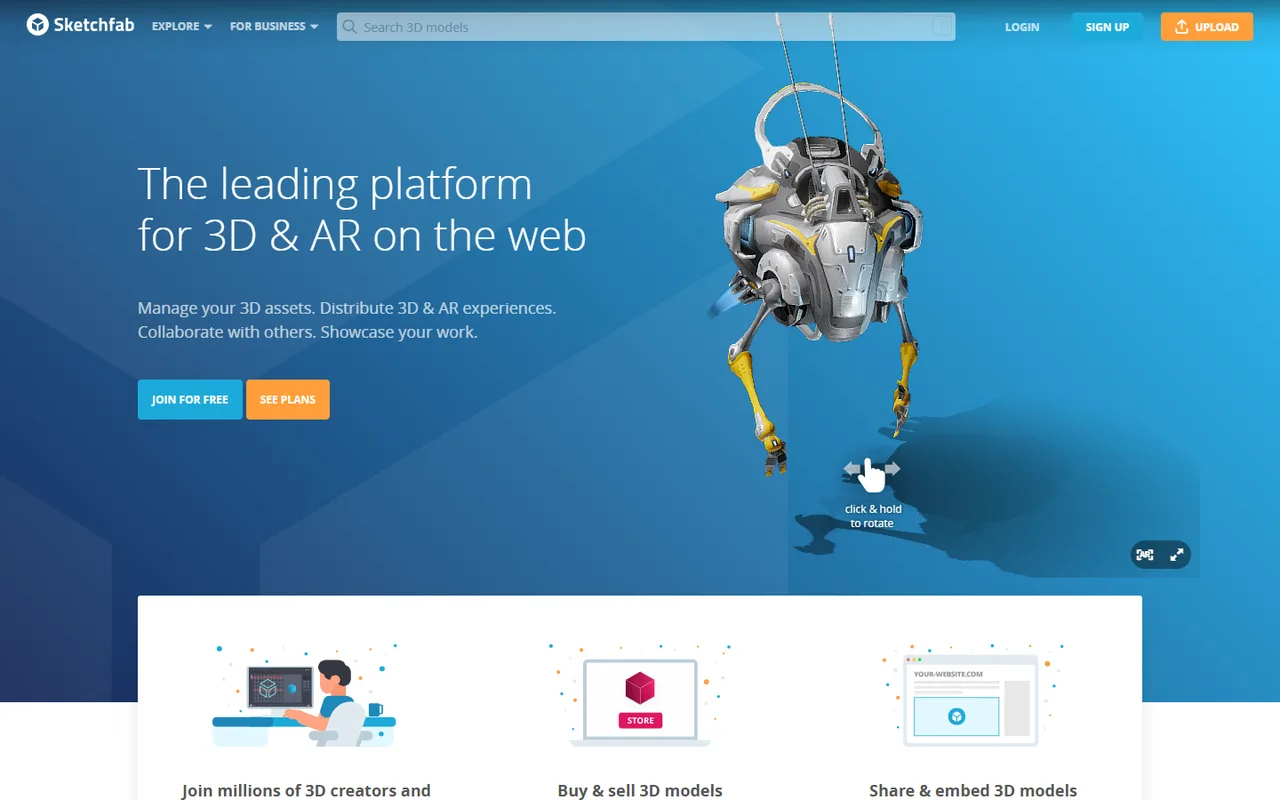
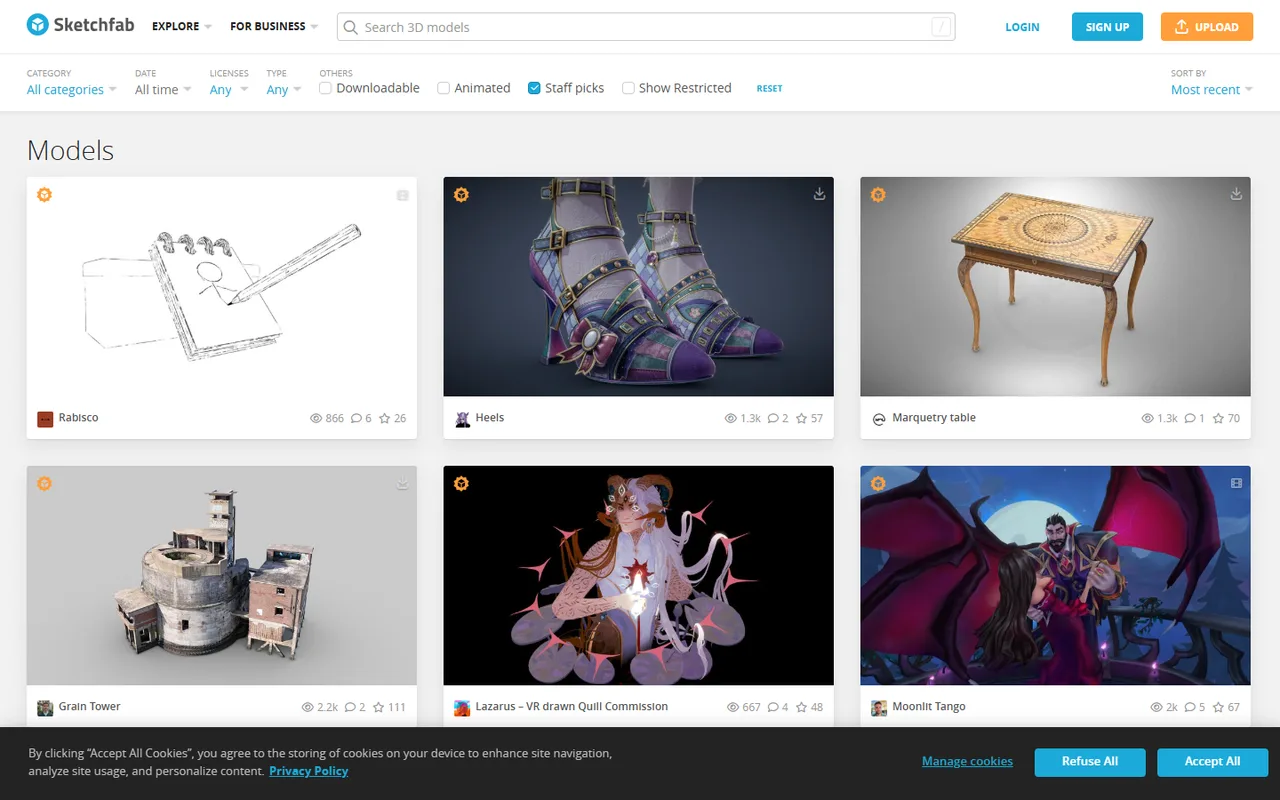
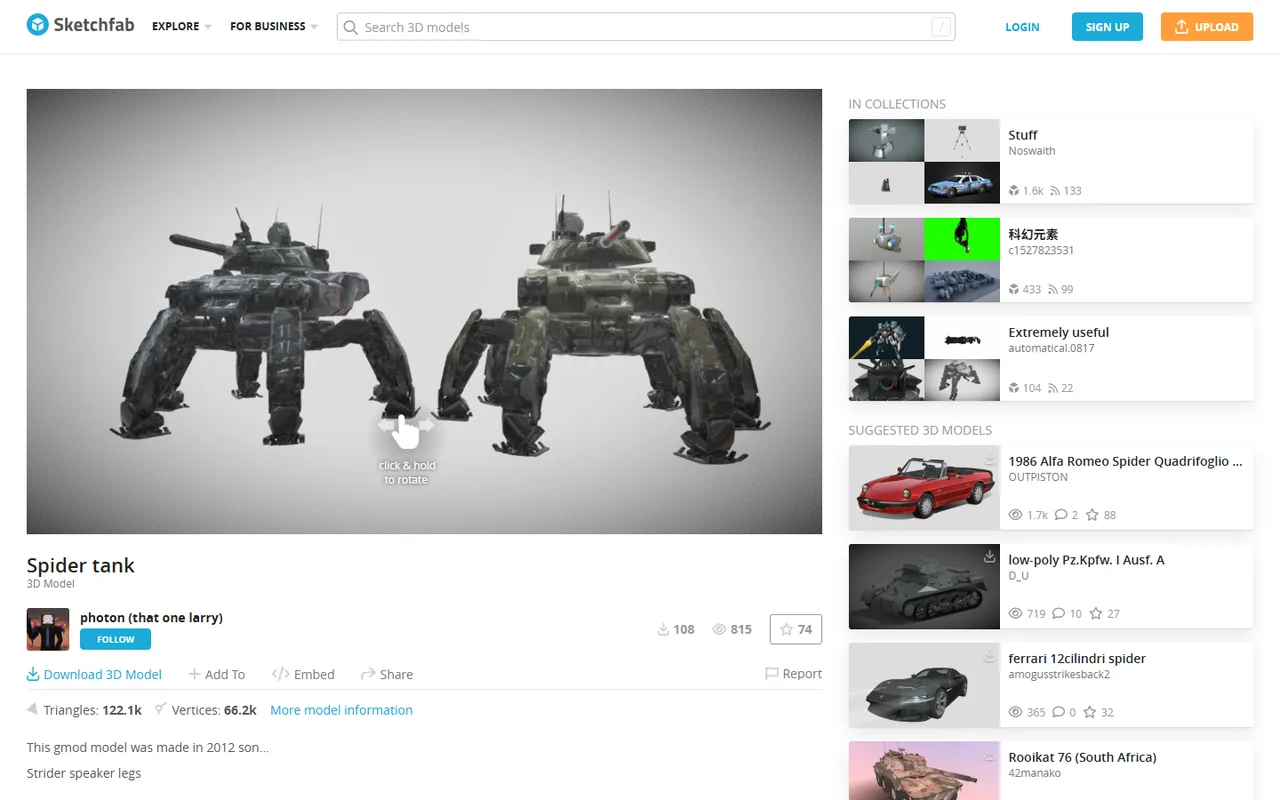
Sketchfab is where 3D work goes to be looked at. Upload almost any mesh format and it converts to glTF and USDZ, then serves an interactive WebGL viewer that can be embedded anywhere, with annotations, AR handoff and a post-processing stack that makes models look better than they do in most engines. It has been the default 3D portfolio since the early 2010s. Its commercial side is a different story: the Sketchfab Store closed permanently in October 2024 when Epic Games folded it into Fab, so selling now happens on Fab rather than here. Then in August 2026 Epic sold Sketchfab and ArtStation to KitBash while keeping Fab, which leaves the viewer and portfolio owned by one company and the storefront for the same assets owned by another. Judge it as a viewer and a portfolio, because that is what it now is.
Screen space reflections and ambient occlusion, depth of field, bloom and tone mapping all run in the browser. This is why models frequently look better here than in the engine they were built for, and it is also the most cited complaint from buyers, who find the topology underneath is not as good as the presentation suggested.
It ingests OBJ, FBX, native BLEND files, Collada, STL, 3DS and more, then converts automatically to optimised glTF for the web and USDZ for iOS AR. Doing that conversion yourself is a real piece of work, and getting it as a side effect of uploading is a large part of the platform's practical value.
The iframe embed and the Viewer API are well documented and stable enough that ecommerce teams build product configurators on them without writing rendering code. Removing Sketchfab branding from the viewer requires the Premium tier.
Numbered hotspots with text, with the count depending on tier, which is why museums, heritage projects and teaching material end up here. A scanned artefact with labelled features is a different object from a bare mesh.
Credits are only consumed by view-only models published publicly. Drafts are unlimited, and so are downloadable models. You can even recover a spent credit by making an old view-only model downloadable. Read the tier limits with that in mind, because the headline number is not a storage cap.
Recurring themes across third-party user reviews (G2, Capterra, TrustRadius).
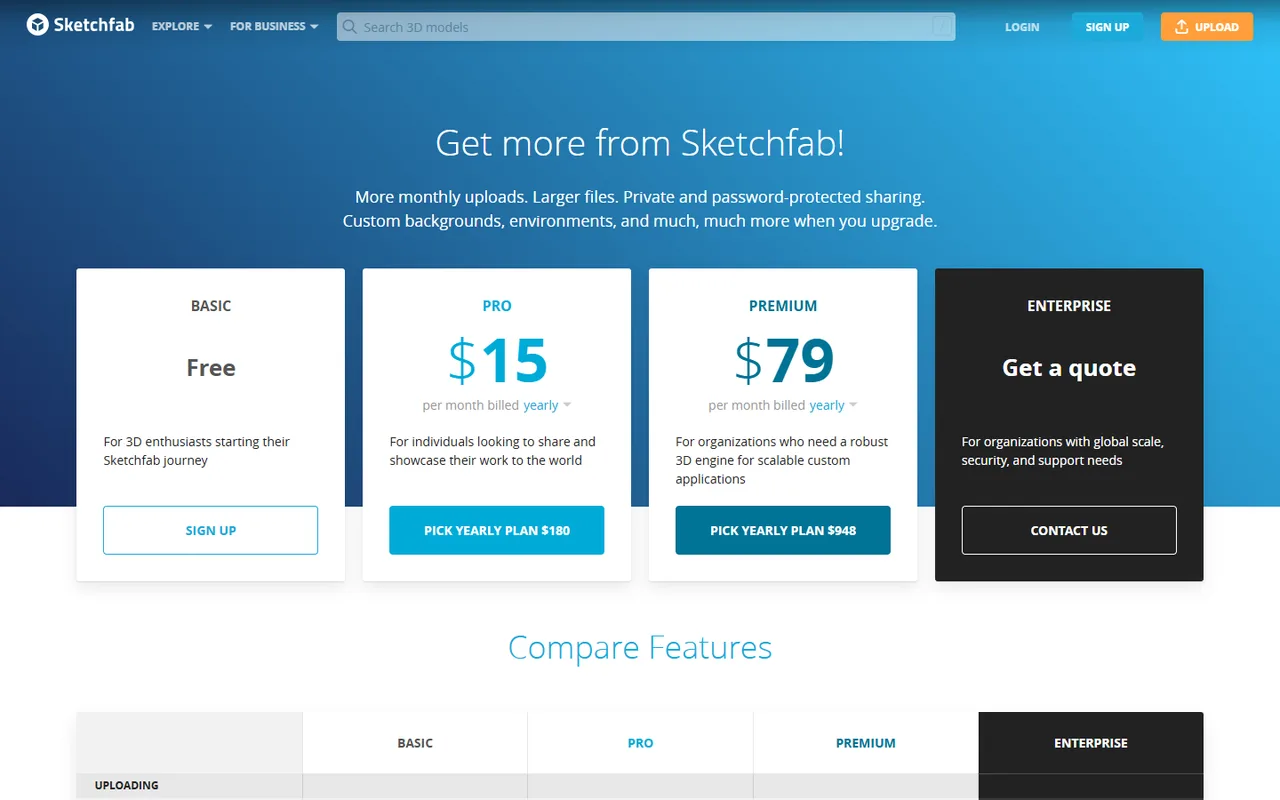
Sketchfab is free to start. There is a free tier you can use indefinitely, and paid plans begin at USD 180/year (Pro).
| Plan | Price | What you get |
|---|---|---|
| Basic | Free | 10 upload credits a month, 100MB per file, 5 annotations per model, and commercial use permitted. Enough for a portfolio, and the tier most artists never leave. |
| Pro | USD 180/year, listed as USD 15/month equivalent | 50 credits, 200MB files, 20 annotations, private and password-protected uploads, custom HDR environments and the configurator toolkit. Students and teachers get this free for a year on verification. |
| Premium | USD 948/year, or USD 129/month billed monthly | 200 credits, 500MB files, 50 annotations, 10 team seats, full Viewer API and an unbranded viewer with no Sketchfab logos or links. The unbranded viewer is the reason most businesses land on this tier. |
| Enterprise | Quote only | SSO, deeper analytics, custom seat counts and traffic agreements. Premium traffic is nominally unlimited under fair use, but the heaviest one percent of users can be asked to move here. |
Still the default answer, and the viewer quality is the reason. A model presented here looks its best, and recruiters and clients already know how to browse it. The free tier covers this use case completely.
The unbranded viewer and API on Premium put an interactive 3D product on a storefront for a fraction of what dedicated enterprise 3D commerce platforms charge, without building a rendering pipeline.
Annotated photogrammetry scans that anyone can open in a browser, plus free Pro accounts for verified students and teachers and custom pricing for institutions. This is a large and quiet part of what the platform is used for.
The store closed in October 2024. Selling moved to Fab, which after the August 2026 split is a different company's product. If your goal is revenue rather than presentation, this is no longer the place, and any guide that says otherwise predates the change.
It takes polygonal meshes, not parametric CAD. STEP, IGES and native SolidWorks assemblies have to be tessellated and optimised before upload, which means the interesting engineering data is gone by the time it arrives.
Private links and password protection exist on paid tiers, but geometry still streams to the browser to be rendered, so a determined party can recover it from the client. For unreleased hardware or anything classified, that is disqualifying regardless of the sharing settings.
No. The Sketchfab Store was permanently closed on 22 October 2024, when Epic Games consolidated its marketplaces into Fab. Selling and buying moved there, and existing purchases remain accessible through your profile. Free and view-only models stayed on Sketchfab. This matters more than usual right now, because a lot of published advice still describes Sketchfab as a marketplace.
KitBash, the company behind KitBash3D and Greyscalegorilla, which bought Sketchfab and ArtStation from Epic Games on 10 August 2026. Epic kept Fab. The practical consequence is that the platform hosting your portfolio and the marketplace selling the same assets are now run by different companies. It is too early to know what that means for pricing or policy, so treat anything about the platform's direction as provisional.
They are not a storage limit, which trips people up. A credit is spent only when you publish a view-only model publicly. Drafts are unlimited, and so are models you publish as downloadable. You can even get a credit back by editing an older view-only model to allow downloads. So the credit count on each tier constrains one specific kind of publishing rather than how much you can upload.
Only if the licence says so, and you have to check each one. Models carry individual Creative Commons licences, and a CC-BY-NC model cannot be used in anything monetised. Separately, some assets are marked editorial use only, which prohibits commercial use entirely and is a recurring source of complaints because it is easy to miss before downloading.
Not directly. The platform handles polygonal meshes, so CAD data has to be tessellated and optimised into something like OBJ or FBX first, using a converter or your CAD application's export. By the time it arrives the parametric information is gone, which is fine for showing a model and useless for engineering work downstream.
For most artists, yes. The free tier allows commercial use, gives 10 view-only publishes a month with unlimited downloadable and draft uploads, and takes files up to 100MB. Pro mainly adds privacy controls, larger files and more annotations; Premium is really about removing Sketchfab's branding from embeds, which is a business requirement rather than an artist one.
A web component that puts an interactive glTF model and an AR button on a page with one HTML tag. Reads glTF and GLB only.
Free, open source browser viewer that opens STEP, STL, OBJ, glTF and 15 more formats locally, with nothing uploaded to any server.

Link to this page with the badge below (use listed-light.svg on a light background). Spotted something out of date? Tell us.
<a href="https://3dtoolwiki.com/tools/sketchfab" target="_blank"><img src="https://3dtoolwiki.com/badges/listed-dark.svg" alt="Listed on 3D Tool Wiki" width="200" height="54"></a>