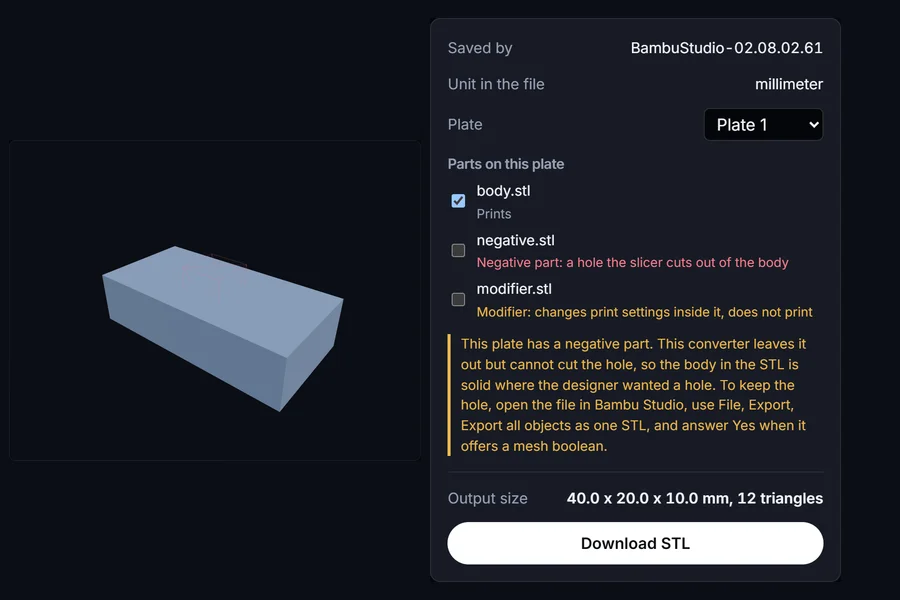
A Bambu Studio project with two plates
Saved by Bambu Studio itself, with a modifier and a negative part on plate 1 and another part on plate 2. Only the printing part of plate 1 goes into the STL.
Drop a 3MF and see what is inside it before you convert: which plate each part sits on, which volumes are modifiers or negative parts, and what unit the file uses. Then export one plate as an STL. The file never leaves your browser.
Drag and drop a 3MF file here, or
Accepts .3mf, including Bambu Studio, OrcaSlicer and PrusaSlicer projects. Nothing is uploaded.
This plate has a negative part. This converter leaves it out but cannot cut the hole, so the body in the STL is solid where the designer wanted a hole. To keep the hole, open the file in Bambu Studio, use File, Export, Export all objects as one STL, and answer Yes when it offers a mesh boolean.
A mirrored part was found; its faces were turned the right way out.
Checked in your browser. Nothing is uploaded.
The file is read and converted on your device. It is never uploaded to a server.
Saved by Bambu Studio itself, with a modifier and a negative part on plate 1 and another part on plate 2. Only the printing part of plate 1 goes into the STL.
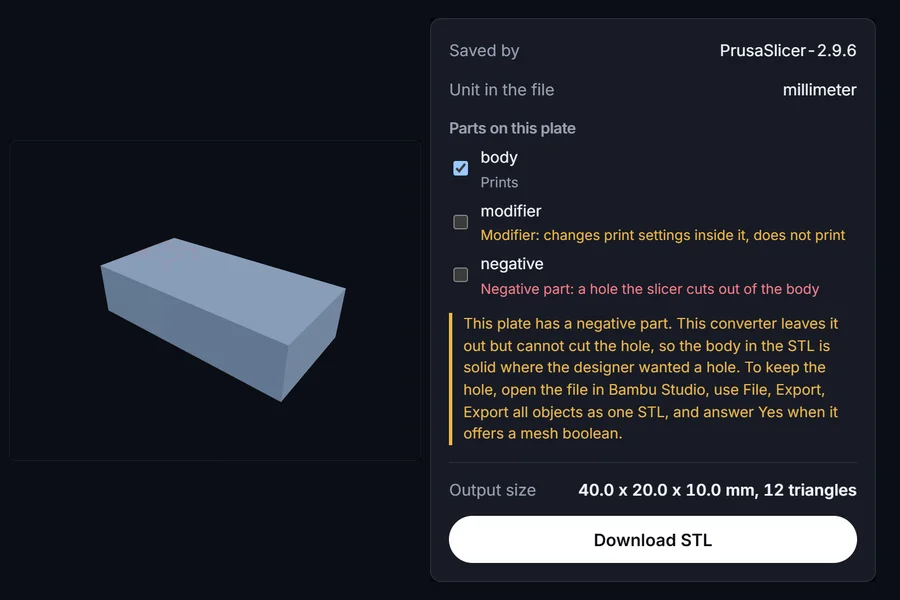
PrusaSlicer keeps every volume in one mesh and records which triangles belong to which. They are separated and labelled the same way.
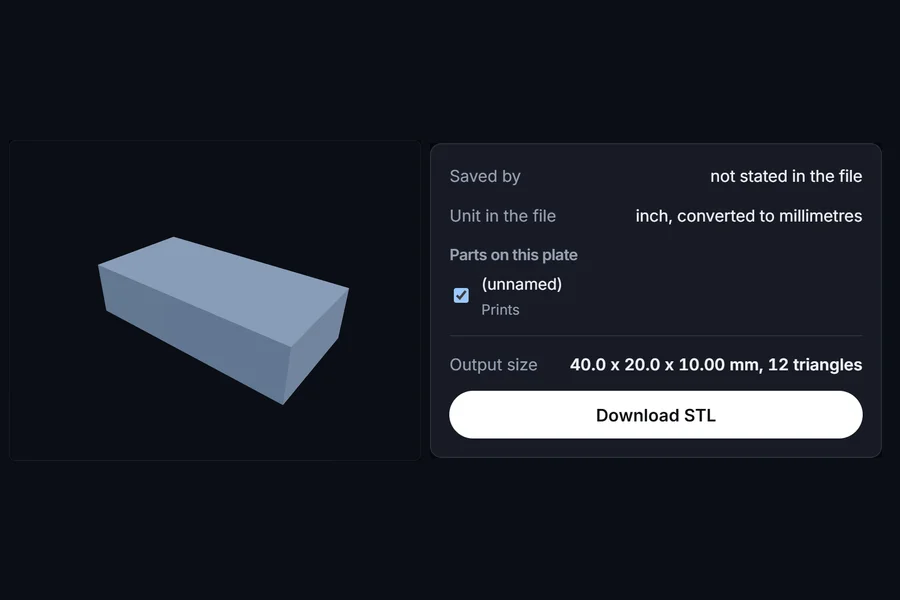
The unit is read from the file and converted, so a 1.575 inch box comes out as 40 mm. Four of the nine converters we tested missed this.
A slicer project can hold several plates. You choose one, so plate 2 does not end up in the same STL as plate 1.
Modifiers, negative parts and support blockers are listed with what they do and left out by default, instead of turning into solid blocks.
3MF records its unit. Inch and centimetre files are converted, so the STL is the size the designer meant.
We tested nine 3MF to STL converters on files with known right answers. On a two plate Bambu Studio project, every one of them that opened the file also exported the part from the other plate, and five turned the modifier and negative part into solid blocks. This one reads the slicer project data that decides what should print, so it can list it and leave it out. Read the test of nine converters · See the results table
No. The 3MF is unzipped and read by code running in this page, and the STL is written in the same place. Nothing is sent to a server.
Slicer projects store modifiers, negative parts and support blockers as extra volumes inside an object. The slicer draws them as helpers; in the file they are just more triangles. They are listed here so you can see them, and they are left out of the STL unless you tick them.
Choose "All objects" in the plate list. Bear in mind that Bambu Studio places each plate beside the previous one, so the parts from plate 2 sit about one bed width to the right of plate 1 in the file.
PrusaSlicer rejects a Bambu project that contains a modifier or negative part, because Bambu writes those as a kind of object the 3MF specification does not allow a printable object to reference. This page reads Bambu's own project data instead, so it can tell those parts apart.