Bambu Studio
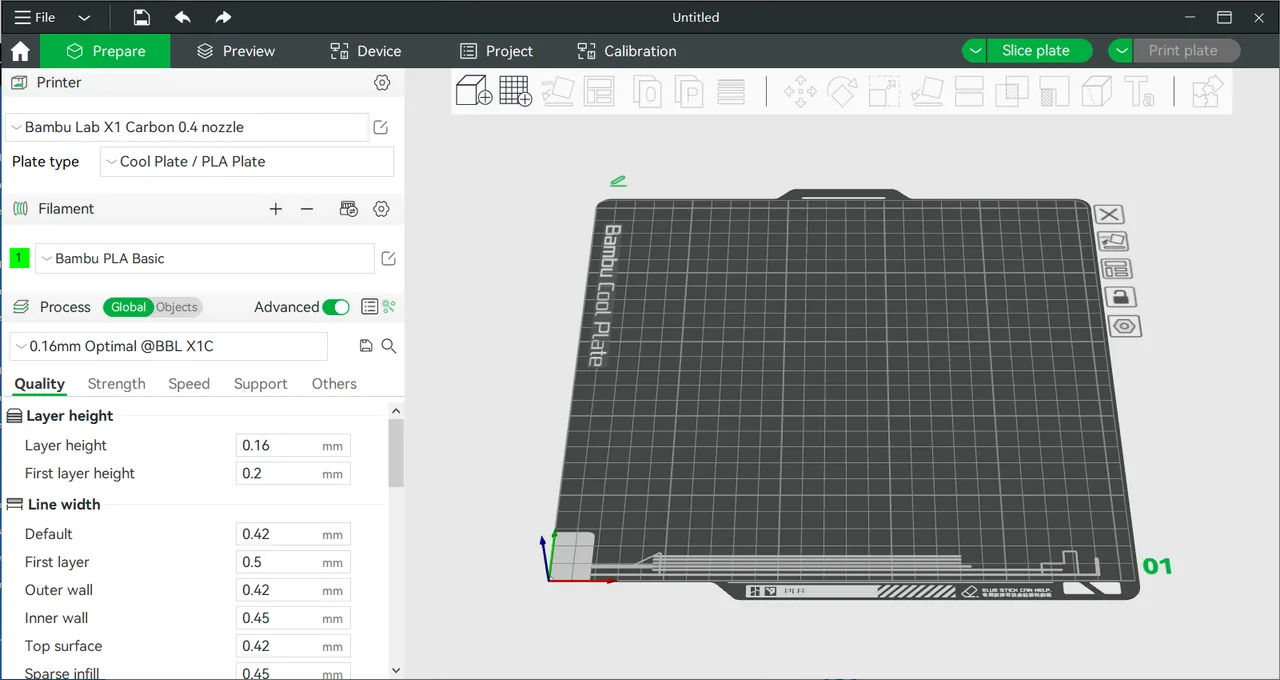
Free slicer built around Bambu Lab printers, with AMS multi-material painting, automatic flow calibration and remote print monitoring.
Free open source C++ slicer for FFF and resin printers, with paint-on supports, organic supports and native STEP import.
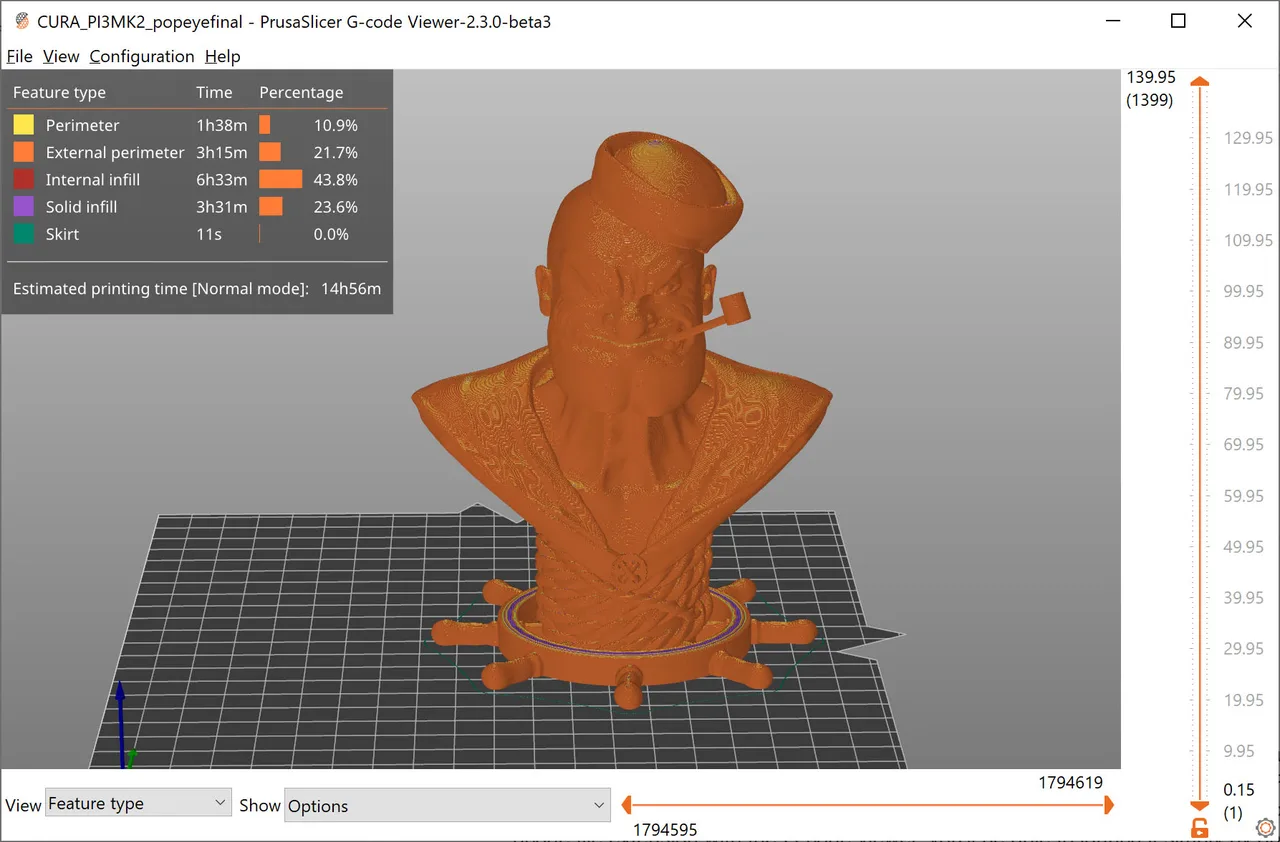
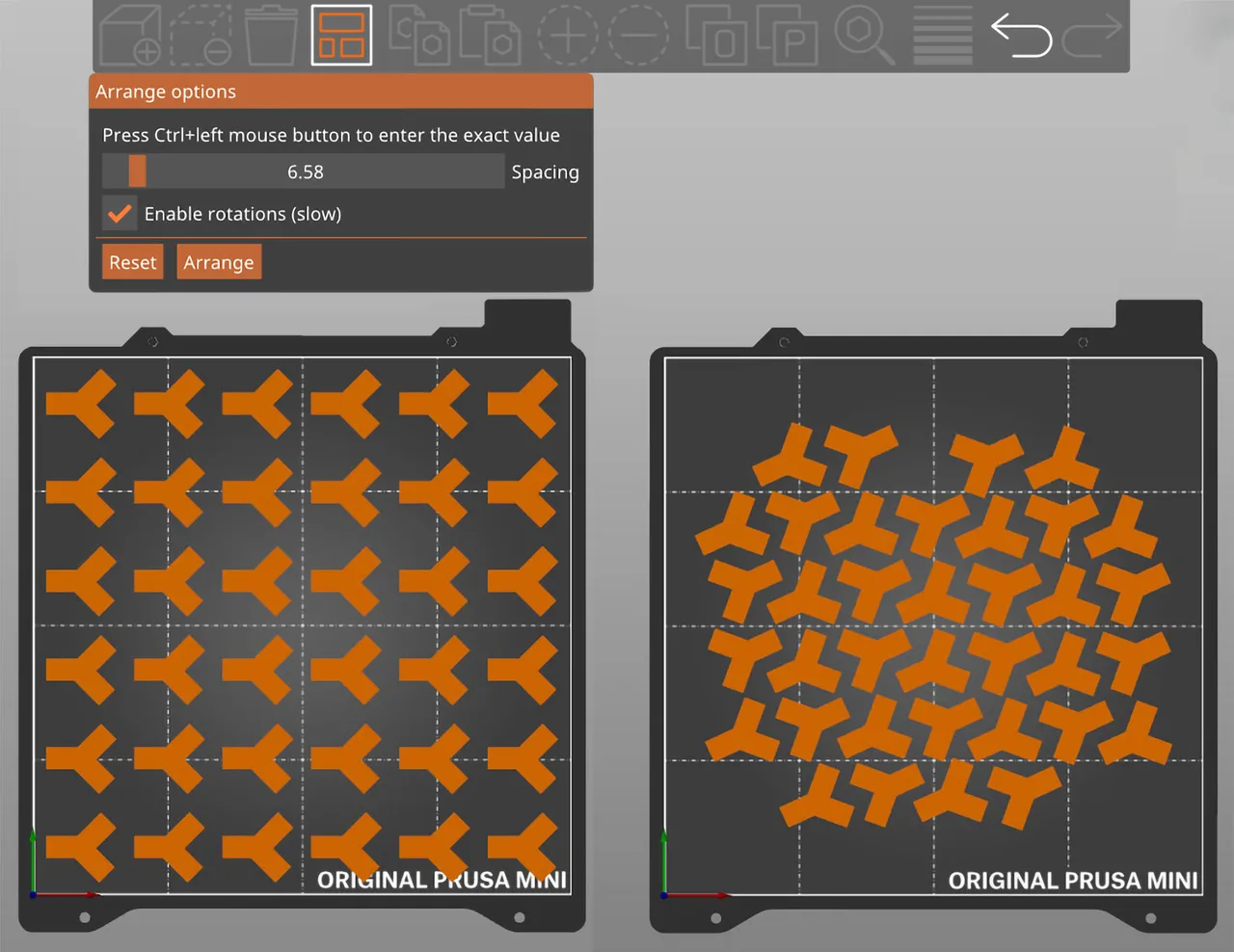
PrusaSlicer is the slicer maintained by Prusa Research in Prague. It descends from Slic3r, the Perl slicer Alessandro Ranellucci released in 2011: Prusa forked it in 2016 as Slic3r Prusa Edition, rewrote the engine in C++ for multi-threading, and renamed it PrusaSlicer with the 2.0 release in 2019. It is licensed under the AGPLv3 and free for any use, with no paid tier and no cloud dependency. Unlike most desktop slicers it covers both FFF printing and masked resin printing in one application, and it reads STEP files directly rather than requiring a mesh export first. Profiles are tuned first for Original Prusa hardware, but the software is not locked to it and ships definitions for a long list of third-party machines. The current stable release is 2.9.6, published on 25 June 2026. Two of the most widely used forks in 3D printing, Bambu Studio and OrcaSlicer, are built on this codebase.
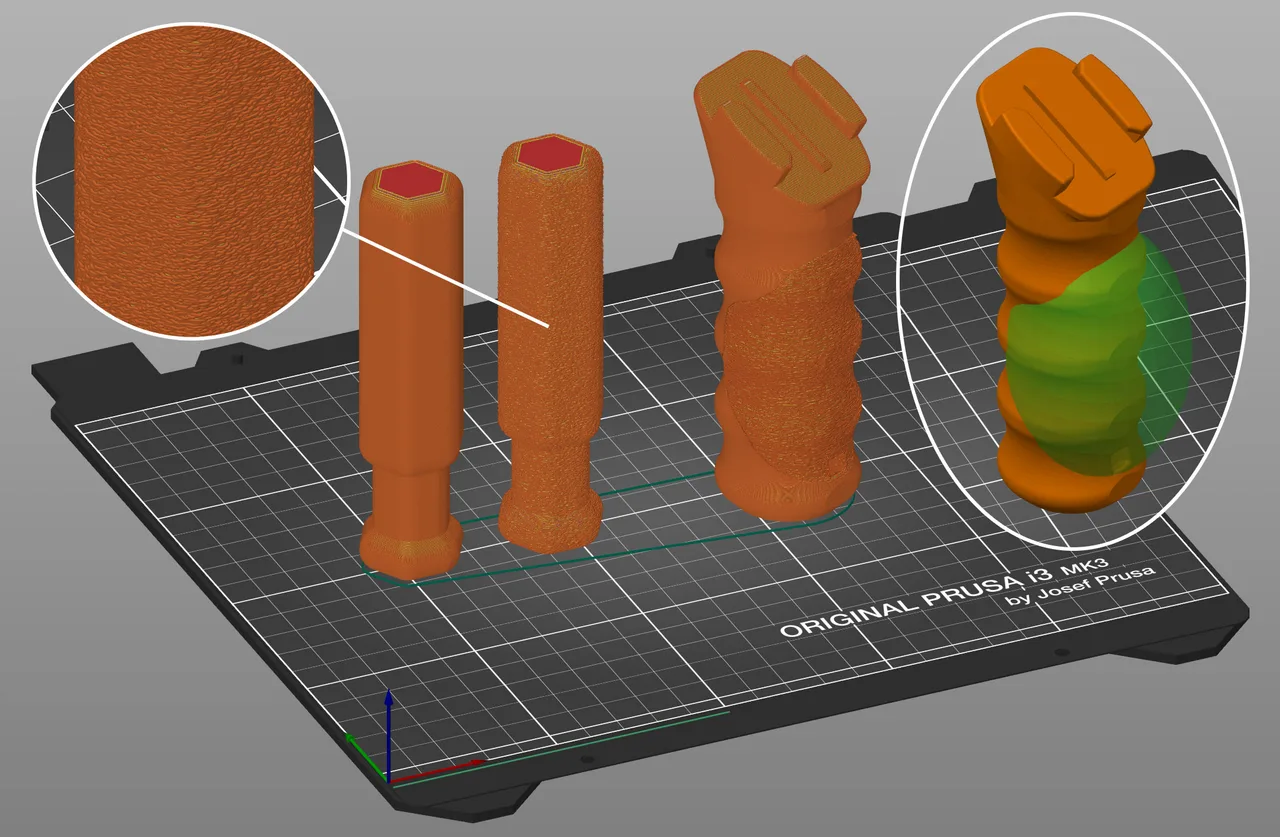
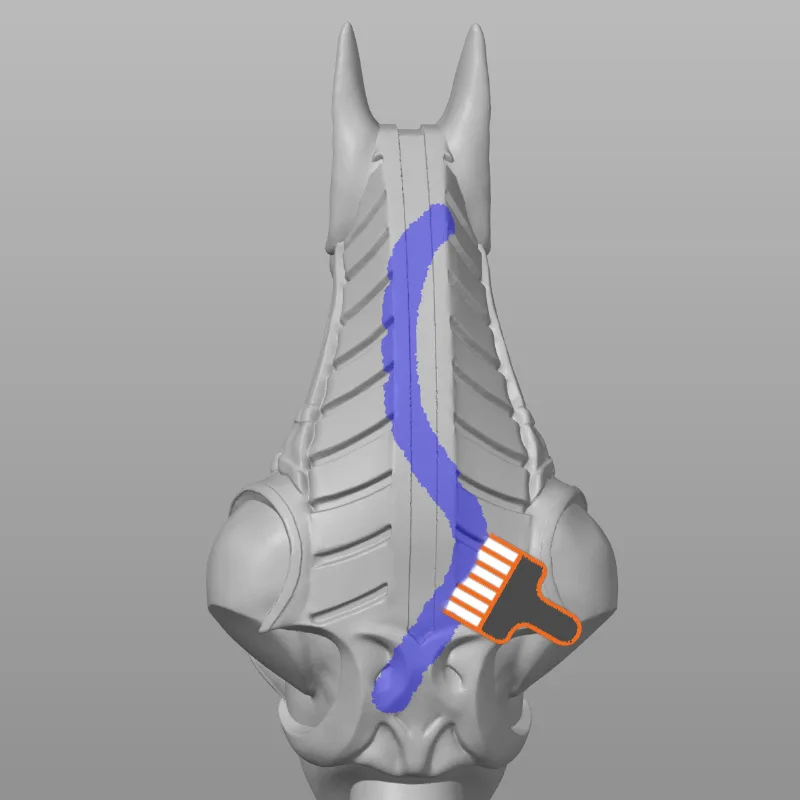
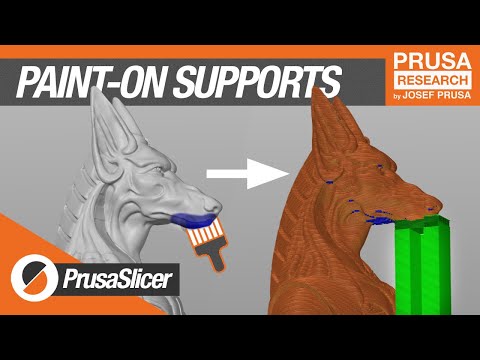
Rather than placing invisible modifier boxes, you brush directly on the mesh to mark where supports are enforced or blocked, where the layer seam should sit, and which surfaces get fuzzy skin texture. Reviewers repeatedly single this out as the ergonomic gap between PrusaSlicer and slicers that still rely on geometric modifiers.
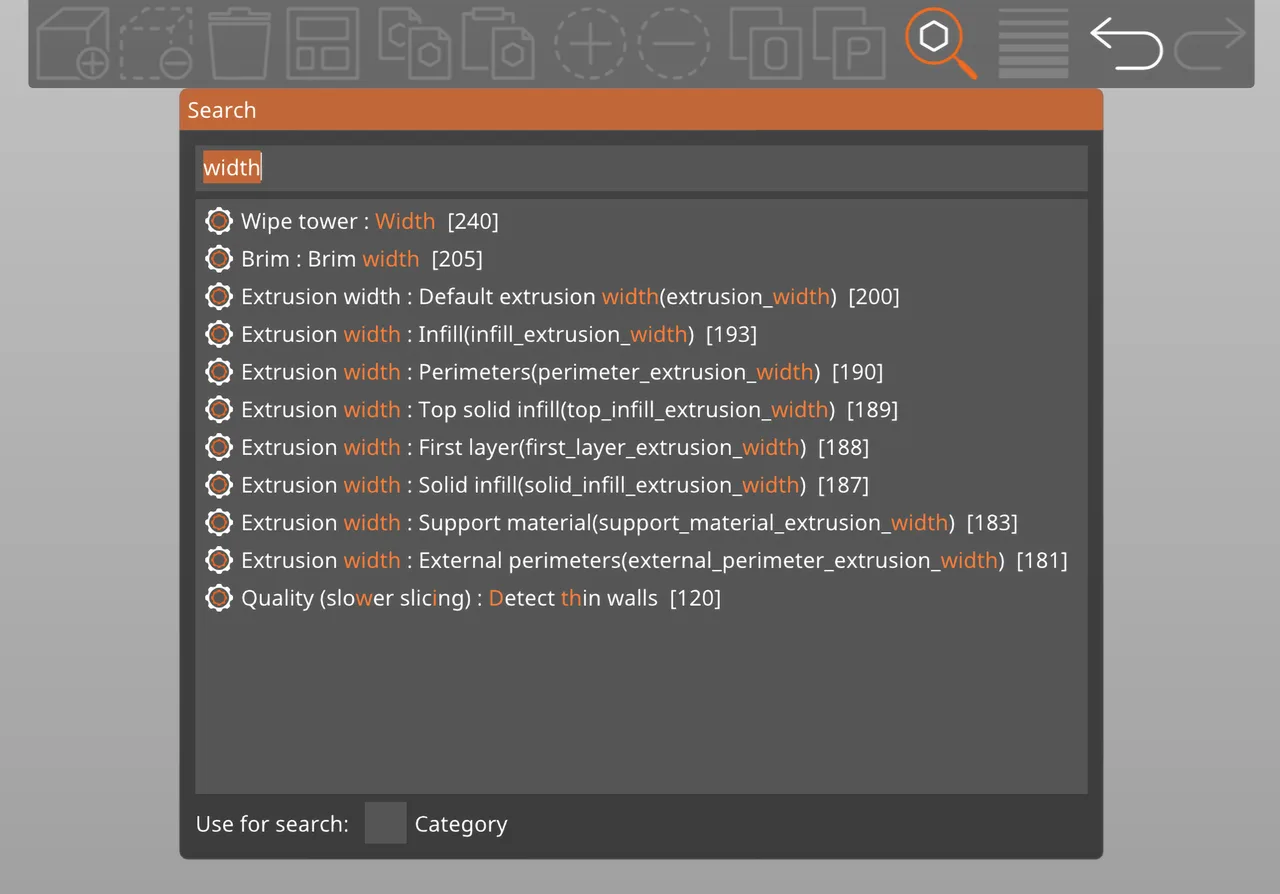
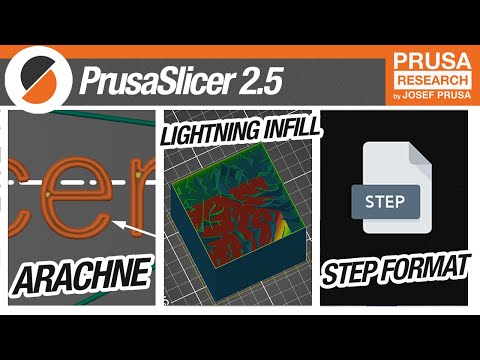
Arachne varies extrusion width across a perimeter so thin walls fill with continuous loops instead of erratic gap fill. It was developed by Tim Kuipers and the Cura team and ported into PrusaSlicer in 2.5, a clear example of the two projects trading algorithms rather than reinventing them.
PrusaSlicer opens STEP files directly alongside STL, OBJ, 3MF and AMF. Working from the CAD solid rather than an exported mesh avoids the faceting that a coarse STL export bakes in permanently, which matters most on curved mechanical parts.
For FFF it generates branching organic supports that touch the part in as few places as possible and snap off cleanly. It also slices masked resin prints, analysing per layer islands and overhangs to place micro supports that survive the peel cycle, so one application covers both technologies.
The .bgcode binary format cuts file size substantially against plain ASCII G-code, which shortens wireless transfers of large prints. Input Shaping and Pressure Advance values are baked into the shipped material profiles instead of being left as a manual calibration exercise.
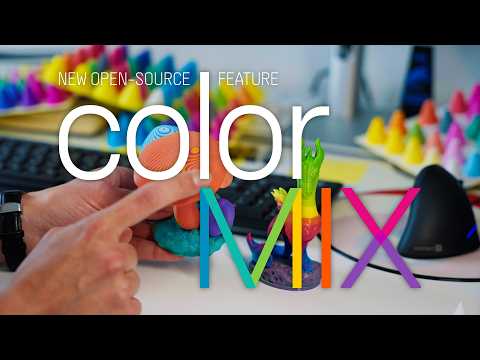
The slicer handles wipe tower logic, purge volumes and tool changes for multi-material setups. ColorMix, added in 2.9.6, alternates two loaded filaments across layers to fake intermediate colours and gradients from the filaments already on the machine. The mixing model is published under the MIT licence.
Recurring themes across third-party user reviews (G2, Capterra, TrustRadius).

PrusaSlicer is free and open source. There is no paid edition to upgrade to, and no feature is held back behind a licence.
| Plan | Price | What you get |
|---|---|---|
| PrusaSlicer | Free | The complete slicer under the AGPLv3: FFF and resin slicing, every feature, commercial use included. No account, no licence key and no cloud service required. |
| Paid tiers or add-ons | None | There is no paid edition, subscription or feature unlock, and nothing is gated behind Prusa hardware. Development is funded by printer and filament sales. Prusa Academy sells an optional PrusaSlicer training course, which is not needed to use the software. |
Profiles for Original Prusa machines are tuned and tested in house, so the printer, material and slicer settings line up without calibration work.
Direct STEP import keeps the parametric geometry intact through to slicing, avoiding a mesh export round trip and the faceting it introduces.
Everything runs locally with no mandatory account or cloud step, which suits workplaces where sending part geometry to a vendor cloud is not permitted.
One application covers FFF multi-material with wipe tower handling and masked resin slicing, instead of running a separate slicer for each technology.
Third-party machine coverage is real but far narrower than Cura's. If your printer is an off brand model, you are more likely to find a ready made profile there than here.
PrusaSlicer stays deliberately conservative about experimental features. OrcaSlicer, itself a descendant of this codebase, ships built in calibration test suites and adopts bleeding edge kinematics faster.
It is a local desktop application first. Teams that want fleet orchestration and telemetry through a vendor cloud will find more of that built into ecosystems like Bambu's.
It is free under the AGPLv3 with no paid tier. It ships machine definitions for many third-party printers and lets you define a custom one, so it is not locked to Prusa hardware. The caveat is coverage: Prusa profiles are tuned in house, while some third-party machines need manual tuning or a community profile, and Cura's ready made library is broader.
They share ancestry. Bambu Studio was forked from PrusaSlicer, and OrcaSlicer was in turn forked from Bambu Studio. PrusaSlicer is the most conservative of the three, prioritising stability; OrcaSlicer adopts experimental features and built in calibration suites fastest. Code flows in both directions: PrusaSlicer ported the scarf seam feature back from OrcaSlicer.
Yes, native STEP import arrived in version 2.5. This matters because a STEP file carries the CAD solid, whereas an STL has already been converted into triangles at a fixed resolution. Slicing from STEP avoids the faceted curves that a coarse mesh export locks in.
Yes. It slices masked resin prints as well as FFF, generating the raster layer images those printers need and placing supports based on per layer island and overhang analysis. Most desktop slicers cover only one of the two technologies.
It is a compressed binary alternative to plain text G-code, built on the open libbgcode specification. The files are substantially smaller, which mainly shows up as faster wireless transfers of large prints to the printer. Support has to exist on the printer firmware side as well.
The AGPLv3. That is stricter than a plain GPL: anyone who modifies the code and offers it as a network service has to publish their changes under the same licence. It has no effect on ordinary use, and models you slice with it remain entirely yours.
Free slicer built around Bambu Lab printers, with AMS multi-material painting, automatic flow calibration and remote print monitoring.
Free open source slicer that turns 3D models into G-code for FFF printers, with over 400 settings and profiles for hundreds of machines.