Bambu Studio
Free slicer built around Bambu Lab printers, with AMS multi-material painting, automatic flow calibration and remote print monitoring.
Free open source slicer that turns 3D models into G-code for FFF printers, with over 400 settings and profiles for hundreds of machines.
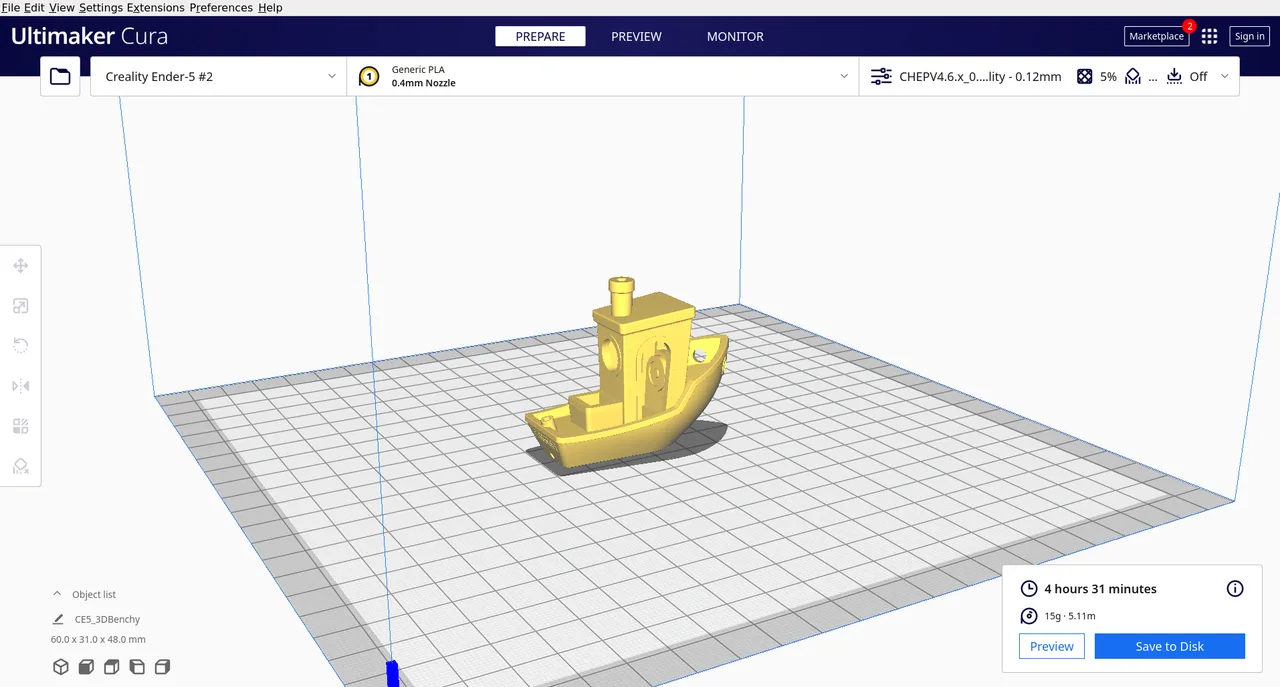
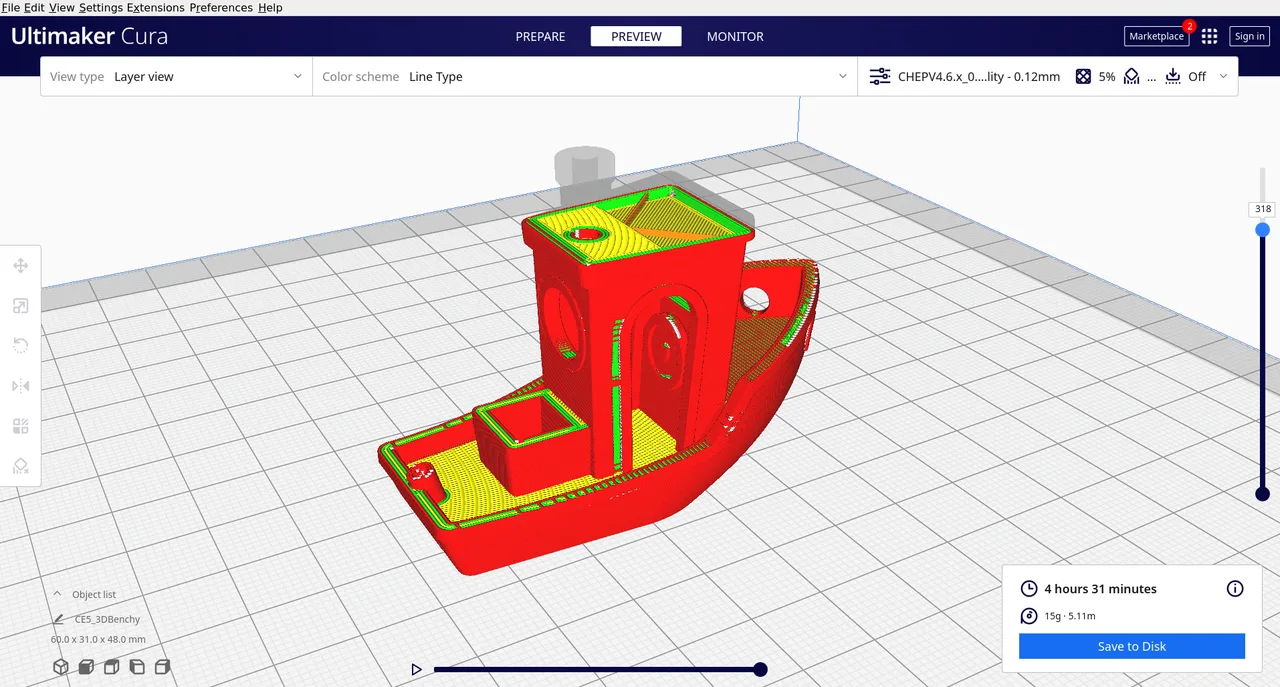
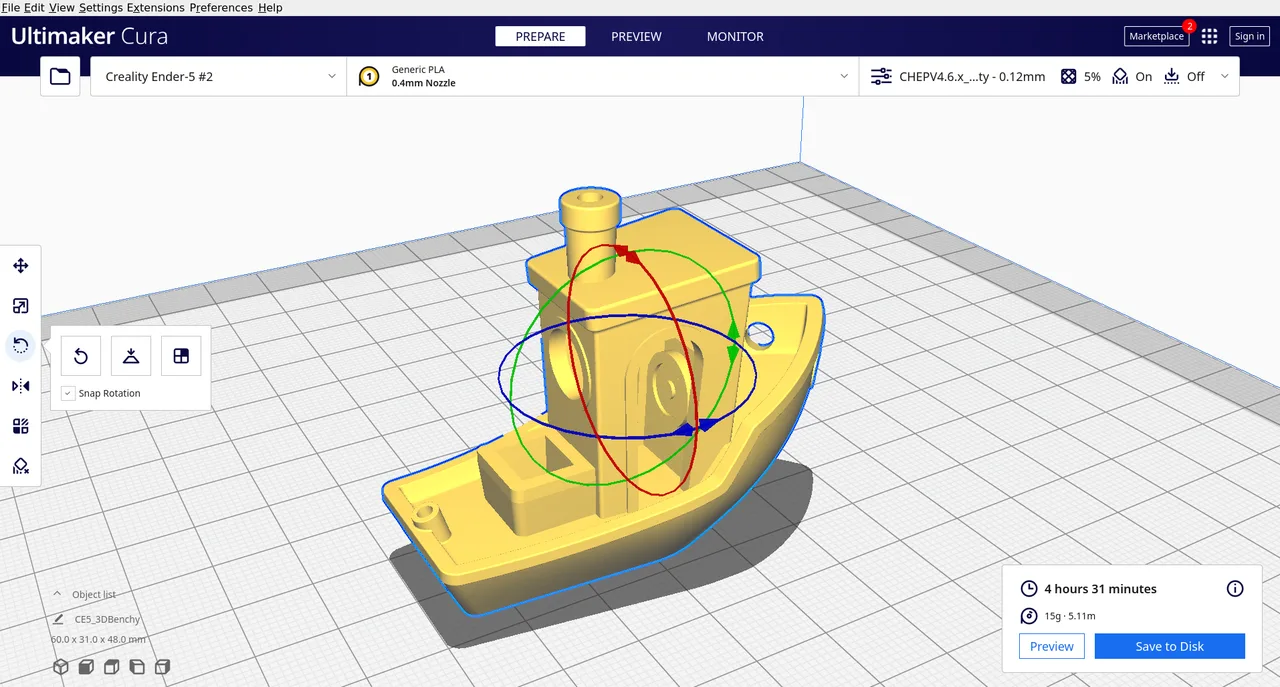
UltiMaker Cura is a slicer: it takes a 3D mesh and converts it into the layer by layer G-code an FFF printer executes. It started in 2011 as an independent open source project by David Braam and is now developed by the Dutch printer manufacturer UltiMaker. The desktop application is released under the LGPLv3 and is free for any use, including commercial work. It ships with validated profiles for hundreds of printers from many brands, not just UltiMaker hardware, which is a large part of why it became a default first slicer for so many people. Two modes sit on top of the same engine: a Recommended mode that exposes a handful of sliders, and a Custom mode with more than 400 parameters. The current stable release is Cura 5.13, published on 28 May 2026. A separate commercial layer, UltiMaker Cura Enterprise and Digital Factory, adds managed deployment and fleet tools, but none of it is required to slice and print.
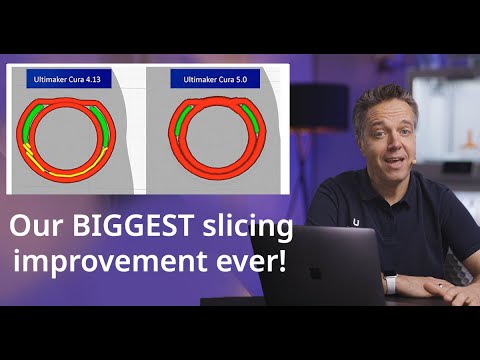
Introduced in the 5.x series, Arachne varies the width of each extrusion line instead of forcing fixed width perimeters, so thin walls and small details fill properly rather than leaving gaps or noisy gap fill. Its influence reaches beyond Cura: PrusaSlicer ported the Arachne work into its own codebase from version 2.5.
Lightning infill builds a branching structure that only becomes dense near the top surfaces, leaving the interior mostly hollow to cut material and time. Tree supports grow organic branches around a model rather than encasing it in a dense grid. Cura 5.13 extended the Lightning pattern to support infill as well.
The same engine drives two interfaces. Recommended mode reduces a print to a few sliders and pre-tested profiles, while Custom mode exposes more than 400 parameters covering walls, infill, temperature, cooling, speed and acceleration. Users can stay in either without switching software.
The built in Marketplace distributes plugins and material profiles tuned by filament manufacturers, so third party materials can be selected instead of hand tuning temperature and retraction. Community plugins cover things like OctoPrint integration and settings the core app does not expose.
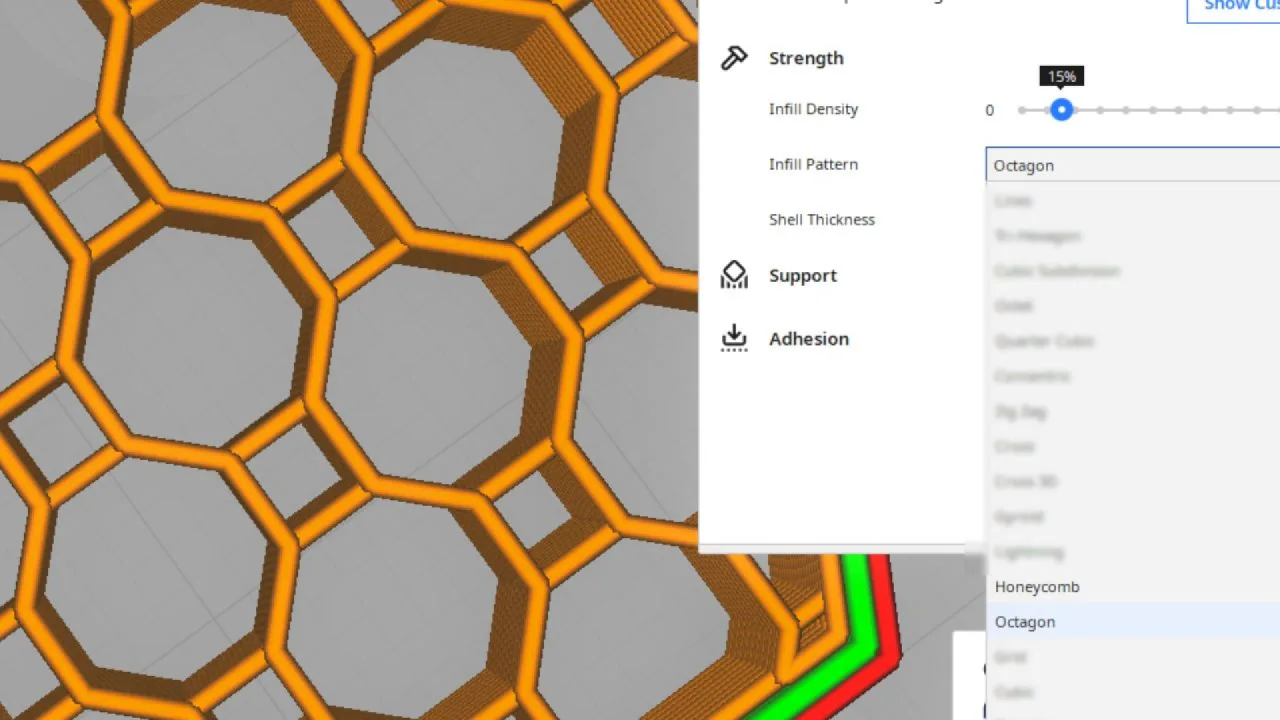
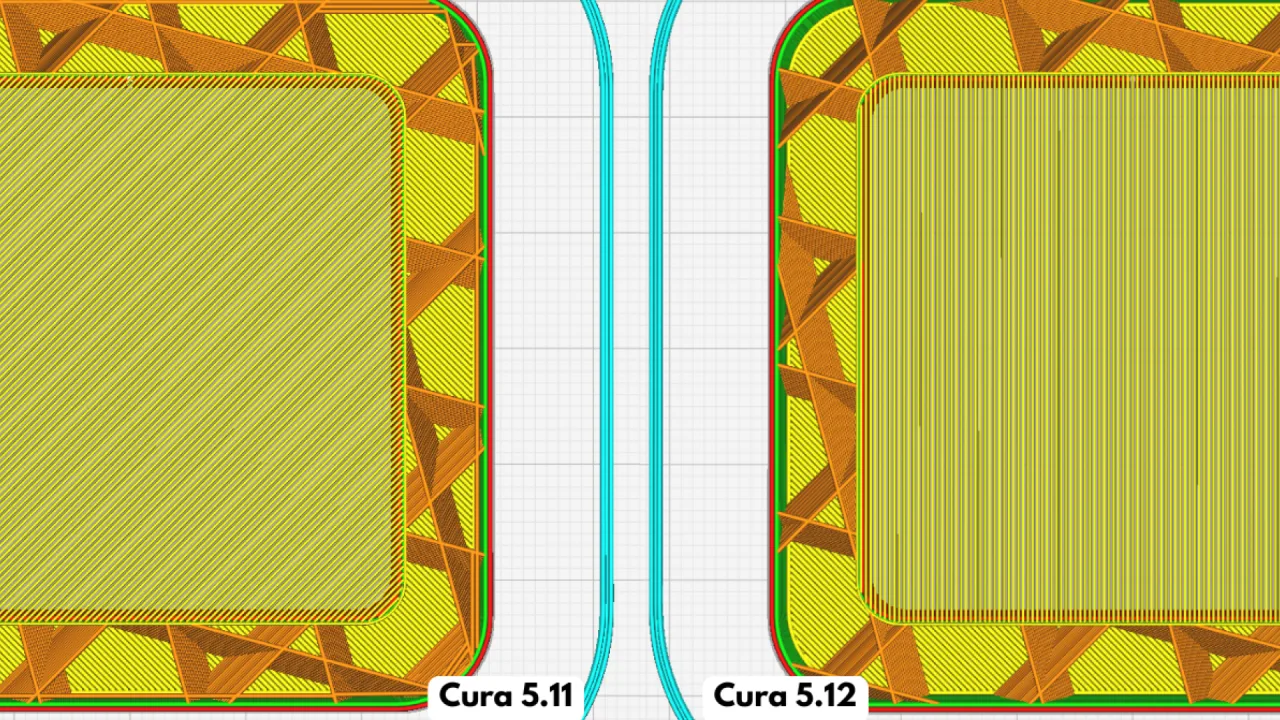
Cura 5.12 added Honeycomb and Octagon infill, both designed so the toolpath never crosses itself within a layer. That avoids the nozzle striking already deposited infill, which matters most on fast machines where those collisions cause vibration and surface artefacts.
UltiMaker Cura Enterprise is a separately packaged build aimed at managed IT environments, with MSI deployment, two vetted releases a year and 12 months of support per release. It pairs with Digital Factory for remote fleet and user management. None of this is needed for ordinary desktop use.
Recurring themes across third-party user reviews (G2, Capterra, TrustRadius).



UltiMaker Cura is free and open source. There is no paid edition to upgrade to, and no feature is held back behind a licence.
| Plan | Price | What you get |
|---|---|---|
| UltiMaker Cura | Free | The full desktop slicer under the LGPLv3. No seat limits, no feature gating on slicing, free for commercial use. |
| UltiMaker Cura Enterprise and Digital Factory | Not publicly listed | Bundled with UltiMaker hardware or quoted through sales. UltiMaker does not publish figures for these plans, and reseller price lists circulating online are years out of date, so treat any number you find elsewhere with caution. |
Recommended mode plus validated profiles for hundreds of printers means a first print rarely requires touching advanced settings. This is the single most common reason reviewers recommend it as a starting slicer.
Profiles cover many brands rather than one vendor's hardware, so a makerspace or lab running Creality, Prusa and UltiMaker machines can standardise on a single slicer.
The Enterprise build exists specifically for organisations that need packaged deployment, a slower release cadence and a documented support window rather than rolling updates.
CuraEngine is open source and scriptable through plugins and post processing scripts, which is why it turns up in academic work on toolpath and infill strategies.
Cura outputs Marlin flavoured G-code by default and has no native handling for Klipper macros or per filament pressure advance. Slicer side compensations such as Coasting fight Klipper's own pressure advance and have to be turned off manually, so slicers built around Klipper cause less friction.
Cura slices for extrusion machines only. Resin and LCD masking printers need a different class of slicer entirely, such as Lychee or Chitubox.
The interface is a Python and Qt layer talking to the C++ engine over a local socket, and reviewers consistently report sluggishness and crashes on large or high polygon assemblies. Natively compiled slicers feel faster on the same machine.
Yes. The desktop application is released under the LGPLv3 and is free to download and use, including for commercial work. There are no seat limits and no paywall on slicing features. The paid products are separate: UltiMaker Cura Enterprise is a packaged build for managed IT deployment, and Digital Factory is a cloud service for managing printers and users.
Yes, and this is one of the main reasons it became so widely used. Cura ships with validated machine profiles for hundreds of printers from many manufacturers, and you can add a custom printer by entering its build volume, nozzle diameter and start and end G-code.
Not natively. Cura emits Marlin flavoured G-code by default and does not generate Klipper specific metadata commands. Features written for Marlin, notably Coasting, work against Klipper's own pressure advance and should be disabled. Passing per filament pressure advance values requires custom start G-code or a post processing script. It is workable, but slicers designed around Klipper need less manual setup.
Cura is split into two parts: a Python and Qt interface called Uranium, and a separate C++ slicing engine called CuraEngine. The two communicate over a local socket, and mesh data has to be serialised across that boundary. The engine itself is fast and multithreaded, but the interface layer is where the memory use and sluggishness on large or high polygon files come from.
By default it opens STL, OBJ, 3MF and X3D meshes, plus BMP, GIF, JPG and PNG images, which it converts into heightmaps or lithophanes. It saves G-code, UFP and 3MF project files. Opening native CAD formats directly is a feature of the paid enterprise tiers rather than the free application.
Yes. CVE-2024-8374 affected versions 5.7.0-beta.1 through 5.7.2, where a property inside an imported 3MF archive was passed to a Python eval call without sanitisation, allowing code execution from a malicious model file. It carries a CVSS score of 7.8 and was fixed in later releases. Anyone still on an affected 5.7.x build should update.
Free slicer built around Bambu Lab printers, with AMS multi-material painting, automatic flow calibration and remote print monitoring.
Free open source C++ slicer for FFF and resin printers, with paint-on supports, organic supports and native STEP import.