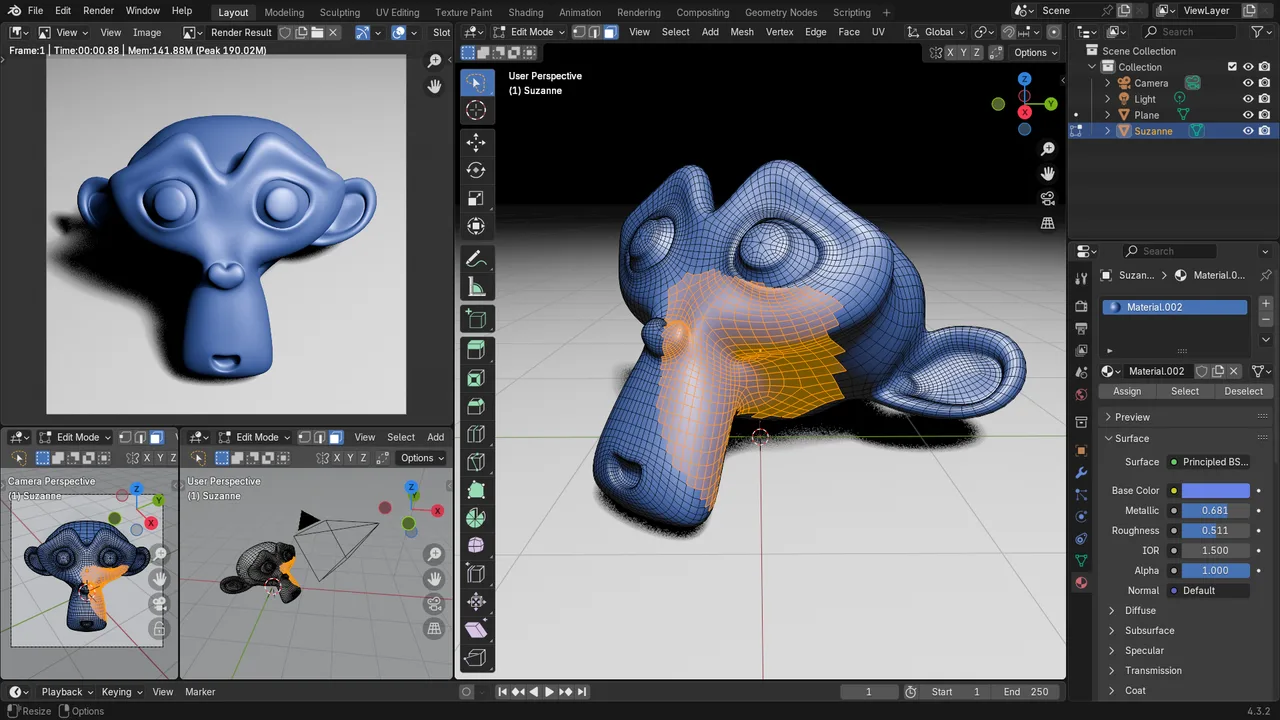
Blender
Free and open source 3D creation suite covering modeling, sculpting, texturing, animation and rendering.
Digital sculpting tools treat a mesh like clay: you push, pull, pinch and carve millions of polygons with brush based workflows. They are the standard way to create organic detail for characters, creatures and collectibles, usually followed by retopology and baking so the result can be animated or shipped in a game.
Tools in this category: 1
Free and open source 3D creation suite covering modeling, sculpting, texturing, animation and rendering.
No tools match these filters.
Modeling manipulates individual vertices, edges and faces with precision, which suits hard surface objects. Sculpting works with brushes on very dense meshes, which suits organic shapes such as faces, muscles and cloth folds. Most character pipelines use both.
A pen tablet is strongly recommended because pressure sensitivity controls brush strength, which is hard to replicate with a mouse. Tablet based sculpting apps on iPad have also become serious options for concept and hobby work.
Sculpts often reach millions of polygons, far too heavy for animation or games. Retopology rebuilds a clean, low polygon version of the shape, and the sculpted detail is then baked into normal or displacement maps.