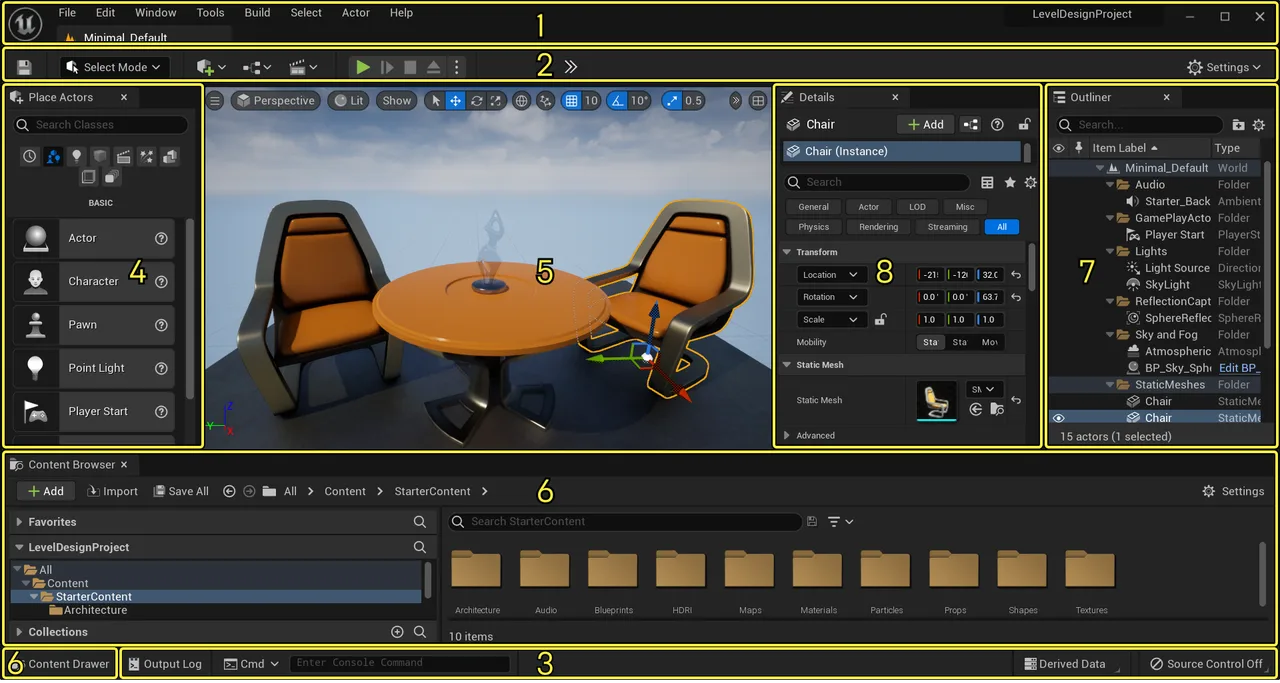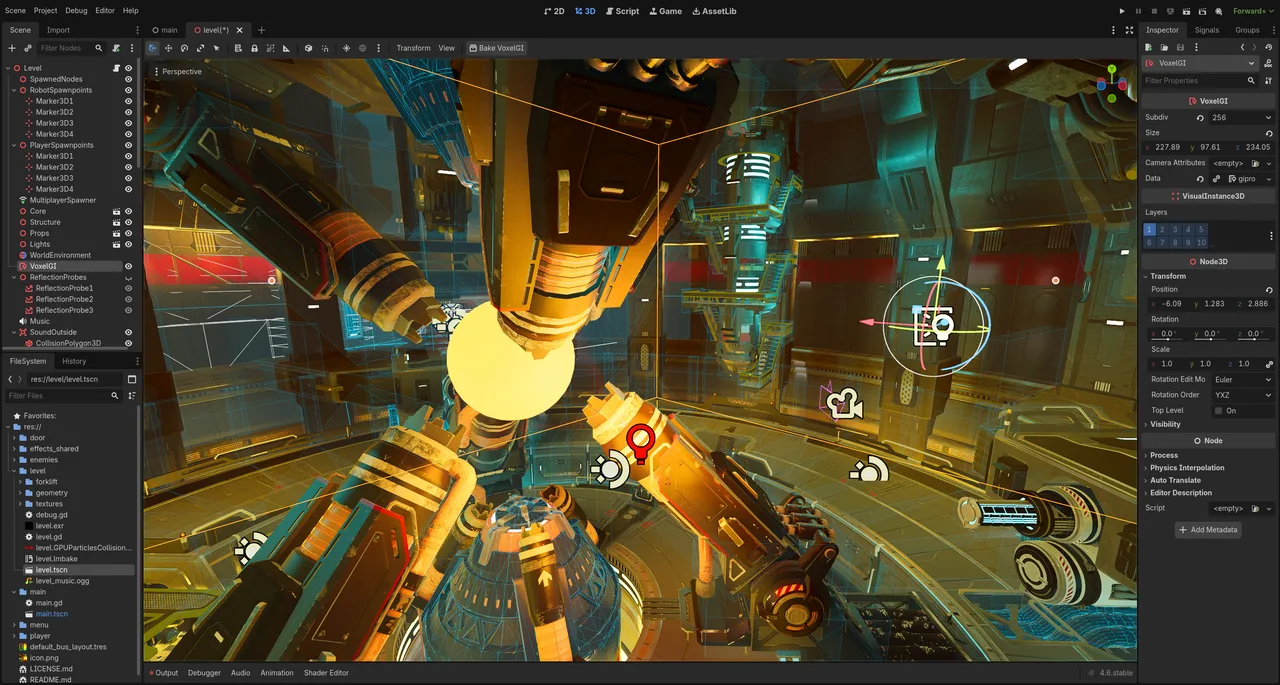
Godot Engine
MIT-licensed open source engine with a node and scene architecture, a purpose-built 2D pipeline and a Vulkan Forward+ 3D renderer.
Cross-platform real-time engine for games, XR and industrial applications, with C# scripting and deployment to console, mobile and web.
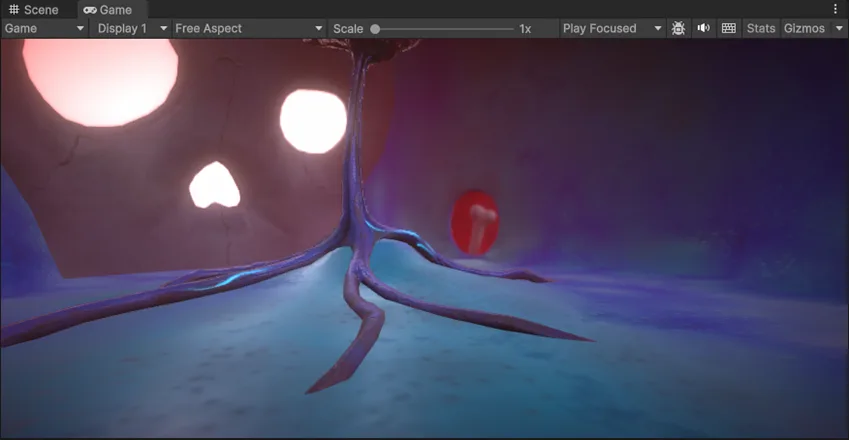
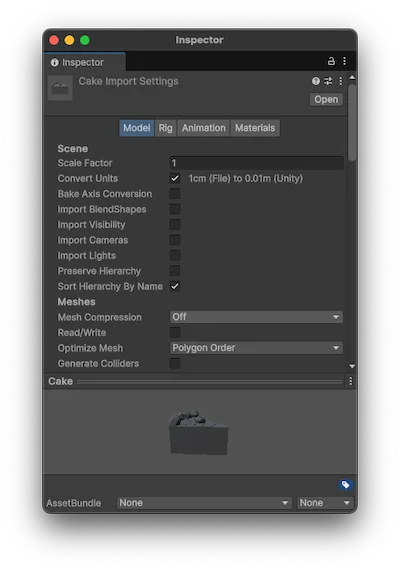
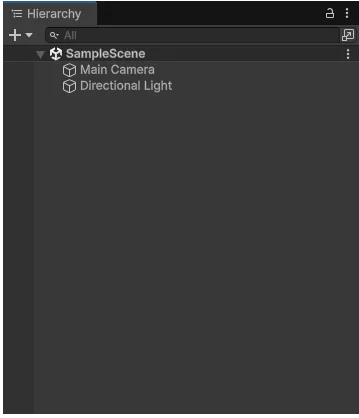
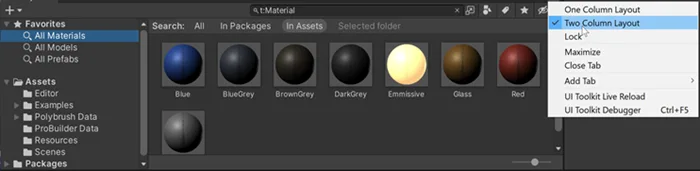
Unity is a cross-platform real-time engine developed by Unity Technologies, first shown at Apple's WWDC in 2005 as a Mac only product. It is not a modelling package: it ingests geometry, textures and animation authored in Blender, Maya or Substance, and turns them into interactive applications through C# scripting, a scene hierarchy and per-platform build pipelines. The current generation is Unity 6, with 6.0 LTS supported through October 2026 and 6.3 LTS through December 2027. Its strongest positions are mobile and XR, where its build size control and AR Foundation framework make it the default choice; its weakest is photorealistic AAA rendering, where competitors ship more out of the box. One structural point matters more than any feature for anyone outside games: the free Personal tier is licensed for games and entertainment only, and non-game work above USD 1 million in company finances is required to use the separate Unity Industry plan.
Unity 6 moves persistent MeshRenderer data into a GPU buffer through the BatchRendererGroup API, so the CPU issues one high-level command instead of walking thousands of GameObjects. Paired with GPU occlusion culling it targets instance-heavy scenes, at the cost of requiring the Forward+ path and a higher memory baseline.
Gameplay logic is written in C#, which reviewers consistently rate as far more approachable than C++. For performance-critical work the Data-Oriented Technology Stack lays data out contiguously in memory and compiles it through Burst to SIMD instructions, though DOTS carries a steep learning curve of its own.
Sentis runs neural networks locally on the player's hardware, taking ONNX, LiteRT and decomposed PyTorch models. Because inference happens on device there is no per-call cloud cost or latency, which suits NPC behaviour, voice recognition and mesh deformation. Note that pre-quantised uint8 ONNX models are not supported.
Projects pick between the Universal Render Pipeline for scalable targets, the High Definition pipeline for high-end PC and console, and the legacy Built-in pipeline, deprecated as of Unity 6.5. Shaders and lighting authored for one generally do not work in another, which is the most common reason a purchased Asset Store item renders as flat magenta.
One project builds to Windows, macOS, Linux, iOS, Android, PlayStation, Xbox, Nintendo Switch, visionOS and Meta Quest, plus WebGL and WebGPU through WebAssembly. Console publishing requires a paid tier; the free tier stops at web, desktop, mobile and AR/VR.
Unity's PBR workflow inverts the industry-standard roughness channel into smoothness, so maps authored in Substance or Blender need inverting before use. URP packs metallic into red and smoothness into alpha; HDRP uses a different mask map layout again. This trips up nearly every artist arriving from a DCC tool.
Recurring themes across third-party user reviews (G2, Capterra, TrustRadius).
Unity is free to start. There is a free tier you can use indefinitely, and paid plans above it unlock further capability.
| Plan | Price | What you get |
|---|---|---|
| Personal | Free | Up to USD 200,000 in revenue and funding. Licensed for games and entertainment applications only, and not available at all to industry customers. |
| Pro | USD 2,310/year per seat | Or USD 210 per seat monthly. Required above USD 200,000 in revenue or funding. Adds console and Apple Vision Pro publishing. Prices rose 5% on 12 January 2026. |
| Enterprise | Custom | Required above USD 25 million in annual revenue or funding. Adds source code access, build automation and three years of extended LTS. |
| Industry | Custom | Mandatory for applications outside games and entertainment once company finances exceed USD 1 million. Industry customers may use Pro or Enterprise only below that figure, and may never use Personal. |
Aggressive code stripping, a small runtime footprint and a mature 2D toolset keep Unity dominant on Android and iOS, where build size directly affects install rates.
AR Foundation and first-class visionOS and Meta Quest support make it the default for headset work, with more shipped XR titles than any competing engine.
C# plus the Asset Store means a small team can prototype quickly and buy in systems rather than build them, which is where reviewers say the engine earns its keep.
The largest hiring pool of any engine and a free Student plan through accredited institutions make it the safest first engine to learn commercially.
HDRP can reach cinematic quality but demands custom shader work and manual optimisation to match what Unreal delivers by default. Budget for a technical artist.
Architectural, product and industrial work cannot use the free tier at any revenue level, and is pushed onto the sales-quoted Industry plan above USD 1 million in company finances.
Source access starts at Enterprise, and the 2023 Runtime Fee episode left a lasting trust problem for teams that need licensing certainty over a decade-long project.
No. Unity cancelled the Runtime Fee on 12 September 2024, and its own FAQ states the fee was never implemented, so no existing or future Unity game has been or will be subject to it. The Editor Software Terms were updated on 10 October 2024 to remove the language. Pricing is per seat, based on your revenue and funding.
No. Unity Personal is licensed for games and entertainment applications only, regardless of your revenue. Any application outside games or entertainment requires a paid plan, and once your company's total finances exceed USD 1 million the Unity Industry plan becomes mandatory. Below that figure, industry customers may use Pro or Enterprise instead.
USD 2,310 per seat per year prepaid, or USD 210 per seat per month. Pro is required once your business passes USD 200,000 in revenue or funding in the trailing 12 months, and Enterprise becomes mandatory above USD 25 million. Prices rose 5% on 12 January 2026, applying to existing subscribers at their next renewal.
No. Unity's current plans are Personal, Pro, Enterprise and Industry. Plus was discontinued and existing subscribers were given a final one-year renewal window that closed in March 2024, so any guide still listing it is out of date.
Unity treats one unit as one metre in a left-handed Y-up space, while Maya defaults to centimetres and Blender uses Z-up. Freeze scale and rotation in the source application before export, set the FBX unit scale explicitly, then use the importer's Convert Units and Scale Factor settings so the object lands with a clean 1:1:1 transform.
Unity does not translate node-based shaders. A Principled BSDF from Blender or an aiStandardSurface from Maya arrives as a default material, so textures must be baked out and reassigned to Unity's shaders. Roughness maps also need inverting, because Unity uses smoothness, its mathematical opposite.
Not from Unity 6.3 LTS onward. Unity stopped bundling and supporting Havok Physics for Unity at that release; it remains supported for the rest of the Unity 2022 LTS and Unity 6.0 LTS lifecycles. After 6.3 it continues as a third-party extension from the Microsoft Havok team.
MIT-licensed open source engine with a node and scene architecture, a purpose-built 2D pipeline and a Vulkan Forward+ 3D renderer.
Epic's real-time 3D engine built around Nanite virtualised geometry and Lumen dynamic lighting, used for AAA games, virtual production and archviz.