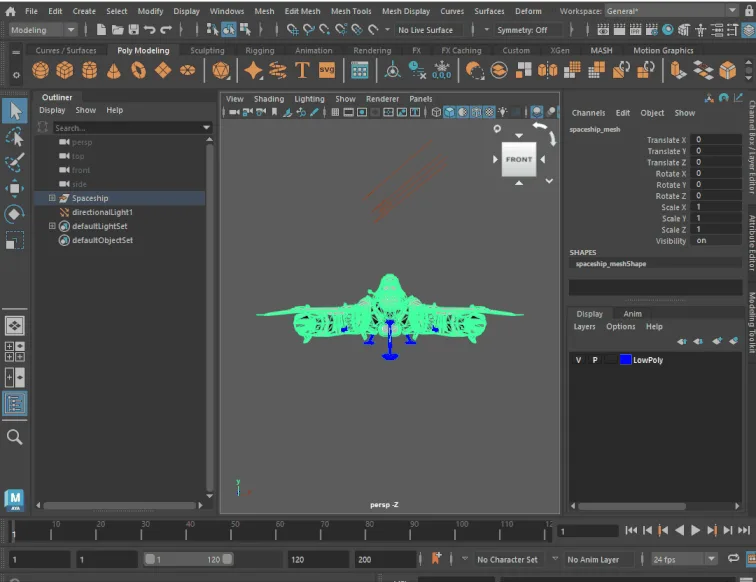
Autodesk Maya
Subscription 3D animation, modeling and simulation suite, and the long-standing studio default for character rigging.
Modeling software is where most 3D work starts: building objects, characters and environments from polygons, curves or subdivision surfaces. The tools in this category range from free open source suites to studio standards used in film and games, and most of them also cover parts of the wider pipeline such as UV unwrapping, rigging or rendering.
Tools in this category: 3
Subscription 3D animation, modeling and simulation suite, and the long-standing studio default for character rigging.
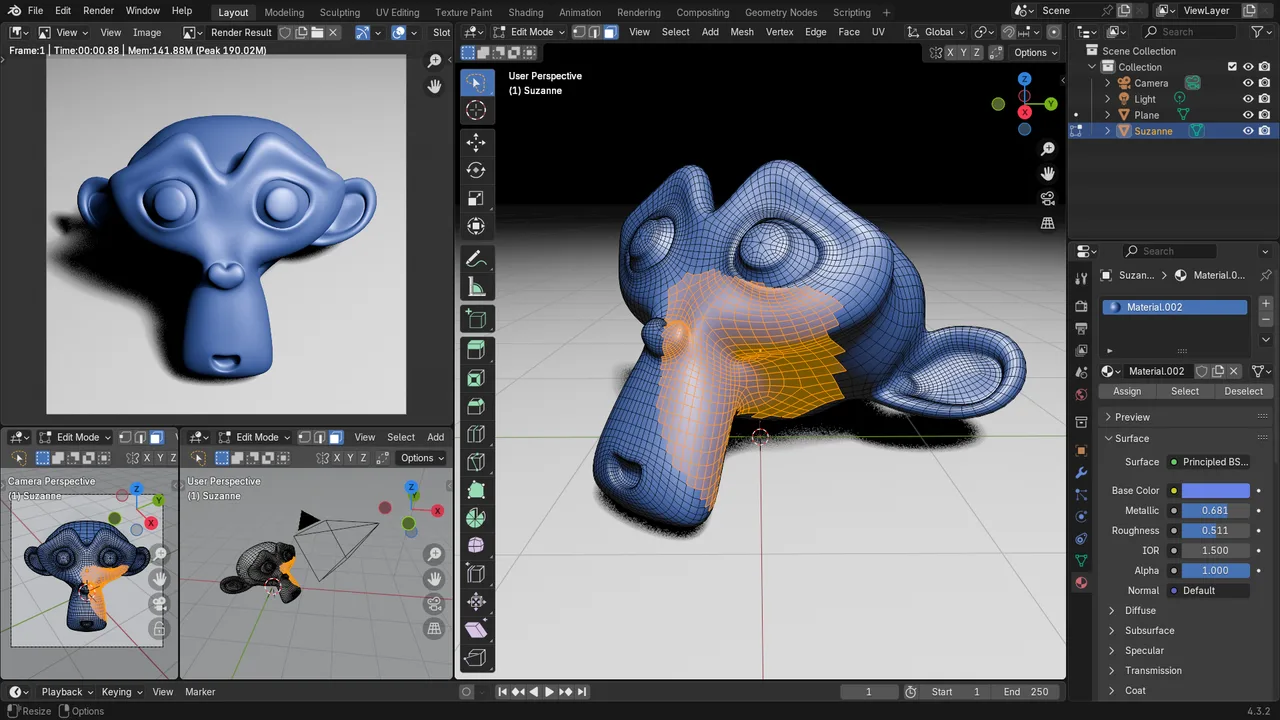
Free and open source 3D creation suite covering modeling, sculpting, texturing, animation and rendering.
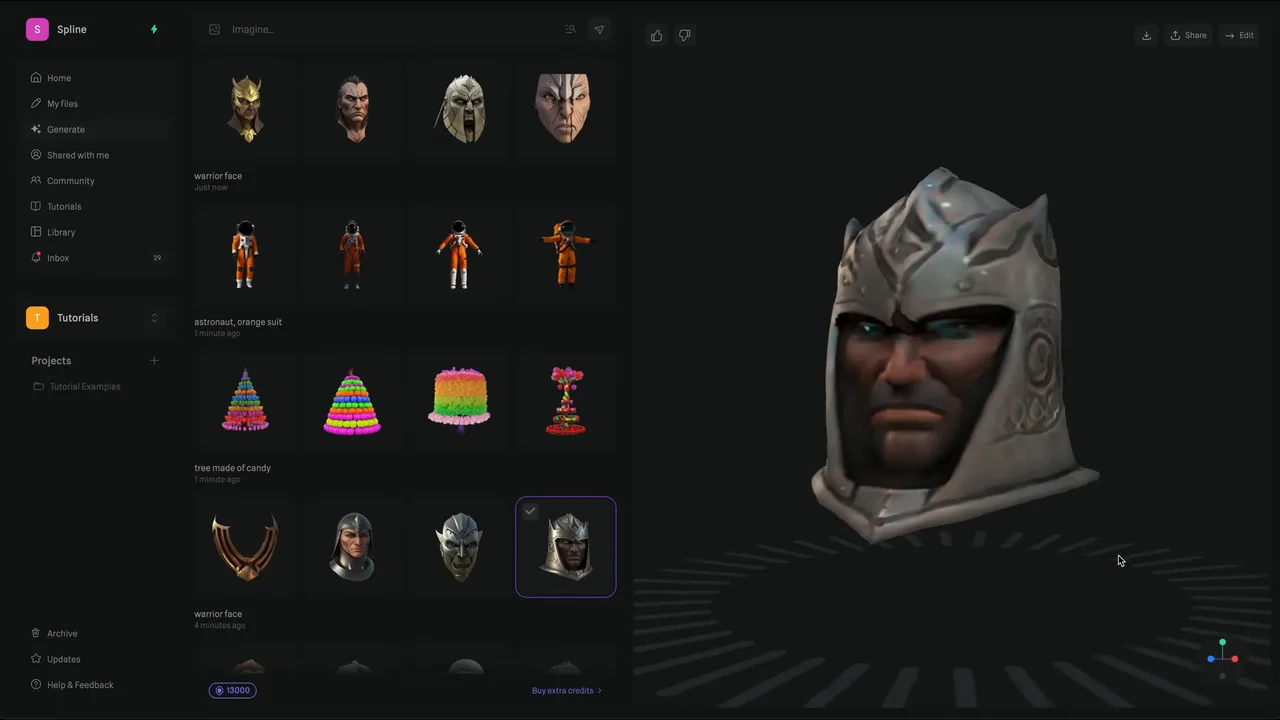
Browser 3D design tool for interactive web scenes, with AI generation that runs third-party models such as Hunyuan3D, Trellis 2 and Meshy.
No tools match these filters.
It is used to create the geometry of 3D objects: game assets, characters, product visualisations, architectural scenes and props for film or motion graphics. The model is usually the first step before texturing, rigging, animation and rendering.
Yes. Blender is fully free and open source and covers the whole pipeline, and several commercial packages offer free tiers or education licenses. Free tools are production capable today; the paid options mostly compete on studio pipeline integration and support.
Polygon modeling builds shapes from flat faces and is the standard for games and VFX. NURBS uses mathematically exact curves and dominates industrial design and CAD. Subdivision surfaces start as coarse polygon cages and smooth them, which suits characters and organic shapes.
OBJ and FBX are the long standing exchange formats, glTF/GLB is the modern standard for web and real time use, and USD is increasingly used between studio applications. Every tool page on this site lists exactly which formats that tool imports and exports.