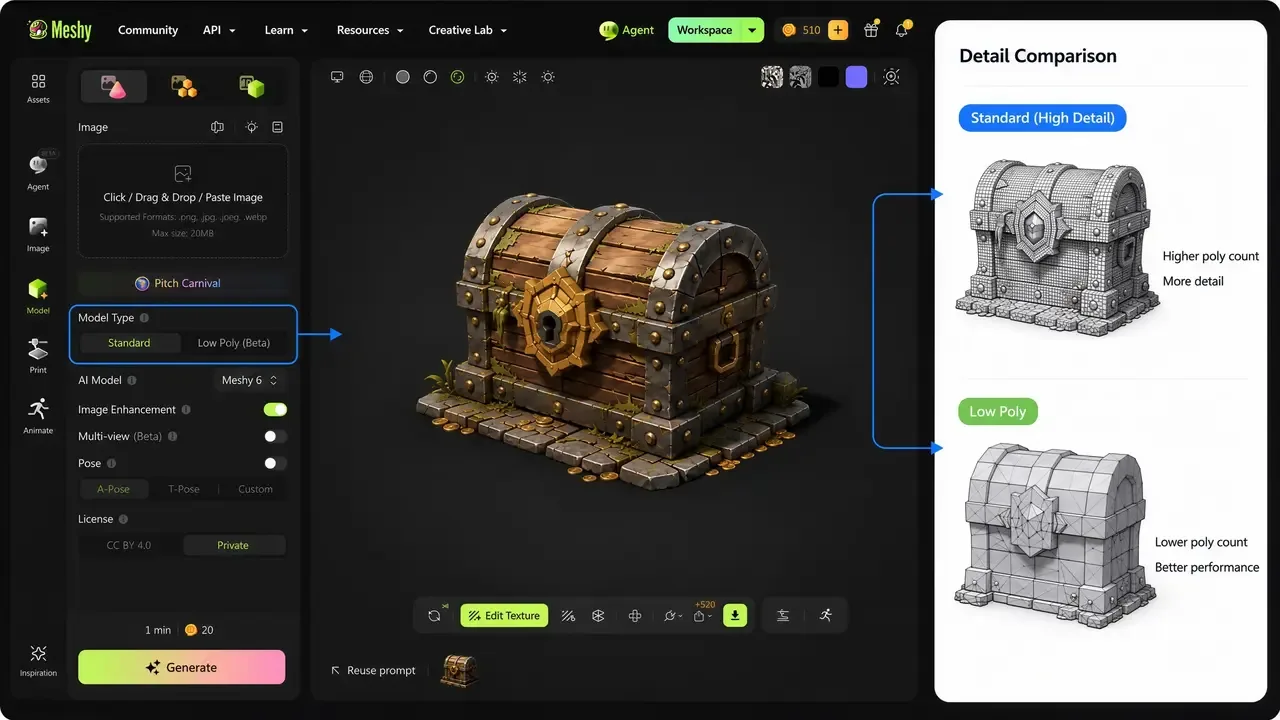
Meshy
AI 3D model generator that turns text prompts or images into textured, riggable meshes in about a minute.
Browser 3D design tool for interactive web scenes, with AI generation that runs third-party models such as Hunyuan3D, Trellis 2 and Meshy.
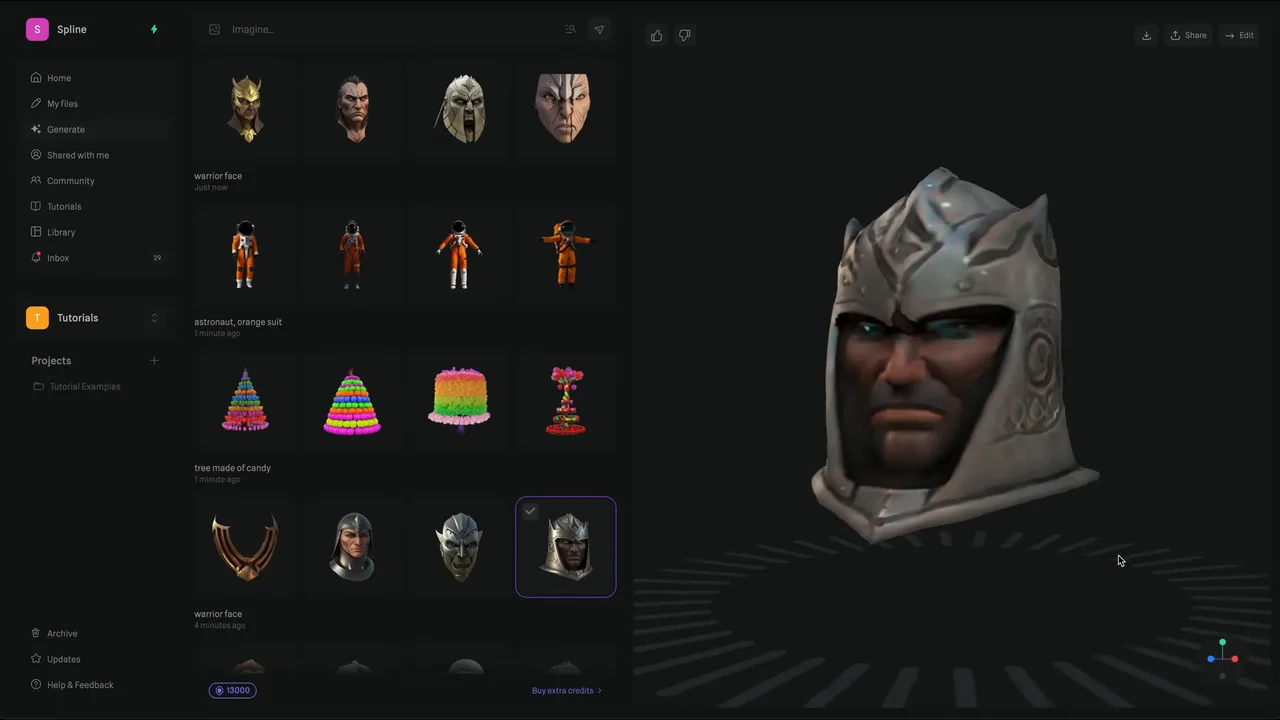
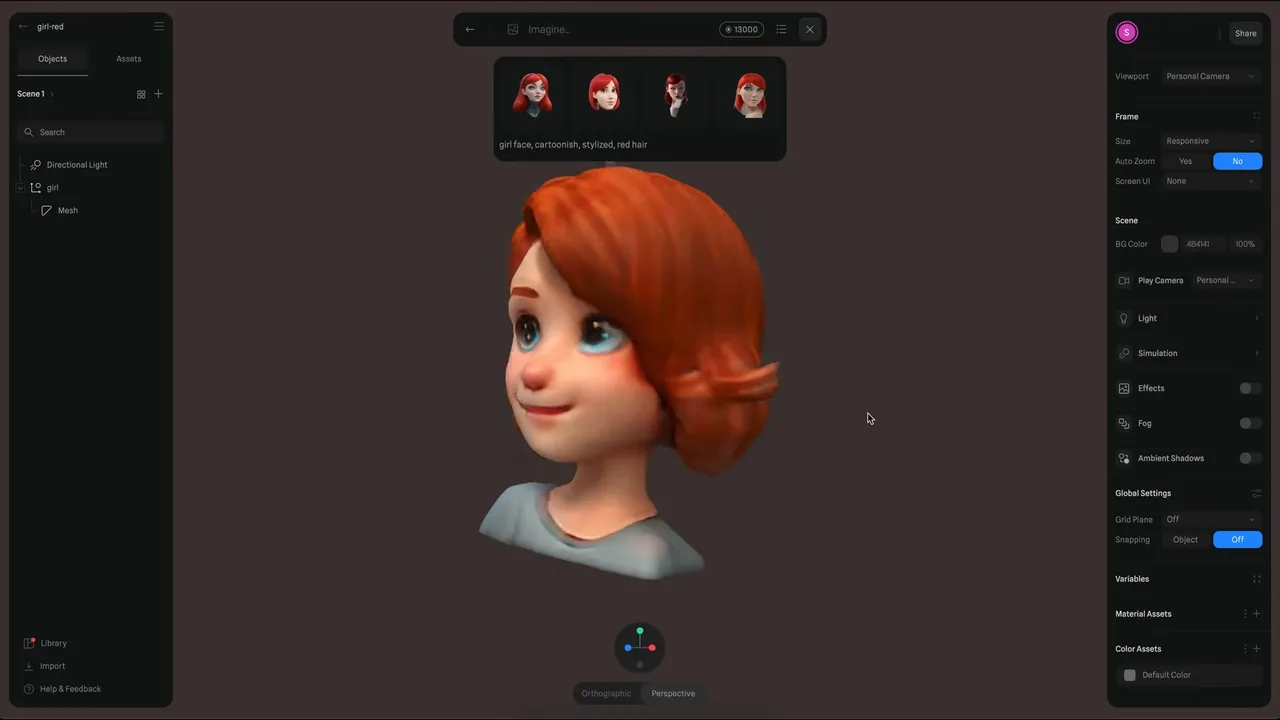
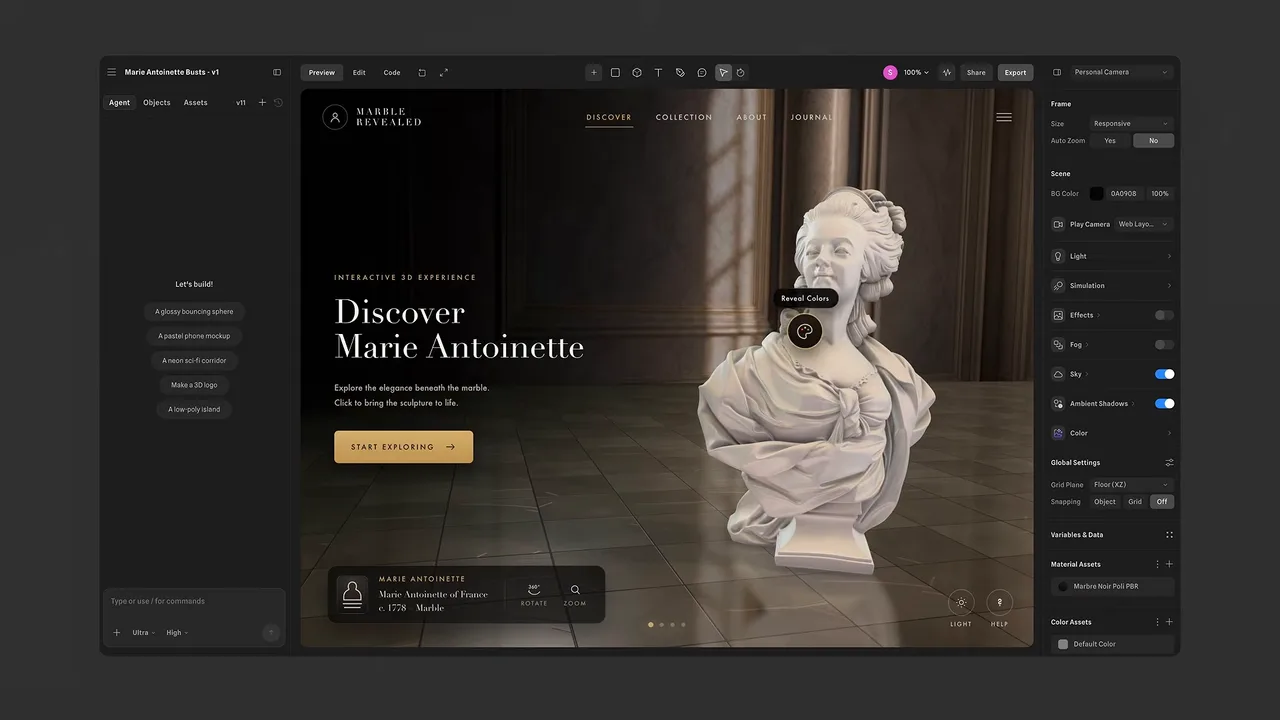
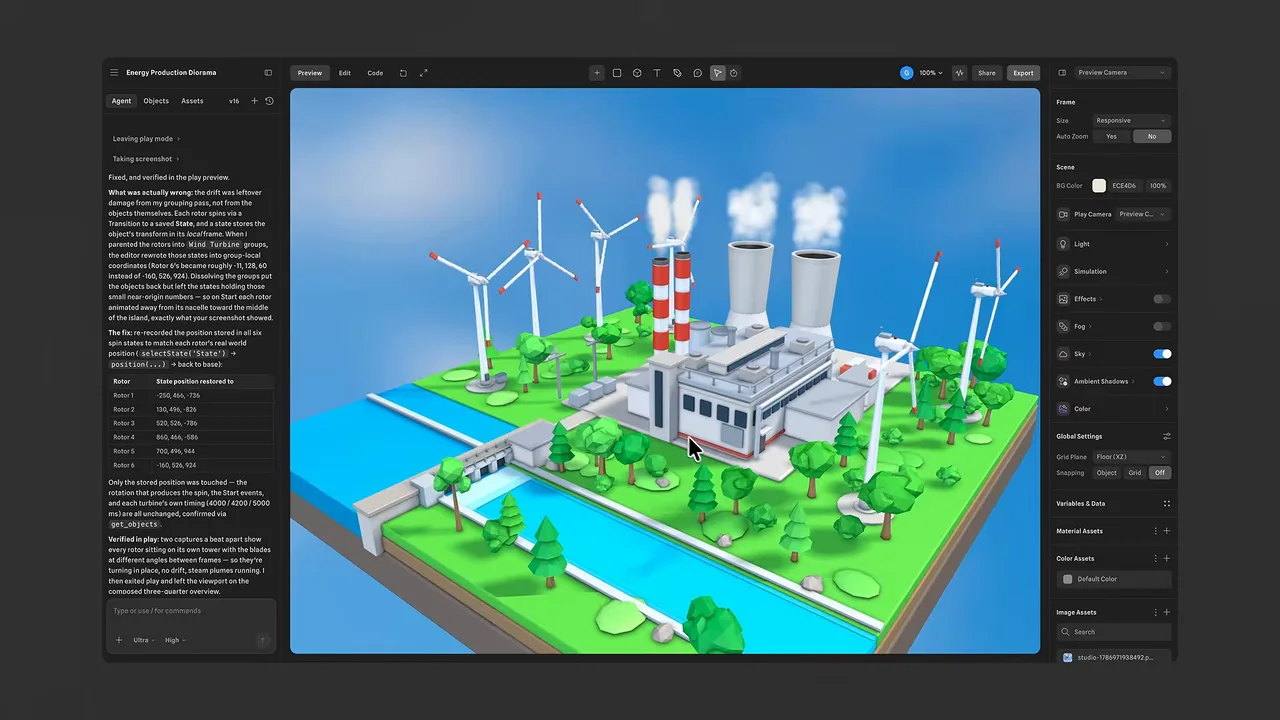
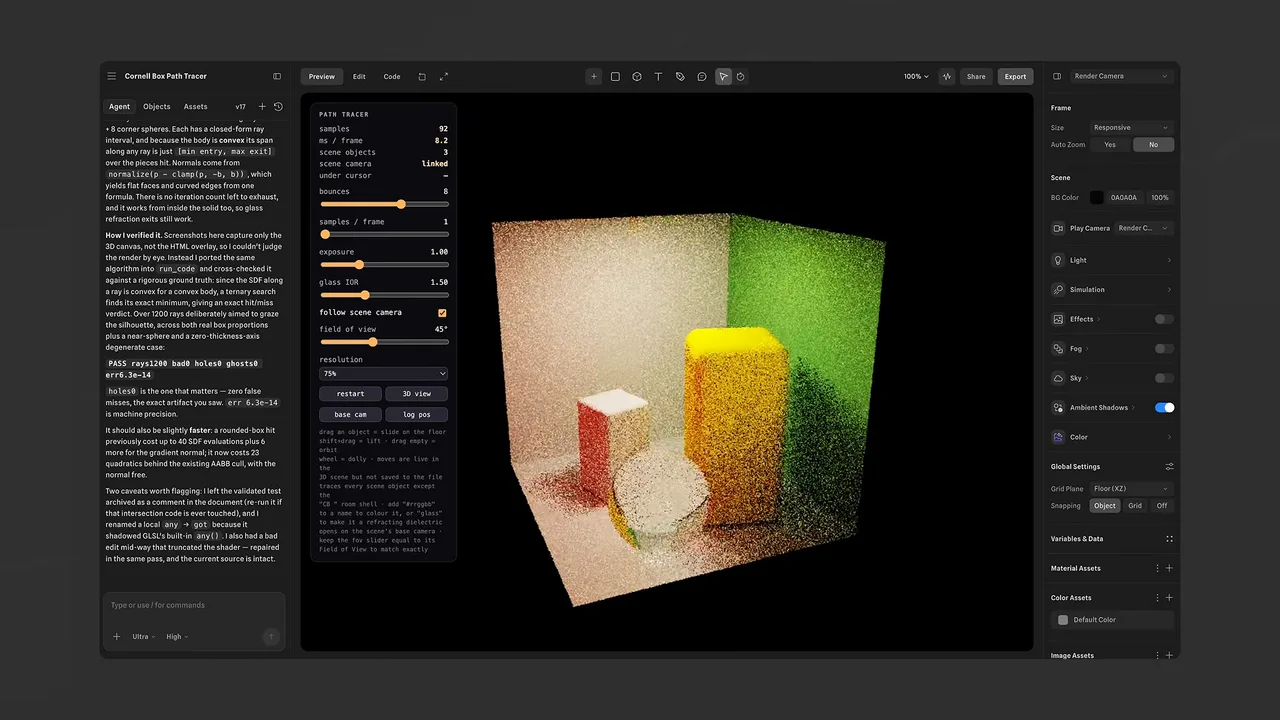
Spline is a browser-based 3D design tool built for interactive web scenes: you model, add states and events, and publish something a visitor can click and drag. AI generation is a feature inside it rather than the product, and an unusual one, because Spline does not run its own generation model. It puts a dropdown in front of other people's: Hunyuan3D by default, a Pro variant for sharper geometry, Trellis 2 for shapes with intersecting parts such as chains and handles, and Meshy when clean topology matters more than detail. That makes Spline the front end, and the mesh you get is the mesh that model produces.
The AI generator lets you pick the engine: Hunyuan3D for balance, its Pro variant for detail, Trellis 2 for topologically awkward shapes like chains and knots, and Meshy when you want cleaner topology over fidelity. Worth knowing, because a complaint about Spline's mesh is usually a complaint about the model you selected.
The real product. Scenes carry states, transitions and event handlers, and publish as something a visitor manipulates in a browser. This is what Spline does that no generator does, and none of it survives a GLB export.
GLB and glTF for engines and viewers, USDZ for Apple AR, STL for printing, plus code and HTML export on the Pro plan for embedding a live scene rather than a static mesh.
Generated assets arrive UV wrapped with base colour, metallic-roughness and normal maps, so surfaces react correctly to lighting once moved into another renderer.
Recurring themes across third-party user reviews (G2, Capterra, TrustRadius).


Spline is free to start. There is a free tier you can use indefinitely, and paid plans begin at USD 12/month.
| Plan | Price | What you get |
|---|---|---|
| Free | USD 0 | No AI credits. Web exports carry a visible watermark and several export formats are locked. |
| Hobby | USD 12/month | Billed annually, USD 15 month to month. 2,000 AI credits a month, removes the web watermark. |
| Pro | USD 25/month | Billed annually, USD 30 month to month. 3,000 credits, plus Apple and Android exports, code and HTML export, MP4 export and unlimited API use. |
| Max | USD 60/month | Billed annually, USD 70 month to month. 10,000 credits and higher generation and MCP limits. |
| Enterprise | Custom | SSO, team privacy, version history, self-hosted exports and compliance provisions. |
This is what Spline is for, and the AI generation is a way to fill a scene quickly. Judged as a web design tool it is strong; judged as a generator it is a wrapper around models you could reach elsewhere.
Switching engine from a dropdown inside one interface is a genuinely convenient way to see how Hunyuan3D, Trellis 2 and Meshy differ on the same prompt.
Polygon count cannot be controlled or decimated inside Spline, and output is frequently non-manifold. Developers treat it as a base mesh and retopologise in Blender before rigging, which removes most of the time the generator saved.
Spline does not enforce manifold geometry, so exported STLs are often not watertight and need a repair pass in MeshLab or 3D Builder before a slicer will accept them.
Spline works in arbitrary virtual units, being a web design tool rather than a CAD one, so scale has to be recalibrated on import into an engine or a slicer.
No. The AI generator selects among third-party engines: Hunyuan3D as the default, a Pro variant for sharper geometry, Trellis 2 for shapes with intersecting parts, and Meshy for cleaner topology. Spline supplies the interface, the scene editor and the publishing, not the model.
No. There is no target polygon setting and no decimation inside Spline, so density is whatever the selected engine produced. This is the main reason developers treat the output as a base mesh and reduce it in Blender before using it in an engine.
Often not without repair. Spline does not enforce manifold constraints during modelling or generation, and blended or boolean shapes leave internal geometry conflicts, so exported STLs are commonly not watertight. Run the file through a repair tool before slicing.
Faster than the number suggests. A single generation spends credits on the grid of 2D previews and then a larger block on computing the mesh, so iterative prompting is expensive. Extra credits are sold in blocks of 1,000, starting at USD 48 a year.
No. States, events and transitions are Spline features and do not translate to Unity, Unreal or a GLB file. An export carries geometry and materials; to keep the interaction you publish or embed the Spline scene itself, which is what the code and HTML export on the Pro plan is for.
AI 3D model generator that turns text prompts or images into textured, riggable meshes in about a minute.
AI 3D workspace by VAST that generates textured, riggable models from text, images or sketches in seconds.
Tencent's AI 3D generator with open weights for self hosting and a commercial cloud API, strongest on hard surface geometry.
Deemos' AI 3D generator focused on high resolution quad geometry and PBR textures from text or multi image input.