CAD Exchanger
Desktop app and SDK that read, heal and convert over 30 CAD and mesh formats. A translator, not an authoring tool.
A web component that puts an interactive glTF model and an AR button on a page with one HTML tag. Reads glTF and GLB only.
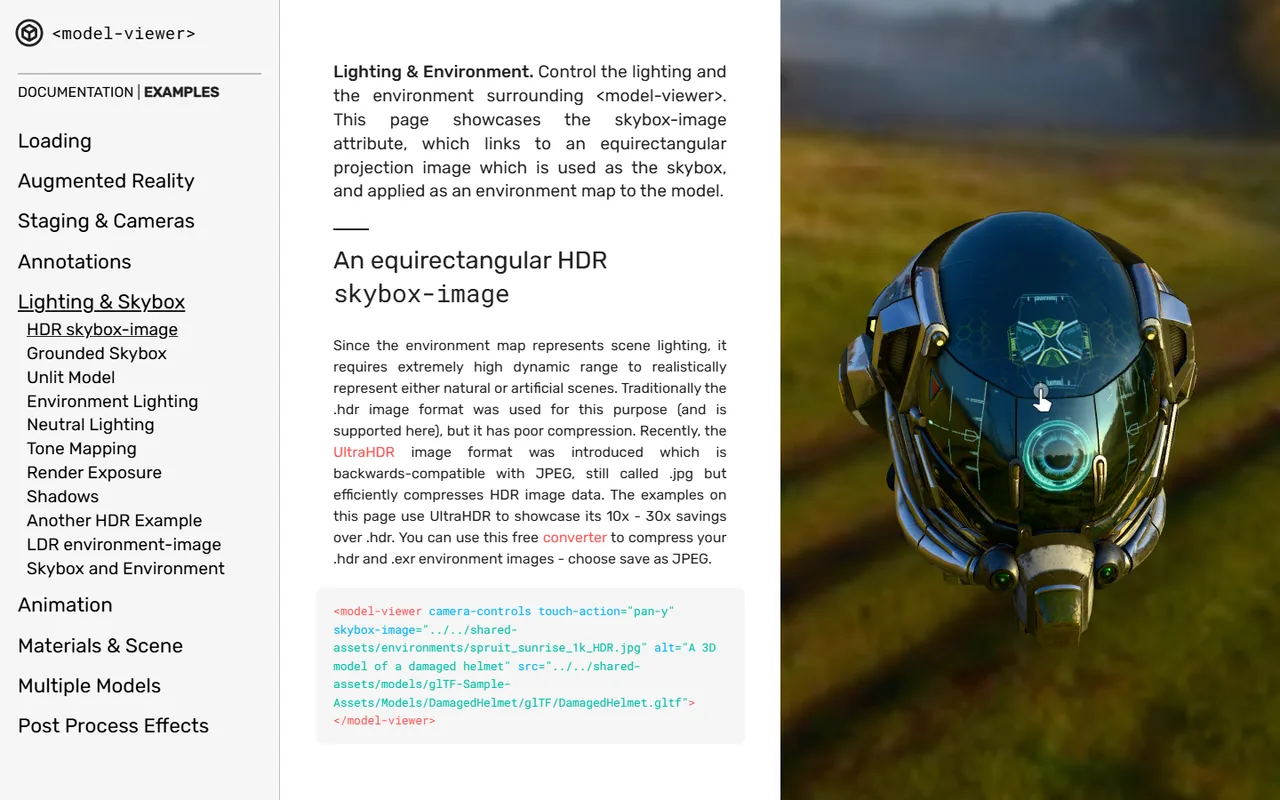
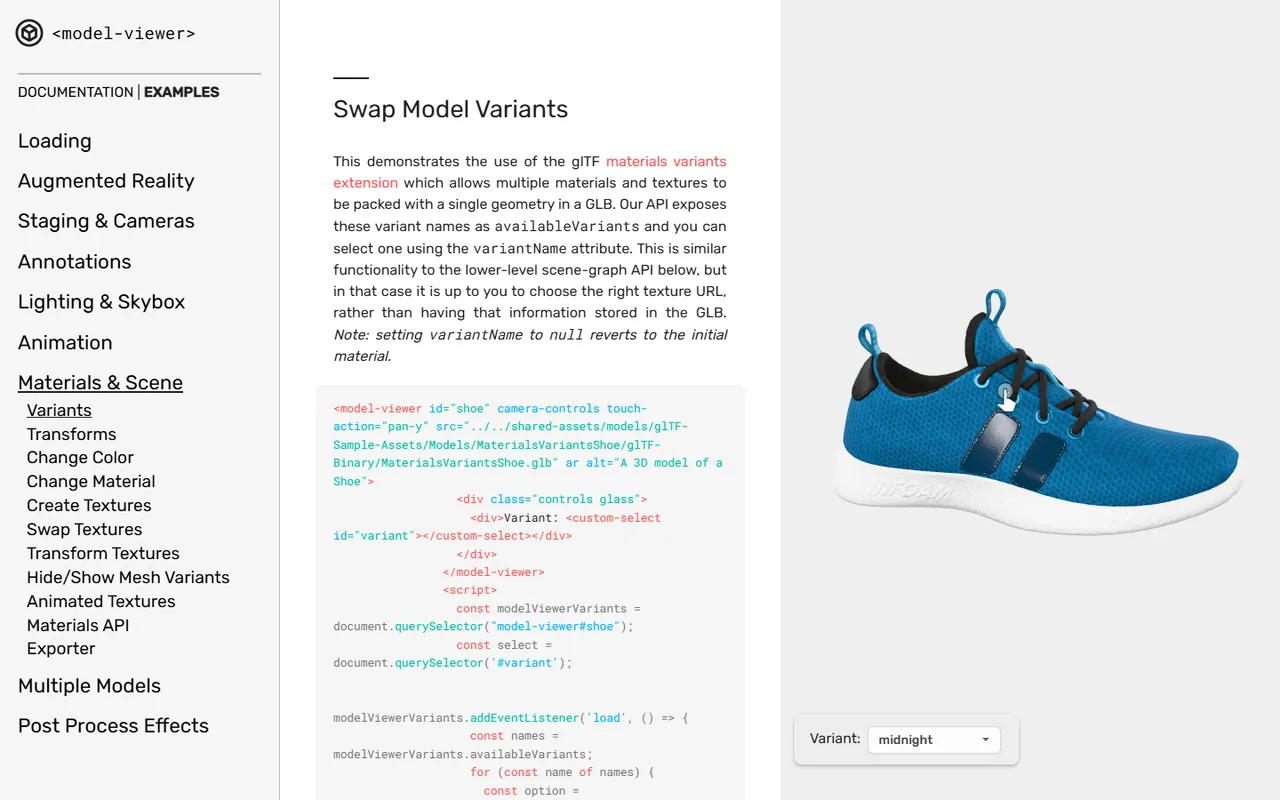
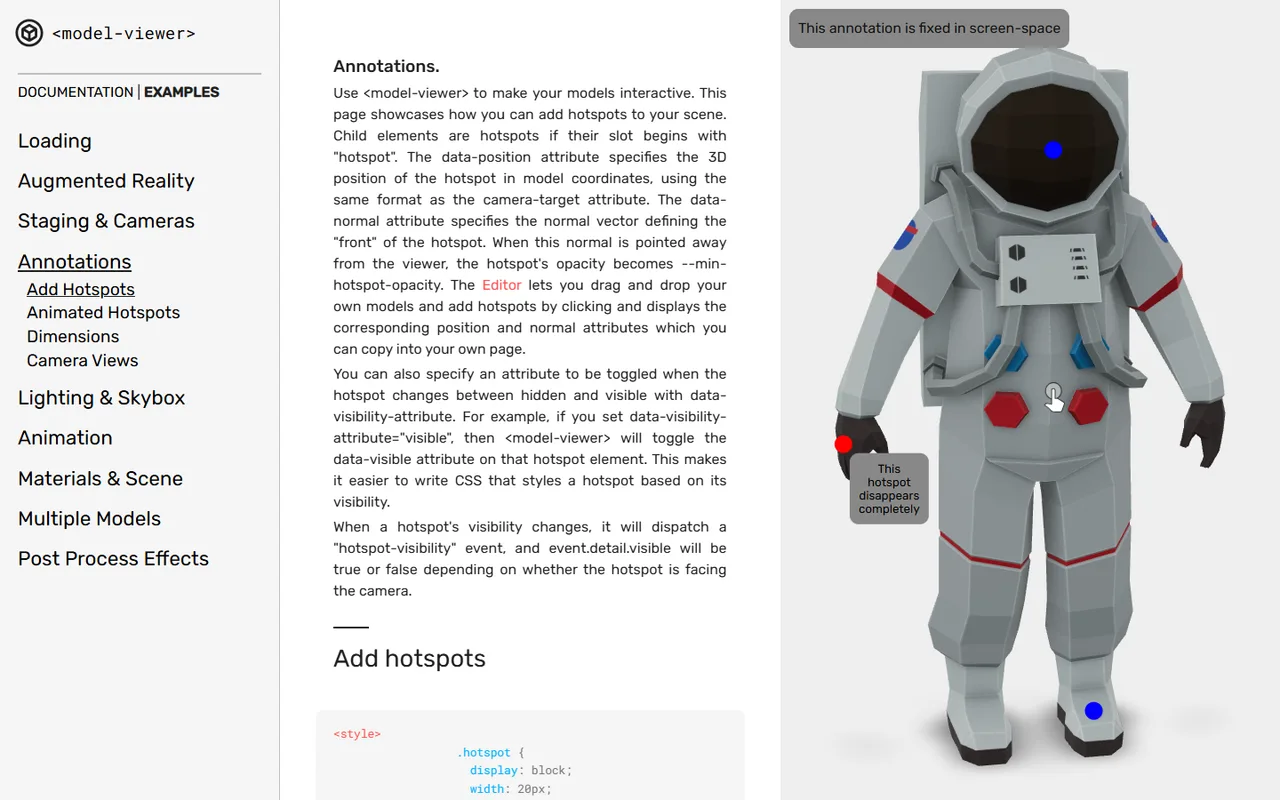
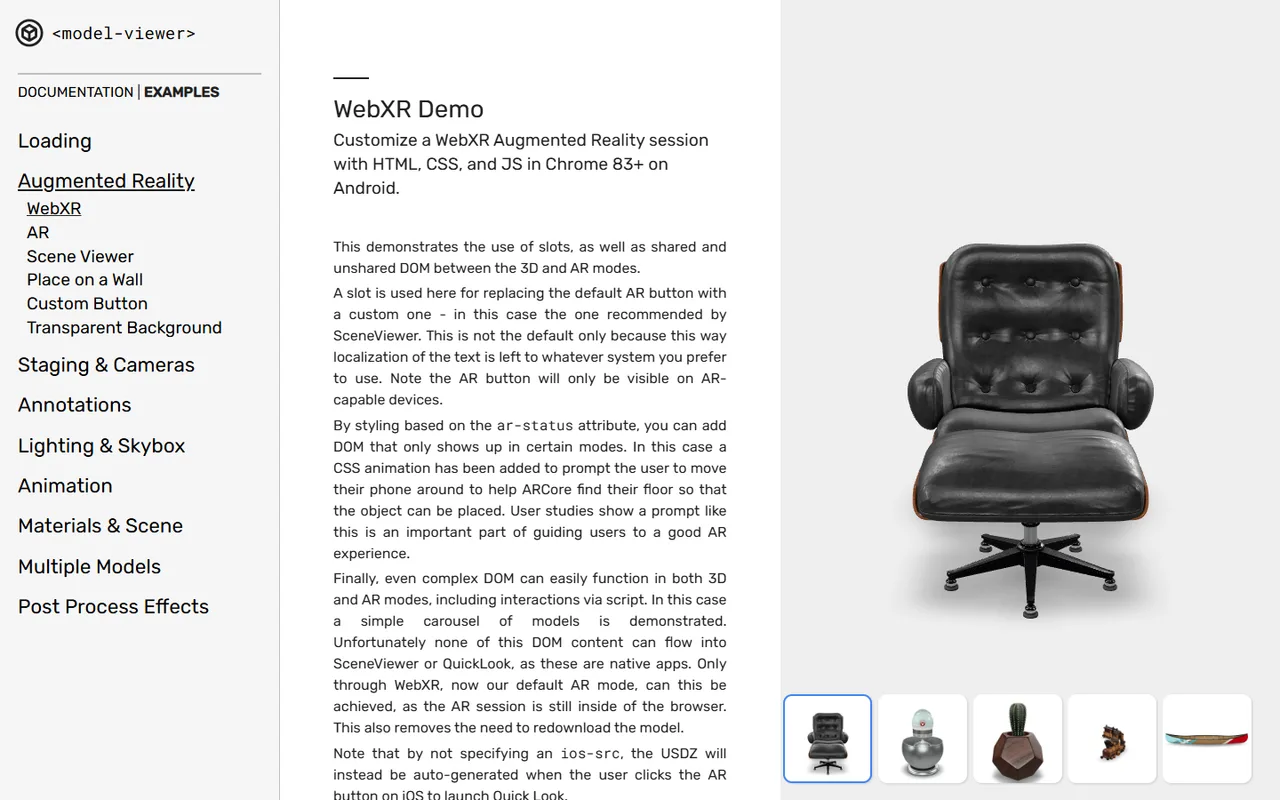
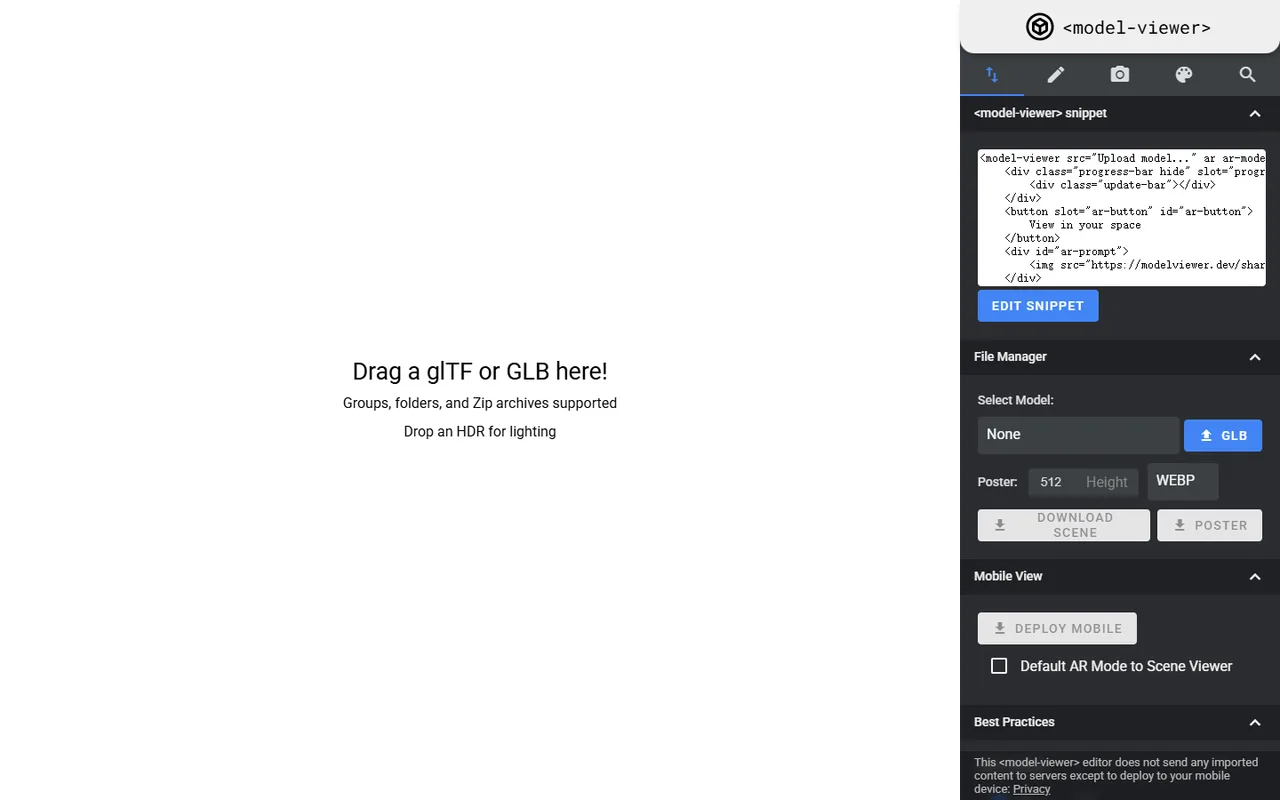
model-viewer is a web component maintained by Google that displays a glTF or GLB model from a single HTML tag. It wraps Three.js behind declarative attributes, so a front-end developer with no 3D graphics background can put an interactive model on a page without writing WebGL code. It sits at the very end of the pipeline: a presentation layer, not an authoring tool and not a game engine. The format restriction is deliberate rather than a limitation, since glTF was designed as a transmission format that loads straight into GPU memory with its physically based materials intact. The feature most teams actually adopt it for is the augmented reality handoff, which hides the fact that Android and iOS solve AR in completely incompatible ways behind one boolean attribute.
Setting up a camera, scene, renderer and lighting rig in raw Three.js takes a few hundred lines before anything appears. Here it is an element with a src attribute. The trade is that you get sensible defaults instead of control, which is the right trade for a product page and the wrong one for anything interactive.
Android tries WebXR in the browser and falls back to launching Scene Viewer through an intent URL. iOS has no WebXR at all, so the component generates a USDZ in memory and hands it to AR Quick Look. Managing two unrelated OS-level pipelines behind one attribute is the component's most useful trick, and also where most of its bug reports come from.
Filmic tone mappers such as ACES were built for cinema and desaturate bright colours as they compress highlights, which is a real problem when the model is supposed to match a physical product a customer will receive. PBR Neutral preserves the base colour and saturation and compresses only at the extreme highlight end. It became the default in version 4.1.0.
Supports KHR_materials_variants for swapping colourways without a second download, Draco geometry compression and KTX2 basis textures for delivery size, and emissive strength for glowing elements. The compression extensions pull WebAssembly decoders from a Google CDN at runtime, which has to be reconfigured if you cannot depend on an external host.
There is no upload step and no server component. The page serves a GLB file from your own host and the browser renders it locally. Nothing about the model or the viewer's use is transmitted back to Google, which makes it usable for models a company would not put on a third-party platform.
Recurring themes across third-party user reviews (G2, Capterra, TrustRadius).
Google model-viewer is free and open source. There is no paid edition to upgrade to, and no feature is held back behind a licence.
Open Source.
The case the component is built around. A product model plus an AR button, with colour that matches the physical item, and no monthly fee to a hosted viewer platform. Colour accuracy stopped being an afterthought once PBR Neutral became the default.
If you know HTML and CSS and nothing about shaders or vector maths, this is the shortest route from a GLB file to something interactive on a page. The declarative attributes cover rotation, camera limits, lighting environment and poster images without touching JavaScript.
Because rendering is entirely client side, the model never leaves your infrastructure. That rules out the hosted viewer platforms for anyone with confidential geometry, and rules this in.
There is no physics, no meaningful scene graph manipulation and no way to drive skeletal animation procedurally without escaping the component. Games, configurators with real logic, and multi-user environments belong in Three.js directly, Babylon.js or PlayCanvas.
It reads glTF and GLB and nothing else. A STEP or SLDPRT file has to be decimated, unwrapped and converted before it can be shown, and that work needs either a technical artist or a commercial optimisation pipeline. The component is free; preparing assets for it is not.
The loading poster, progress bar and AR button live inside a Shadow DOM, so ordinary CSS cannot reach them. Restyling means using ::part selectors or replacing the built-in UI through named slots. The encapsulation protects the viewer from the host page, at the cost of friction whenever the default look is not acceptable.
No. It reads glTF 2.0 and its binary form GLB, and nothing else. This is a design decision rather than an omission: glTF is a transmission format whose data maps directly into GPU buffers, which is why it loads fast enough for a web page. Anything else has to be converted first, in Blender, in a command line tool such as one of the glTF pipeline utilities, or in a dedicated converter.
No. The component is a JavaScript library that runs in the visitor's browser and fetches the GLB from whatever server you host it on. Google does not receive the model, and the component does not send back usage telemetry. The one external dependency is that Draco and KTX2 compressed files pull their WebAssembly decoders from a Google CDN by default, and those paths can be pointed at your own host.
iOS AR requires the USDZ format, and if you do not supply one the component tries to generate it in memory from the GLB at the moment the user taps the button. That conversion is fragile: heavy geometry, large textures and certain material setups all break it, and in-app browsers such as the ones inside social apps have historically blocked the handoff outright. The reliable fix is to pre-bake a USDZ and pass it through the ios-src attribute.
Tone mapping curves differ between the two. Since version 4.1.0 the component defaults to Khronos PBR Neutral, so to match it you set the same view transform in your authoring tool's colour management rather than leaving it on Filmic or standard sRGB. Recent Blender versions ship the Khronos PBR Neutral transform for exactly this reason.
Yes. It is Apache-2.0, which allows commercial use, modification and redistribution without any obligation to publish your own changes. The obligations are to keep the copyright and licence notices and to state if you significantly modified the library. The real cost of using it is asset preparation, not licensing.
There is no official published limit, and the honest answer is that it depends on the device you are willing to lose. The binding constraint on phones is texture memory rather than polygon count: large textures are the usual cause of a blank canvas or a browser tab reloading itself on mobile Safari. Teams shipping to a broad mobile audience generally compress textures with KTX2, keep geometry down with Draco, and avoid putting several viewer instances on one page.
Desktop app and SDK that read, heal and convert over 30 CAD and mesh formats. A translator, not an authoring tool.
A fast, minimalist 3D viewer driven by hotkeys and the command line, with file manager thumbnails and over 30 formats.
Free, open source browser viewer that opens STEP, STL, OBJ, glTF and 15 more formats locally, with nothing uploaded to any server.
The web's default 3D portfolio and embeddable viewer. Its store closed in 2024 and the platform changed hands again in 2026.

Link to this page with the badge below (use listed-light.svg on a light background). Spotted something out of date? Tell us.
<a href="https://3dtoolwiki.com/tools/google-model-viewer" target="_blank"><img src="https://3dtoolwiki.com/badges/listed-dark.svg" alt="Listed on 3D Tool Wiki" width="200" height="54"></a>