CAD Exchanger
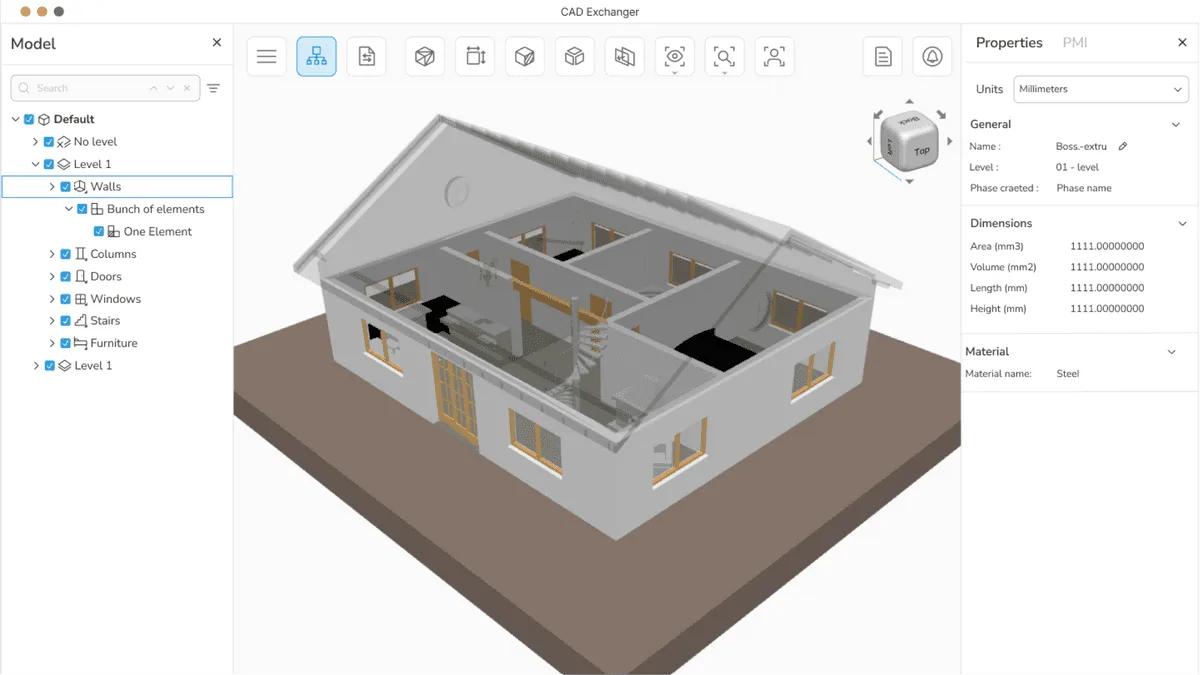
Desktop app and SDK that read, heal and convert over 30 CAD and mesh formats. A translator, not an authoring tool.
A fast, minimalist 3D viewer with no menus. Command line, hotkeys and file manager thumbnails, reading over 30 formats.
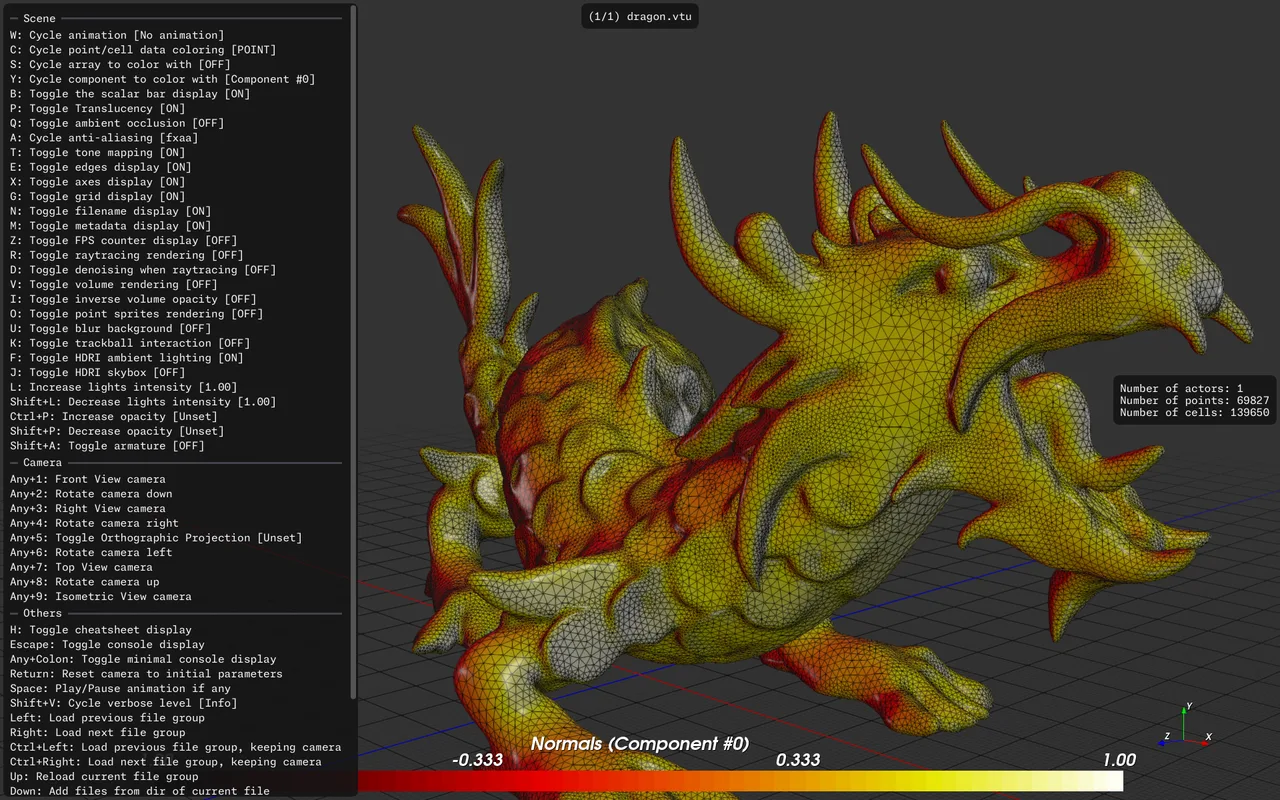
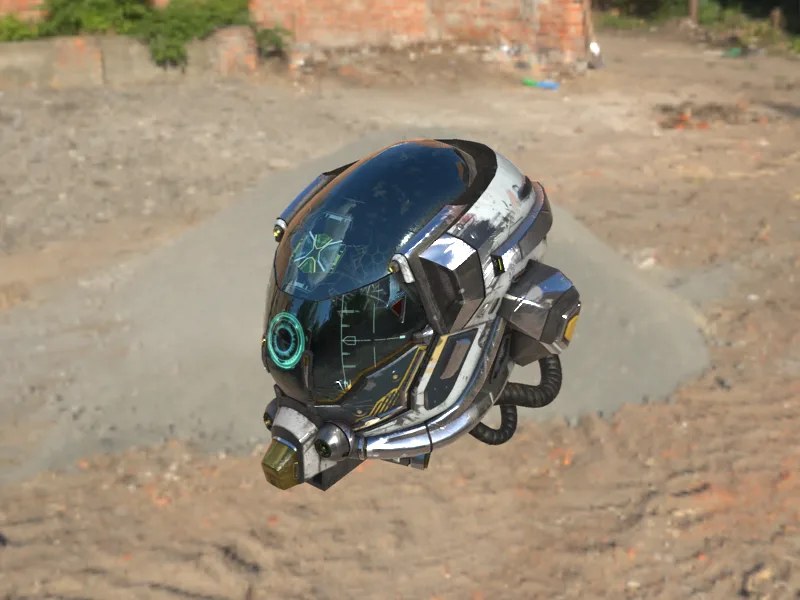
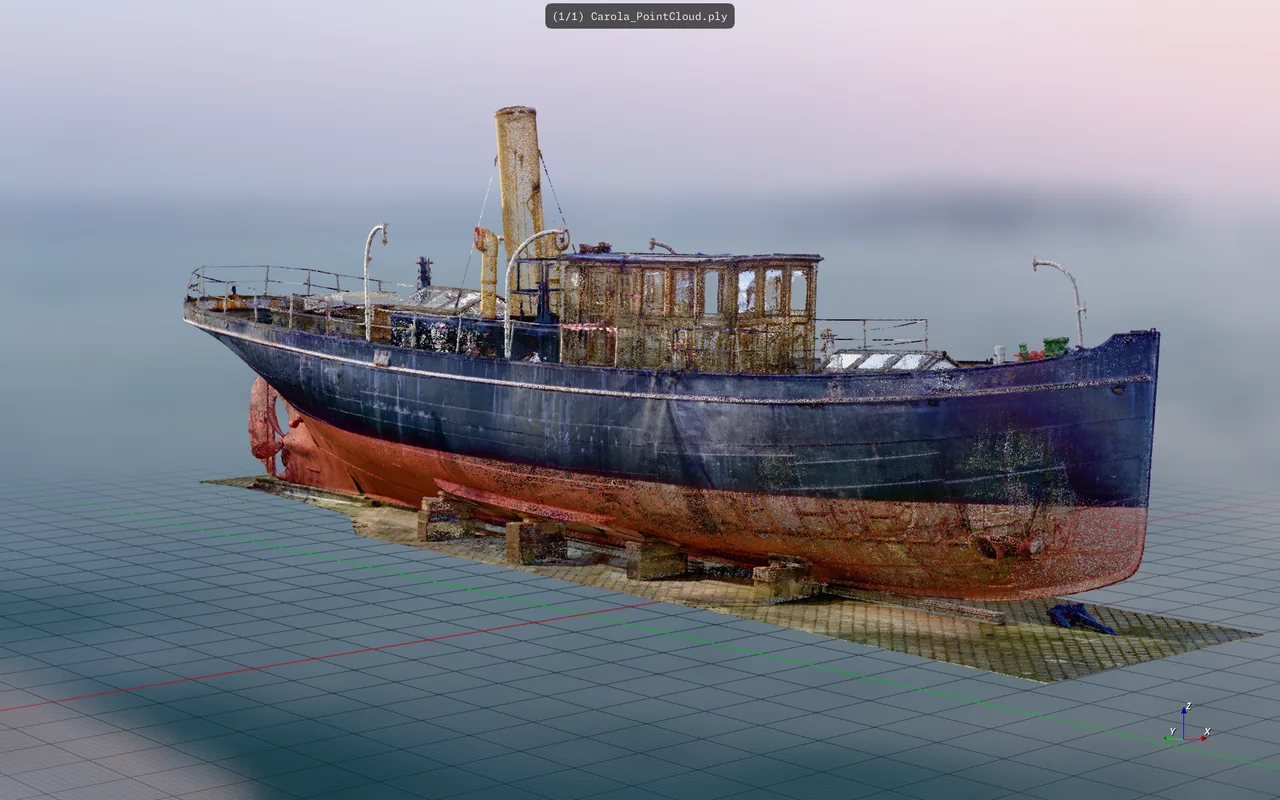
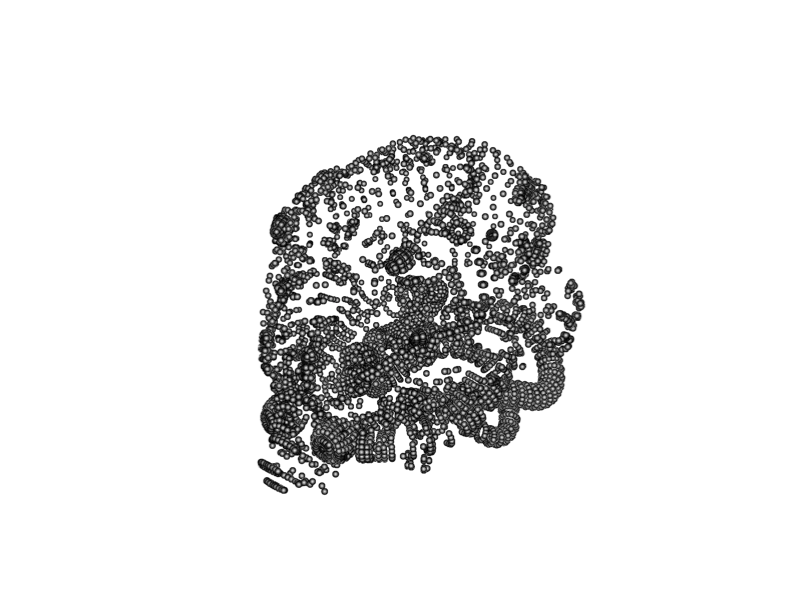
F3D is a 3D viewer built on the opposite principle to most of them: there are no menus, no toolbars and no dialogs. You point it at a file from the command line or drop one on the window, and it renders. Everything else is hotkeys and configuration files. It began at Kitware between 2019 and 2021 and is now run by the F3D-APP Foundation, funded by donations and sponsorship rather than sold. Under the surface it wraps VTK, the scientific visualisation toolkit, which is where the unusual format range comes from: the same application reads an STL, a LiDAR point cloud, a DICOM volume and a Gaussian splat. It is strictly read-only. There is no editing, no repair and no conversion, and the maintainers have repeatedly declined to add them.
Installing it registers a thumbnailer with the operating system, so folders full of cryptic STL and 3MF files start showing what is actually inside them. On Linux this hooks into the Freedesktop standard used by Nautilus and Nemo; on Windows it installs as a shell extension. For anyone with a large print archive this is the feature that justifies the install on its own.
It renders to an image file without opening a window, which makes it usable in CI and batch jobs. Output paths take template variables for the model name, extension, date and a frame counter, so an animation becomes a numbered image sequence in one command. It also reads from stdin and writes to stdout, so it can sit in the middle of a UNIX pipe with no temporary files.
The core binary stays small and formats arrive as plugins. CAD comes from Open CASCADE, so STEP and IGES load with control over tessellation deflection. Point clouds come from PDAL, VFX formats from the USD and Alembic plugins, and FBX and Collada arrive through Assimp. Version 3.5.0 added IFC for building models.
Materials use PBR, an HDRI can be supplied as both skybox and light source, and there is screen space ambient occlusion plus several anti-aliasing modes. Builds compiled against OSPRay add CPU raytracing with optional denoising, which is the difference between a preview and something publishable.
It reads .splat and .spz files directly, and 3.5.0 added CPU sorting so splats render on macOS where the GPU path did not work. Volumetric data such as DICOM stacks and VDB files render with configurable opacity maps and downsampling, which is territory most mesh viewers do not enter at all.
Recurring themes across third-party user reviews (G2, Capterra, TrustRadius).

F3D is free and open source. There is no paid edition to upgrade to, and no feature is held back behind a licence.
Open Source.
The file manager thumbnails turn an unsearchable archive into something you can scan by eye. This is the single most cited reason people install it, and it is why the 3D printing community adopted it well before the rest of the 3D world noticed.
Batch thumbnail generation, render checks inside CI, and stream processing without touching disk. It starts fast enough that calling it thousands of times in a loop is reasonable, which is not true of launching a full DCC application.
The engine ships separately as libf3d with bindings for Python, Java, C and WebAssembly. Three lines of Python give you a VTK-backed renderer, against the considerably longer path of driving VTK directly.
There are no menus and no buttons. Everything is a hotkey, a command line flag or a JSON configuration block. That is a deliberate design position rather than an unfinished feature, and it makes the tool genuinely unsuitable for people who do not want to read documentation first.
It reads more than thirty formats and writes none of them. Users ask for conversion regularly and the maintainers decline just as regularly, because export is explicitly out of scope. If you need STEP to STL, this is the wrong tool no matter how well it displays both.
Everything runs locally, which is exactly why it is private and fast, and also why there is nothing to send a client. A hosted viewer is a different product for a different job.
No. It reads a large number of formats and writes none of them, apart from rendering an image. This is a stated design decision rather than a missing feature, and the maintainers have declined the request repeatedly. For conversion you want FreeCAD, MeshLab or a dedicated converter; F3D is for looking, not changing.
Install it through a system package manager rather than as a portable archive, and the thumbnailer registers itself. On Linux it writes the Freedesktop thumbnailer configuration that Nautilus, Nemo and similar file managers read; on Windows it installs a shell extension. The camera angle and lighting used for those thumbnails are configurable through a JSON file, so the previews can be made to match how you actually want to see parts.
There is, but only as a nightly build. APKs for arm64, armeabi, x86 and x86_64 are published against the development branch rather than in a stable release, so they carry a commit hash in the filename rather than a version number. Treat it as a preview: usable, but not the same thing as the desktop builds.
No. The browser version is the same engine compiled to WebAssembly and distributed through npm, so parsing and rendering happen on your own machine inside the browser tab. Nothing is sent to a server, which also means there is no file size limit imposed from outside. It is marked beta.
It is almost certainly still working. There is no progress indicator during the initial read and parse, so a large point cloud or a heavy CAD assembly produces a window that looks hung until it suddenly renders. This is a known and frequently reported limitation rather than a crash, so the practical advice is to wait longer than feels reasonable before giving up.
Nothing. It is BSD-3 licensed with no paid tier, no enterprise edition and no gated features, and the project is funded by donations and sponsorship through Ko-fi, Liberapay and GitHub Sponsors. Commercial use requires only that you honour the attribution terms of the BSD licence and of the bundled libraries such as VTK, Open CASCADE and Assimp.
Desktop app and SDK that read, heal and convert over 30 CAD and mesh formats. A translator, not an authoring tool.
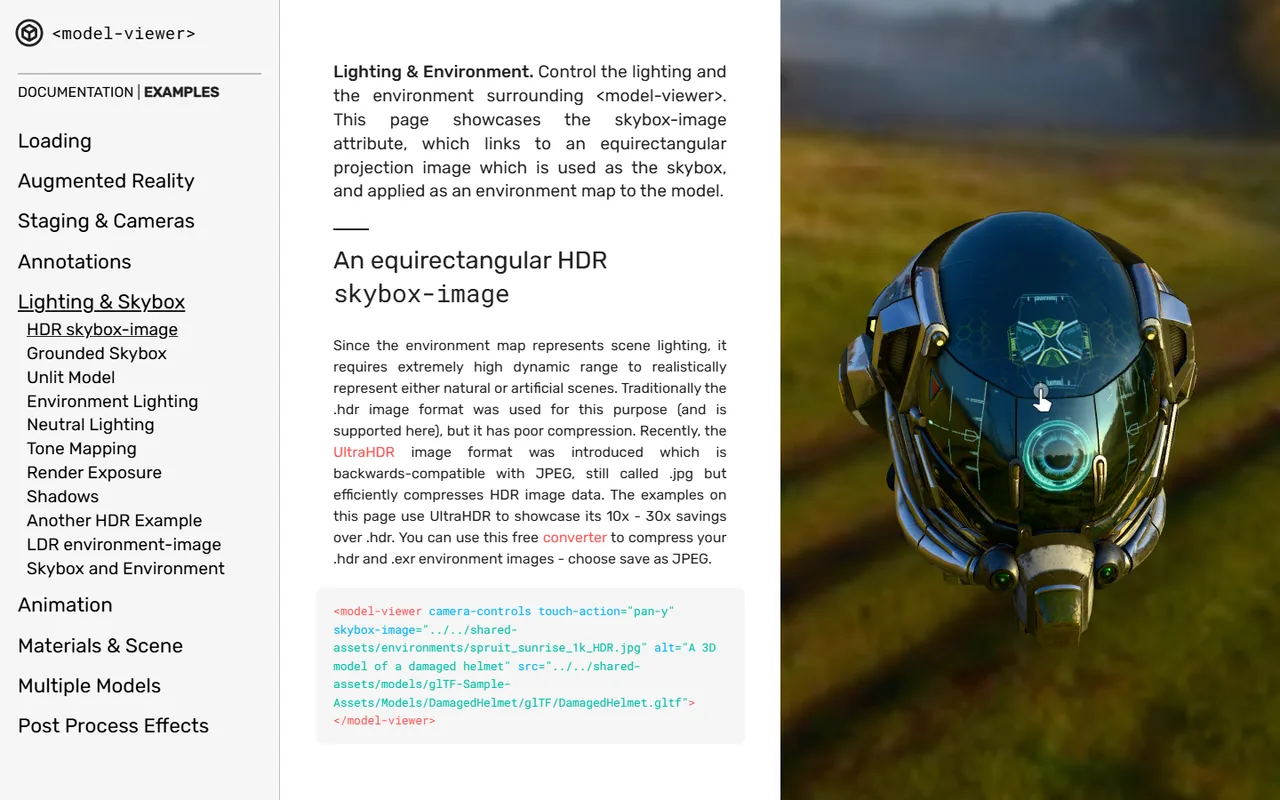
A web component that puts an interactive glTF model and an AR button on a page with one HTML tag. Reads glTF and GLB only.
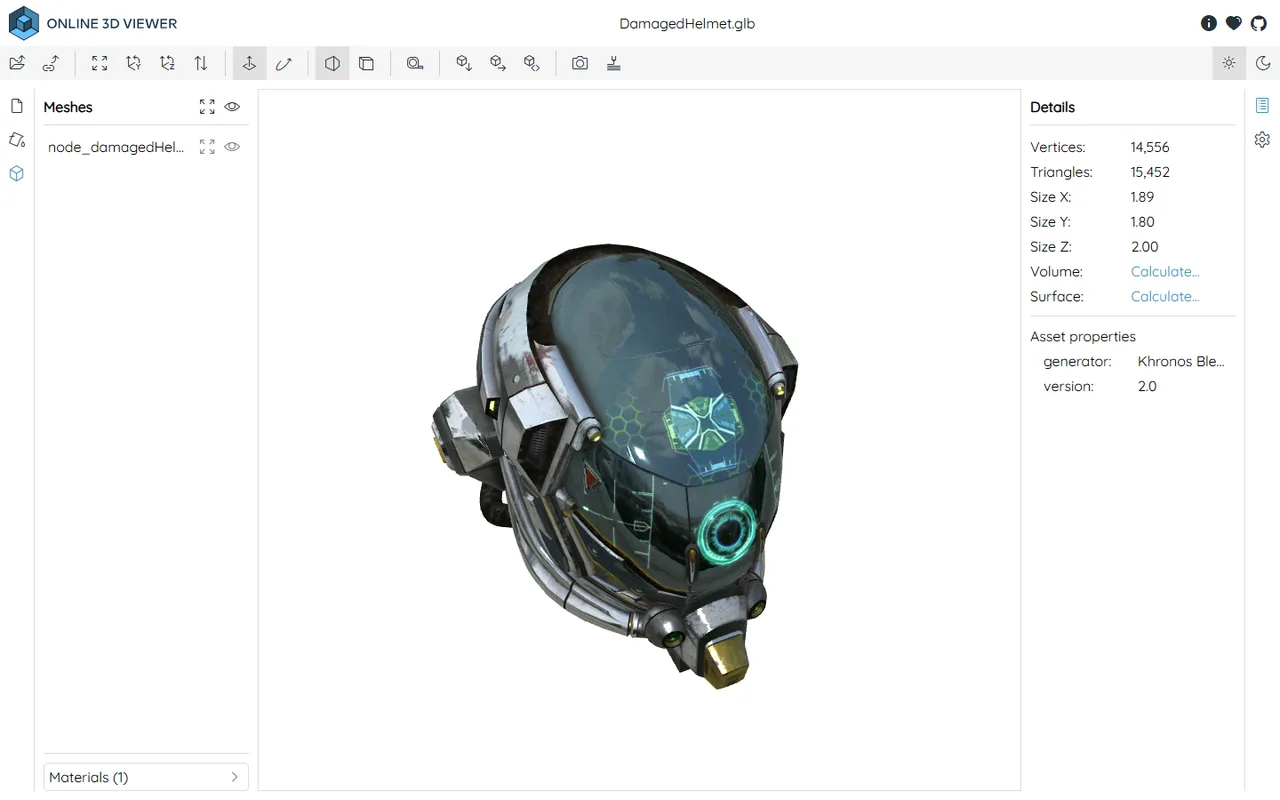
Free, open source browser viewer that opens STEP, STL, OBJ, glTF and 15 more formats locally, with nothing uploaded to any server.
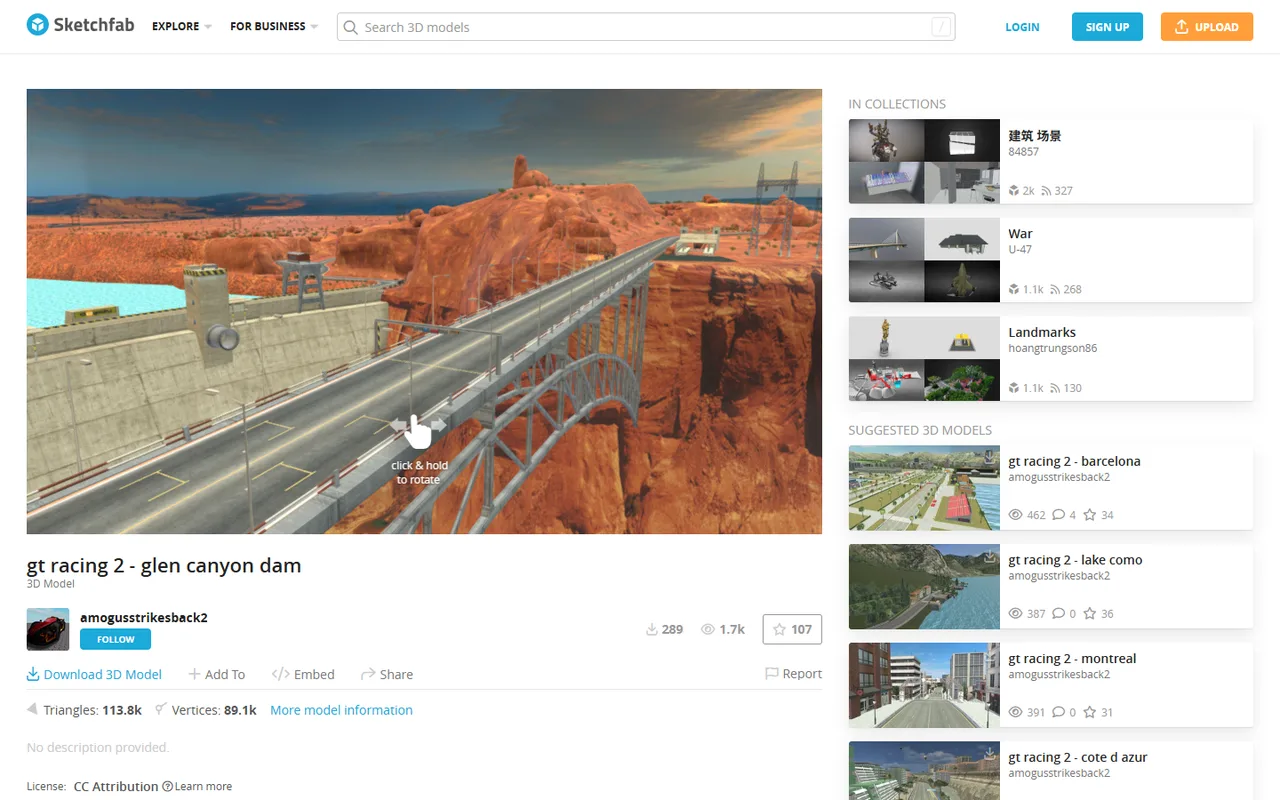
The web's default 3D portfolio and embeddable viewer. Its store closed in 2024 and the platform changed hands again in 2026.