Agisoft Metashape
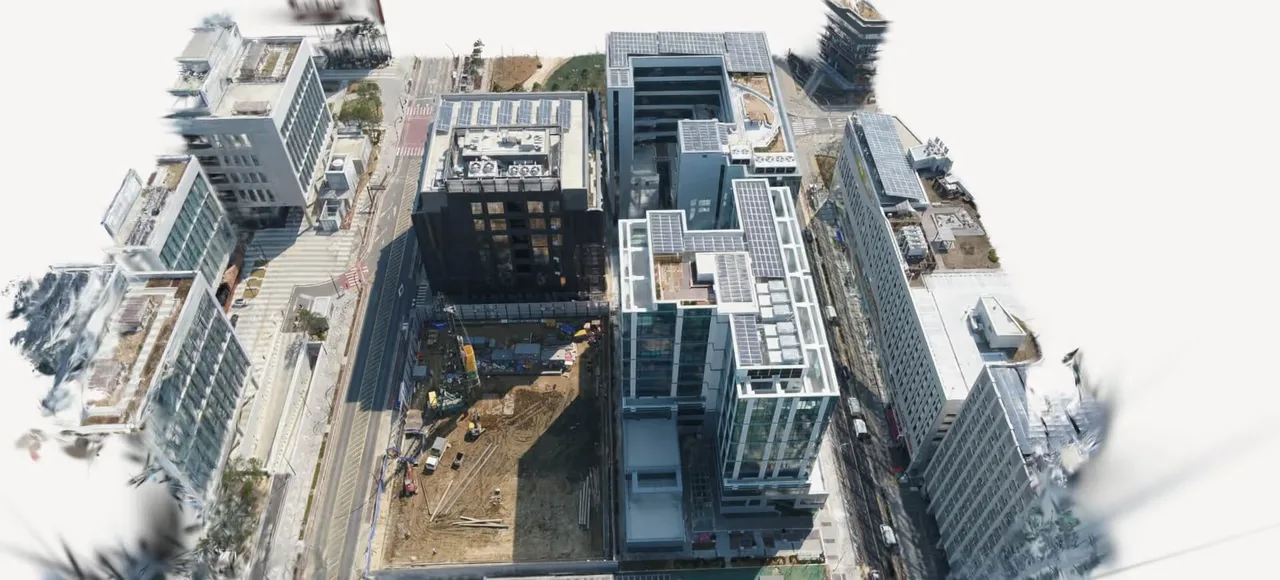
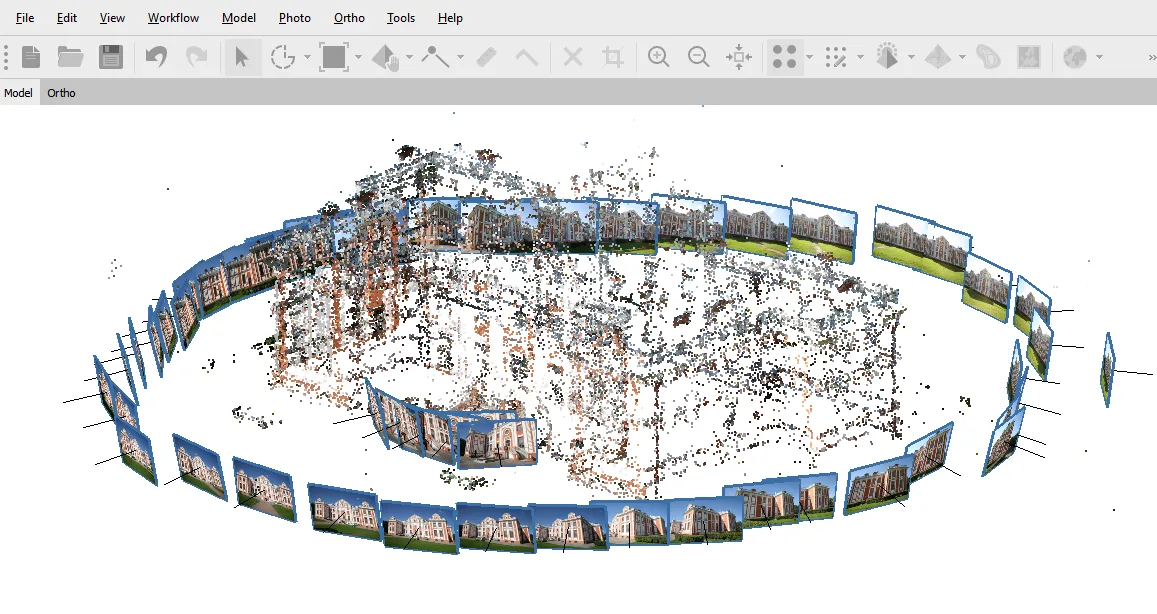
Photogrammetry software that turns photos and LiDAR into measurable point clouds, meshes and orthomosaics. Perpetual licence, no subscription.
Epic Games photogrammetry suite, formerly RealityCapture, free below USD 1M revenue and built for merging photos with laser and SLAM scans.
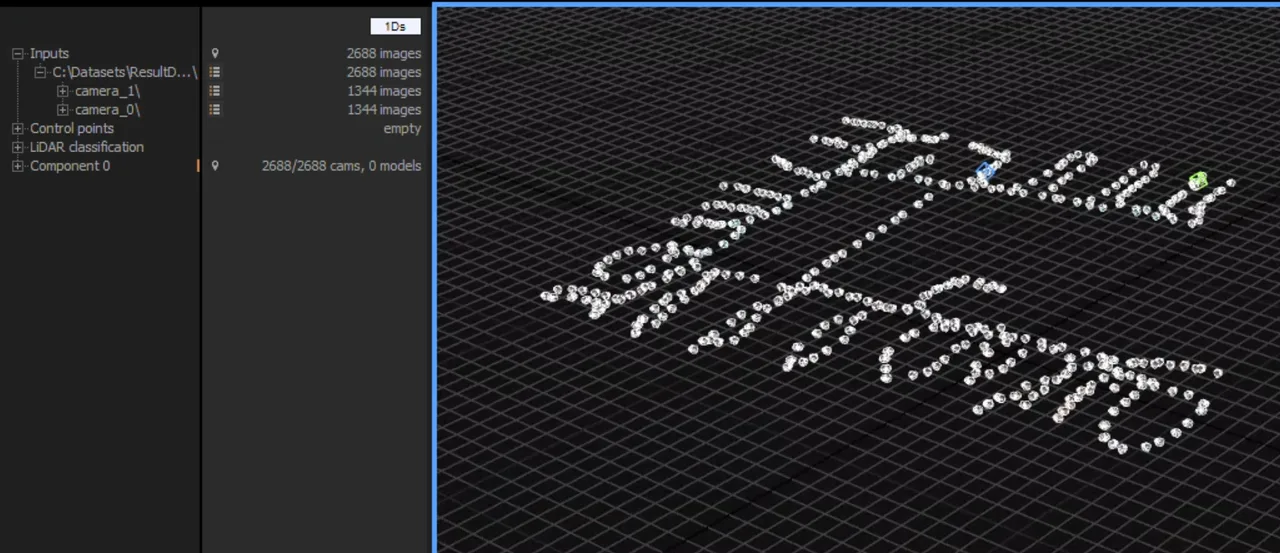
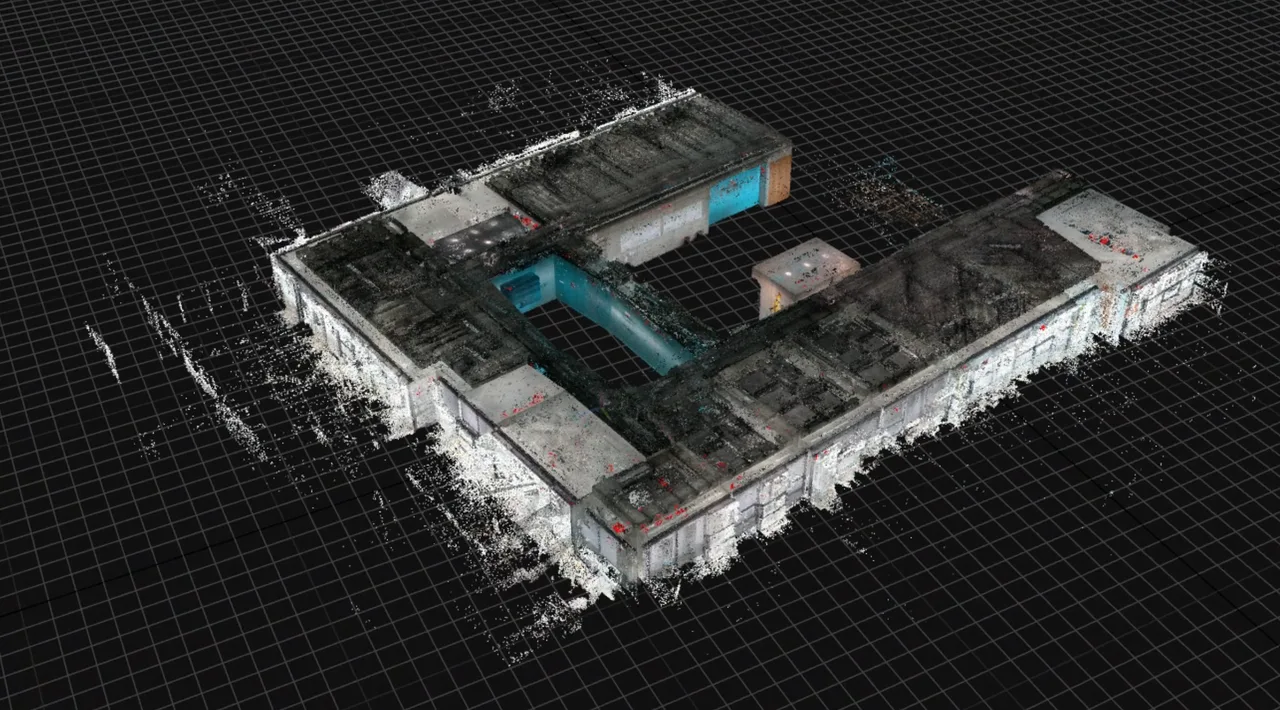
RealityScan is the desktop photogrammetry application that used to be called RealityCapture. It was written by Capturing Reality, a Bratislava company founded in 2013, which Epic Games acquired in March 2021. The rename landed with version 2.0 in June 2025 and folded the desktop app and the free mobile scanning app into one brand, so most existing tutorials, forum threads and review listings still say RealityCapture. Its reputation rests on speed: it reconstructs directly from the sparse point cloud rather than building intermediate depth maps first, and it streams data between disk and RAM instead of holding a dataset in memory, which is why it handles tens of thousands of high resolution images on a workstation. The other reason people reach for it is sensor mixing, since photographs, terrestrial and aerial laser scans and SLAM point clouds can be aligned into a single project. Two things to know before choosing it: there is no macOS build and none is planned, and the Linux release is meant for headless command line processing rather than interactive work. Current release is 2.2, published on 24 June 2026, which added AMD GPU acceleration on Windows after years of requiring NVIDIA CUDA.
Imports classified LAS and LAZ point clouds, terrestrial and aerial lidar, and since version 2.1 the SLAM point clouds produced by handheld scanners. Because classification survives the import you can mesh selectively by class, meshing the building but not the vegetation around it.
Datasets are streamed between storage and RAM rather than held in memory, so project size is bounded by disk rather than by installed RAM. This is the architectural reason it absorbs city scale and heritage datasets that stall other applications, and the reason it is disk I/O heavy.
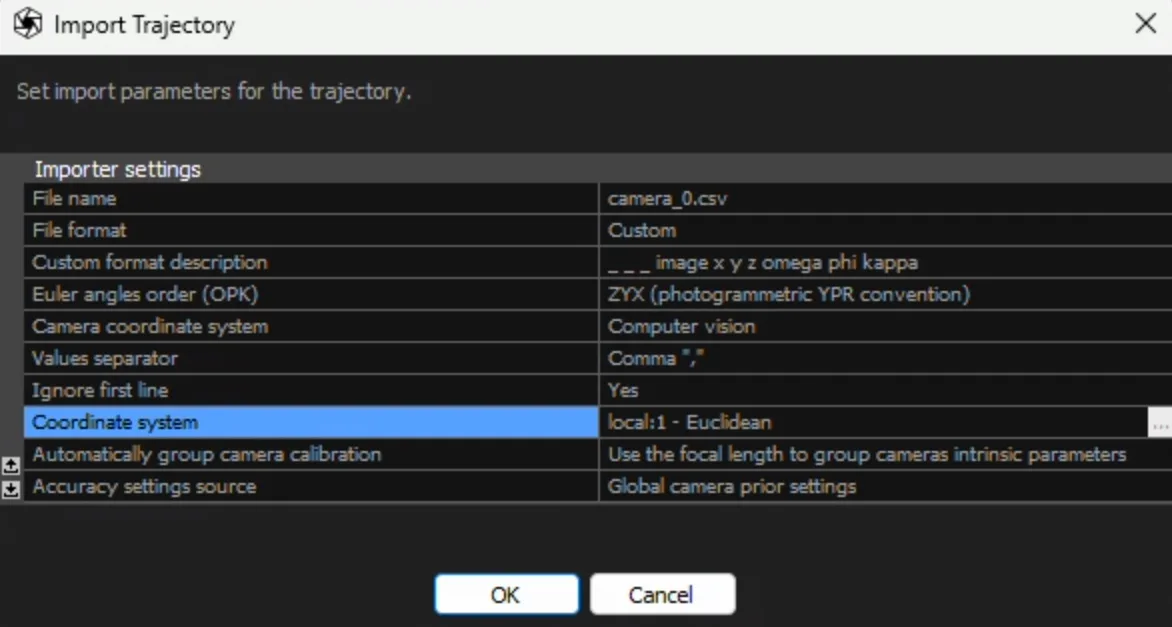
Exports camera poses as COLMAP text and transforms.json. Structure from motion alignment is the slow first stage of any Gaussian splatting pipeline, and COLMAP itself is notoriously slow at it, so a growing number of users run RealityScan purely as an alignment engine and hand the poses to a splat trainer such as Postshot.
A full CLI drives every processing stage, and the Remote Command Plugin added in 2.1 exposes REST and gRPC endpoints. Combined with the Linux build this is what lets a studio run headless worker nodes instead of operators clicking through the interface.
Version 2.0 added automatic mask generation from trained models, which removes backgrounds when scanning an isolated object. Previously this meant manual rotoscoping or shooting against a controlled backdrop.
Nanite renders virtualised micropolygon geometry, so a multi million triangle scan can go into Unreal without the retopology and normal map baking step that used to sit between a scan and a game asset. That pipeline is the strategic reason Epic bought the software.
Recurring themes across third-party user reviews (G2, Capterra, TrustRadius).
RealityScan is free to start. There is a free tier you can use indefinitely, and paid plans above it unlock further capability.
| Plan | Price | What you get |
|---|---|---|
| Free | Free | Individuals and small businesses whose gross revenue over the past 12 months is below USD 1 million, plus educational institutions and students. All RealityScan features are included, not a reduced feature set. |
| RealityScan seat | USD 1,250 per seat per year | Required once annual gross revenue passes USD 1 million. Includes every feature, documentation and one year of updates. The threshold is measured on the whole legal entity, not the department or project budget. |
| Custom licensing | Contact sales | Epic asks you to get in touch for custom terms, purchases above 25 seats, or Epic Professional Services support. |
Free below the revenue threshold, and its output feeds Unreal and Nanite without an intermediate optimisation pass. For studios already inside the Epic ecosystem there is little friction.
Out of core processing plus laser scan merging suits projects measured in tens of thousands of images, where the constraint is dataset size rather than per image quality.
The CLI, REST and gRPC surface and the headless Linux build allow reconstruction to run as a scheduled service rather than an interactive session.
Useful even if you never export a mesh, purely because it produces COLMAP and transforms.json camera poses far faster than COLMAP does.
There is no macOS build. Virtualisation removes the GPU acceleration the reconstruction stages depend on, so the practical options are a Windows machine or the mobile app with cloud processing.
It produces orthomosaics and terrain models, but lacks the volumetric stockpile calculations, agronomic indices and automated report generation that Pix4D and DroneDeploy are built around. It is a geometry tool that can survey, not a survey tool.
Processing is presented as a linear set of stages with heuristics choosing most parameters. Users coming from Metashape or Meshroom repeatedly describe it as a black box and miss granular control over tie point limits and camera calibration.
Yes. Epic renamed the desktop application from RealityCapture to RealityScan with version 2.0 in June 2025, and the mobile app became RealityScan Mobile. It is the same software and the same codebase, so documentation, tutorials and review listings published before mid 2025 under the RealityCapture name still describe it accurately.
It is free, with every feature included, for individuals and businesses whose gross revenue over the past 12 months is below USD 1 million, and for educational institutions and students with no revenue ceiling. Above that threshold it is USD 1,250 per seat per year. The threshold applies to the entire legal entity, so a small team inside a large company does not qualify.
Only if you converted them before 3 August 2026. Epic shut down the legacy licensing server on that date, and projects created under the old pay per input model that were never opened and resaved in RealityCapture 1.4 or later are now permanently inaccessible. The unexported geometry inside them cannot be recovered.
No, and there is no announced plan for one. The desktop application is Windows only, with a Linux build intended for headless command line processing. Virtualisation is not a real workaround because the reconstruction and texturing stages need direct GPU access. Mac users generally either keep a Windows machine for reconstruction or use the free RealityScan Mobile app, which processes in Epic's cloud.
Not since version 2.2, released in June 2026, which added support for AMD Radeon, Radeon Pro and Ryzen AI Max hardware and allows AMD and NVIDIA cards in the same machine. That support is Windows only for now, with Linux stated as coming later. Some GPU is still needed: alignment can run without one, but meshing and texturing cannot.
Because splat training needs camera poses before it can start, and the usual tool for that job, COLMAP, is slow. RealityScan exports COLMAP format and transforms.json, so it can do the alignment in a fraction of the time and hand the result to a splat trainer. Users doing this often never export a mesh at all.
Photogrammetry software that turns photos and LiDAR into measurable point clouds, meshes and orthomosaics. Perpetual licence, no subscription.
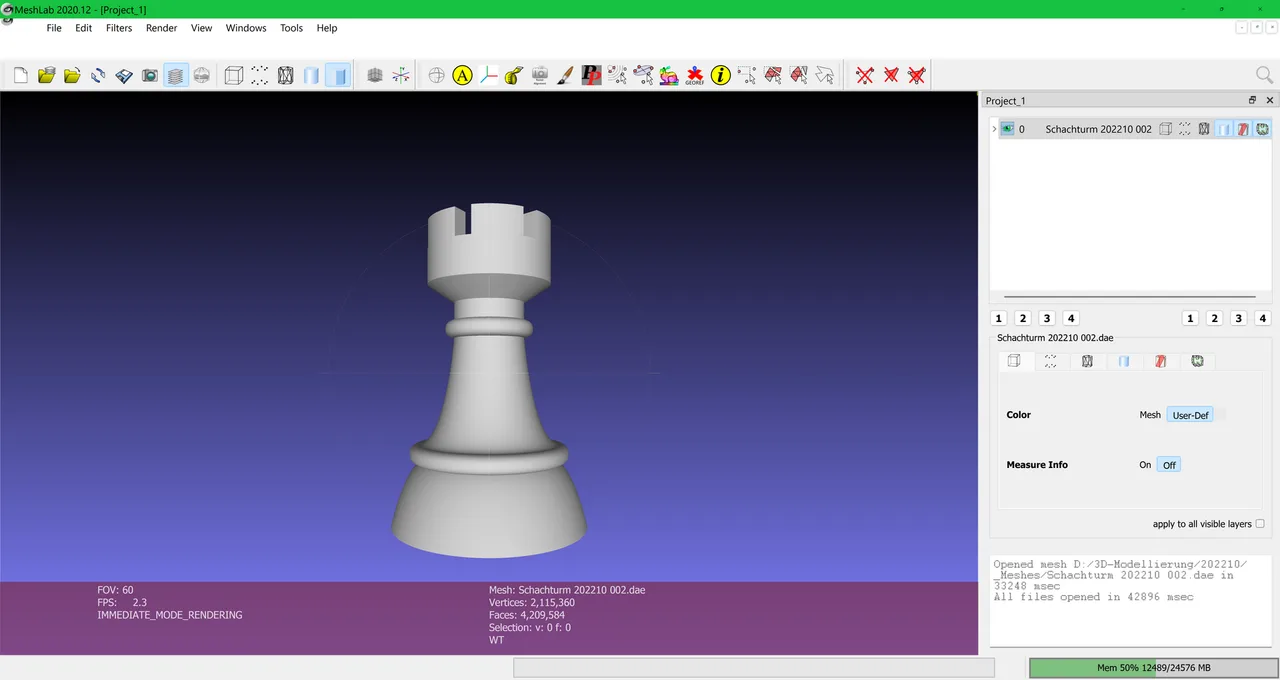
Open source system for processing and editing 3D triangular meshes, widely used for scan cleanup, repair and format conversion.
Phone-based 3D scanning using LiDAR, photogrammetry and Gaussian splats, with CAD-ready floor plans on the paid tiers.