Backflip AI
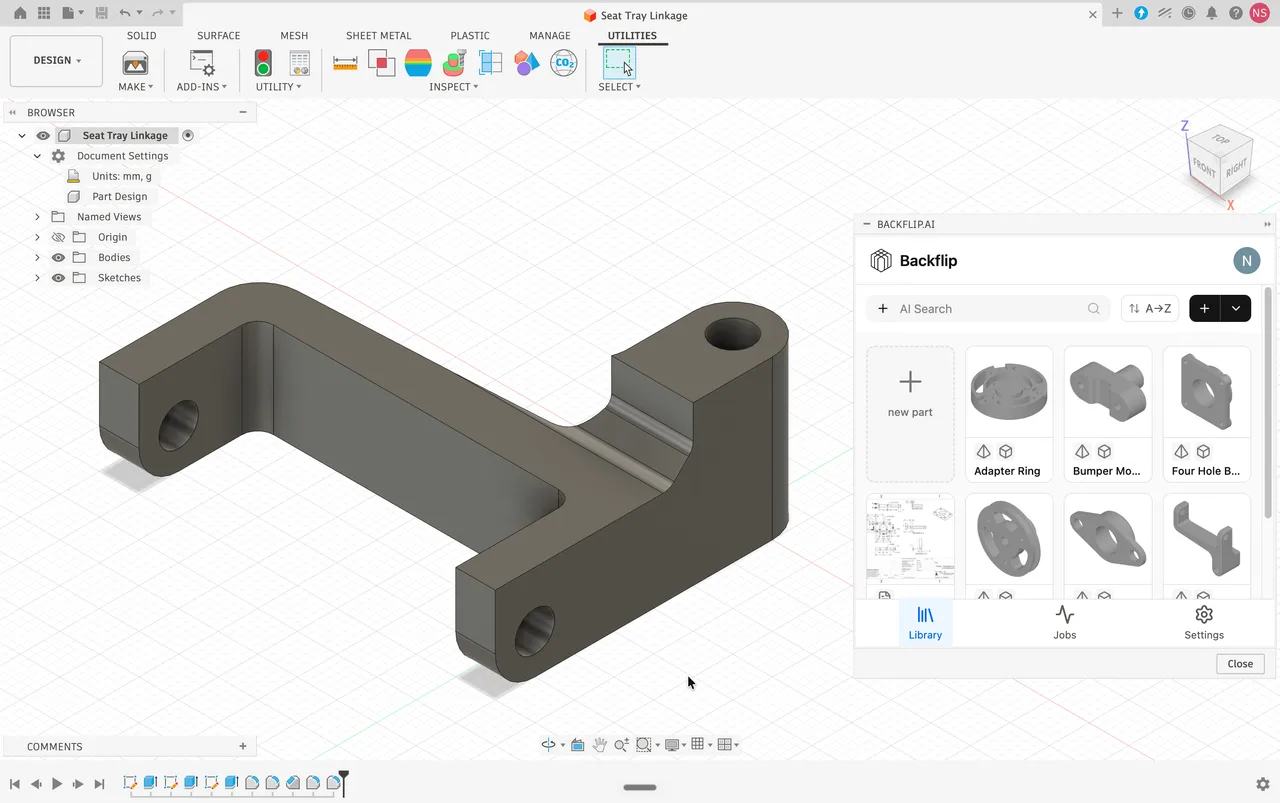
Turns 3D scans and STL meshes into editable parametric CAD with a feature tree, as a Fusion add-in or a web app.
Browser-only parametric CAD on the Parasolid kernel, with built-in version control and branching, and a free tier where every document is public.

Onshape was built by the engineers who created SolidWorks and has belonged to PTC since 2019. It runs entirely in a browser, with the geometry computed on servers and only the rendering handled by the local GPU, which is why it works on a Chromebook as well as a workstation. Underneath it licenses Parasolid and D-Cubed from Siemens, the same kernel and constraint solver behind SolidWorks and NX, so the mathematics is not a lightweight cloud approximation. The genuinely different part is the data model: designs live in a database rather than as files, so version history, branching and merging are built into the product instead of requiring a separate PDM server, and simultaneous editing does not overwrite anyone's work. Two things decide whether it fits. There is no offline mode at all, and on the free plan every document you create is public, in PTC's own words accessible to the public, with no way to make one private.
Because designs are database records rather than files, the history, branching and merging engineers know from software development apply directly to geometry. Two people can work in the same document at once without check-out locks or overwritten work. For teams that would otherwise buy and administer a PDM server, this replaces an entire category of infrastructure.
The kernel and constraint solver are the same ones under SolidWorks, NX and Solid Edge. That matters for interchange as much as for precision: geometry moving between Onshape and those systems is being handled by the same mathematics rather than being translated between rival ones. Exporting a SolidWorks file as Parasolid before import is the cleanest migration path for the same reason.
Not a macro layer that automates clicks and breaks on update. FeatureScript is the same C-style language Onshape's own developers use to write Extrude, Fillet and Sweep, so a custom feature you write regenerates natively and handles spatial queries and conditional logic like any built-in one. Someone doing parameterised cabinetry can generate joints, clearances and a cut list from one parametric feature.
Geometric solving runs on PTC servers, so a standard laptop, a MacBook, a Chromebook or a Linux machine all work. A competent GPU still matters, since rendering is local through WebGL, but the expensive certified workstation that desktop CAD assumes is not part of the budget.
The Professional tier brings simulation, rendering and ECAD exchange into the same tab, and late 2025 added angular velocity loads for centrifugal cases. The same release rewrote level of detail handling to keep pan and zoom usable on large assemblies, which was the most substantiated performance complaint against it.
PTC shipped a Model Context Protocol server that lets AI agents drive FeatureScript directly, which is a more interesting proposition than text-to-CAD alone: the agent writes parametric rules in the language the modeller itself is built from, so the output is editable geometry rather than a one-off mesh. Too new to judge on results.
Recurring themes across third-party user reviews (G2, Capterra, TrustRadius).


Onshape is free to start. There is a free tier you can use indefinitely, and paid plans begin at USD 1,500/year.
| Plan | Price | What you get |
|---|---|---|
| Free | USD 0 | Unlimited storage, standard modelling tools, and no privacy whatsoever. PTC states that all Onshape documents on this plan are accessible to the public: they are searchable, viewable and copyable by any other user, and there is no setting to make one private. Suitable for learning and open hardware, unusable for anything confidential. |
| Standard | USD 1,500/user/year | Billed annually; there is no monthly option for commercial tiers. Unlimited private documents, commercial use rights, basic data management, direct support. API use is capped at 2,500 calls per user per year. |
| Professional | USD 2,500/user/year | Adds formal release management, company-managed data, simulation, rendering and ECAD exchange. API cap rises to 5,000 calls per user per year. |
| Enterprise | Custom | Advanced analytics, Arena PLM connection, single sign-on and role-based access. API cap 10,000 calls per user per year. |
| Education | Free | Verified students and educators get professional-grade tools with private documents, watermarked and restricted to non-commercial use. |
Simultaneous editing with real branching and merging, and no vault to administer. This is the case Onshape makes best, and reviewers consistently rate the data management above traditional PDM.
No workstations to certify, no PDM server, no license server, no install to maintain across machines. For a small hardware company the avoided infrastructure is often larger than the seat cost.
FeatureScript is a genuinely different proposition from macros, since custom features are written in the same language as the native ones and behave identically. Repetitive parametric families are where it pays off.
Windows, macOS, Linux and ChromeOS all get the same product, which is not true of any locally installed CAD system in this category.
There is no offline mode. Lose the connection and the workspace freezes until it returns. Work in progress survives, since every action is saved server-side as it happens, but productivity stops. Remote sites, aircraft and secure facilities are all out.
The 2D environment is the most consistent complaint, described as slower and less capable than SolidWorks for detailing complex geometry. If your daily output is standards-compliant technical drawings, this is the bottleneck.
The free tier makes every document public with no exceptions, so it cannot hold proprietary work. The first private seat costs USD 1,500 a year, which is a steep step up from free compared with the alternatives.
There is no native heavy-duty CAM comparable to what Fusion bundles, so a separate package and the handoff it implies come back into the picture.
There is a genuinely free tier with unlimited storage and the standard modelling tools, but it costs you privacy rather than money. PTC states plainly that all documents on the free plan are accessible to the public, meaning any other Onshape user can search, view and copy your work, and there is no setting that makes a document private. It is a good way to learn the software or publish open hardware. It cannot hold anything confidential. Private work starts at USD 1,500 per user per year.
They are not deleted and they are not made public, which is better than the alternative several competitors offer. Existing private documents stay private and become read-only: you can open them, inspect them and export them to STEP or Parasolid to move elsewhere, but you cannot edit them. Editing again means either renewing, or manually switching the document to public, which exposes it. A full account deletion, and the purge of the data with it, only happens if you request it yourself, over a 30 day window.
No, and this is the constraint that decides most adoptions. There is no offline mode in the browser or the mobile apps. If the connection drops the workspace freezes until it comes back. Work in progress is not lost, because every action is written to the server as it happens rather than being saved locally, but nothing can be done until connectivity returns. For anyone modelling on aircraft, at remote sites or inside restricted networks, this is disqualifying.
No. Geometric solving and feature regeneration run on PTC servers, so the local machine only renders through WebGL. A standard business laptop, MacBook or Chromebook is enough, and Linux is supported like anything else with a browser. A reasonable GPU still helps with large assemblies, since the drawing is local, but the certified professional workstation that desktop CAD assumes is not part of the cost.
It imports .sldprt and .sldasm directly. For the cleanest transfer, though, export the SolidWorks file to Parasolid first and import that, because both systems run on the Parasolid kernel and the geometry crosses without an intermediate translation. This is the practical advantage of the shared kernel and it applies to Siemens NX and Solid Edge as well.
They disagree more than usual here and the gap is worth seeing rather than averaging away. Capterra shows 4.5 out of 5 across 357 reviews, while TrustRadius shows 6.5 out of 10 across 79. Read the criticism itself and the pattern is consistent: reviewers who value collaboration and no-install access rate it very highly, while those measuring it against desktop drafting and offline capability rate it much lower. The score you should expect depends on which of those describes your work.
It is the programming language Onshape is written in, made available to users. That distinction matters: a macro in traditional CAD automates the interface and tends to break on updates, whereas a FeatureScript feature is built the same way Extrude and Fillet are, so it regenerates natively and can carry real logic and spatial queries. In 2026 PTC added a Model Context Protocol server so AI agents can write FeatureScript directly, which produces editable parametric geometry rather than a static mesh.
Turns 3D scans and STL meshes into editable parametric CAD with a feature tree, as a Fusion add-in or a web app.
Cloud-connected CAD, CAM, CAE and PCB in one subscription, strongest on integrated manufacturing and weakest on air-gapped or very large assemblies.
Open source parametric CAD built on the OpenCASCADE B-Rep kernel, with a full Python API and workbenches for mechanical design, BIM, FEM and CAM.
The Windows-only mechanical CAD standard, unmatched on sheet metal and drawings, sold through resellers with capabilities gated hard across three tiers.
Autodesk's free browser modeller for beginners and classrooms, built from primitive solids, with a one-way bridge into Fusion and no STEP support at all.