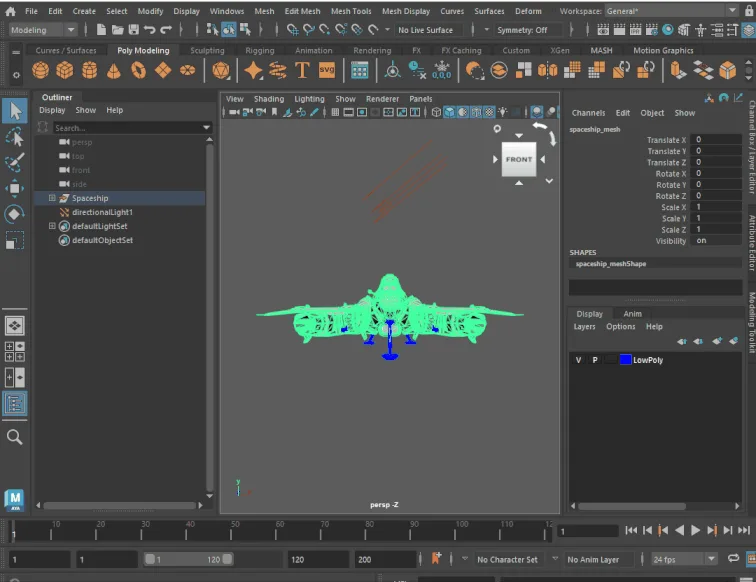
Autodesk Maya
Subscription 3D animation, modeling and simulation suite, and the long-standing studio default for character rigging.
Blender add-on that builds a facial rig and ARKit blendshapes on an existing humanoid face mesh.
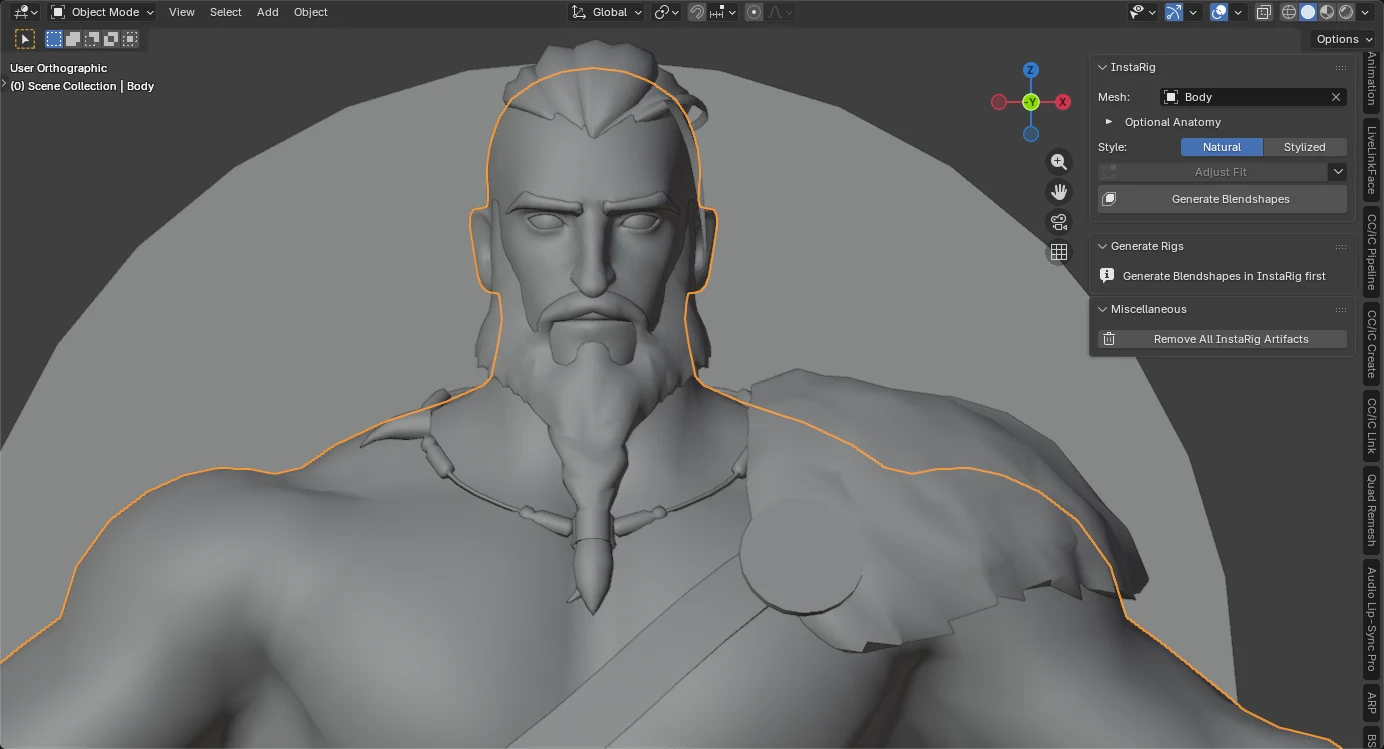
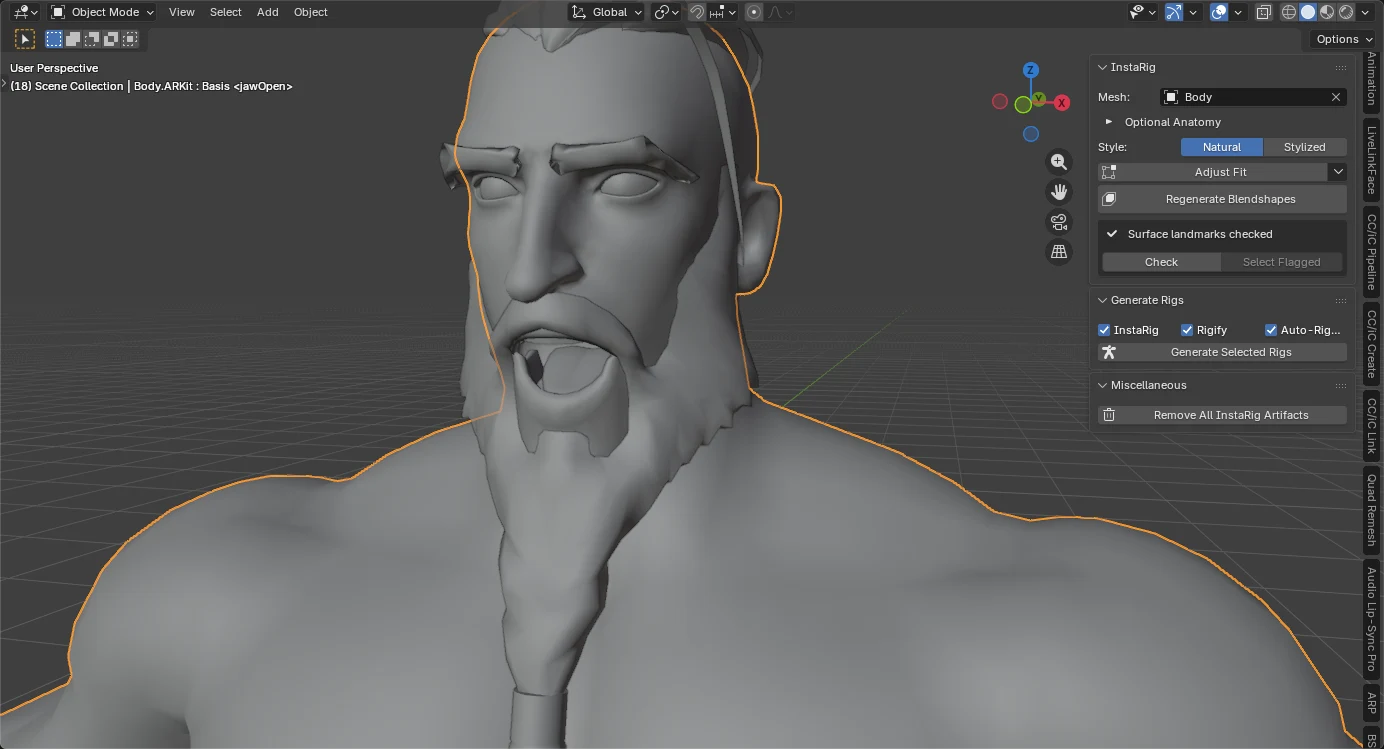
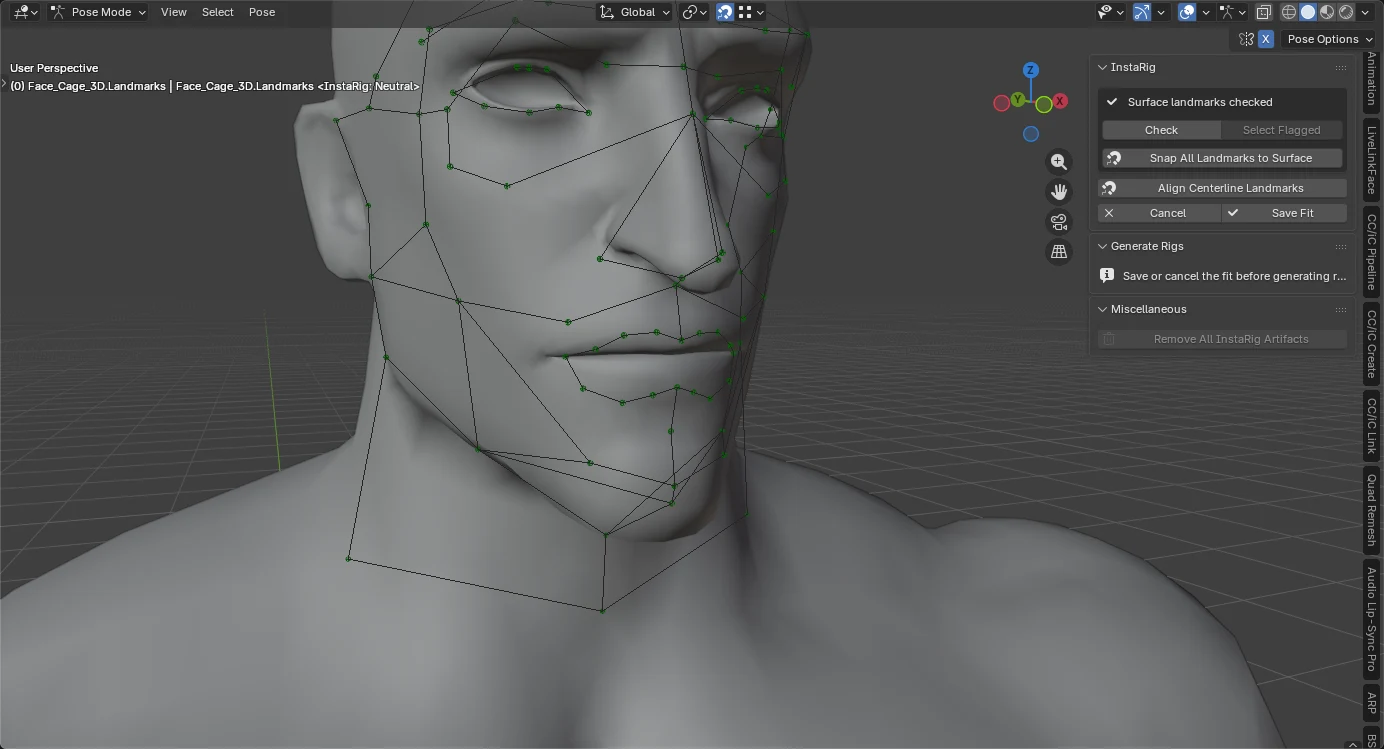
InstaRig is Nick Fisher's Blender add-on for facial rigging. It works on a humanoid face mesh you already have and builds facial deformation controls and ARKit blendshapes. It requires Blender 4.5 or later. This profile cites the developer's public store and documentation. We did not install the add-on, test a mesh, or verify an engine import.
InstaRig works on your existing humanoid mesh. It does not replace the mesh or add missing edge loops. Start with clean quads and check the loops around the lips, eyelids and brows. The developer also recommends applying the head transforms and checking its forward orientation.
Start with the native InstaRig rig unless your project already uses Rigify. Both options produce editable Blender armatures. If the generated result pinches at the mouth or eyelids, refine the landmarks and vertex weights before export.
Test a wide jaw opening and a full blink. Look for intersecting lips, gaps around the eyelids and nearby vertices moving unintentionally. If you need ARKit blendshapes in Unity or Unreal, test the same expressions after import. These are suggested checks, not results from our own test.
The developer documents local inference with CUDA or ROCm when supported and a CPU fallback. Metal or MPS acceleration is listed as planned. Check the guide for requirements rather than assuming support for every Blender installation.
InstaRig is not free. It is paid software with no free tier, starting at USD 69 one-time (Holotype).
| Plan | Price | What you get |
|---|---|---|
| Full version | USD 69 | Holotype direct store, one-time payment. The official store says the current release can be downloaded after payment and future updates are included. No checkout tested. |
A starting point when you already have a humanoid face and want to generate controls and blendshapes before reviewing deformation by hand.
Those faces are outside current documented support. Use a workflow suited to the character's anatomy and mesh.
The developer requires Blender 4.5 or later and a humanoid facial mesh with clean, regular quad topology. The public guide does not list a platform matrix, and we did not install the add-on.
Holotype's current product page lists a full release and says the download is available immediately after checkout. The site also links to an older preorder post; that is historical. We did not purchase or download the add-on.
The author describes ARKit blendshapes as suitable for export to real-time engines. We did not verify a direct export function or a successful import. Export and test the rig and shapes through your Blender-to-engine workflow.
Subscription 3D animation, modeling and simulation suite, and the long-standing studio default for character rigging.
Free and open source 3D creation suite covering modeling, sculpting, texturing, animation and rendering.
Browser 3D design tool for interactive web scenes, with AI generation that runs third-party models such as Hunyuan3D, Trellis 2 and Meshy.

Link to this page with the badge below (use listed-light.svg on a light background). Spotted something out of date? Tell us.
<a href="https://3dtoolwiki.com/tools/instarig" target="_blank"><img src="https://3dtoolwiki.com/badges/listed-dark.svg" alt="Listed on 3D Tool Wiki" width="200" height="54"></a>