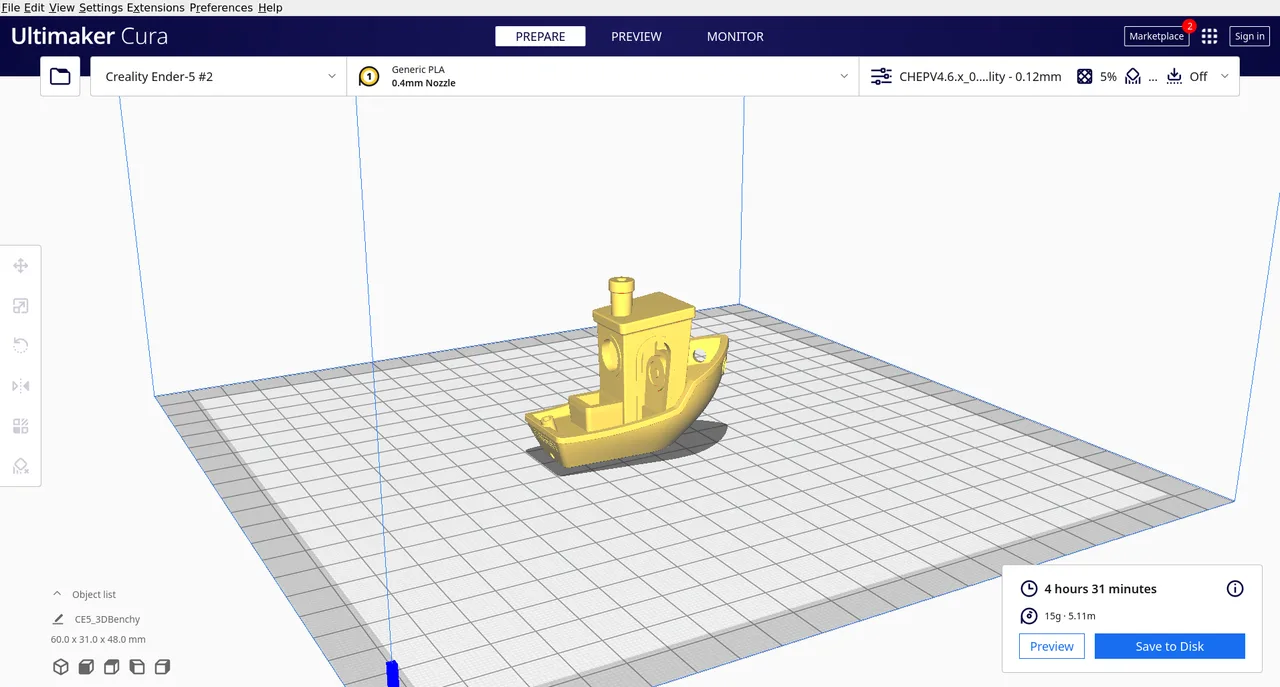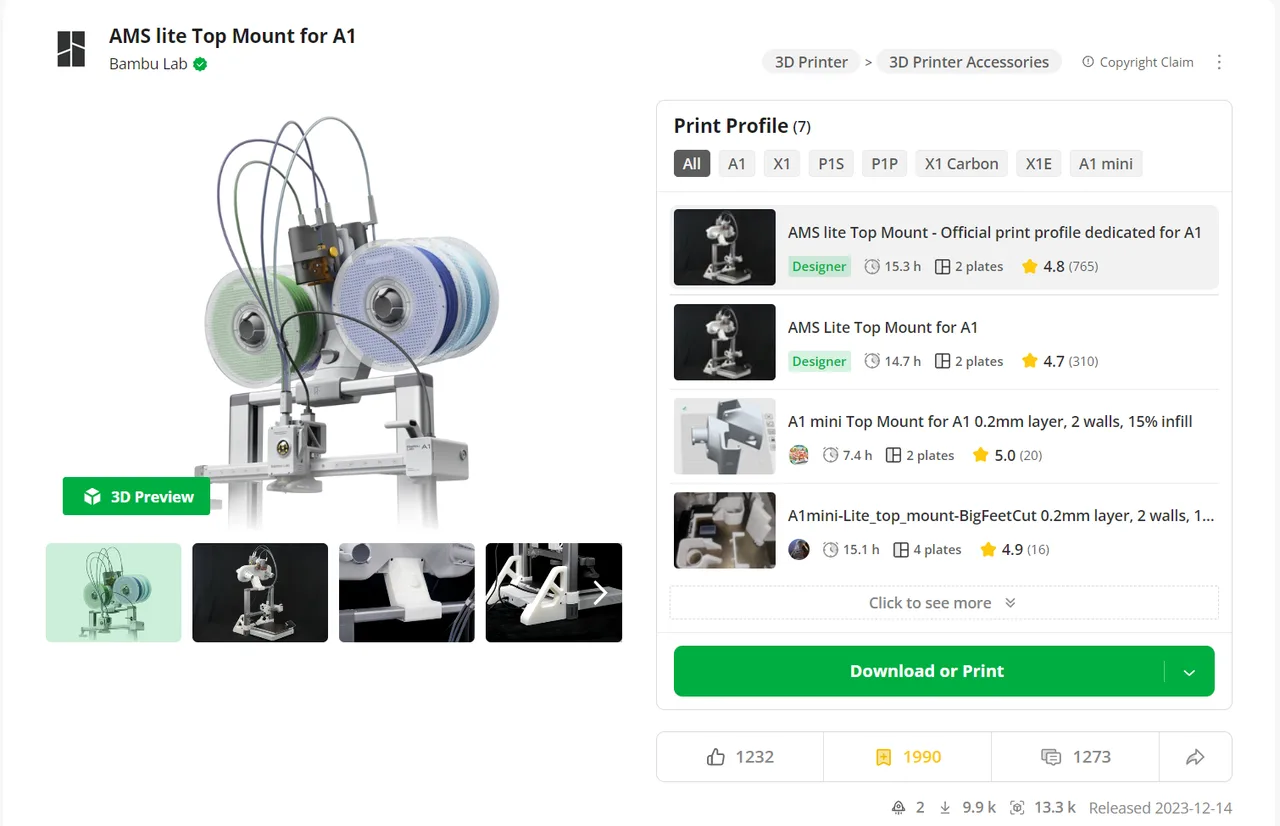
MakerWorld
Bambu Lab's free 3D print model library, where most downloads arrive as ready-to-print Bambu Studio 3MF projects rather than bare STL files.
Browser-based image to STL and OBJ converter for lithophanes, height-map reliefs, and logo plaques.
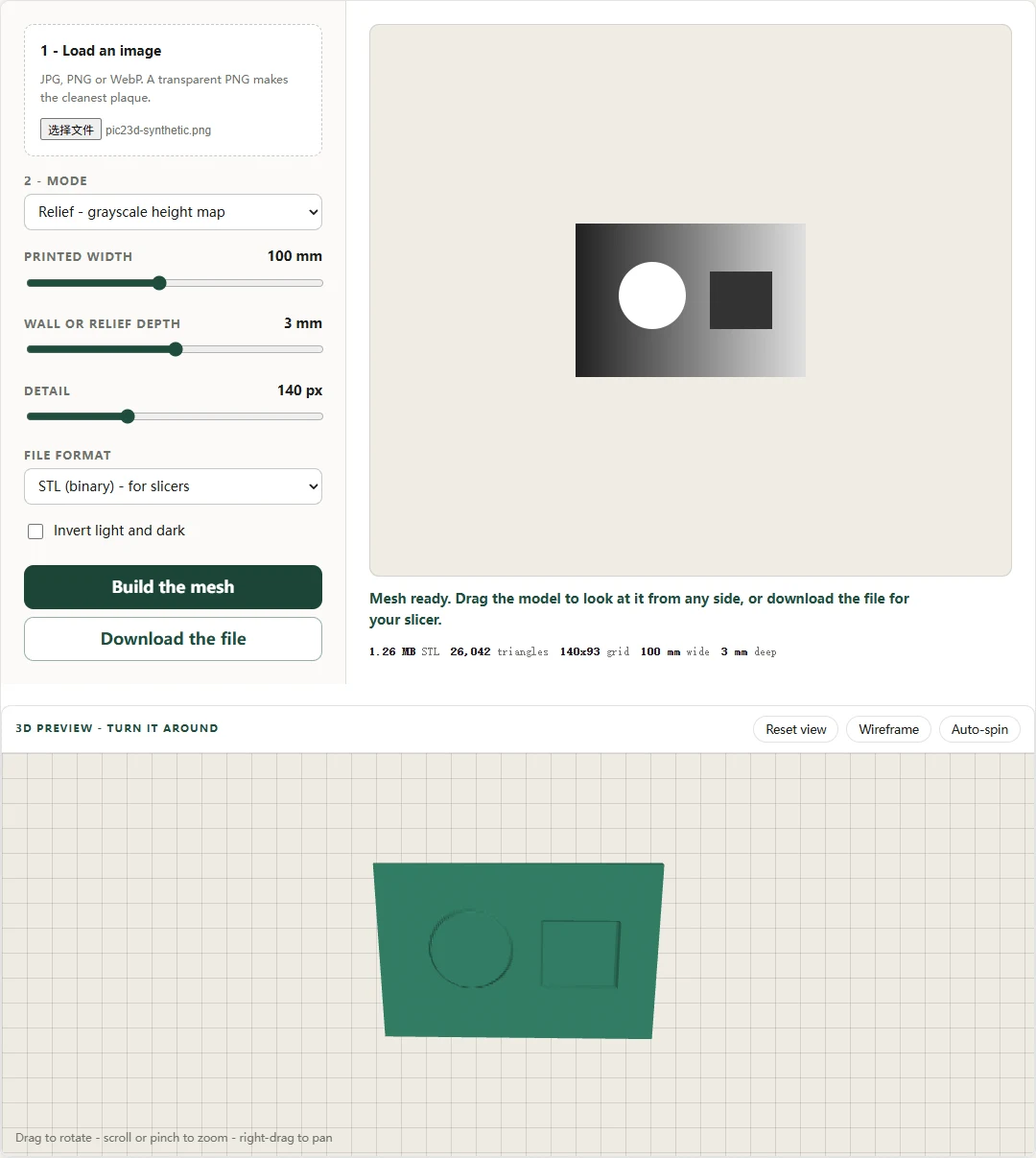
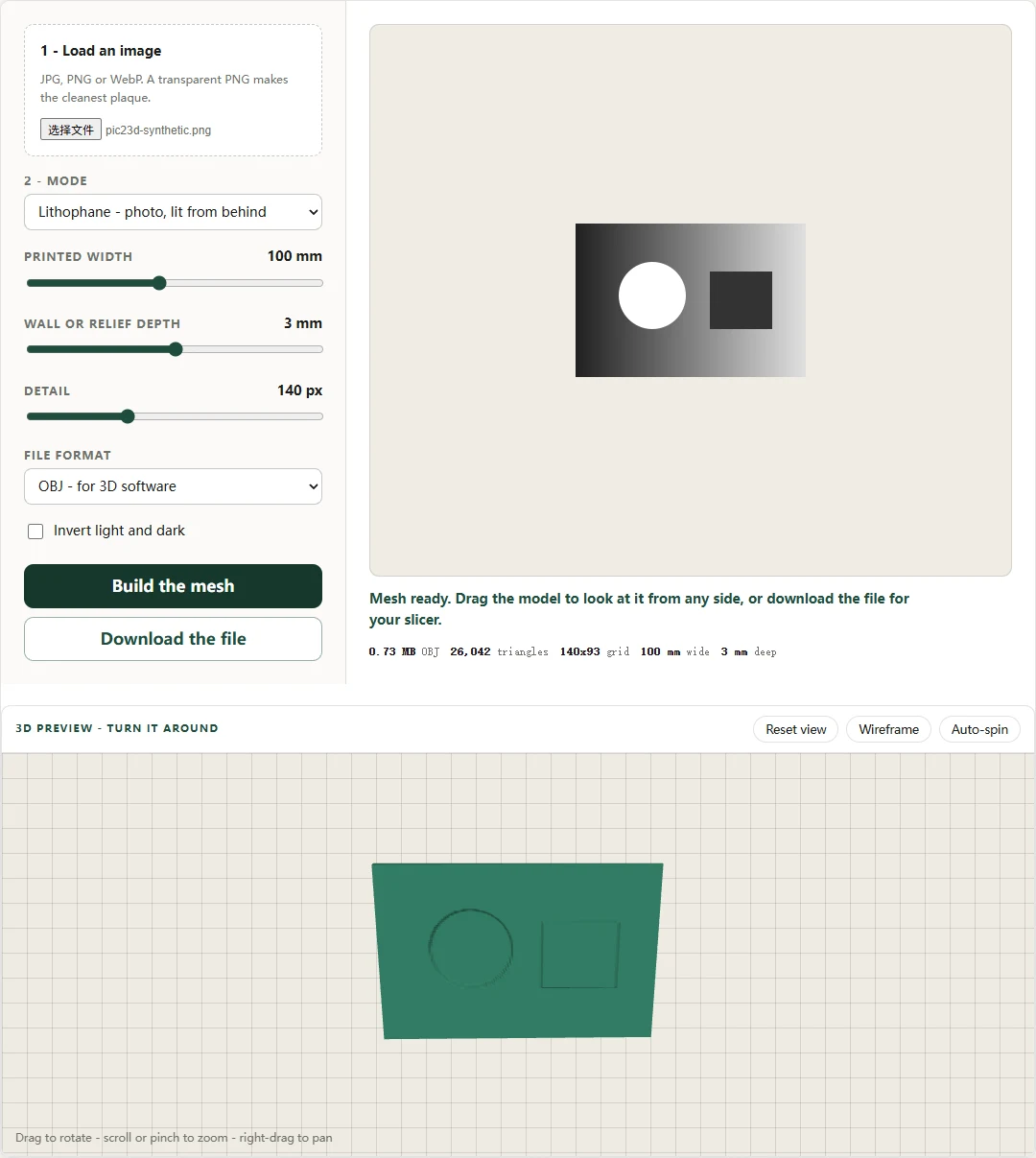
Pic23D turns a flat image into a shallow 3D mesh. Use Lithophane when you want a photo to reveal detail when backlit, Relief when you want brightness to drive surface height, and Plaque for a logo or cutout. These workflows start from an image and do not reconstruct the hidden sides of an object. The separate AI image-to-3D page is not covered by this profile or our offline test.
For a backlit photo use Lithophane. For terrain, an emboss or a grayscale depth map use Relief. For a silhouette start in Plaque with a clean transparent PNG. If the foreground goes the wrong way in Relief, toggle light/dark inversion and inspect the preview before exporting.
The converter exposes a target width, wall or relief depth, and a detail control. Start with the default detail and zoom in on boundaries. More triangles cannot recover detail missing from the original image. Keep text and fine features large enough for your printer and check thin areas in the slicer.
Use binary STL to send a mesh to a slicer and OBJ if you want to adjust the geometry in Blender. Neither workflow imports your photo as a full-color 3D texture. STL does not store units, so confirm the physical width after import; check scale separately in your OBJ importer.
Our binary relief STL contained 26,502 triangles and measured 100 × 66.19 × 3.4 in file coordinates. When matched edges were counted after welding coincident coordinates, the bottom perimeter had unmatched edges. The file can still look closed in the preview. Inspect the seam in a mesh checker and check the sliced layers before printing; we did not test slicer auto-repair or print the sample.
We loaded the browser converter in Chrome, took the tab offline, and then selected a synthetic image. Relief to STL and Lithophane to OBJ both completed. This demonstrates offline conversion after loading for those two paths; it does not prove the entire website is offline or that the separate server-based AI mode is private.
Pic23D is free to use. There is no paid edition and no licence to buy.
Free.
Convert one picture into a flat, printable lithophane and inspect the result in your own slicer.
Get a scaled relief or plaque without building the depth from scratch in a modeling app.
The tested height-map converter makes depth across a planar image; it does not infer the underside, rear view, hidden surfaces, or CAD features.
The width check covers the file, not print shrinkage, minimum wall thickness or physical fit. We did not print the sample or validate every mode.
The main browser converter opened without a sign-in and exported both sample files without one. This observation does not apply to separate AI services.
Use Lithophane if the result will be lit from behind. Use Relief when you want the printed surface itself to show the raised or recessed shapes. Preview the polarity before export.
Not necessarily. Confirm the size and orientation, inspect thin regions in the slicer, and preview the layers before starting the print. The sample was not physically printed.
Bambu Lab's free 3D print model library, where most downloads arrive as ready-to-print Bambu Studio 3MF projects rather than bare STL files.
Free open source slicer that turns 3D models into G-code for FFF printers, with over 400 settings and profiles for hundreds of machines.

Link to this page with the badge below (use listed-light.svg on a light background). Spotted something out of date? Tell us.
<a href="https://3dtoolwiki.com/tools/pic23d" target="_blank"><img src="https://3dtoolwiki.com/badges/listed-dark.svg" alt="Listed on 3D Tool Wiki" width="200" height="54"></a>